  1. Home
  2. Audio / Video
  3. News

YouTube tests ad-free links to lure you into a Premium subscription

Add as a preferred source on Google
YouTube Premium Lite view on the iPad.
Google

YouTube Premium, despite its recent string of price hikes, has continued to grow and even diversify its subscription tiers with low-cost, watered-down plans. The most notable of its perks is ad-free video watching, which remains a core subscription driver for people who flock to the service for entertainment, work, or education.

The company has now started testing a new feature that lets YouTube Premium subscribers share ad-free videos with their friends, family members, or any other acquaintances. It’s not a free buffet situation, however, as the number of shared ad-free videos maxes out at ten per month.

Recommended Videos

The core premise is pretty straightforward. If you pay for an ad-free video-watching experience, can you share the same ten times each month. In hindsight, it’s a clever strategy to give more free users a taste of the ad-free nirvana, with hopes of eventually luring them into paying for a subscription.

How ad-free links work on YouTube?

The experiment is currently limited to YouTube Premium subscribers in Argentina, Brazil, Canada, Mexico, Turkey, and the United Kingdom. However, it may never launch globally, or take a while to expand, if the history of such experimental features is any indication.
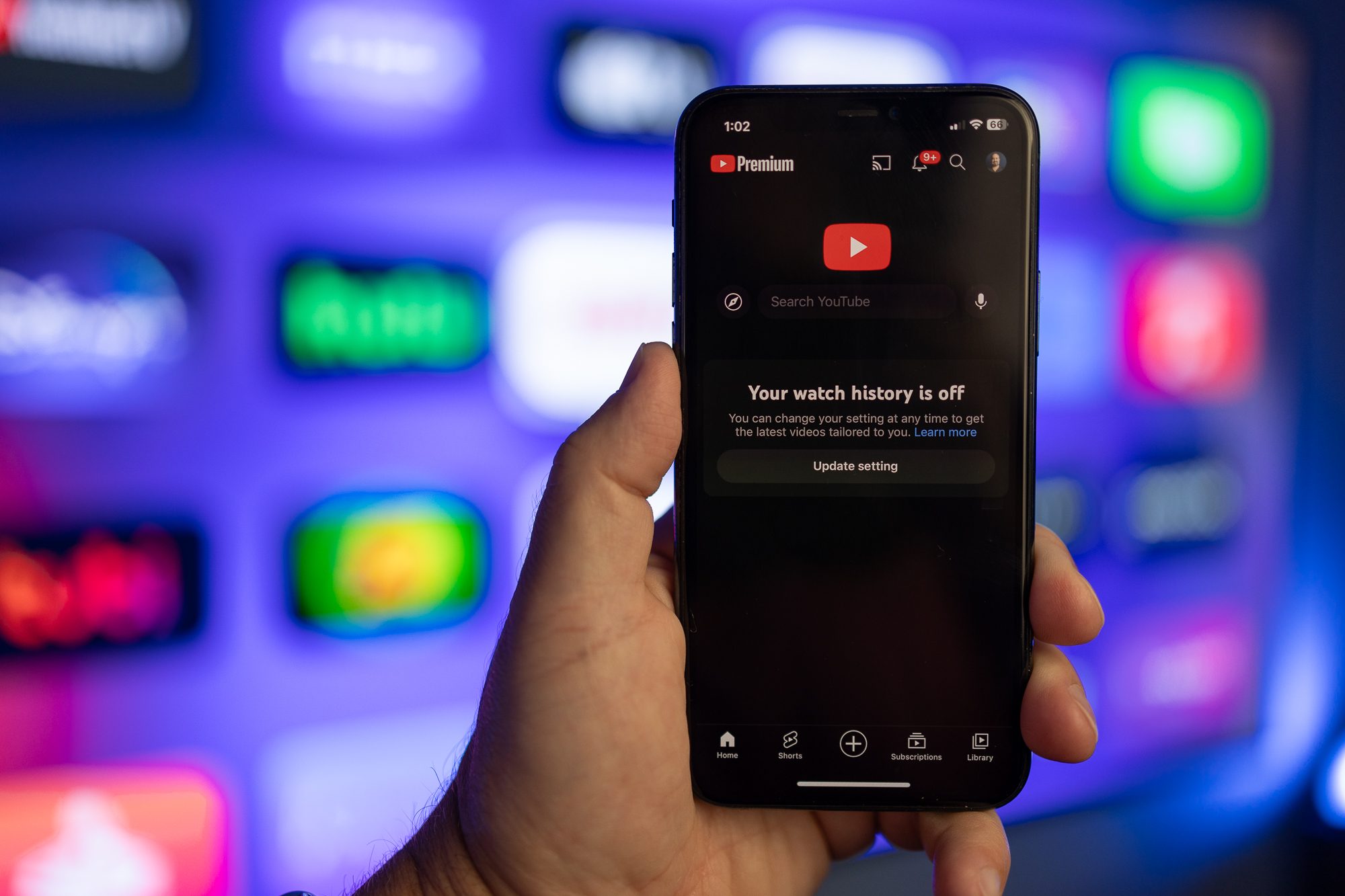
The YouTube app on an iPhone.
Phil Nickinson / Digital Trends

“Sharing ad-free videos is an optional benefit and subject to be withdrawn at any time,” warns a Google support page, while also adding that Google may choose to expand it to more users in the near future. For YouTube Premium subscribers who are currently in the test pool, the platform’s share tool lets them pick a dedicated “Share-ad free” option.

This one creates a custom ad-free viewing link, just the way subscribers to news sites can share gift links that temporarily take down the paywall for the recipients. In YouTube’s case, there are a bunch of exceptions for sharing ad-free links. For example, they won’t work for premium music videos, user-generated song content, YouTube Originals, Shorts, Livestreams, and Movies & Shows.

Moreover, each ad-free link can only be watched ten times, and it only removes commercial breaks from a video for a span of 30 days. Another restriction is that the recipient must be signed in to YouTube and viewing it within the official Android or iOS app.

Notably, the quota of ten ad-free links is counted on a per-video basis, and not how many people it is shared with. Moreover, if the ad-free link is shared with someone who is already a YouTube Premium subscriber, it won’t count towards the monthly allowance for sharing such video links.


Nadeem Sarwar
Nadeem is the Managing Editor at Digital Trends.
Proton reveals how smart TVs track you and the escape situation is pretty grim 
Modern smart TVs fingerprint your screen content at the chipset level.
Google TV applications on the Sony A95K TV.

Your smart TV may know far more about your viewing habits than you realize, even if you rarely use its smart features. In a new privacy explainer, Proton warns that many modern TVs quietly collect data about everything displayed on the screen and share it with manufacturers, advertisers, and analytics companies.

The worrying part is that escaping this tracking is becoming increasingly difficult because many privacy controls are buried deep in settings or enabled by default. Proton argues that buying a smart TV today often means accepting a level of surveillance that most people never knowingly signed up for.

Read more
LG is cracking down on smart TV apps that quietly turn your TV into a secret proxy
LG OLED Settings

If you own an LG smart TV, there's a chance one of your harmless-looking apps has been moonlighting as an internet relay for someone else's traffic. According to a report from KrebsOnSecurity, LG says it's finally stepping in to stop this menace. This week, the company confirmed it plans to suspend any webOS app that turns a TV into what's called a residential proxy node.

The move follows a report from security firm Spur, which found that more than 42 percent of apps on LG's webOS store include SDKs that quietly reroute internet traffic through your TV, indefinitely. Samsung isn't spared either, with over a quarter of Tizen apps carrying similar code.

Read more
The LG C6 OLED is great out of the box. These settings make it even better.
From Filmmaker Mode to shadow detail and AI Sound Pro, these are the settings that made the biggest difference after a month of testing the LG C6 OLED.
LG OLED Settings

The LG C6 OLED is one of the best mid-range OLED TVs you can buy right now. After spending the past month testing and using it every day, one thing became clear: straight out of the box, you're leaving picture quality on the table.

The good news is that getting more out of the TV doesn't require professional calibration or hours spent digging through menus. A handful of small adjustments can make movies look more cinematic, improve shadow detail, smooth out motion and even make the built-in speakers sound noticeably better. Here are the exact settings I've been using after living with the LG C6.

Read more
