A lot has been said and written about how Apple missed the mark with its AI efforts. It’s pretty obvious that the current status of Apple Intelligence and Siri assistant is functionally way behind what you can accomplish with Microsoft’s Copilot and Google’s Gemini suite.
Interestingly, Apple also lost the market edge in the wearable XR segment. The company’s first foray was the Vision Pro, an uber-expensive technical marvel that failed to create the same kind of buzz as the company may have expected.
A price tag worth $3,500 is certainly a deterrent, but the lack of immersive productivity scenarios and a vibrant app ecosystem is also to blame. VisionOS is definitely promising, but once again, accessing it requires spending a fortune.
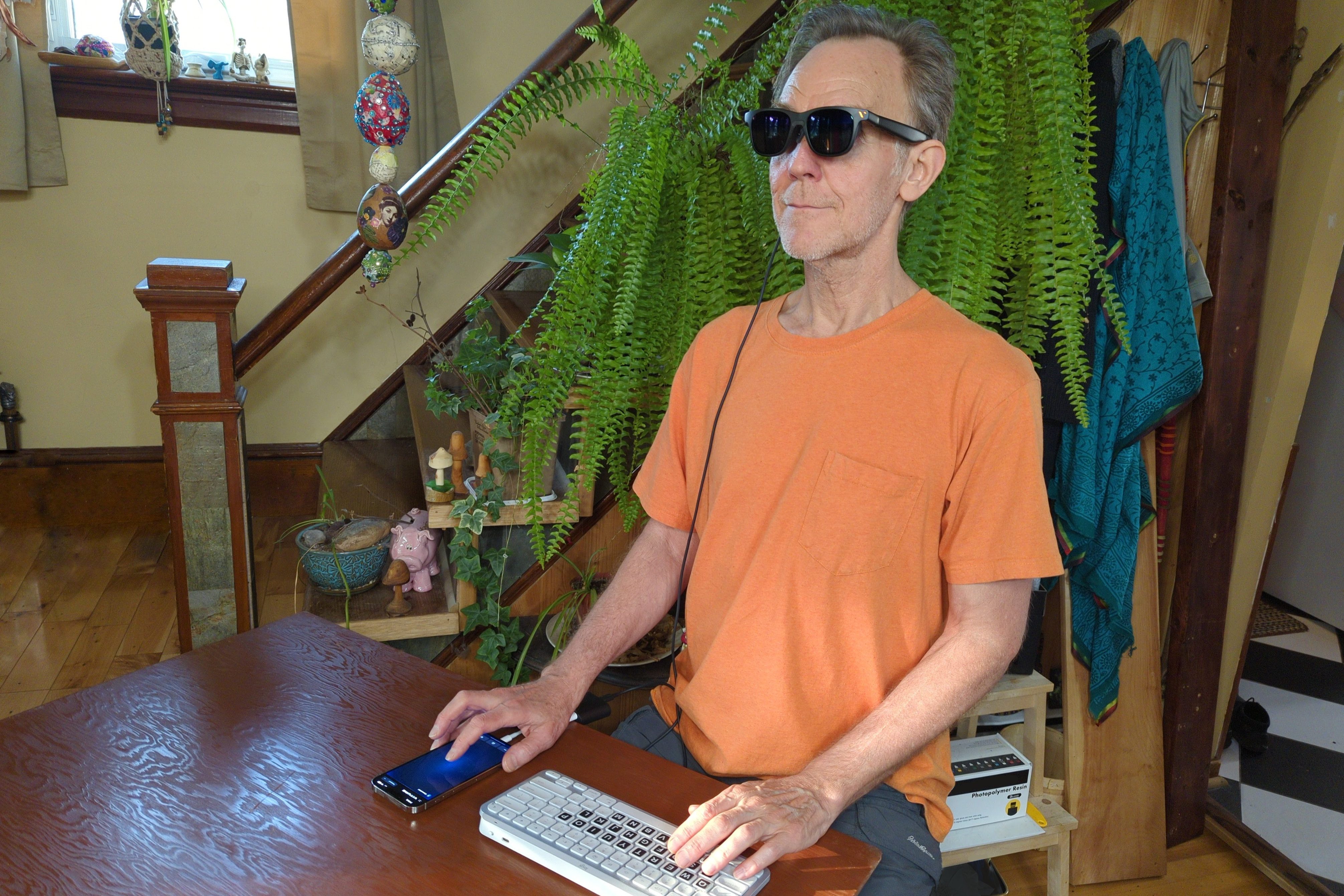
The gulf of spatial computing for Mac users has surprisingly been filled by much smaller labels. The likes of Xreal, RayNeo, and Viture have not only offered fantastic AR/VR glasses, but have also created fairly rewarding productivity software, as well.
Comfort, not cumbersome
My first brush using macOS in an immersive space came courtesy of the Xreal Air 2. Armed with a pair of 0.55-inch Micro-OLED display units that push a 1080p resolution per eye and support a 120Hz refresh rate, these glasses offered a supremely easy plug-and-play approach to spatial computing, though not without some faults.
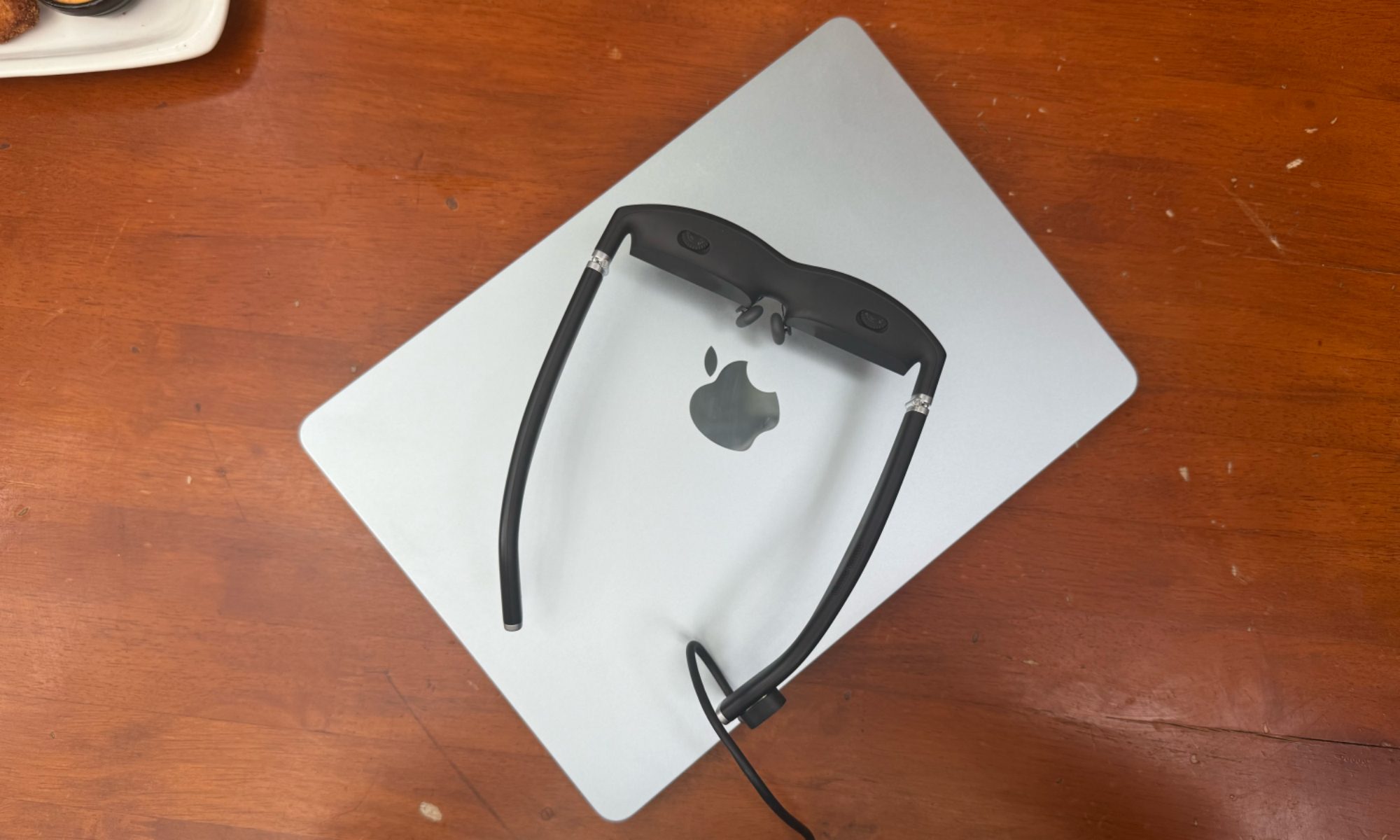
My current setup includes the Viture One smart glasses, which also come with a tint-changing electrochromic film atop the glass lens for maximum immersion. You can choose to see your surroundings or dim them out based on external lighting conditions.
Apple does something similar via a complex camera-display route called Passthrough on the Vision Pro headset. Now, there is a crucial difference here. Immersing yourself in VR/AR content easily leads to sensory fatigue and can quickly get overwhelming. And if the hardware is cumbersome, it gets even harder to engage meaningfully.
The Vision Pro is heavy, uncomfortable, and looks tacky. You definitely don’t want to wear it in public spaces. “I’m not sure I’d want to wear this for an extended period, as I even had small markings on my face after just 25 minutes,” wrote Digital Trends’ Christine Romero-Chan after trying the Apple headset.
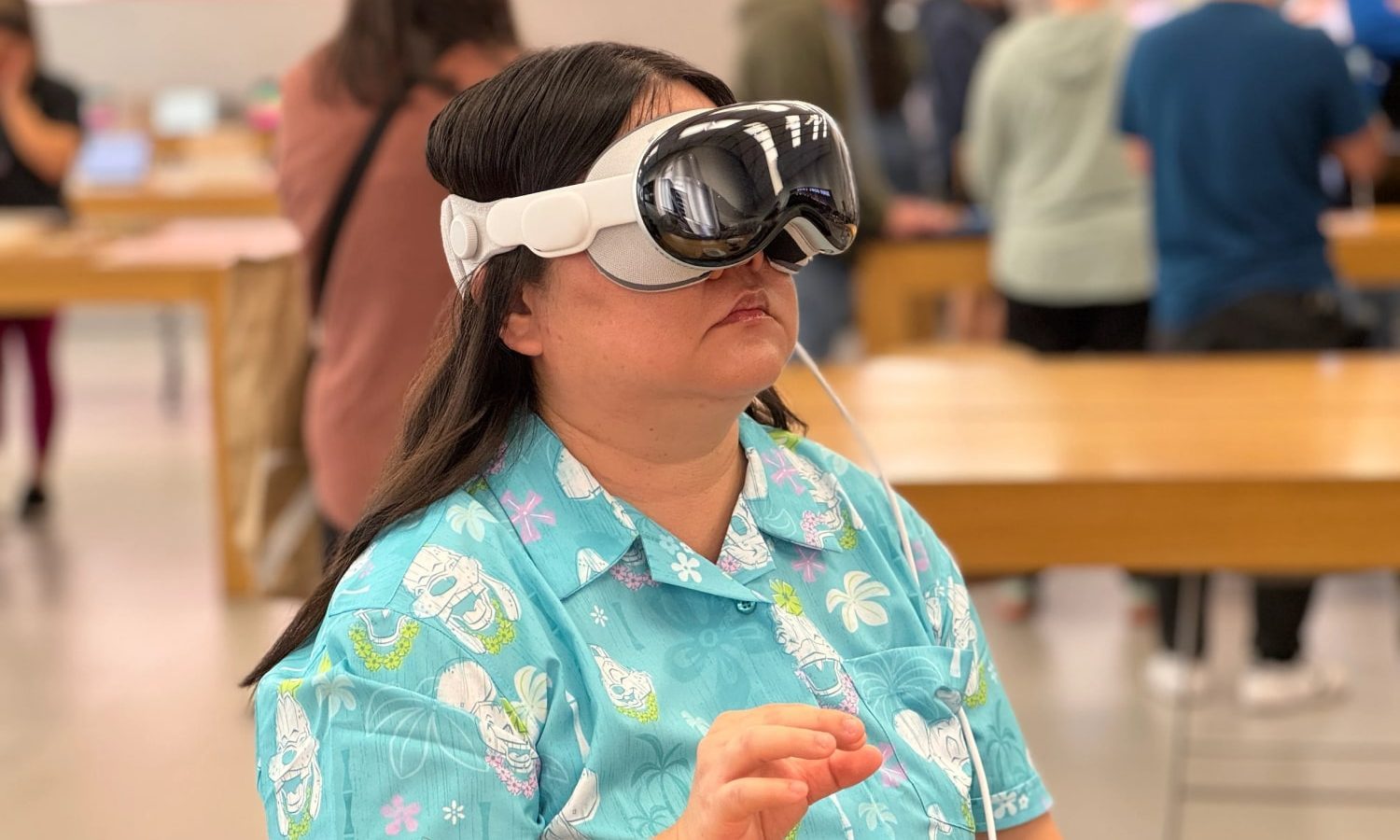
Digital Trends’ gaming lead, Giovanni Colantonio, also mentioned how the Vision Pro felt like it was squeezing his face. “I felt hard materials squeezing down on my temple the entire demo. When my 30 minutes were up, I was relieved to pull it off,” he wrote.
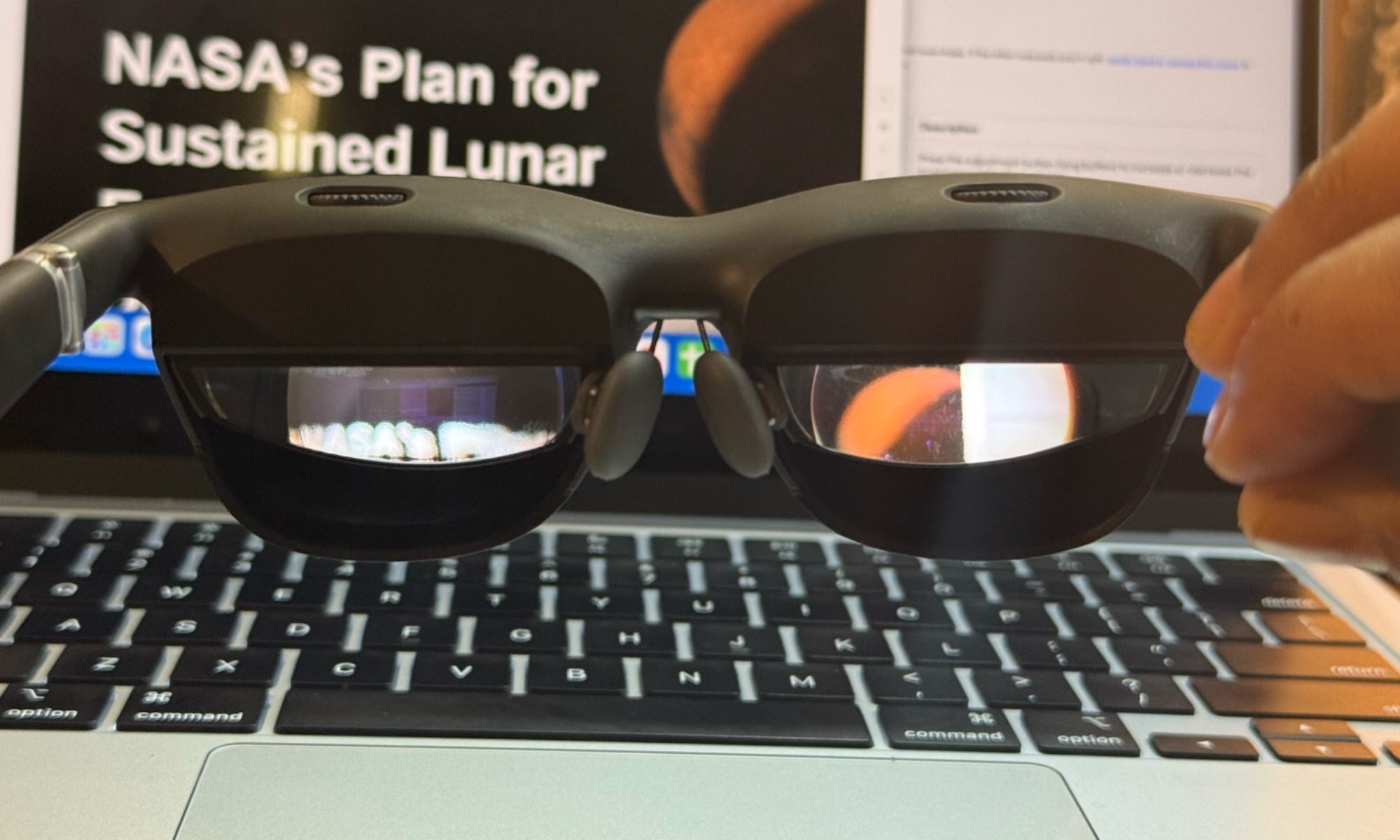
A pair of smart glasses solves that problem, and quite handsomely. The Viture One, for example, looks pretty close to a pair of Wayfarers and doesn’t put any unbearable load on your skull. They weigh 78 grams, while the plug-and-play approach means you don’t have to carry any peripherals or bulky bags, either.
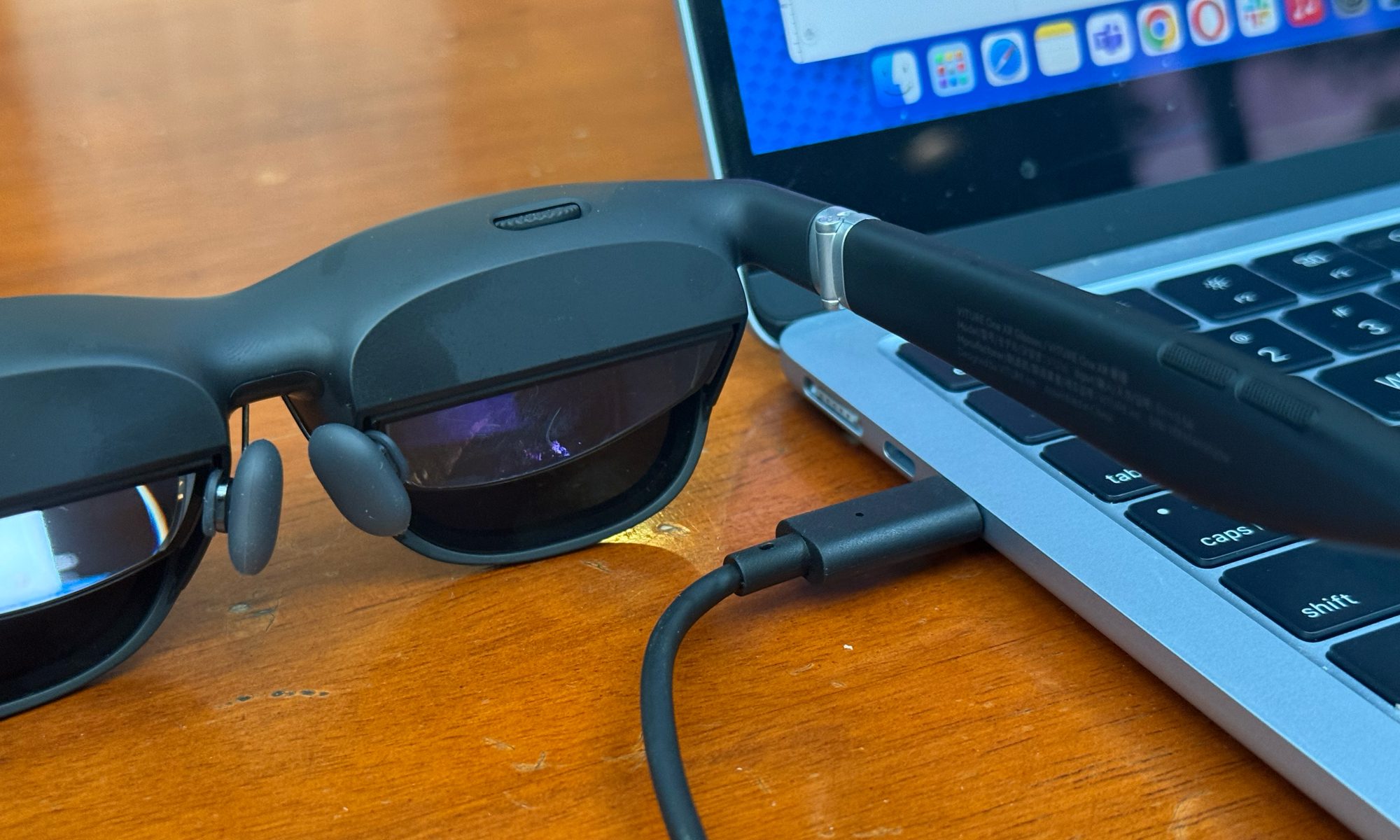
I could wear the glasses for 2-3 hours with ease, before I realized a sense of vision and sensory fatigue. Thankfully, I just have to take them off like a pair of glasses, instead of dealing with cumbersome straps and tethered cables.
Accessibility, far away from Apple’s realm
One of the biggest challenges with XR wearables is vision accessibility. If you wear prescription glasses, wearing AR or VR devices quickly becomes a challenge. Unless you wear lenses, donning them over a pair of glasses is the only option. It technically works, but the whole make-shift contraption is terribly wonky.
The only option left is to get prescription inserts. This is where things get interesting, in a promising way. The Vision Pro requires $149 ZEISS prescription inserts. For my RayNeo Air 2S AR glasses, my local optical store made prescription inserts at just $12 for me based on the dummy insert format that came in the retail package.
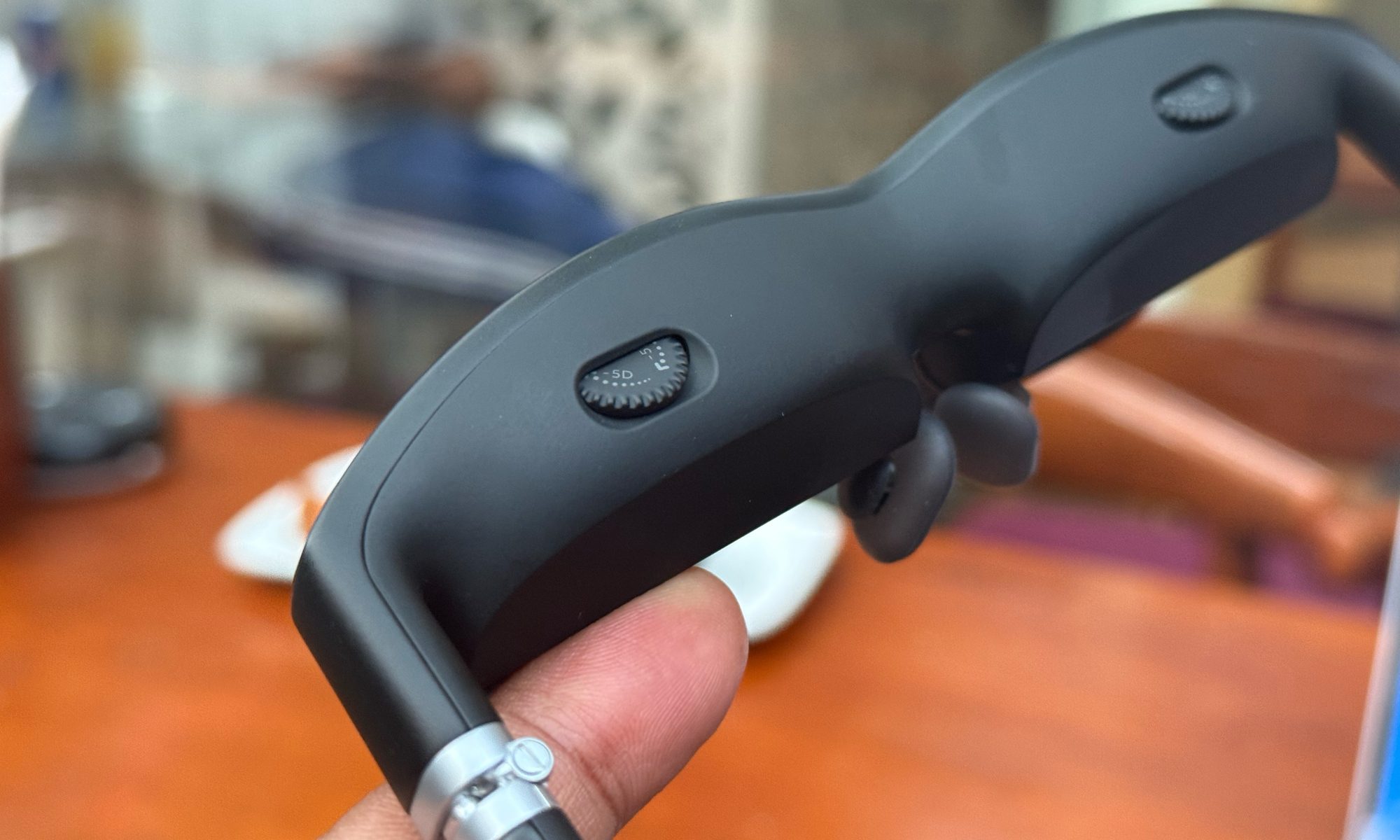
But inserts are still a logistics hassle, and only add to the cost of ownership. The Viture One glasses ingeniously solve that hassle. Atop each lens sits a dial that adjusts the display unit to accommodate each person’s unique vision range.
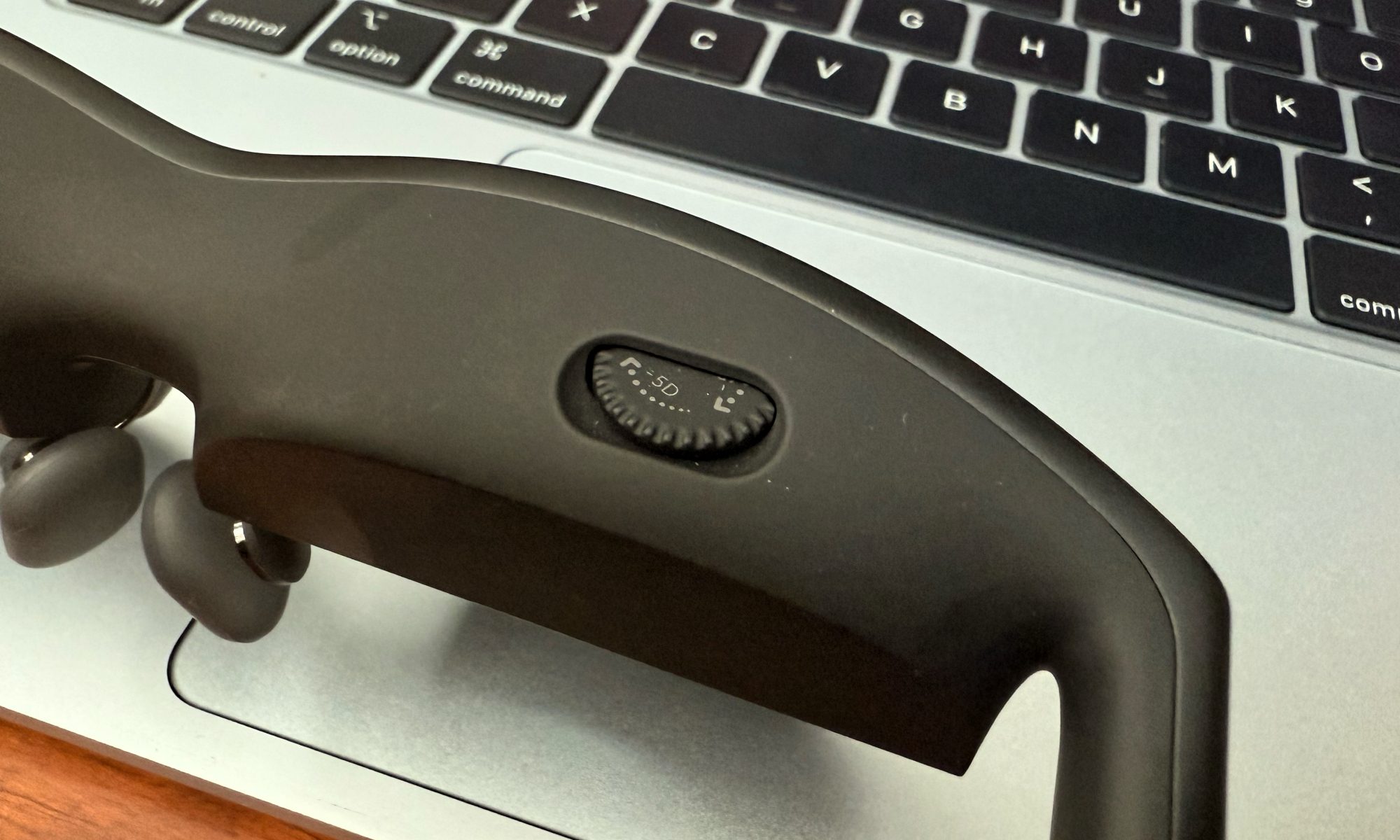
Viture focuses on Myopia (or nearsightedness), and allows for adjustments covering zero to negative 5.0D prescription value. And it actually works. I wear prescription glasses, and it was such a sigh of relief that I didn’t have to wear contact lenses or glass inserts just to be able to use my smart glasses and get work done.
It’s not the complete solution, as it doesn’t cover the whole spectrum of hyperopia (farsightedness) and myopia conditions. But it’s a great start and a fantastic example of how engineering can not only make AR/VR wearables more comfortable, but also end the cost burden for vision correction accessories.
Somehow, Apple doesn’t win at productivity software
One of the biggest advantages of Vision Pro is its very own operating system that is deeply rooted within the Apple ecosystem. As far as spatial computing goes, its gesture-based control system is arguably the best out there. The gaze tracking and visual clarity are also leagues apart.
All those advantages are undone, however, by a couple of fundamental issues. First, to access visionOS, you need to spend $3,500 on a headset. There is no other way around it. Second, it is locked in its own unique way, where it isn’t quite natively handling macOS despite packing powerful hardware.
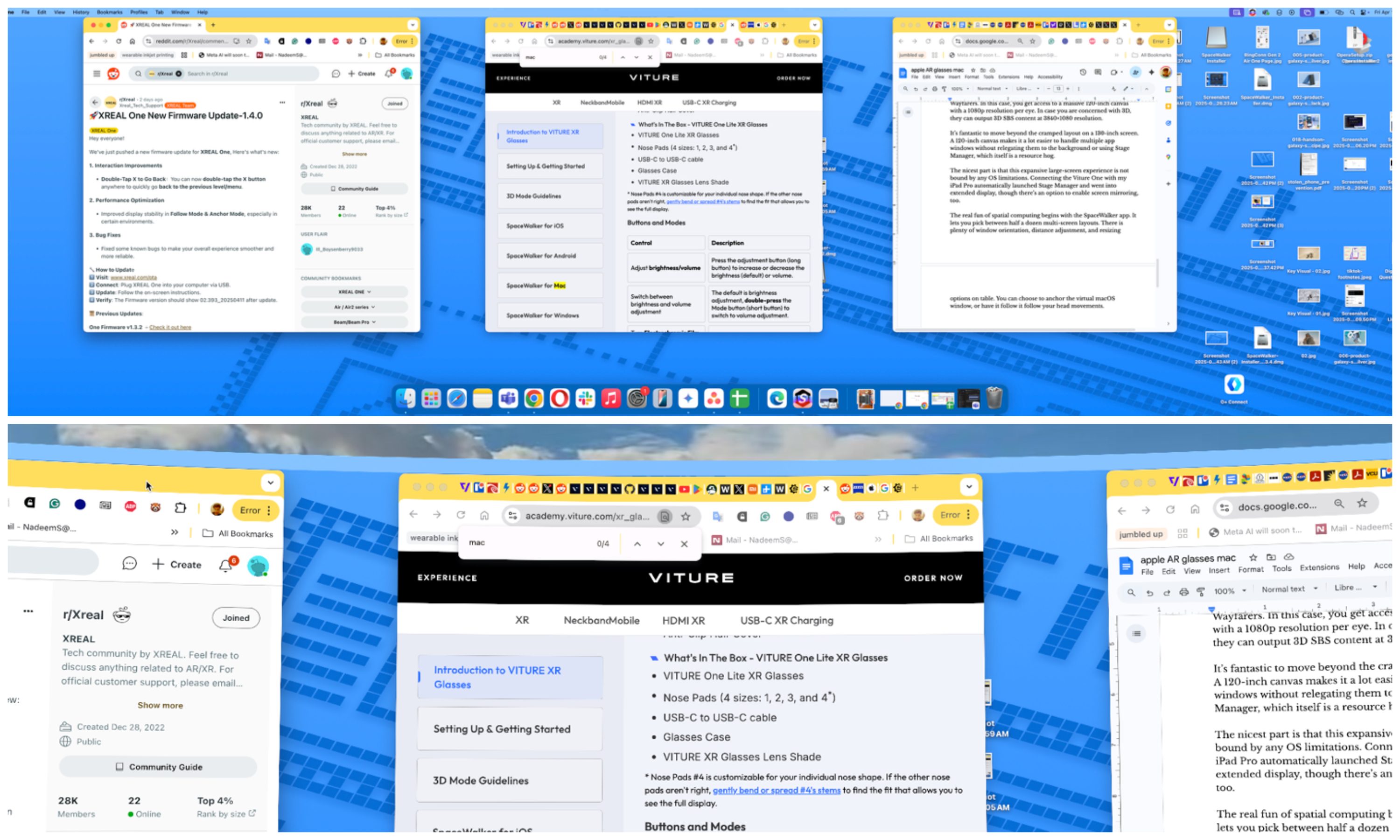
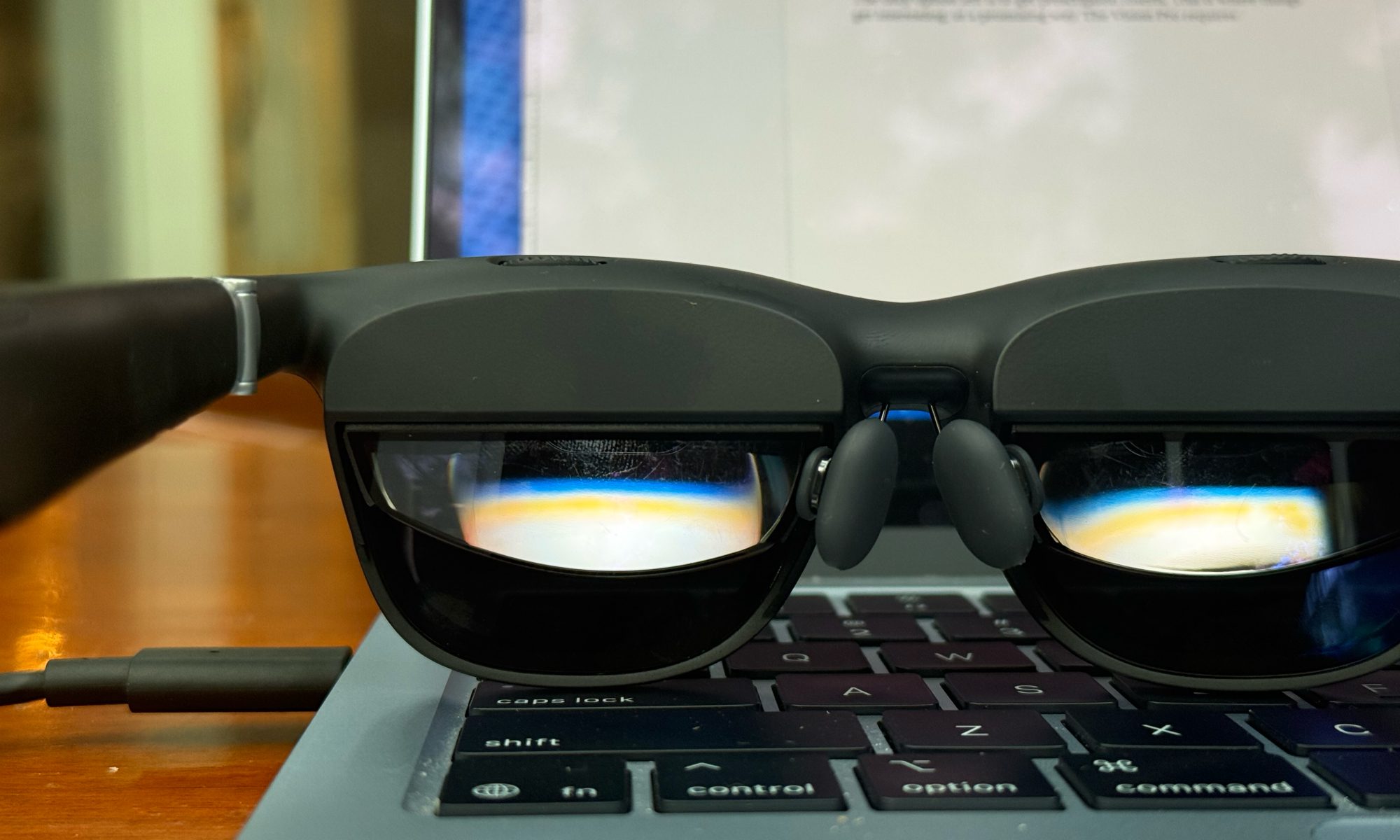
A pair of smart glasses, such as the Viture One, takes a much more versatile and rewarding approach to spatial computing. To start, it’s essentially a large monitor that is hidden within a pair of stylish Wayfarers. In this case, you get access to a massive 120-inch canvas with a 1080p resolution per eye. In case you are concerned with 3D, they can output 3D SBS content at 3840×1080 resolution.
It’s fantastic to move beyond the cramped layout on a laptop’s 13-inch screen and move to a multi-screen setup seemingly floating in front of your eyes. A 120-inch canvas makes it a lot easier to handle multiple app windows without relegating them to the background or using Stage Manager, which itself is a resource hog.
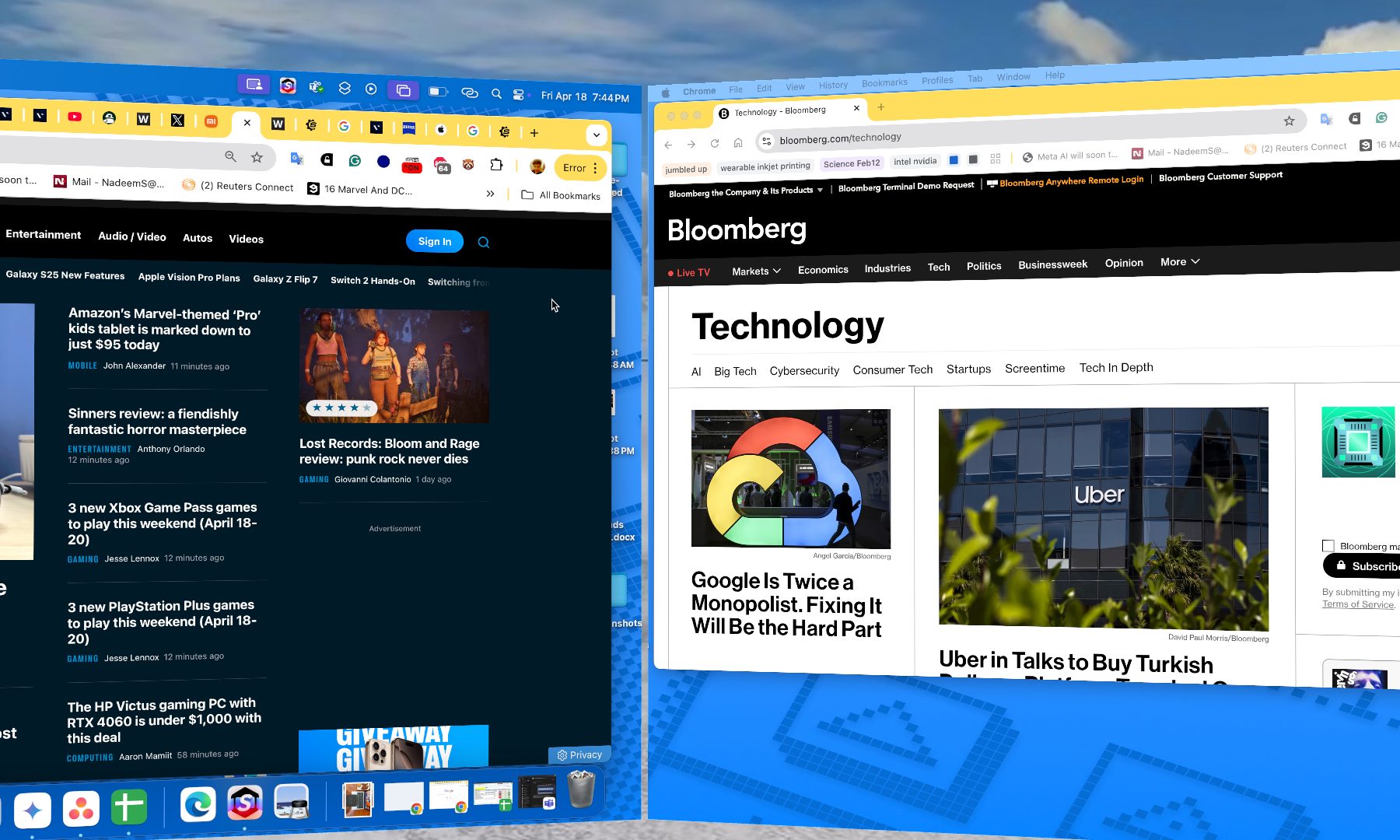
The nicest part is that this expansive large-screen experience is not bound by any OS limitations. Connecting the Viture One with my iPad Pro automatically launched Stage Manager and went into extended display mode, though there’s an option to enable screen mirroring, too.
The real fun of spatial computing begins with the SpaceWalker app. It lets you pick between half a dozen multi-screen layouts. There are plenty of window orientation, distance adjustment, and resizing options on the table. You can choose to anchor the virtual macOS window, or have it follow it follow your head movements.
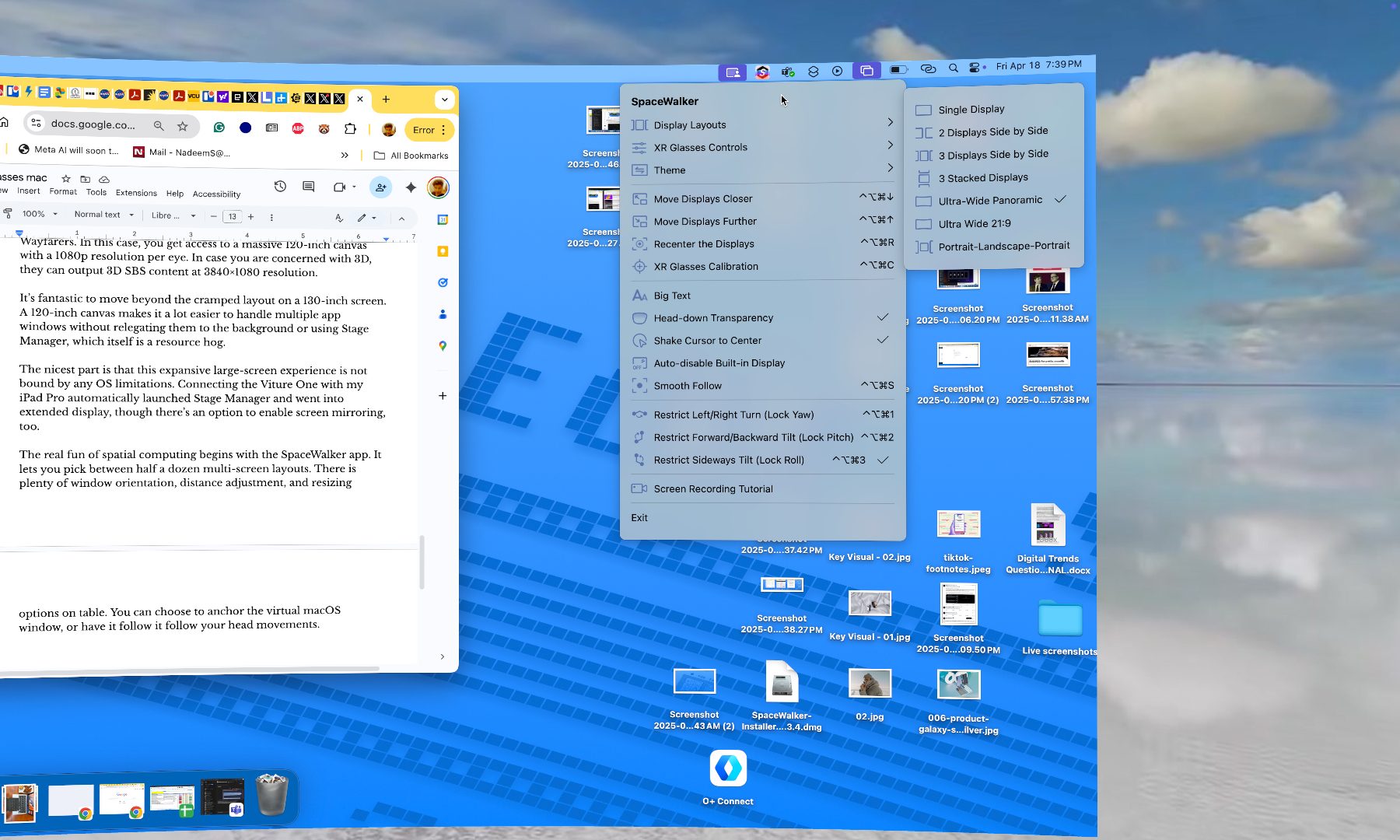
The app also offers options to lock vertical and horizontal movements of the virtual screen relative to the head motion. Tracking can occasionally be janky, but it gets the job done. Cursor movement is smooth, and macOS shortcuts also work just fine.
This is a crucial lesson for Apple.
Overall, it’s pretty surprising to see that a pair of smart glasses that cost nearly one-seventh of the Vision Pro can get serious computing work done with a Mac, without giving them hell with ergonomics or looking downright dumb.
The company will never make an OS that runs beyond its own hardware. But if third-party software such as Spacewalker and Nebula is anything to go by, it should at least give them a streamlined route to get the best out of a Mac’s firepower, without actually concerning itself with the spatial computing gear they offer.
The chances of that happening are slim. But if real AR computing is what you seek, you can save a lot of money (and cranial discomfort) by going with a pair of AR smart glasses like the Viture One. It definitely helps that the XR community has built some really cool apps that make life easier.
It’d be interesting to see what Apple eventually offers on its rumored AR smart glasses kit in the coming years.