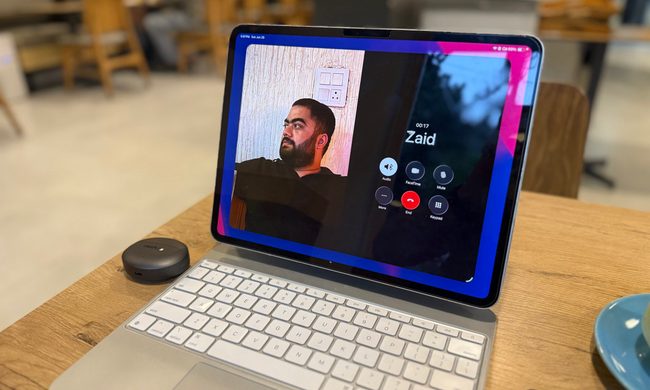
This might sound controversially ridiculous, but for the past few years, my primary computer has been an iPad Pro. I first got interested in pushing tablets this way when the M1 version came out, and I’ve kept using them all the way up to the newest M4-powered model.
A few weeks ago, I went back to my M1 iPad Pro to see how well it handles next-gen apps that are pushing the boundaries of graphics and AI on a mobile device. So, the big question is whether the four-year-old slate can still serve as a reliable workhorse in 2025?
The answer is resounding yes. Even though the M1 iPad came out in 2021, it works astoundingly well to date. It can still sail past the Adobe suite with ease, handle Metal-charged games, and drive your productivity on an extended monitor with ease. But before I dig into the positive, I’d like to highlight…
The only caveat, and an expected one
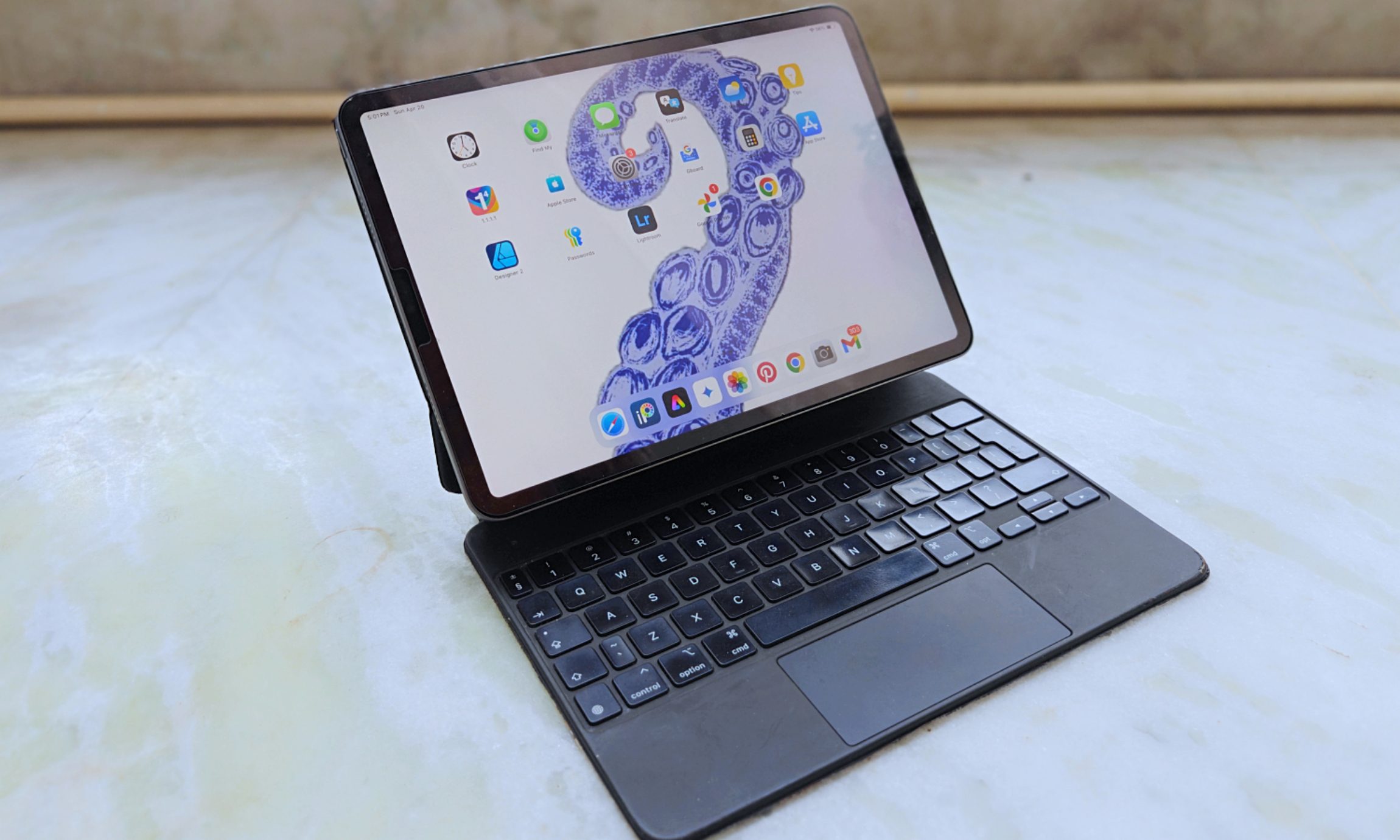
The first, and the only tangible problem, I’ve run into is the battery. Since my M1 iPad Pro is four years old, the battery has aged. One of the main reasons I switched to using an iPad as my main computer was the chip inside. Who wouldn’t be enticed by the idea of a desktop-class chip inside a tablet?
Interestingly, the M1 silicon was not only faster, but also more efficient. Plus, the 120Hz ProMotion display ensures that the screen doesn’t draw a consistently high amount of power when it’s not needed. I was regularly getting a day’s worth of work done on a single charge, but four years later, I have to mix low-power mode and frugal brightness to achieve those results.
I checked the analytics logs to find that the battery health now stands at 86%, which isn’t bad. Apple goes by an average of 80% battery health left after 1,000 charging cycles. When the health figures drop below 80%, the charge retention capacity drops, which means the tablet lasts fewer hours.
More importantly, performance optimizations kick into action, which can slow down certain processes. During my tests, I didn’t immediately feel the slowdown, unless I engaged in tasks like video editing, music production, or AAA gaming at high graphics presets.
Overall, I’m more than satisfied with the battery endurance and per-charge mileage of the aging tablet. It still lasts me through the day and easily handles straight 5-6 hour bursts of sustained work without draining a full tank.
Stellar performer, far into the future
It’s roughly been a year since I switched to the M4 iPad Pro and got totally hooked on it. The biggest draw for me was its thin build and a gorgeous 13-inch OLED panel. It’s strikingly beautiful, and after using it, every other panel feels visibly dull.
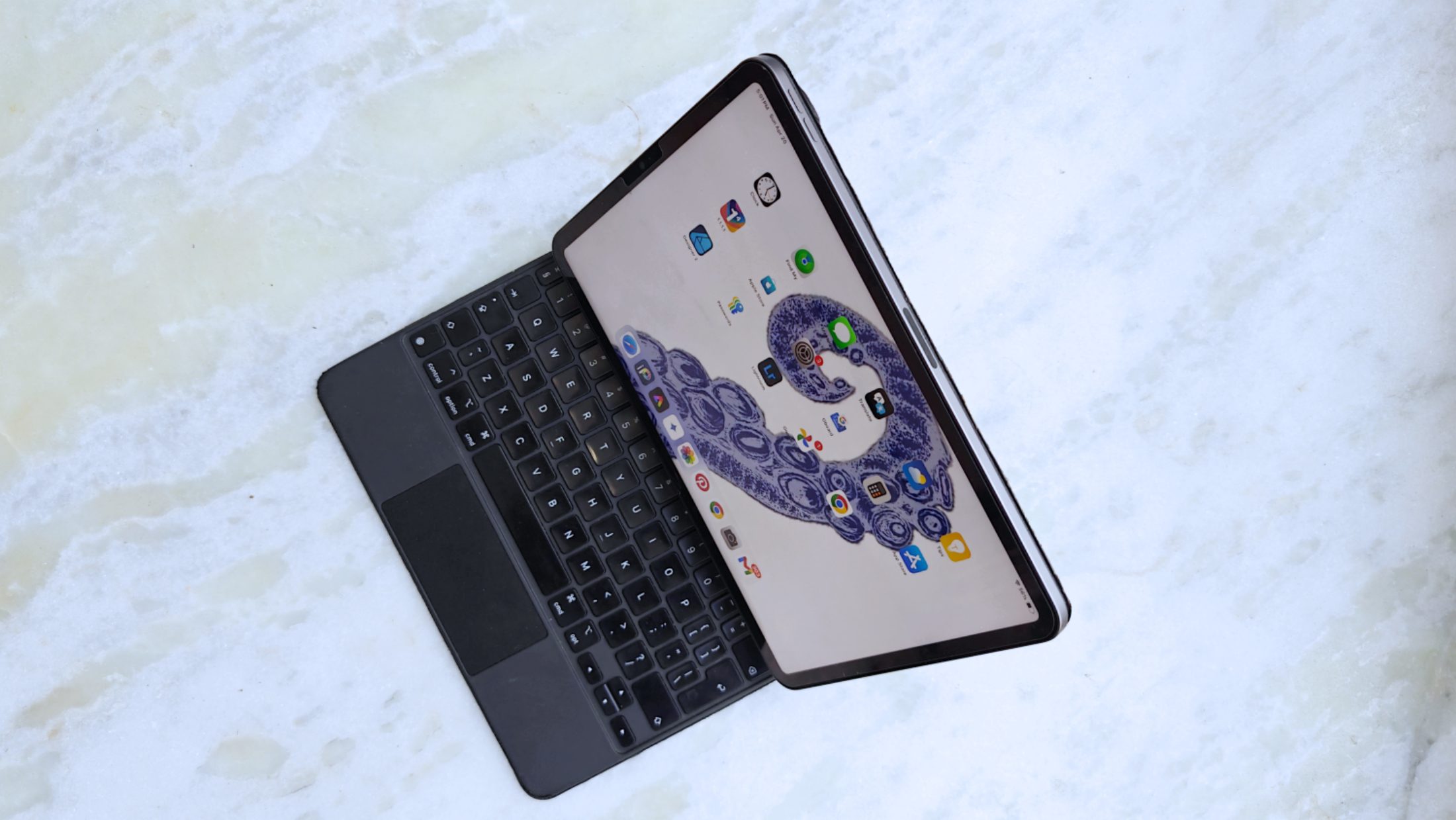
Yet, switching back to the M1 iPad Pro and its 11-inch LCD screen, I didn’t feel my workflow hampered. I did miss the dark blacks and higher brightness on the M4 trim, but the 2021 iPad Pro’s LCD screen is still one of the finest out there.
Image editing, sketching, or playing games, you won’t exactly feel the lack of sharpness or contrast. I recently slapped a matte screen guard on the panel, and I really love it because the glare is gone and there is extra grip on the surface for more controlled stylus movement.
The biggest surprise for me while using a three-generation-old tablet was the performance. I did not feel it slowing down my workflow in any noticeable way. App switching is still seamless, UI transitions are smooth, and there are barely any stutters.
Yes, compared to the M4 iPad Pro, you can add a few more minutes to the video exporting time. But if you’re concerned about losing access to newer, more advanced features, there is little to be worried about. LumaFusion ran just fine, and a small video clip that needed a bit of color-grading in DaVinci Resolve also sailed smoothly.
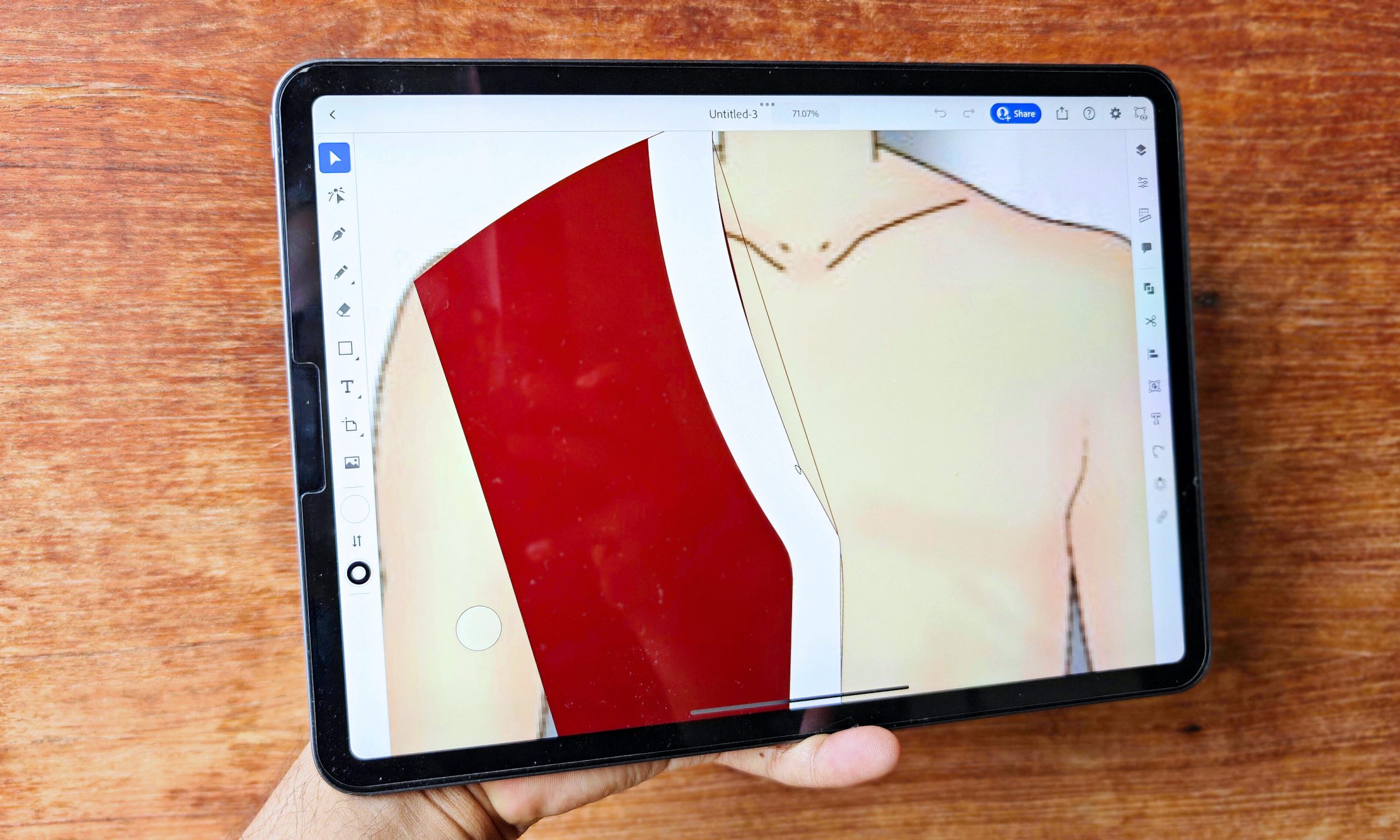
I’ve mostly been editing 4K video on my iPad in LumaFusion. When it comes to making the video files and playing them back, it’s only about 28-35% slower than my M1 MacBook Pro. The MacBook Air is only about 20-23% faster because it can get too hot since it doesn’t have a fan.
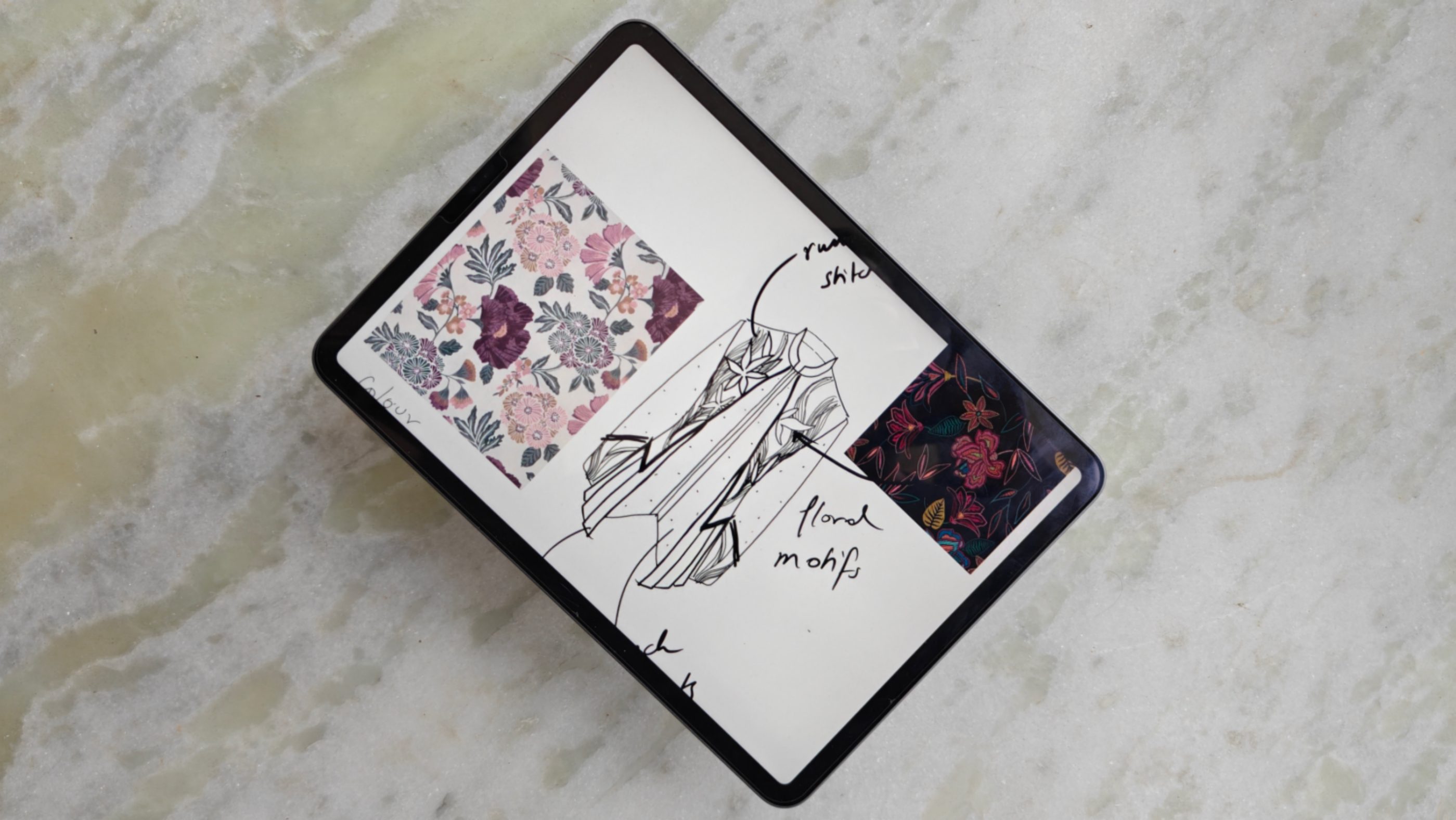
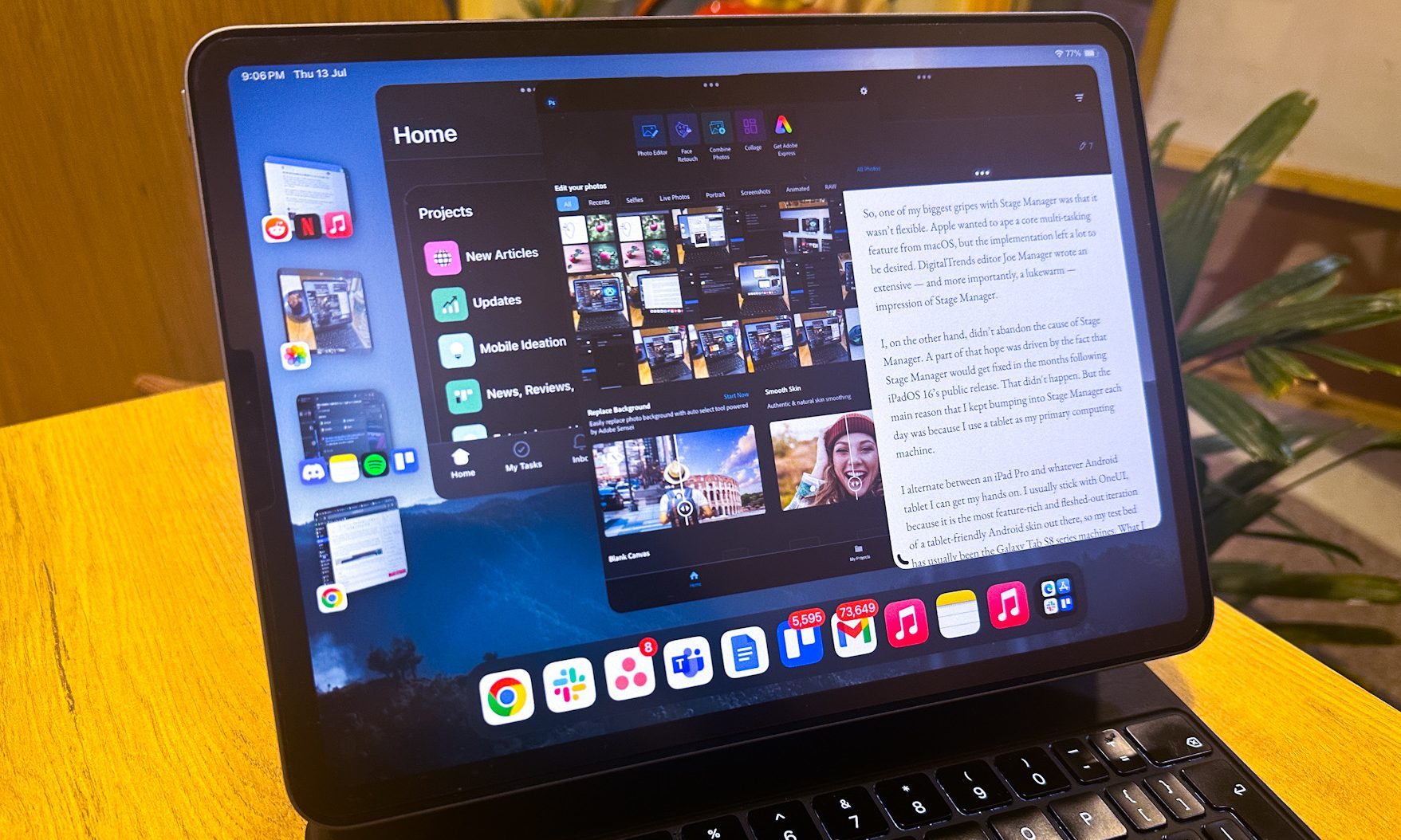
For my workflow, even with Stage Manager enabled, the iPad Pro worked just fine. My sister, who pushes it in her role as a fashion designer, says all her illustrating and sketching apps work chug along well. There are no crashes, nor is there any unexpected heating.
On the gaming front, you can pull any title from the App Store library, and it will run in the highest graphics bracket without any hiccups. My sessions with Diablo Immortal, Call of Duty: Warzone, and Honkai Star Rail were pleasing.
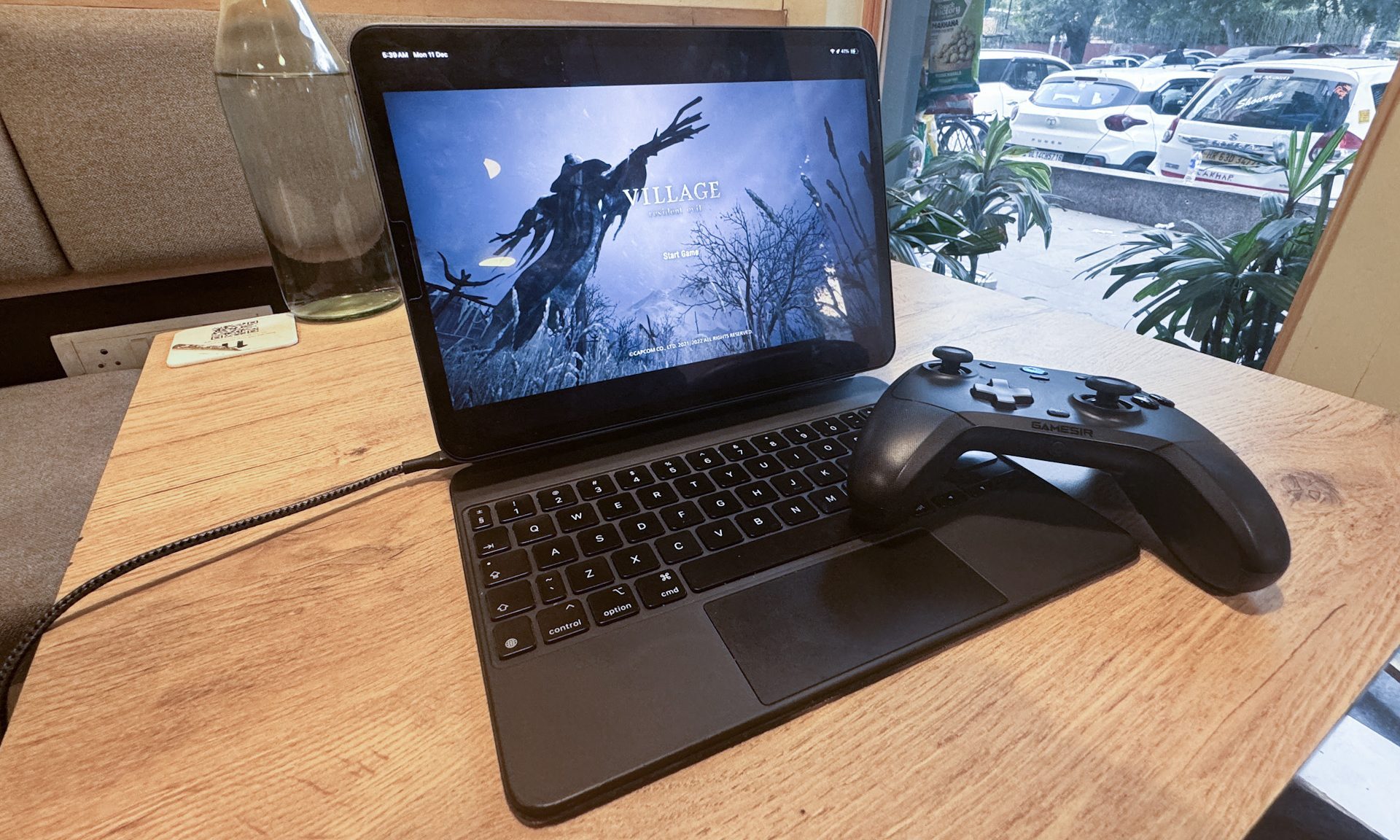
Only when I pushed into the territory of titles such as Death Stranding and Resident Evil that I have to tone down the graphics presets slightly above the peak levels. The raw experience, however, is no less immersive and fluid. Overall, I have little to complain about the performance metrics, and I believe that the M1 iPad Pro will easily continue to hold its own for the next couple of years.
Software is still an acquired taste
Software was the weak link when Apple first pushed an M-series processor inside the iPad Pro. That status quo hasn’t changed to date. That is both good and bad news. iPadOS is my favorite operating system for getting work done because it’s reliably snappier than macOS or Windows. It’s a very divisive ecosystem, to be fair.
If it gets your job done end-to-end, there is arguably no better alternative. Apple knows that quite well, and that explains why it has never pushed an iPad Pro as a full replacement for a MacBook or a regular PC. The M1 iPad Pro exemplifies that reluctance (or excellence) nearly as well as its current-gen successor.

Everything you can do on the M4 iPad Pro, you can accomplish on the M1 version, too. That includes legacy apps as well as those running generative AI experiences and the whole Apple Intelligence stack. I am also fairly optimistic about the long software update situation for this machine.
A key reason that I love-hate the iPad Pro is Stage Manager. I’ve always liked having a setup where I can plug my computing machine into a bigger screen. Lately, I have been experimenting with AR smartglasses such as the Viture One, and the experience has been phenomenal.
Having access to a nearly 120-inch floating canvas that is private, tracks alongside your head movements, and can accommodate four app windows without a cramped layout is a perk worth relishing. Plus, these smart glasses are pocketable, so it becomes far easier to deal with the smaller 11-inch screen on the iPad Pro.
I am not a fan of Apple’s AI stack, but the arrival of Apple Intelligence has made a few minor updates ot the native apps, such as Notes, which I appreciate. And given the current trajectory of app development targeted at iPadOS, I am hopeful that more pro-grade apps and games will land on the tablet line.
Overall, the M1 iPad Pro is a terrific testament to Apple’s tablet supremacy. I can’t quite recommend the one I just wrote about, but if your budget permits it, you should get the M4 variant. Refurbished units of the M2 trim are still a fantastic deal, and so is the new iPad Air with the M3 silicon.
Either way, you are getting an excellent package with a peerless degree of future-proofing.