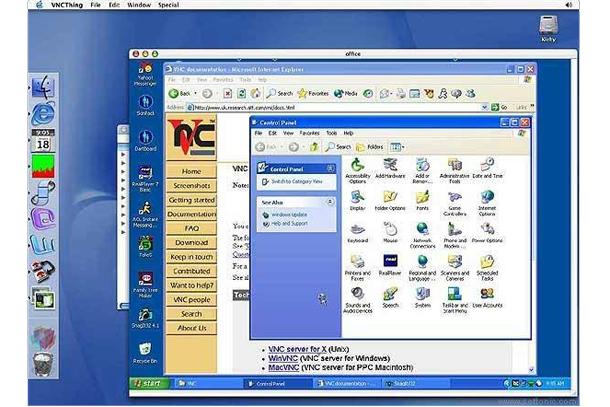
A remote desktop connection is a great way to help someone across the country fix their PC. There are dozens of ways to use remote desktop connections, with different restrictions and compatibility, and some are much easier to use than others. Whether you’re helping hundreds of users deal with system issues and hardware conflicts on a daily basis, or you’re just tired of explaining over the phone how to remove all those search toolbars your mom installed, we’ve got you covered with some of our favorite software solutions.
Google Chrome Remote Desktop
We already detailed earlier this year how to use Google Hangout and Chrome to remotely control another user’s desktop, a feature that’s been in development for awhile, but is now available through an easy-to-install Chrome extension. Just because it’s easy to use doesn’t mean it’s lacking functionality though; the Chrome Remote Desktop application allows simultaneous video chat, client audio streaming back to the controller, secure connections, and file transfer between the two computers.
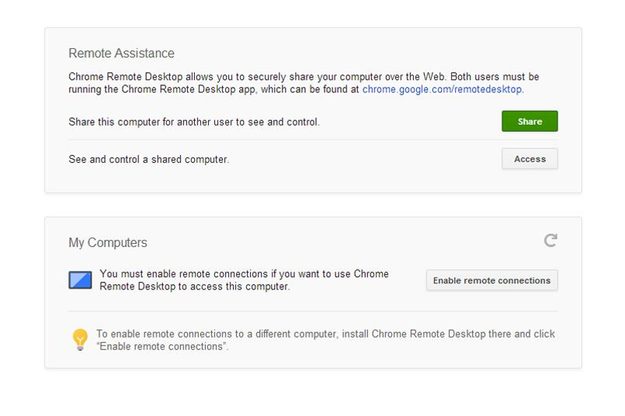
The connection is established by sharing a 16-digit code, so you can help your mom “install Facebook” on her computer, as well as use a remote system for media storage and streaming on a regular basis. Google Chrome Remote Desktop is cross-platform, allowing control of Windows, Mac OS X, and Linux machines, and is also built into ChromeOS.
LogMeIn
While browser-based software might be more than enough for some users, people who find themselves needing to access different machines on a regular basis from a variety of devices may find a full suite of installed software more relevant. LogMeIn offers a large number of services that include everything from simple remote desktop applications to network emulation. LogMeIn also offers a number of options depending on your needs, including a browser-based management system, tech support software designed to diagnose viruses and solve software conflicts, and mobile solutions for iOS and Android.
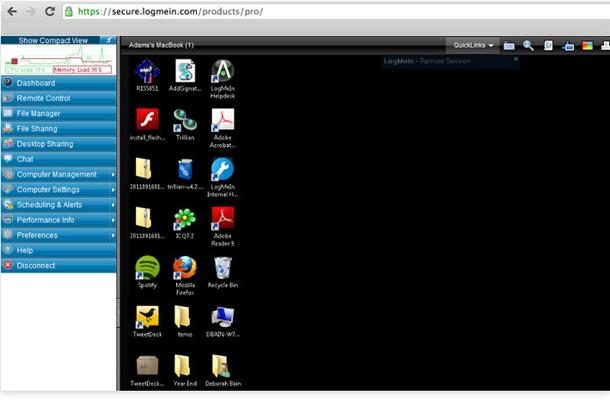
Their programs range from user-friendly to a little intimidating, but if you’re just looking to occasionally access files and functionality on your home PC from your smartphone you shouldn’t have any trouble. LogMeIn has just announced that they are no longer offering a free version of their software, but if you’re using computers remotely outside of your local network on a regular basis it’s still worth looking into their services.
RDCMan
Mac OS X and Microsoft Windows both have their own built-in protocol for remote desktop connections, and both are easy enough to use to connect to a single machine. If you’re using Windows and find yourself needing to connect to a large numbers of machines on a regular basis, it’s worth the upgrade to RDCMan, a free program from Microsoft designed to manage server farms or labs with lots of machines.
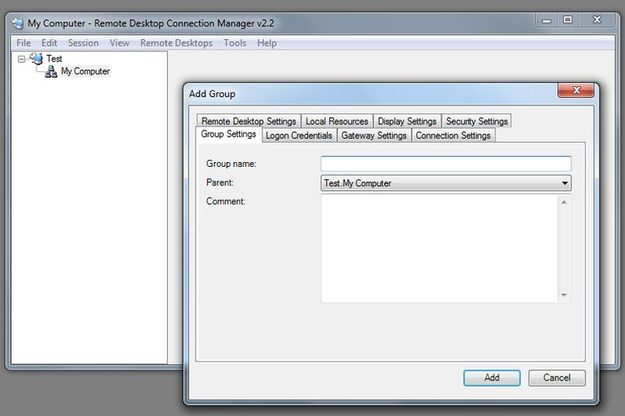
While it’s a little more involved and there’s less documentation on how to use it, users may find options for server groups and multiple system management more robust than most end-user options. Since RDCMan uses a built-in protocol, the client machine simply needs to have the functionality enabled in the system settings, and the connection is naturally lightweight and flexible, though only compatible with Windows computers.
Apple Remote Desktop
Apple has its own remote desktop software available, and it’s a little more flexible and user friendly than RCDMan. Like some of the more feature-rich alternatives, ARD lets you keep track of multiple machines, and also lets you scan your local network for Mac OS X machines to identify whether they’re controllable and to what degree. There are a lot of control features, including text based terminal control, drag and drop file transfer to and from the client machine, remote spotlight search, and a curtain mode that lets the host to close off the client machine from the user temporarily.
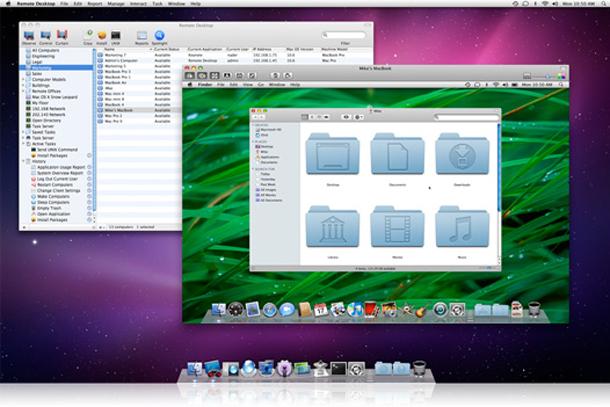
Setup and connection is easy. You only need to allow remote connections in the system settings of the machine you wish to control. Apple Remote Desktop is also capable of controlling Windows and Linux machines on and off the local network over VNC. The cost is a little higher, with Apple charging $79 for unlimited use of the product, with single and multiple client computer versions at a reduced price.
Chicken of the VNC
A third party option for Mac OS X, Chicken is a lightweight VNC client that allows both client and host connections to other Windows, Mac, and Linux machines also running VNC software or accepting VNC connections. The program is easy to install and use, and only requires you to enable control on the client machine and identify its IP address. There’s a bit less documentation on this program, but using it is very straightforward, and the flexibility of a cross-platform protocol in a free program is both useful and desirable, even if it lacks some of the functionality of the paid programs.