1. Home
  2. Phones
  3. News

Apple’s new rules could give us a break from shady copycat apps

Developers face stricter checks as Apple cleans up its App Store.

Add as a preferred source on Google
app-store-new-rules-to-prevent-copycat-apps
Mariia Shalabaieva / Unsplash

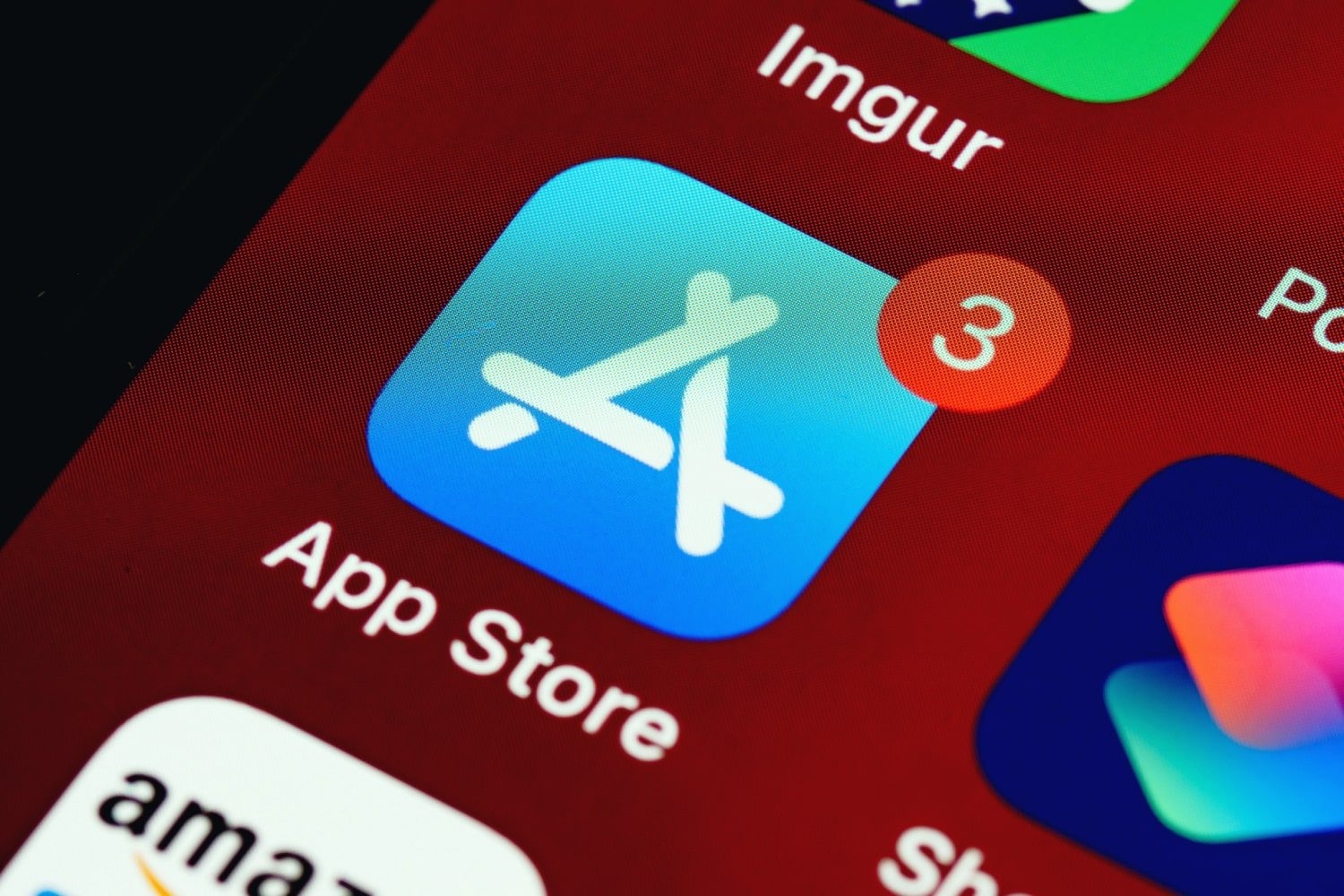
What’s happened? Apple has updated its App Review Guidelines, tightening rules on copycat apps and clarifying rules for developers in the App Store (via 9to5mac). These changes come after a surge in look-alike apps that attempted to ride the momentum of popular launches, including Sora 2 imposter apps that misled users on the App Store.

  • Apple updated nine sections in total, closing branding and icon-theft loopholes that clones often relied on.
  • The biggest shift is a new clause that bans developers from using another app’s icon, branding, or product name in their own listing without permission.
  • Apple also clarified separate policies for creator apps with age-gated content and tightened rules for loan apps.
  • Developers must now be clearer when sharing user data with third-party AI services.
This is important because: Copy-cat apps have long been a problem on the App Store, diluting trust and making it harder for original developers to stand out when users search for the best iOS apps.

  • Apple has also warned developers not to make slight tweaks to another app’s name or interface and pass it off as their own.
  • This could reduce the number of imposter apps that piggyback on big hitters and trick users into installing fake apps.
Recommended Videos

Why should I care? If you’re an iOS user, this update matters because it impacts what ends up in your App Store.

  • You’ll likely see fewer shady or confusing apps that pretend to be the real thing.
  • This also raises the bar for developers as originality matters more, and using someone else’s branding can lead them to getting banned.
  • For users, it means less clutter and hopefully a better experience on your iPhone or iPad.

OK, what’s next?

  • Developers should review the updated full guidelines, which include other changes, and make sure their app’s branding and naming follow the new rules.
  • For Apple, the real test is enforcement; how strictly will it act against rule-breakers, and whether it will effectively clean up the marketplace.
Manisha Priyadarshini
Manisha Priyadarshini is a tech and entertainment writer with over nine years of editorial experience.
Apple’s new Upgrade program launches on Tuesday with major changes
Apple's new leasing program might drop AppleCare coverage from the bundle.
iPhone 17 Pro Max

Buying your next Apple device could soon look like leasing a car. Apple is launching its new Apple Upgrade program on Tuesday, July 28, replacing new enrollments in the long-running iPhone Upgrade Program with a lease-based option that covers iPhones, iPads, Macs, and Apple Watches.

Backed by Klarna, the program is designed to lower the upfront cost of Apple's premium devices, but it is also raising questions about whether you'll actually own what you're paying for.

Read more
Setting up your dorm desk? These are the phone stands I’d actually spend my money on
From a $2 folding stand to a three-in-one Apple charging dock, these are the phone stands worth setting up this semester.
Analog Clock, Clock, Electronics

A phone stand is one of the smallest purchases on any back-to-school list, but it's also one of the easiest to get wrong, especially since there are dozens of options available on Amazon. A good phone stand is one that does its job well and, more importantly, doesn't put much of a dent in your budget.

This is one of those product categories where you don’t need to spend big, unless a MagSafe dock or a multi-device charging stand is genuinely useful for your desk or dorm setup. That is why this list begins with the most affordable options and works its way up to the more expensive ones. From a two-pack that costs about as much as a coffee to a three-in-one Apple charging station, I picked eight of Amazon's best-reviewed phone stands worth considering this back-to-school season.

Read more
I picked four wireless chargers so you can stop making your iPhone, AirPods, and Apple Watch fight over one dorm outlet
The best back-to-school wireless chargers for dorm desks, study spaces, and travel
Computer, Electronics, Laptop

A dorm-room desk can disappear surprisingly quickly beneath a laptop charger, phone cable, Apple Watch puck, and the growing collection of adapters required to power them all. Add textbooks and other academic materials, and finding enough room to study becomes the first assignment of the semester.

A wireless charging stand can consolidate several of those cables into one station. It also gives your phone a dedicated place to sit, which helps when you are checking the time or watching a lecture. Every charger here still needs one connection to the wall. So finding a peripheral that works with all of your gadgets isn't just convenient, it's smart. I picked four models ranging from an inexpensive two-device stand to a fast 25W wireless charger capable of powering an entire Apple setup.

Read more