1. Home
  2. Computing
  3. Web
  4. Legacy Archives

Chrome browser does the 64-bit dance at last on Mac OS X

Google brings Chrome browser to the 21st century with 64-bit Mac OS X support

Add as a preferred source on Google

It’s a big month for a few of the world’s most popular desktop browsers. Firefox recently scored a security- and privacy-boosting update, and now Chrome takes a huge leap forward by finally adding 64-bit Mac support to a stable release.

Your move, Internet Explorer.

Recommended Videos

Of course, IE’s usage supremacy is unlikely to be threatened anytime soon, even if Chrome is starting to seem a very strong Safari alternative on Mac OS X. The added 64-bit compatibility means Google’s Chrome 39 loads a lot faster and regulates memory handling better than before; throw in some enhanced security and we’ve got a winner.

It’s only been a little over a month since Chrome 38.0.2125 saw daylight, and version 39.0.2171 is ready for show time. As always, you can patch the build over existing Chrome installs using automatic silent updates, or grab Chrome 39 directly from Google’s servers. It’s not all wine and roses, however. What may enrage a few Mac fans is the fact that new iteration of Chrome ditches 32-bit capabilities. So while Google doesn’t spell it out in its latest blog post, we’re afraid owners of aging 32-bit iSystems are stuck with Chrome 38.

Google will continue to offer Windows options for both 32- and 64-bit computers, and the changelog also includes 42 very particular security fixes. Bug bounties totaled $41,500, according to Mac Rumors, and four community helpers were singled out for aiding in ironing out kinks during the development cycle.

A big thank you from us to Atte Kettunen, Christian Holler, cloudfuzzer and mmaliskiewicz as well, and if any of our readers notice anything wrong after bringing their Chrome copies up to date, feel free to file a report here. If no one else caught the glitch first, that is.

Speaking of developer support, Google introduced a bundle of tools and features in Chrome 39 Beta last month, including JavaScript Generators, Web Animation Playback Control, and Web Application Manifest.

As for the latest stable release, “lots of under the hood changes for stability and performance” are also highlighted, without many specifics or details. Go on, try the browser out and let us know if it’s noticeably zippier or steadier. Especially on Mac OS X.

Adrian Diaconescu
Former Digital Trends Contributor
Adrian is a mobile aficionado since the days of the Nokia 3310, and a PC enthusiast since Windows 98. Later, he discovered…
Microsoft wants Windows 11 and your phone to become best friends
Microsoft's latest plans reportedly focus on making the PC and smartphone experience feel seamless.
Windows 11 PC with Android Phone

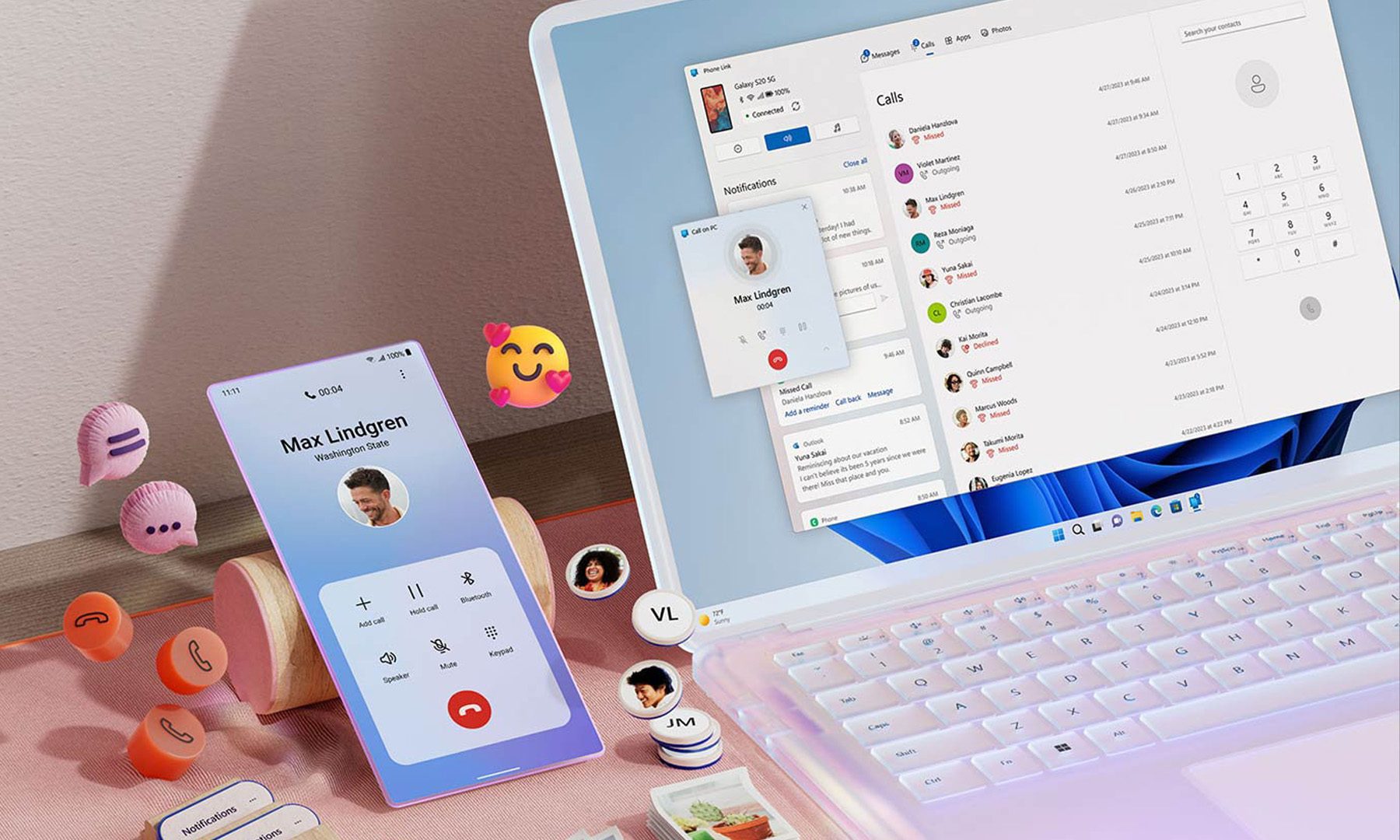
For years, Phone Link has felt like that one app everyone knows exists but rarely remembers to open. Microsoft apparently wants to change that. According to a report from Windows Central, the company is working on a major overhaul of how smartphones integrate with Windows 11, making phones feel like a native part of the operating system instead of something users access through a separate app.

Phone Link is coming out of hiding

Read more
What are Copilot+ PCs? Everything you need to know
Copilot

Walk through a laptop aisle in 2026 and the Copilot+ PC branding is highlight for most Windows laptops. From Microsoft's own surface to other PC makers like Samsung, HP, and Dell, you can find notebooks that carry this badge to convey that they are AI-ready. At a glance, the name sounds like it refers to a computer with a better version of the Copilot chatbot, which only explains a small part of it.

A Copilot+ PC is a Windows 11 computer that meets Microsoft’s hardware standard for advanced on-device AI features like a compatible processor with a dedicated NPU. You also need a certain amount of RAM and storage, all of which brings access to Windows features such as Recall, Click to Do, and much more. Many of these experiences use the NPU to process information locally, reducing their reliance on cloud servers and helping them run more efficiently in the background.

Read more
ASUS expands its ProArt lineup with a compact keyboard and a smart creator mouse
The new ProArt KD300 and MD301 are designed to make life easier for designers, editors, and creators.
ASUS ProArt Keyboard KD300 and ProArt Mouse MD301

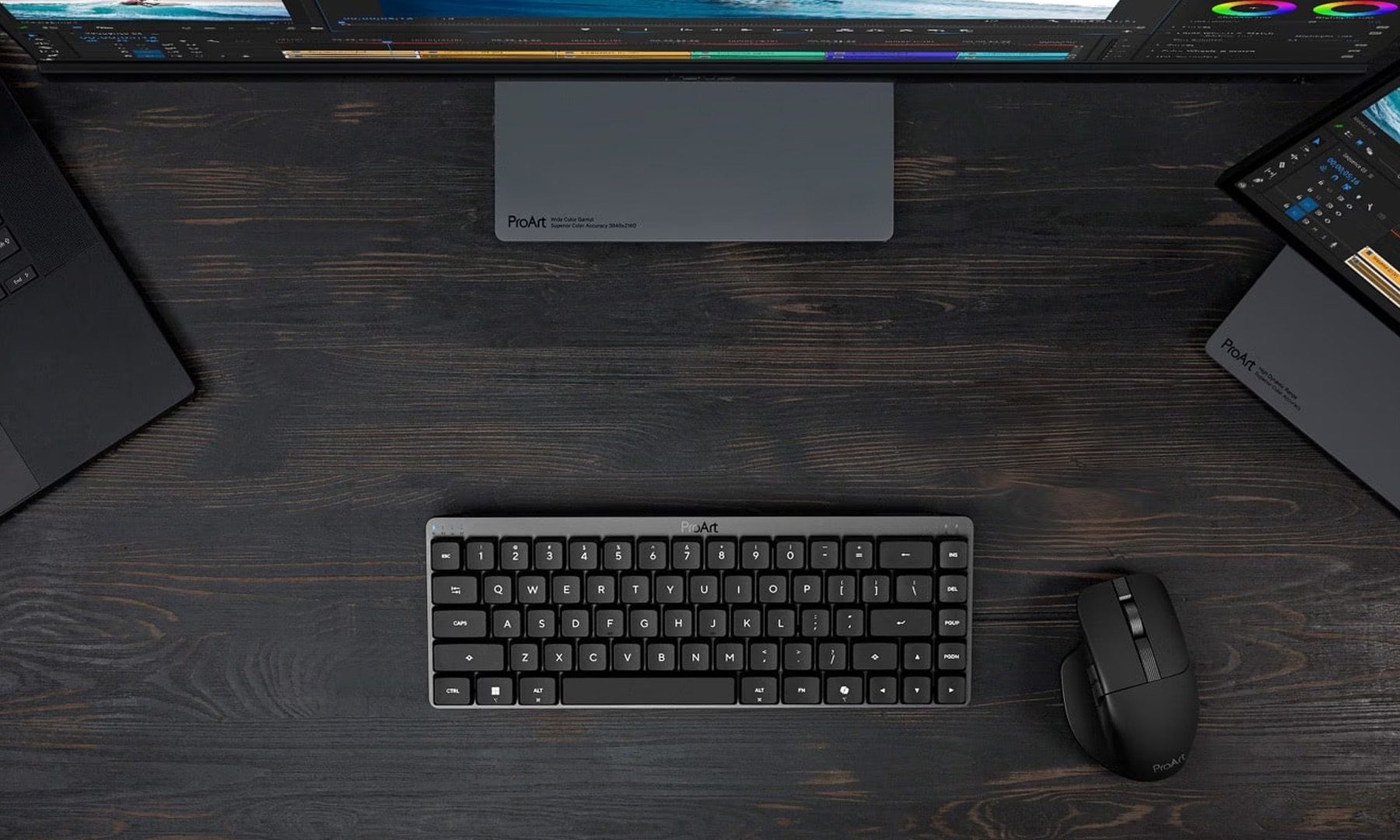
Creators have long had plenty of powerful laptops and monitors to choose from. Keyboards and mice? Not so much. ASUS is looking to change that with the expansion of its ProArt accessory lineup. Leading the announcement is the new ProArt Keyboard KD300, a compact low-profile keyboard that's designed to work alongside the ProArt Mouse MD301, giving creators a matching desktop setup built specifically for productivity instead of gaming.

A compact keyboard that doesn't sacrifice functionality

Read more