1. Home
  2. Computing
  3. Legacy Archives

Eagerly awaiting the January build of Windows 10? It’s live!

Add as a preferred source on Google

In case you missed it, this Wednesday Microsoft held its first conference to dig into the nitty gritty details of what we can expect from Windows 10. Everything from a refreshed UI to a holographic 3D modeling workshop are said to be a part of the new push, and today they’ve announced that members of the company’s Insider Program will have a chance to get their hands on the January build for the first time.

The build, version 9926, will feature some (but not all), of the new toys and upgrades we saw during Wednesday’s presentation. The biggest upgrade of all of course is Cortana, a fully functional Siri-esque digital assistant that responds to voice activated commands, but not all of its features are enabled in the just-released build.

Related: Hands-on with Cortana in Windows 10

Recommended Videos

Next is the new Start menu. While not a lot has been changed from what we got with Windows 8.1, the company has heard the voices of the people, and decided to integrate the ability to automatically expand everything out to full screen if you’re using your computer in tablet or touch-ready mode instead of with a traditional mouse and keyboard.

Microsoft will be testing the marketplace waters with their new Windows Store Beta. Other new apps include Xbox, Photos and Maps. There’s also a streamlined Settings experience, which does not replace the Control Panel but does replace the difficult Settings app found in Windows 8.1.

Related: Windows 10 updates Start menu with full-screen mode

If you’re not already a part of the Windows Insider Program but would like to find out how to apply, you can visit Microsoft’s portal for newcomers here. The new build is available to all Insiders at the time of this writing and can be installed either as an upgrade to Windows 7, 8 and 8.1. Users already running Windows 10 can upgrade to it directly from the Metro-style Update app.

Chris Stobing
Former Digital Trends Contributor
Self-proclaimed geek and nerd extraordinaire, Chris Stobing is a writer and blogger from the heart of Silicon Valley. Raised…
Asus’ powerful new gaming laptop with a 240Hz Mini LED display makes its global debut
The 2026 ROG Strix G18 pairs up to RTX 5080 graphics with an Intel Core Ultra 9 290HX Plus CPU
ROG Strix G18 (2026) laptop

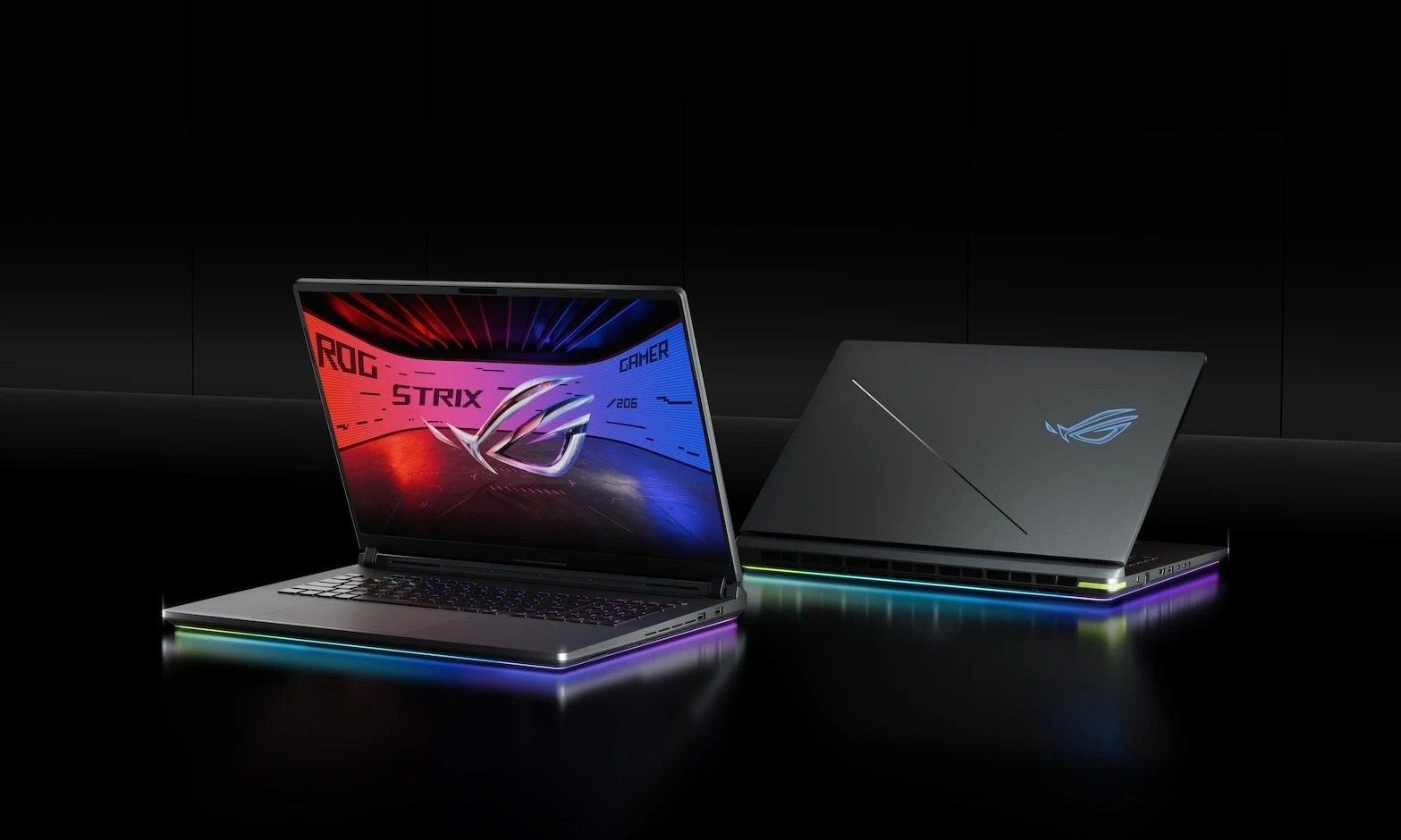
Asus has started rolling out the 2026 ROG Strix G18 globally, and the easiest way to describe it is as a slightly toned-down version of the ridiculous ROG Strix Scar 18. It keeps the same 24-core Intel Core Ultra 9 290HX Plus processor but tops out at an Nvidia GeForce RTX 5080 Laptop GPU instead of the Scar’s RTX 5090. (via Notebookcheck)

The Mini LED model gets the best balance

Read more
Every app on my phone has decided I need AI, and none of them bothered to ask
AI assistants are invading everything from photo libraries to messaging apps, and dismissing them only seems to guarantee they’ll return later.
Electronics, Phone, Mobile Phone

My wife doesn’t use AI very much. She isn’t philosophically opposed to it, nor is she waiting for the machines to overthrow civilization. She simply opens Google Photos because she wants to look at her photos.

Lately, however, the app keeps greeting her with invitations to try its AI tools. Google would very much like her to search her library conversationally, generate something new, or ask Gemini to edit a photo. She dismisses the prompt, gets on with her life, and eventually meets it again.

Read more
Shopping for Back-to-school? These are the gaming laptops I’d recommend
Powerful enough for AAA games, practical enough for everyday lectures, assignments, and everything in between.
oled gaming laptop

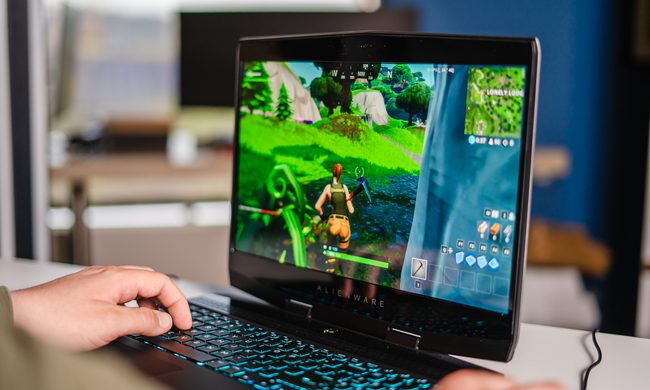
Every gamer knows the pain of trying to do too much with the wrong hardware. Back-to-School is the perfect excuse to fix that. A good gaming laptop shouldn’t just hit high frame rates -- it should also survive endless browser tabs, assignments, coding sessions, video edits, and everything else college throws at it. These five machines strike that balance better than most, which is exactly why they’d be my picks this semester.

Alienware 16 Aurora

Read more