1. Home
  2. Photography
  3. News

Learn to shoot and edit time-lapse video like a pro

Add as a preferred source on Google

We have all seen those epic time-lapse videos of buzzing cities and amazing landscapes, it is hard not to watch these and feel a sense of awe as the time passes and the scenes change. If you’ve wanted to know how to make a time-lapse video, the truth is that it’s not a terribly complicated process — but there is more to it than you might think.

Griffin Hammond is a long-time YouTuber who used to run the popular Indie Mogul channel before that was shut down and he moved on to bigger and better things at Bloomberg TV. He still posts videos on his personal channel, though, and a recent pair of videos tackles the questions anyone might have about shooting and editing a time-lapse video.

Recommended Videos

As you can see from the first video, there are certain things about time-lapse shooting that you need to consider if you have never done it before. Things like what gear you should have to make the process go smoothly, what settings would be ideal for the look you are going for, and related matters.

“A time lapse is a beautiful way to illustrate movement we normally couldn’t perceive — stars circling in the sky or snow piling up outside your window.” Hammond tells Digital Trends, “They make lovely establishing shots in film, but they’re also visually interesting enough to share with friends as a standalone clip.”

How to Edit a Time Lapse (in Final Cut Pro X)

For you Mac users, in his second video Hammond takes us through the process he uses to edit his time-lapse footage in Final Cut Pro X. The process would be similar for Windows users on something like Premiere Pro, but there are enough differences that you wouldn’t be able to simply follow along.

After showing us how to process the time-lapse footage step by step, Hammond processes another time-lapse video faster, and shares some more advanced tricks for users who want to take their time lapse to another level — like adding motion to your time-lapse without actually having moved your camera at all — pretty neat.

Anthony Thurston
Anthony is an internationally published photographer based in the beautiful Pacific Northwest. Specializing primarily in…
Fujifilm Instax Mini 13 review: This instant camera won me over with its no-frills retro charm
From printing instant memories to rediscovering the fading charm of polaroids, Fujifilm's camera offers a budget route to a simple indulgence.
Fujifilm Instax mini 13 camera.

See at Amazon

Quick review

Read more
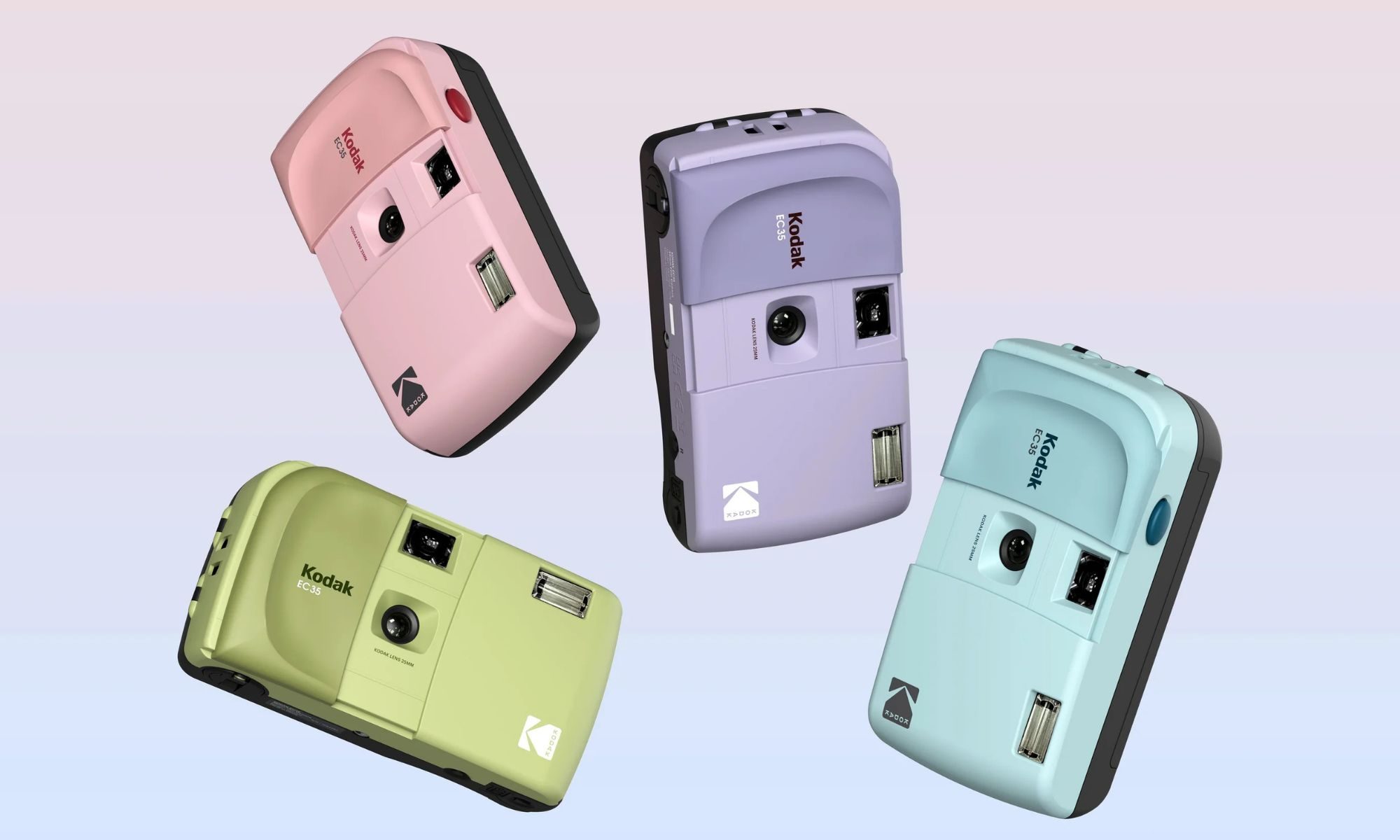
Want to try film photography? Kodak’s new $35 camera is a great place to start
This retro inspired Kodak EC35 camera keeps film photography refreshingly simple.
Kodak-EC35

If you've been curious about film photography but didn't want to spend a fortune, Kodak has a new camera worth checking out. The new Kodak EC35 is a reusable 35mm point-and-shoot camera that costs just $34.99, making it one of the most affordable ways to try shooting on film.

Developed by Reto Project under the Kodak brand, the EC35 keeps things simple with a lightweight design, automatic flash, and a pocket-friendly body. It also arrives as interest in analog photography continues to grow, offering beginners an inexpensive alternative to disposable film cameras.

Read more
The FCC’s latest crackdown could put more than DJI drones at risk in the US
Robot, Person, Face

DJI may have found creative ways to keep some of its products flowing into the US, but those efforts are now drawing increased attention from regulators. According to The Verge, the US Federal Communications Commission (FCC) has started cracking down on several companies it believes could be helping DJI continue selling products in the country. These businesses have been described by industry observers as "DJI front companies" because they market or import products that appear to be closely tied to the Chinese drone maker while operating under different brand names.

DJI's alleged back door may be closing

Read more