1. Home
  2. Computing
  3. Emerging Tech
  4. News

Digital Trends may earn a commission when you buy through links on our site. Why trust us?

Turn your computer into a touchscreen with AirBar

Add as a preferred source on Google

We’ve all been there — tapping the laptop screen with a finger after forgetting that it’s not a tablet and doesn’t have touchscreen capabilities. But now, you won’t be made a fool of when you tap your computer screen … if you have an AirBar, that is. This new accessory turns your PC into a touchscreen device, because sometimes, using a trackpad or a mouse is just too hard.

The flagship device from Swedish company Neonode, the AirBar is now officially available for pre-order in the U.S. It’s compatible with most Chromebook notebooks and PCs running Windows 8.1 or 10, and allows users to “promptly and seamlessly activate touch functionalities on their laptops.”

Sleek and lightweight, the thin, matte black bar attaches magnetically to the bottom of your laptop for what just might be the easiest installation of all time. Don’t worry — you won’t have to download any software to get the device to work. Simply connect the AirBar via USB and start touchscreening.

The device makes use of Neonode’s patented zForce Air technology, which emits an invisible light field atop your laptop screen capable of sensing touch from fingers (even if they’re gloved), as well as paintbrushes. That means you could scroll down that recipe even as you’re cooking with an oven mitt, or turn your computer screen into a digital canvas.

“We developed this product knowing there is really nothing else like it on the market,” said Remo Behdasht, senior vice president of AirBar Devices at Neonode. “People want touchscreen capabilities, but until now their options were very limited by brand and cost. Our successful pre-order phase was further confirmation of the massive appeal and demand for this device.”

You can turn your laptop into a touchscreen laptop with AirBar for $69, and choose from 13.3-inch, 14-inch, and 15.6-inch size options. The device is currently available here, and will also be sold on Amazon, BestBuy, and Walmart.

Buy on Amazon

Lulu Chang
Fascinated by the effects of technology on human interaction, Lulu believes that if her parents can use your new app…
WhatsApp’s Liquid Glass redesign is finally coming to Mac after months of waiting
WhatsApp's Mac app is getting Apple's Liquid Glass-inspired makeover
WhatsApp

WhatsApp has been steadily adopting Apple's new design language across its apps, but Mac users have largely been left watching from the sidelines. That is finally beginning to change.

The messaging platform has started rolling out its Liquid Glass redesign for the WhatsApp Mac app, bringing the desktop experience much closer to what iPhone and iPad users have been seeing over the past few months. The update introduces a refreshed interface with redesigned navigation elements, updated menus, and a cleaner layout that aligns with Apple's latest software aesthetic. According to WABetaInfo, the rollout has begun through the latest Mac App Store update and is currently reaching a limited number of users.

Read more
NVIDIA’s new AI can detect deepfake videos in just 22 milliseconds
NVIDIA has a new AI tool that can tell fake videos from real ones in milliseconds
Nvidia logo

As generative AI becomes increasingly capable of producing videos that are nearly indistinguishable from real footage, the race is no longer just about creating synthetic media. It's about detecting it before it spreads.

At SIGGRAPH 2026, NVIDIA unveiled Synthetic Video Detector, a new AI-powered verification tool designed to identify AI-generated videos with remarkable speed and accuracy. Rather than replacing traditional fact-checking or forensic analysis, the company says the technology is intended to give newsrooms, broadcasters and enterprises another layer of confidence before synthetic videos enter the public domain.

Read more
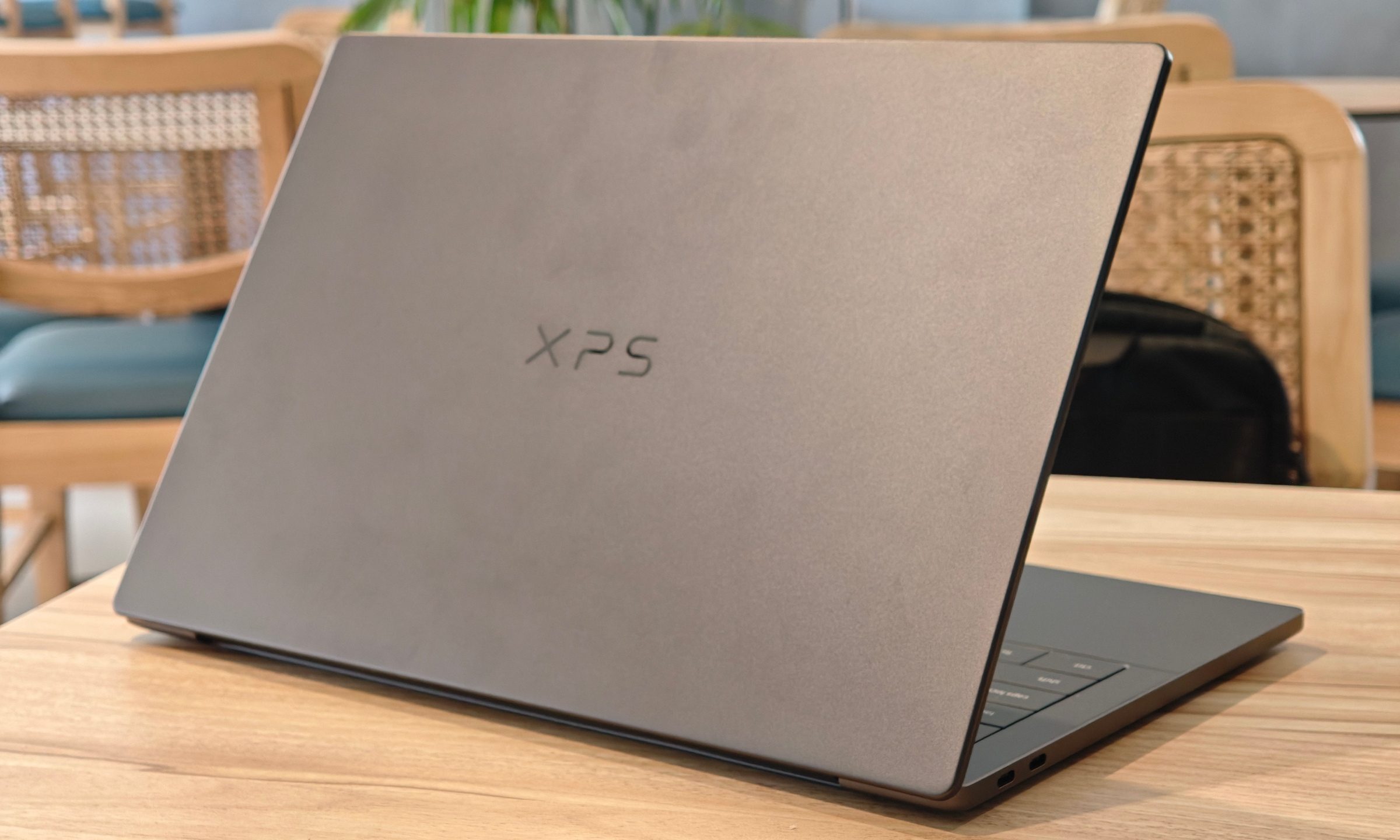
Dell XPS 14 (2026) Review: Dell’s classic Windows laptop returns, and it’s hard to put down
The icon returns, and shows why it's still relevant
Dell XPS 14 Review: Featured

Quick take

Dell’s XPS line has always carried a certain weight. It is one of those Windows laptop families that people recognize even if they don’t follow laptops too closely. Clean design built with premium materials, sharp displays, and high-end hardware. The Dell XPS 14 DA14260 continues that legacy. 

Read more