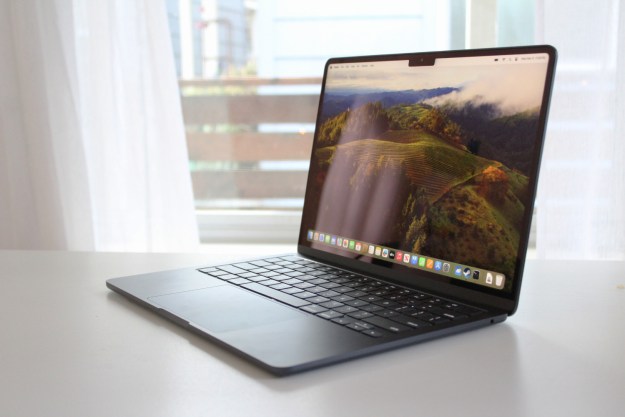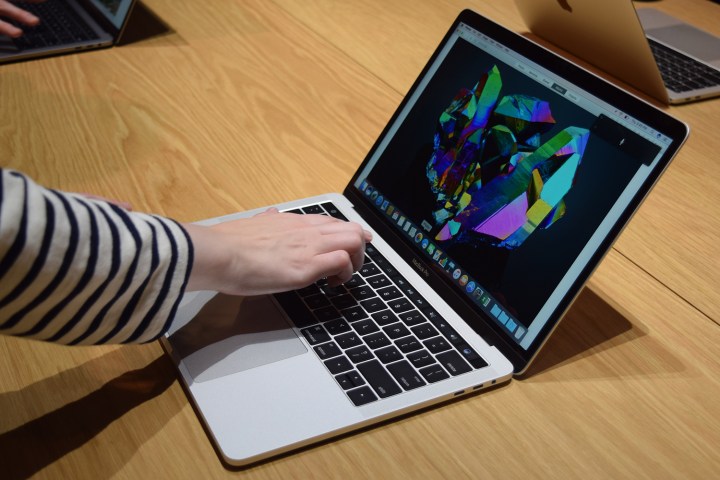
Since the launch of the latest generation of MacBook Pros, many people have debated the usefulness of an interactive touch strip next to a keyboard. We weren’t exactly sold on it, but bedroom coders and software makers around the world are finding interesting uses for it.
And now you can add Photoshop functions to that list. The Touch Bar supports contextual commands, as well as generic inputs, and can read familiar touch inputs like tap, drag and slide.
By default Photoshop controls are located within the app-specific area in the middle of the Touch Bar, while more general MacBook commands retain control of the edges. However if you customize the bar’s layout yourself, you can have Photoshop commands stretch across its entirety. It’s entirely up to you.
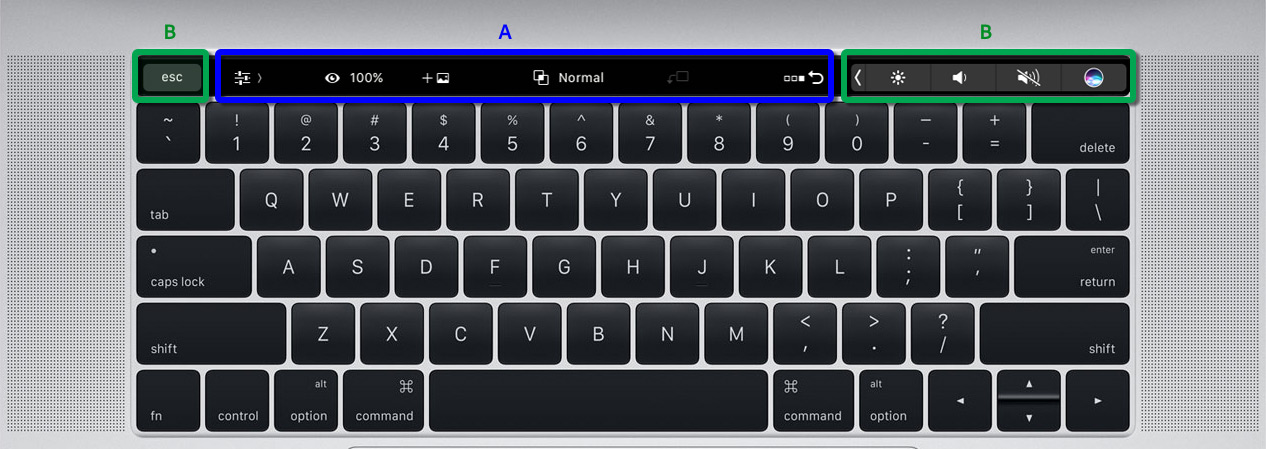
When you aren’t performing any particular functions in Photoshop, there will be three menus you can select for different functions. There is a Layer Properties mode (the default) which lets you change layer properties and related functions. The second option is Brushes, which lets you adjust brush related properties, and finally there is Favorites, where you can add your own preferred commands.
When using modelling tools, text, or transforming an image, the Touch Bar will automatically update with contextual commands, though they are a little limited right now. In the aforementioned cases, a simple “ok,” or “cancel,” button choice can be made. If you’re using select or masking tools, you’ll be given extra control over making selections via the Touch Bar.
If you want more control, you’ll need to select specific options yourself. Within your favorites you’ll be able to add commands for flipping, changing screen mode, duplicating layers, sharing and more.
Adobe has a full guide on how to customise the Touch Bar to your preferences on its site, as well as a break down of all of the options available to new MacBook Pro owners.
Those of you who picked up one of Apple’s new flagship laptops, how useful have you found the Touch Bar so far?
Editors' Recommendations
- The XPS 16 is fighting an uphill battle against the MacBook Pro
- A new wave of powerful laptops rises to challenge the MacBook Pro
- The biggest threat to the MacBook this year might come from Apple itself
- Why you should buy a MacBook Pro instead of a MacBook Air
- Which color MacBook should you buy? Here’s how to pick