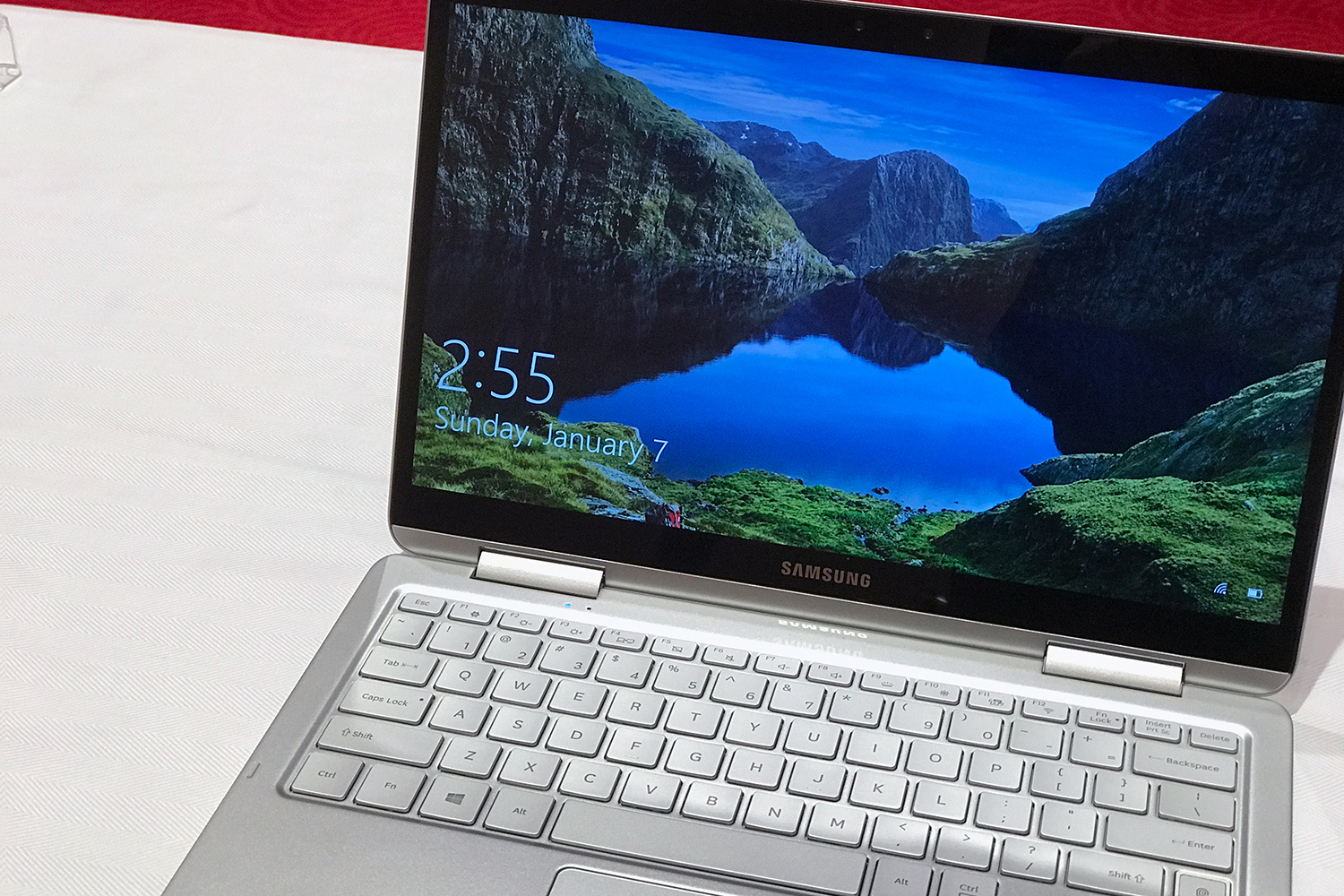
Samsung has never been that serious about its laptops.
That fact was never made more clear to me than when I got a tour of the company’s massive booth at CES this year. The booth was expansive, impressive, and covered everything from the Bixby AI service to modular televisions. In a tiny corner of the booth were a couple of new laptops and a new 2-in-1, all displayed with an uncharacteristic lack of fanfare. Unsurprisingly, the representative I was with didn’t have much of anything to say about them. Televisions and smartphones are flashier, and they’re where Samsung has focused its attention over the years.
The Samsung Notebook 9 Pen has a lot of potential. It’s extremely light, thin, has great battery life, and comes with the S Pen bundled in. Samsung even engineered a little hole for the stylus to fit into it. But that’s why it’s disappointing that Samsung didn’t put a little more care into ensuring that this was a great product that I could recommend.
The Notebook 9 Pen had the potential to surpass 2-in-1s in the same category like the HP Spectre x360 and Lenovo Yoga 920 — especially with how light and loaded it is. But instead, Samsung didn’t pay enough attention to things like the design, which is so nondescript that it’s almost as if it wasn’t designed at all. I wish Samsung had paid attention to the keyboard and touchpad, which are both mediocre at best. Even the S Pen, which is definitely the most interesting thing about the Notebook 9 Pen, feels more tacked on than truly translated into the PC world.
More than any of that, I wish that Samsung had paid a little more attention to the price of the Notebook 9 Pen, which starts at a hefty $1,400. It would have been far more interesting to get the price under $1,200, even if it meant bringing the processor down to a Core i5.
It’s not that laptops like the XPS 13, MacBook Pro and Surface Book 2 are perfect devices — they’re not. I might not agree with every choice made on those, but with those, it’s always clear that someone made an intentional choice. Call it first world problems, but the most delightful experience as a user of any product is to feel that the designers and engineers cared, that they paid attention to the smaller details of how the device is used.
I can’t really blame Samsung. Smartphones are where the money’s at, and with how well Samsung is doing in that space, it’s worth the attention. But using the Notebook 9 Pen made me wish Samsung took just a little more effort to move its laptops from just decent — to great.
Editors' Recommendations
- This was the weirdest, most exciting laptop I reviewed this year
- This is the only laptop to send your kid to college with
- The Galaxy Book 3 Ultra is Samsung’s most powerful laptop ever
- Why Windows on ARM still couldn’t catch up this year
- Get ready: the first 8K ultrawide monitors are coming out in 2023


