  1. Home
  2. Computing
  3. Gaming
  4. News

Rockstar spills the beans on GTA V’s video card requirements

Add as a preferred source on Google

4K is still very young. Few games support it, and even fewer support it well. The stable of great 4K games is about to add an important entry, though, with Grand Theft Auto V promising full 4K support at its April 14 PC release. Rockstar sat down with PC Gamer, and has finally provided details as to what kind of hardware gamers are going to need to run the game in 4K, and the specifications are somewhat manageable.

First, Rockstar broke down the recommend GPU for playing the game at 1080p, at 60 frames-per-second. For this, gamers will need Nvidia GTX 660 2GB or AMD HD7870 2GB card, both of which fall into the upper mid-range of the GPUs out there.

Recommended Videos

Moving on to 4K, players will need to have at least an AMD HD 7870 2GB or Nvidia GTX 760 2GB to be able to run the game at the higher resolution and 30 FPS. Those, and cards in the same power range, sell for around $200, making the barrier to 4K entry not quite as high as many feared. Of course, there’s still the high cost of a 4K monitor, but at least from a GPU perspective, running the game in UltraHD isn’t too hard.

Of course, when moving to a 4K resolution at 60 frames-per-second, the prospect of running it becomes far more daunting, with Kevin Hoare, president of Rockstar Toronto, saying that it will require a “high-end SLI or Crossfire setup.” The cost for a setup like that is much greater than the one required to run the game at 30 frames-per-second, and will exclude many gamers.

Hoare cites lessons learned from the PC versions of Grand Theft Auto IV and Max Payne 3 on PC that players “want the freedom to configure their system to suit their preferences,” and the team behind the frequently-delayed but anticipated PC version of the game seem to be delivering on that.

Dave LeClair
Former Digital Trends Contributor
Dave LeClair has been writing about tech and gaming since 2007. He's covered events, hosted podcasts, created videos, and…
Dell XPS 14 (DA14260) Review: Dell’s classic Windows laptop returns, and it’s hard to put down
The icon returns, and shows why it's still relevant
Dell XPS 14 Review: Featured

Quick take

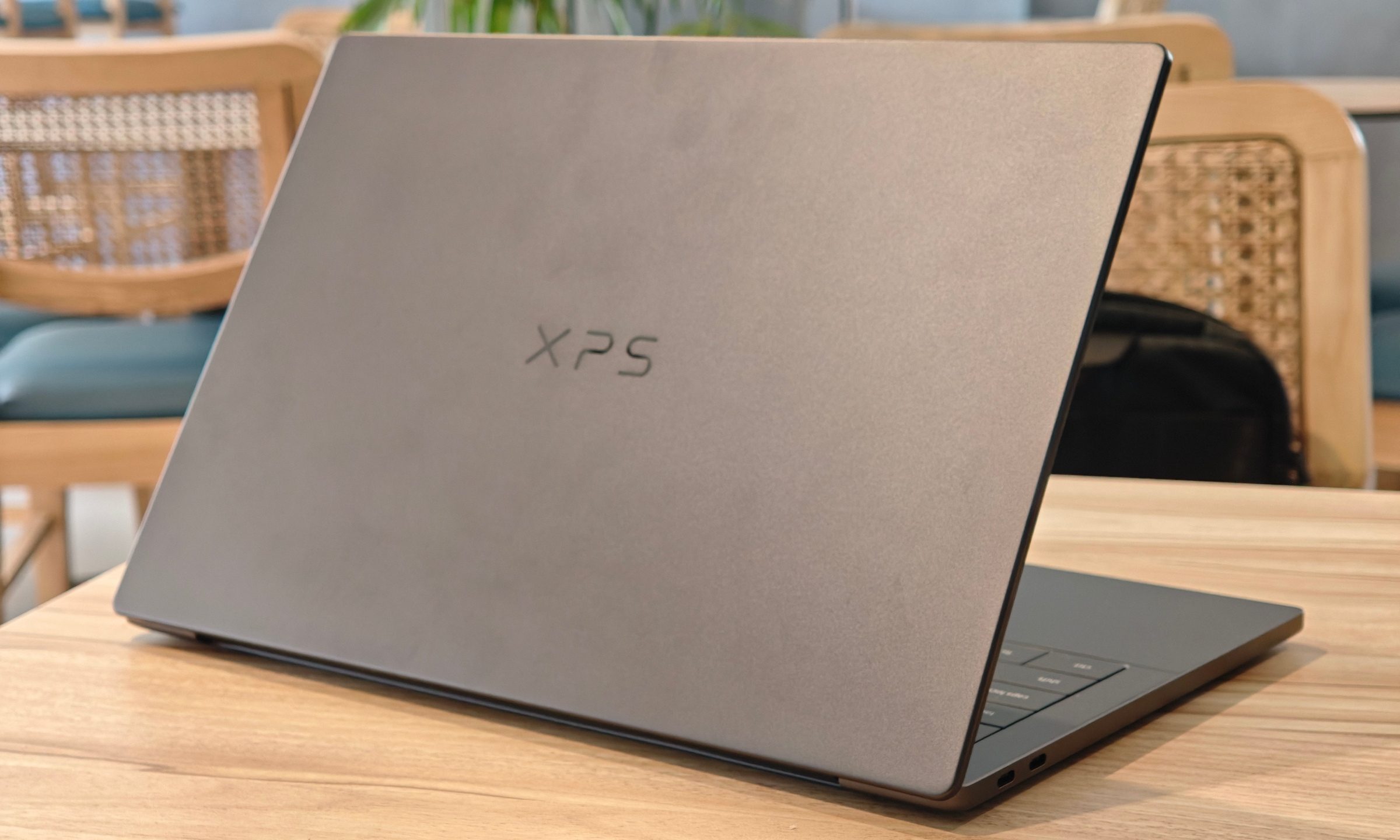
Dell’s XPS line has always carried a certain weight. It is one of those Windows laptop families that people recognize even if they don’t follow laptops too closely. Clean design built with premium materials, sharp displays, and high-end hardware. The Dell XPS 14 DA14260 continues that legacy. 

Read more
Samsung’s secret AI chip could finally cool down Exynos phones
Samsung's GAIA AI chip is landing in laptops first, but its shared DNA with Exynos hints at a real fix for phones down the line.
Samsung Exynos chip illustration.

If you've ever owned an Exynos-powered Galaxy phone, you already know the drill: heavy tasks like capturing back-to-back pictures or photos for a while, heavy gaming, or rendering videos turn your device into a hand warmer. 

In such a situation, the battery bar drops faster than usual as well. Turns out, Samsung might be working on the fix, and it's coming in a way nobody expected.

Read more
Buying a monitor? This Mac app can expose problems before the return window closes
Your new monitor may look perfect, but it doesn't hurt to double check.
Screen Test v1.1

Making a brand-new tech purchase doesn't always carry the guarantee of a perfectly functioning unit. But a tiny Mac app called Screen Test can help you find a defect before it gets too late. Screen Test (version 1.1) is a native macOS utility containing more than 25 patterns and diagnostic tools for evaluating built-in and external displays. It can help reveal dead or stuck pixels, backlight bleeding, and other issues. The app works completely offline, so you don't have to rely on browser tabs or an internet connection.

Every pixel gets scrutinized

Read more
