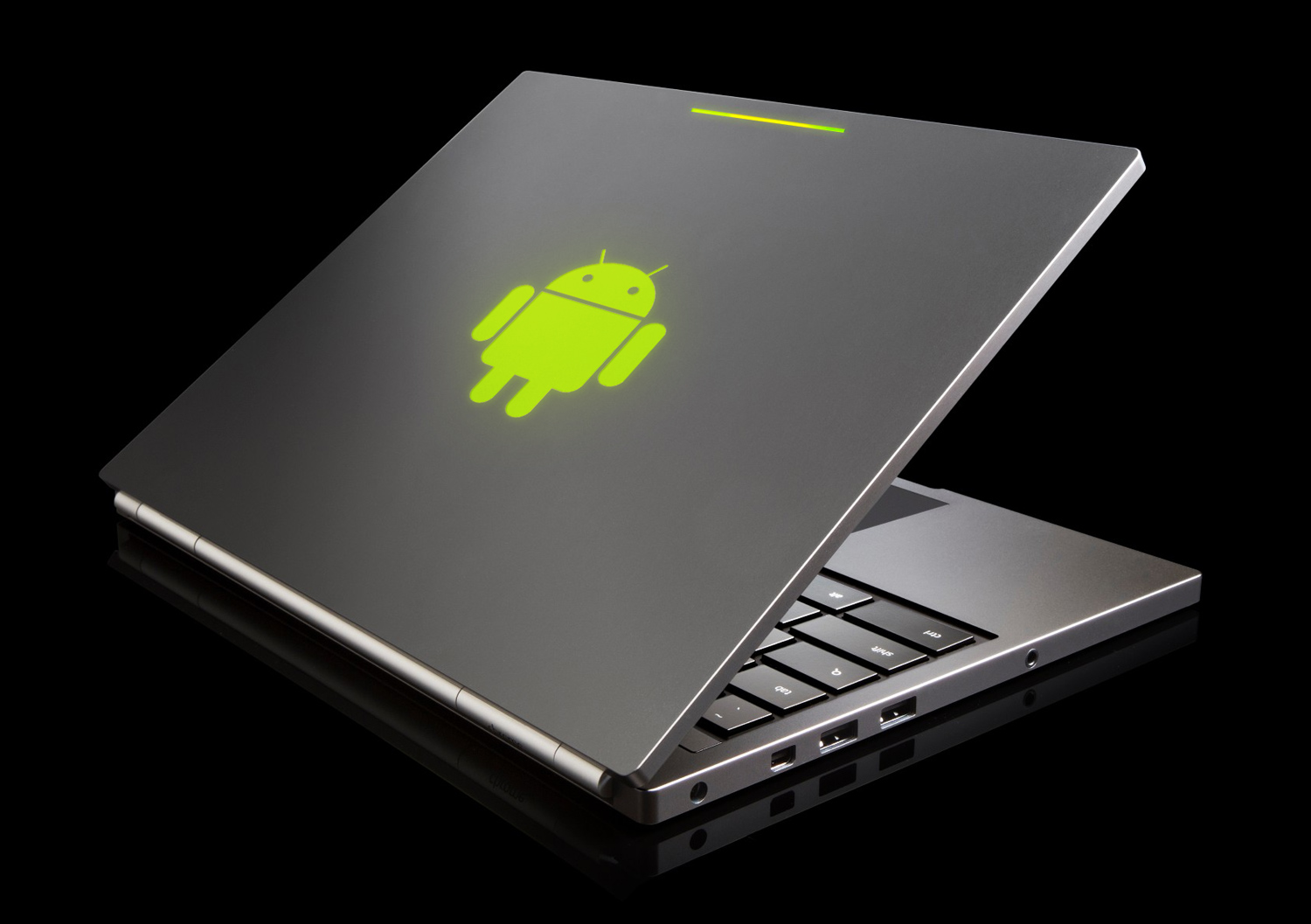
Rumors about the potential of an Android laptop have been circling since Android’s former head honcho, Andy Rubin, stepped aside in early 2013. His replacement? Sundar Pichai, overseer of the Chrome browser and operating system. Though this shuffling of corporate chairs could merely be an internal matter, some have speculated it heralds the merge of Android and Chrome OS into a single uber-OS for all devices.
We could go on about the reasons why this may or may not occur, but there’s a more interesting question beneath the rumors: Would an Android laptop even be exciting, or would it create an unholy hybrid unsuitable for any task?
New hardware, same as the old hardware
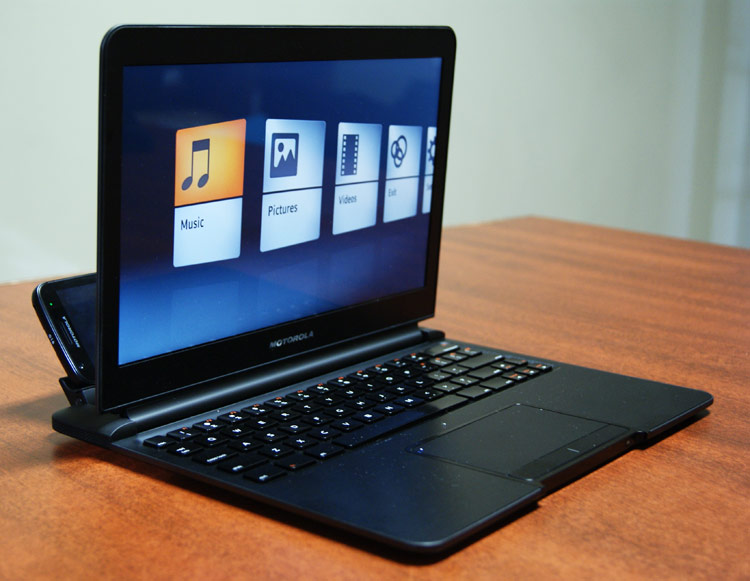
In a way, this question has already been asked and answered by third-party companies. Motorola produced a keyboard dock for its first Atrix phone, but it gained little traction. ASUS has had better luck with its Transformer tablets, though the percentage of customers that actually buy the keyboard dock is unclear. Other companies, like Lenovo, have shown prototypes but haven’t brought them to market in North America.
Because Google doesn’t do its own manufacturing, the products we’ve seen in the past are an indicator of what we’d be likely to see if Google produced its own Android laptop. The same would be true, of course, if Google did not release its own branded laptop and instead only created a version of Android directed at laptops and desktops.
This means that any theoretical Android laptop would, from a hardware perspective, probably be boring. Expect a 10- to 12-inch display, basic processor, and solid-state drive. The company might aim such a device at the high end and thus equip it with a 1440p+ display like that found on the Pixel, but, even then, the core of the device would likely be no different from what’s already sold.
Interface revisions necessary
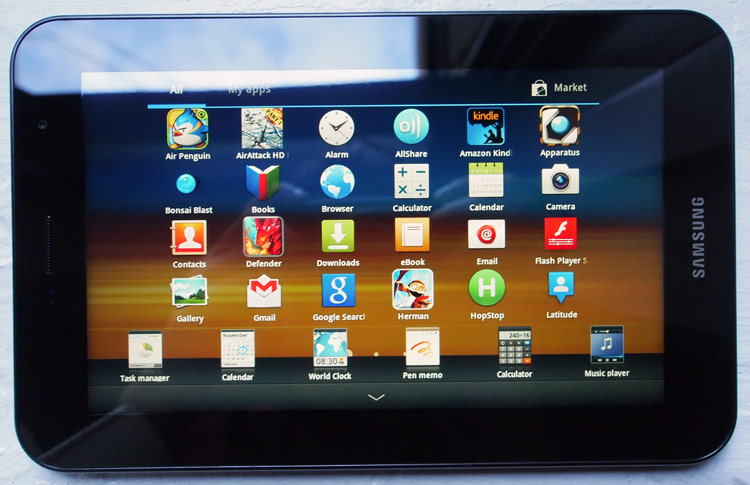
We’ve tested Android mini-PCs as an alternative to traditional desktops. Though the experience was usable, any operating system designed for a desktop is better. Those devices were made tolerable only by their low price.
A hypothetical Android laptop, however, would not sell for less than $60. It would probably be priced at $300 on the low end, and possibly much more depending on equipment. Whatever its retail might be, there’s a reasonable price at which the laptop might be a good value. If Android was just ported, with minimal tweaks, it would be nearly useless on a laptop.
To provide a viable alternative to Windows and OS X, the entire interface would have to be revised. Multi-tasking would have to work well with a mouse, the homescreen would have to work better in landscape view, and a competent dock or taskbar would have to be introduced. Android doesn’t even have windows, so that too would have be introduced along with snap and resize functionality.
Alternations aimed at making Android viable for a laptop would hurt smartphones, however. To solve this, Google might fork Android into different versions. But that was already tried with Honeycomb, the version of Android created with tablets in mind, and the split caused minor catastrophe. Developers saw no reason to develop for Honeycomb, which was dwarfed in popularity by Android 2.x – leaving early Android tablets with few exclusive apps to run.
Why doesn’t Google just make an operating system that works for all devices? The answer, put simply, is that it’s hard. Spanning Android between smartphones and tablets has already given the company’s engineers plenty to worry about. Adding laptops on top of that seems absurd. Sure, it’s theoretically possible to create a scalable OS that works on anything, but no one has done it before – or even come close. We may as well ask Google to invent a fusion reactor (and make it no larger than a thimble, please).
The appocalypse

Let us imagine that everything we just said wasn’t a problem. An alien civilization, drawn in by YouTube’s endless parade of cute kitten videos, has taken mercy on us and made the Intergalactic Scalable OS available for download. It works perfectly on every device all of the time.
Google would still have a problem. Why? Because a perfect operating system doesn’t guarantee perfect apps. Developers run into the same challenges as Apple, Google, and Microsoft when crafting an interface for their software, and they have fewer resources available to face them. Many devs already have their hands full with smartphones and tablets, which is why some apps are only available for one or the other.
Adding a laptop into the mix would further fracture Android’s ecosystem. Gaining traction with the developer community would be difficult, as most would see no reason to develop an entirely new version of their app for an Android laptop that would almost certainly make up less than 1 percent of new Android activations for the first year of its life. Most apps for the laptop would be built with a minimum of effort, if at all, leaving users with little software to run on their device.
Okay, we’re exhausted
And, and, and…
Well, you get the point. A hypothetical Android laptop would unite smartphones, tablets, and laptops. It would also be terrible.
Chrome OS exists because no one at Google knows how to create an operating system that would span smartphones, tablets, and laptops. That they don’t know is not an insult – no one knows, because the problem is hard. But until the problem is solved, Android will be a poor choice for a traditional laptop or desktop PC, just as Chrome OS wouldn’t work well on a smartphone or tablet.
This does not mean Android will never support laptops or traditional desktops. Eventually, some brilliant engineer will find a way to unify the disparate experiences across smartphones, tablets, and PCs. But current rumors suggest that this merge will happen this year – and Android isn’t ready for the transition.