
The future is in 3D printing, that is pretty much a given at this point. Whatever else happens, there will come a day when 3D printing is a major part of our lives – probably as soon as personal 3D printers become affordable. The question though, is how do we get the most out of them?
In order to fully utilize a 3D printer, you need to have a certain fluency with design software. There are presets you can use, of course, but to really squeeze the most out of a 3D printer, you need to be able to create something on your own. For most of us, this is a daunting – not to mention incredibly expensive – prospect. Design software can run into the thousands of dollars, and it takes a lot of time and practice to create something that a 3D printer can accept. With Sixense’s new STEM System, as well as its MakeVR software, those issues will be much easier to deal with.
It’s difficult to convey exactly how cool this combination of software and peripheral is, because there isn’t an exact frame of reference. So we’ll break it down piece by piece.
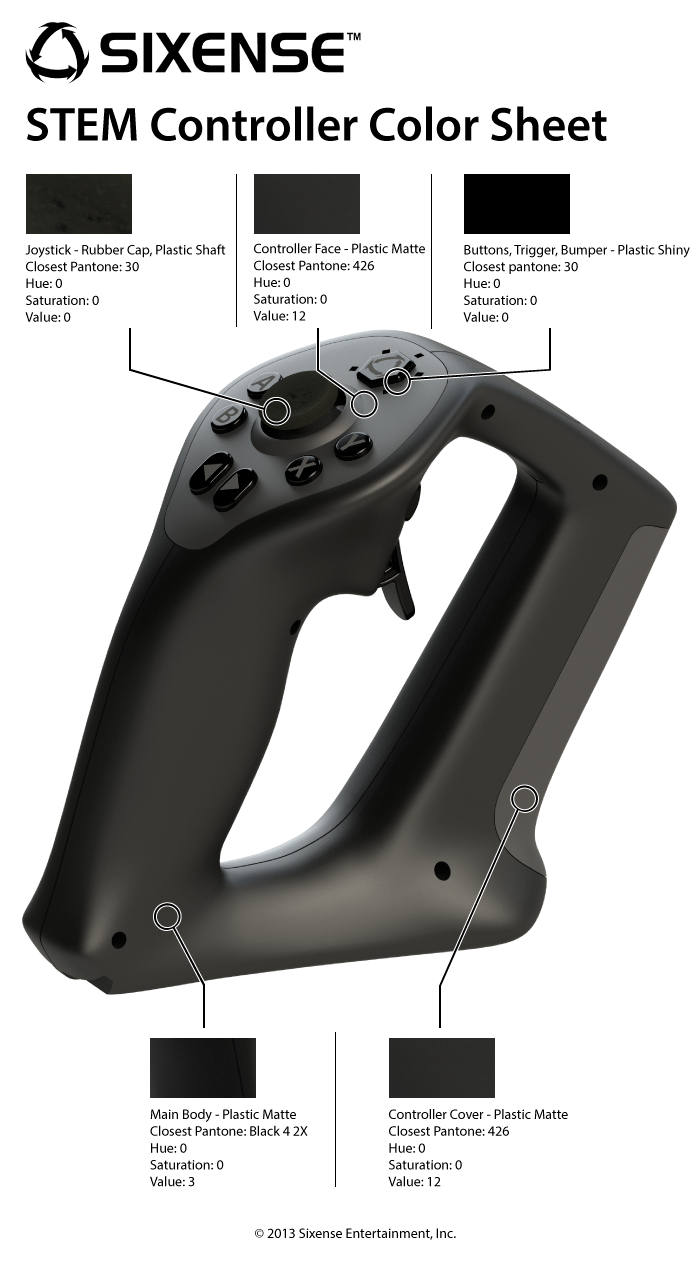
The first device Sixense showed off at CES was the STEM System, a pair of controllers that you grip like flight joysticks. Together, they offer wireless motion tracking, which can be used in a slew of ways. Pairing it with a game like Portal 2, which we saw demoed via a custom made level created with Valve’s blessing, STEM allows you to reach out and grab things, and control items using depth. It’s an evolution of the same tech that Sixense provided to Razer for its Hydra controller
The Companion Cube, for example, can be picked up and carried, but it stays the same distance from you in the standard version of Portal 2. With the STEM System (and some specialized software), you can push your hand out to extend the Cube further out into the game’s virtual 3D space; bring your hand in close and the cube will come closer. The movement of your hands is mimicked in the game, offering something like a more evolved PlayStation Move.
While the controllers have their uses in games, where they really shine is in the MakeVR software.
 MakeVR uses a 3D CAD engine that can import models from most 3D design applications, or you can easily create your own. Using the STEM controller, you can bring up menus on the fly with the press of a button to introduce new constructs to work on, or access tools to alter existing shapes. Your hands are your tools, and you design by moving the controls, like a sculptor in a virtual space. The framework then autocorrects to makes sure there are no broken lines. It goes beyond that though.
The controls are easy and fun to use, enough so that it will likely encourage people that have never designed in 3D before to try it out. The program is also designed to be user-friendly. Say you want to create circular slices – maybe you need a new set of coasters, for example. You can pull up a cylinder, then use the design area’s floor as a cutting surface. You can then check the exact measurements, down to the centimeters.
The way it works now, you can create a design, save it, then send it to a 3D printing company after choosing the material you want. Eventually though, when 3D printers become affordable to the point that anyone can have them, you will be able to virtually design your product, then print it up. Say you need new iPhone cover. With a little effort, you can make your own in just a few hours.
The possibilities also extend to work from coordinated teams, which allow you to have up to five people in the same virtual design room at the same time. Imagine a team from around the world working together on a design project. All five can contribute in real time, tinkering with the project simultaneously. The software is already designed to make things go faster, and what once took weeks should now take days, even hours.
Then you get the part where this product fulfills the promise of childhood. The entire interface is built to support the Oculus Rift. That means you can design by completely immersing yourself in a virtual 3D environment, and you can do it all by hand – even if you don’t know exactly what you’re doing.
The 3D printing is where this software is most at home, but the technology can easily be extended to other fields – say, game design. The Unreal 4 Engine is made for ease of use. Imagine five developers from around the globe all working on different aspects of a project in the same virtual room. One may work on buildings while another works on character design, and still another on the sky and surrounding environment. And it would all be done virtually, collaboratively, in a 3D space that each user is immersed in. This could have a huge impact on game development.
Make no mistake, this is the future.


