1. Home
  2. Computing
  3. Deals

Score the new Microsoft Surface Go tablet PC for $499 on Amazon

Add as a preferred source on Google
Microsoft Surface Go Review
Rich Shibley/Digital Trends

Still deciding whether to buy a laptop or a tablet? Thanks to 2-in-1 devices, you get to enjoy both in a single unit. One of the most reasonably priced options on the market right now is the Microsoft Surface Go. Normally $549, Amazon slashes its price down to $499. This deal applies to the Intel Pentium variant with 8GB RAM and 128GB internal storage.

The Microsoft Surface Go combines the convenience of a touchscreen, the portability of a tablet, and the performance of a laptop in one device. Lightweight and compact, it’s well suited to bring around for school, work, or travel.

Buy Now

One of the headline features of the Surface Go is its ability to be used in a variety of ways. There’s the Tablet mode for intuitive interaction, the Studio mode for a perfect writing or drawing angle, and the Laptop mode for extensive typing tasks (Type Cover not included). You can also use it with the Surface Pen and Surface Mobile Mouse (sold separately) for creative work and full-on productivity.

Measuring 10 inches and weighing just a little over a pound, this 2-in-1 tablet is the smallest and lightest Surface to date. Thick bezels surround a stunning screen that uses a PixelSense technology. Its 1,900 x 1,200-pixel resolution may not compare to that of the iPad, but it’s high enough to keep text sharp and images color-accurate. Whether you’re binge-watching, surfing the web, or working, the display is rich and attractive.

At the core of this Surface Go is an Intel Pentium 4415Y processor. This chipset can handle conventional applications like Microsoft Word and Photoshop Express just fine. Performing a single task is buttery smooth, although you’ll likely experience a few stutters or choppiness for web-based workflows. Games like Minecraft and Asphalt also run OK, but anything that requires heavier graphics is out of the question.

The Microsoft Surface Go runs a full version of Windows 10 (in S mode) which makes it very close to replacing a traditional laptop. It works flawlessly with all Microsoft Office apps, including Word, PowerPoint, Excel, and OneNote. What’s more, you can utilize the 1TB OneDrive cloud storage for keeping videos, photos, and other documents. Score the 8GB variant of this ultra-portable tablet computer on Amazon for only $499.

Looking for more savings? Browse through our curated deals page for the latest discounts on MacBooks, Chromebooks, 2-in-1 devices and more.

Erica Katherina
Former Digital Trends Contributor
I find deals and write about them to help Digital Trends’ readers save on quality tech products.
Alexa+ just quietly became way more useful, if your gadgets are on this list
Your smart home is about to get a whole lot smarter.
Adult, Male, Man

You might have asked Alexa to do plenty of dumb things over the years, but "figure out which of my washer's 30 cycles actually means cold wash" might not have been one of them.

Turns out, Amazon just built the toolkit that makes exactly that possible, and it's rolling out across a genuinely huge list of brands today.

Read more
How to set up selfie video sign-in for your Google account
Your face can now serve as a way to get back into your Google account. Here's how to set it up.
Google account selfie sign in tutorial featured

Losing access to a Google account is rarely a quick fix, but Google has been actively working to make things easier. Last year, the company introduced a feature called Recovery Contacts that lets you designate a trusted friend or family member to verify your identity if you ever get locked out. Now, Google has introduced a new option, one that uses your face to get you back in instead of a phone call to a friend.

Like Recovery Contacts, the new selfie video authentication feature requires some setup before you can use your face to sign into your Google account. This involves recording the reference video that Google will use to verify your identity whenever you attempt to log in this way. Here's how to set up selfie video sign-in for your Google account.

Read more
Framework Desktop packs Ryzen AI Max, up to 192GB of RAM, and local AI into a mini PC
192GB of RAM in a desktop this small? Framework says yes.
Framework Desktop feature

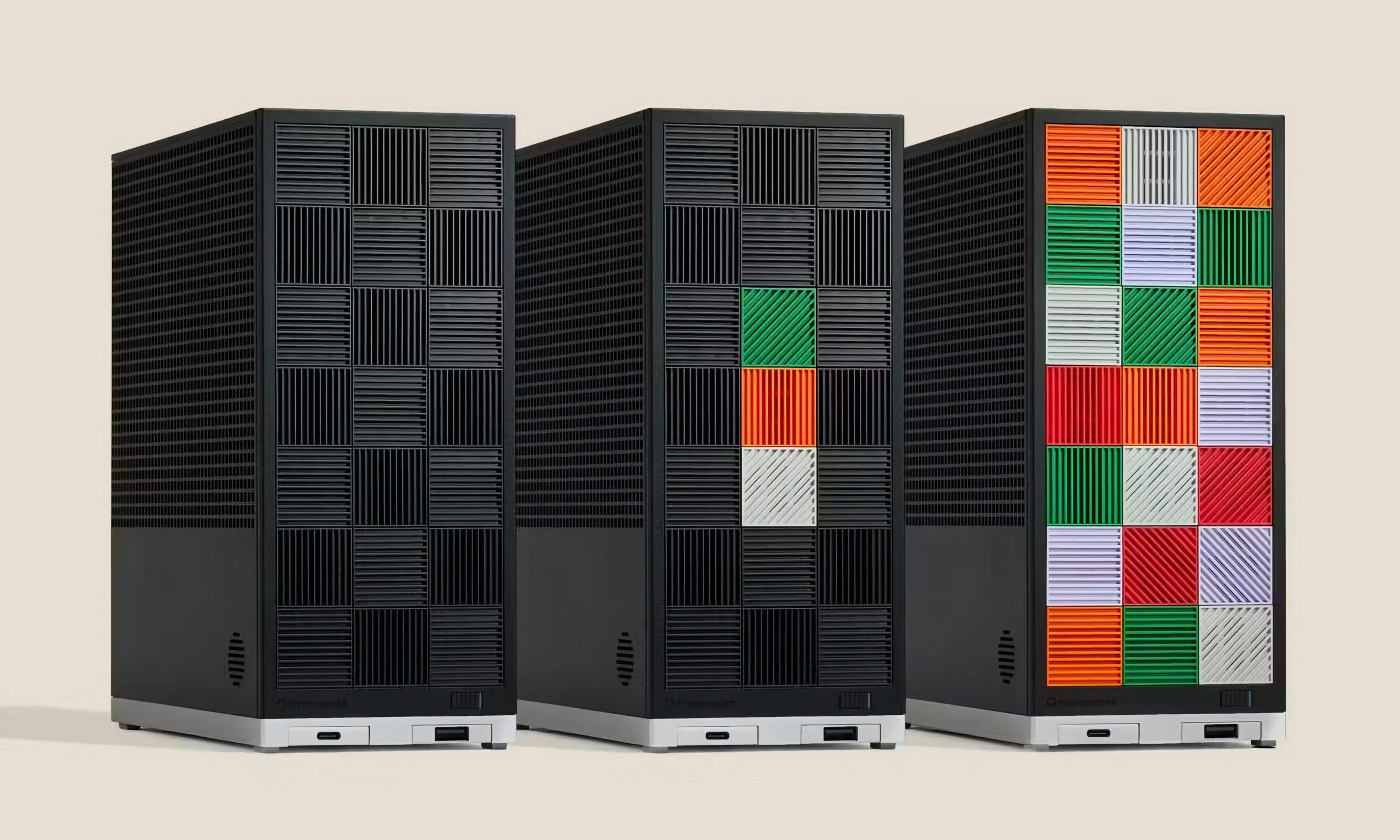
Framework has built a reputation for shipping things other PC makers won't even attempt, and its latest teaser keeps that streak alive. At AMD's Advancing AI event, the company previewed a new version of its Framework Desktop, and this one is clearly built with one goal in mind: running large AI models locally on your computer. If you have been eyeing a way to run local AI, this could be the machine to watch.

So what's actually new here?

Read more