1. Home
  2. Phones
  3. Android
  4. Mobile
  5. News

Android N's Freeform desktop mode won't be enabled on the Nexus 9 or on the Pixel C

Add as a preferred source on Google

Android N’s Freeform Mode — which lets you run the mobile operating system in a manner that resembles Windows or a Mac — will strangely not be enabled in Nexus devices or the Pixel C.

In the current version of Android N, which is on Developer Preview 4, you’re able to split the screen between two apps — top and bottom on smartphones, and left and right on tablets like the Nexus 9 and the Pixel C. The code for a Freeform Mode was discovered earlier this year when Android N debuted in March, and it allows users to turn apps into floating windows — you can reshape apps, transition between a tablet and phone layout, maximize and close apps, and more.

Recommended Videos

Google confirmed its existence at its developer conference in May, but the feature is still disabled by default. Now, in a developer post explaining how to design an app around Multi-Window support, the search giant says the feature will not be enabled in Nexus devices. Manufacturers, on the other hand, will have the option to enable it for tablets.

“Keep in mind that no Nexus device is going to have freeform multi-window enabled for N, although manufacturers could enable it for their tablets if they want,” writes Android Developer Advocate Ian Lake in a Google+ post.

Google’s Nexus devices have long been the testing ground for most of Google’s features, seeing as they receive quick updates directly from Google. It makes sense the feature isn’t available on Nexus phones as windowed apps won’t be of much use on a small screen — but the Nexus 9 Android tablet could take advantage of it. Lake even clarified that the Pixel C, Google’s most recent tablet offering from the Pixel team, won’t be able to support Freeform Mode.

“Of course, split screen multi-window will work on those devices as well and is arguably much more useful than on phones,” he said.

The APIs are public and accessible, and while manufacturers can enable it for their devices, it’s unclear why Google is not activating Freeform Mode in the Nexus 9 and the Pixel C. We have reached out to Google for comment.

Julian Chokkattu
Former Mobile and Wearables Editor
Julian is the mobile and wearables editor at Digital Trends, covering smartphones, fitness trackers, smartwatches, and more…
Android 17 makes it harder for bad actors to guess and crack the PIN on your phone
Thieves only get 20 shots before the door slams shut
Electronics, Mobile Phone, Phone

Google is planning on making Android 17 even more secure. The company had previously confirmed that Android 17 will now reduce the number of times someone can guess your PIN or password and add longer wait times between failed attempts.

Now, thanks to a deeper breakdown from Mishaal Rahman, we have a better idea of how aggressive that change really is.

Read more
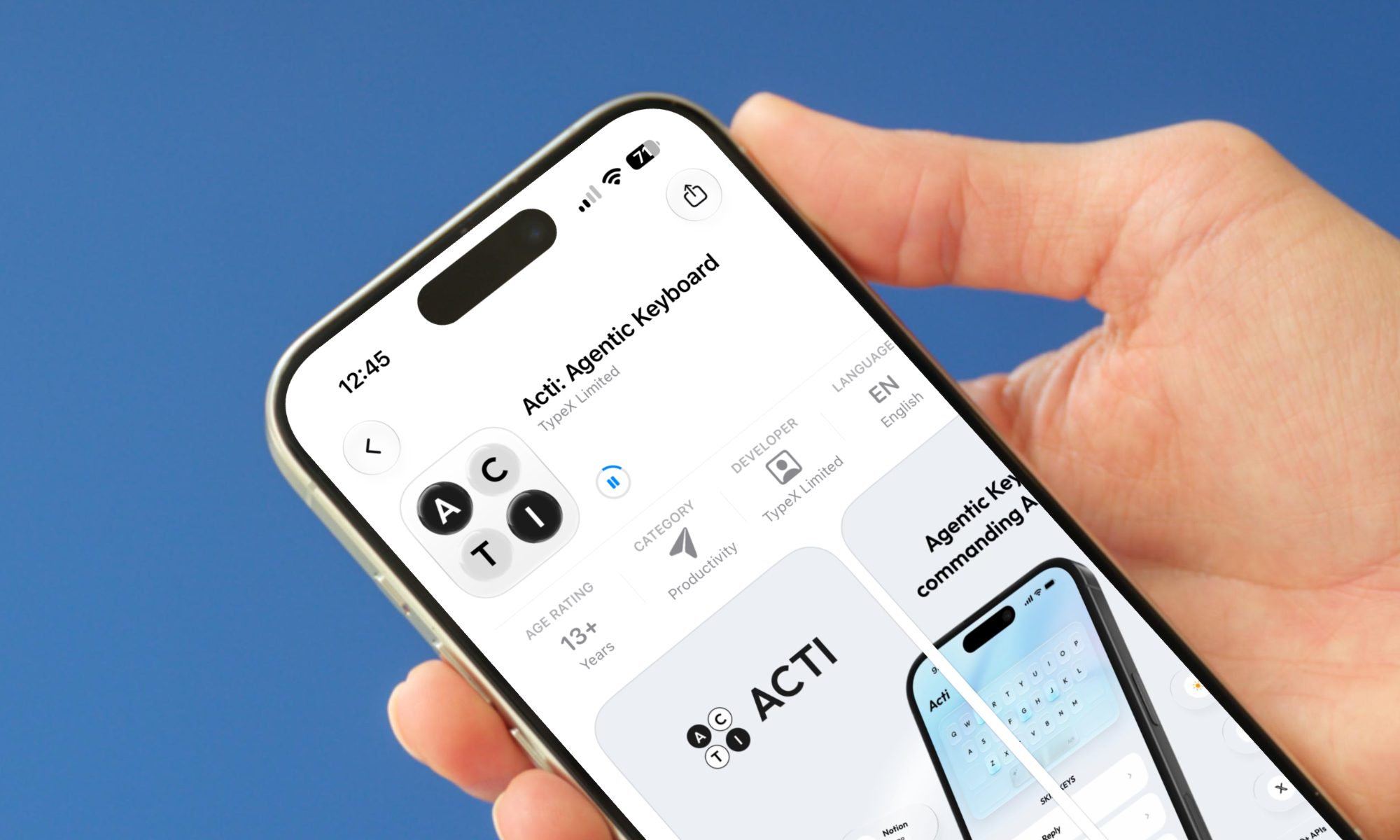
Acti just turned your smartphone keyboard into an AI assistant
One keyboard that types your words and does your errands. This might be the upgrade your thumbs have been waiting for.
Acti keyboard open on iPhone

Your smartphone’s keyboard is the thing you interact with the most, and yet, it has largely remained the same since it was introduced two decades ago. Yes, it has become better at understanding our typing habits and predicting text, but its function has largely remained unchanged. 

A Singapore startup called Acti looked at the keyboard and the large space it occupies on your smartphone and asked a fair question. Why not make it actually do things? After seeing its keyboard in action, I think the idea has legs.

Read more
Finding photos is so much easier with Siri AI in iOS 27 that I no longer scroll
Natural language photo search in iOS 27 is the kind of feature that quietly becomes essential.
Electronics, Phone, Mobile Phone

My camera roll has crossed 8,000 photos, and it got there by capturing random moments (only to forget them later). The problem, however, starts when someone asks me to share something specific. It could be their portrait from last weekend or the food pictures they snapped using my phone.

Finding those pictures usually means scrolling through my seemingly endless camera roll. If the photo is a month or two old, I end up scrolling past hundreds of other images to find it, and that gets old fast.

Read more