The OnePlus Nord is an attractive mid-priced smartphone that does most of what you’d expect a higher-end handset to do. It has good battery life, 5G support, and intuitive software, with OnePlus promising at least two years of Android updates and three years of security updates. It also looks very nice, though its glass front and rear don’t always appreciate being dropped on the ground. Fortunately, you can protect it with a case, which is why we’ve compiled the best OnePlus Nord cases available right now.
From budget-friendly options to premium cases, we have all your bases covered. Take a look through our list, and decide for yourself.
Official OnePlus Nord Clear Bumper Case
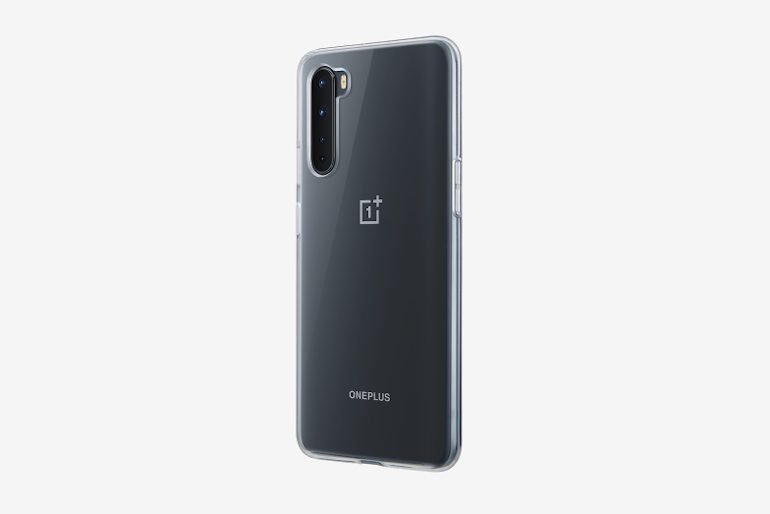
OnePlus offer a couple more expensive cases for the OnePlus Nord (here and here), yet it’s the OnePlus Nord Clear Bumper Case that combines value for money with reliable protection. It’s made from medical-grade silicone that fits cleanly around the phone, while its transparency brings the added benefit of letting you (and others) see your phone. It’s designed to be shock-absorbent, so even if it is cheaper than the other cases on this list, it’s likely to protect your phone from most everyday accidents.
Latercase OnePlus Nord Case
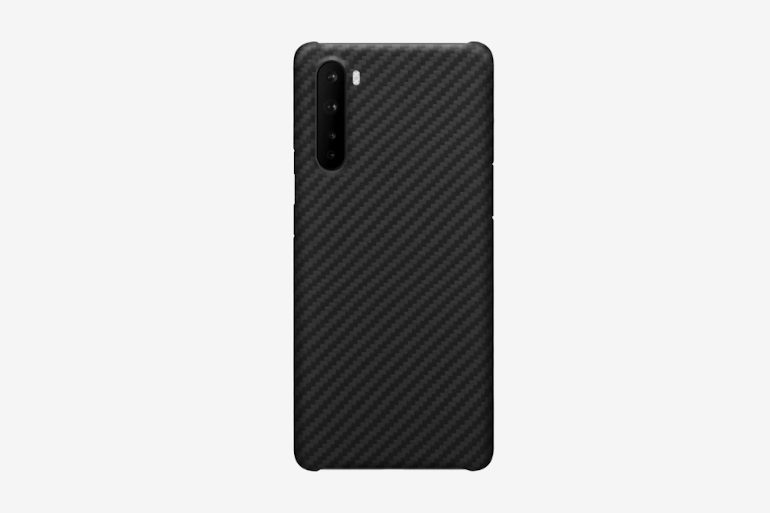
Toronto-based Latercase produces highly durable cases for most major smartphones and manufacturers. Its OnePlus Nord Case features Kevlar fibers that ensure a rugged ability to withstand most of the abuse life is likely to throw its way. The case is laser-cut, meaning that it fits the OnePlus Nord very snugly, allowing you to operate all of its buttons as normal. It’s also very thin (0.6mm) and light (10 grams), includes raised camera protection, and is compatible with wireless charging. It’s certainly one of the best OnePlus Nord cases around, even if it’s at the pricier end of the spectrum.
Foluu OnePlus Nord Case
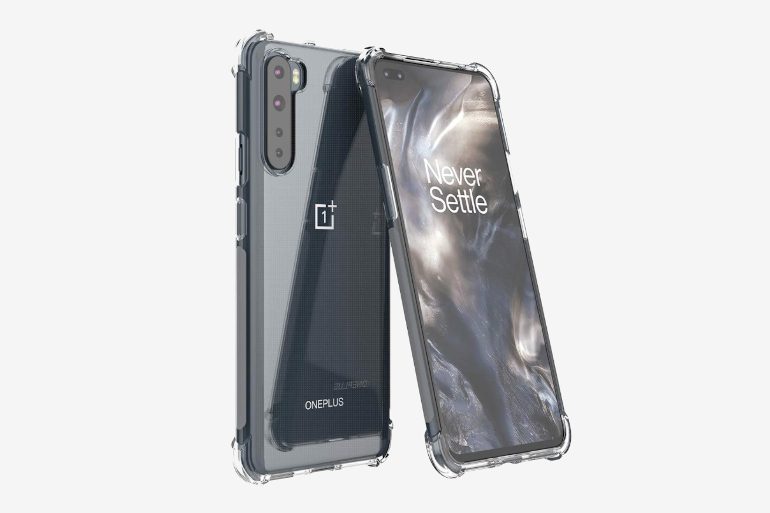
Foluu’s OnePlus Nord Case is another transparent cover that allows you to show off your phone. It’s a slim case consisting of flexible thermoplastic urethane (TPU), making it supple while providing scratch-resistance and protection against drops. Its TPU material is also equipped with an interior air space cushion, reinforcing it against larger drops. As is usually the case with thinner TPU cases, it fits the OnePlus Nord well, allowing you to use and charge it as normal.
Dbrand OnePlus Nord Grip Case
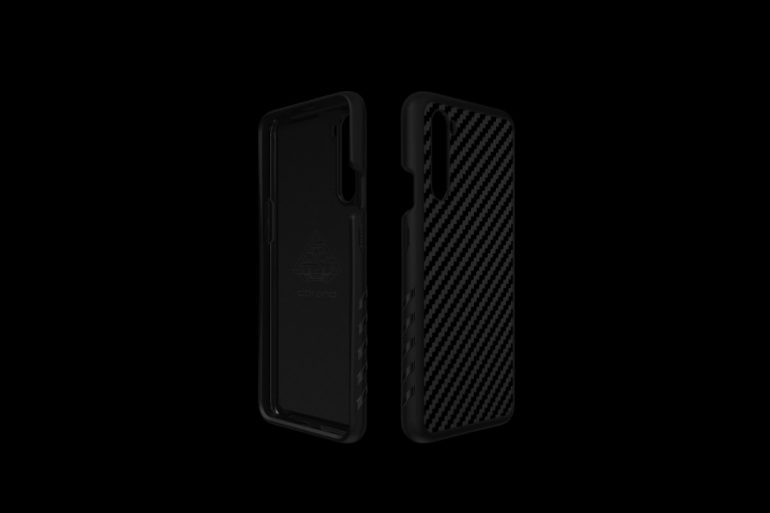
Another Toronto-based case manufacturer, Dbrand’s OnePlus Nord Grip Case is for owners who want to ensure that their phones never slip out of their hands. It’s made using shock-absorbing polymers that offer substantial, military-grade protection as well as high levels of grip. It also has a very low profile at only 2mm, while Dbrand claims its polymer material actually improves the responsiveness of the OnePlus Nord’s buttons. It comes in an uninteresting black by default, but for an extra $10 you can customize its design and color.
Ranyi OnePlus Nord Leather Wallet Case
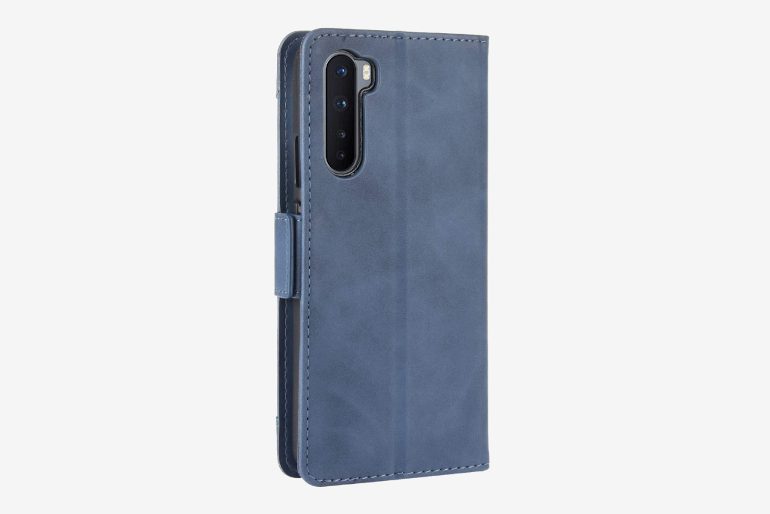
No list of smartphone cases is complete without a leather wallet case, and here we have one from Ranyi. Its OnePlus Nord Leather Wallet Case is an affordable yet stylish piece that’s available in a range of five colors (including blue, black, red, pink, and brown). It looks great, and — all importantly — its inner case incorporates a soft TPU material to protect your phone from scratches and knocks. It’s also very practical, featuring five slots for bank/ID cards, a money pocket, and kickstand capability (meaning you can use it to prop up the phone). Highly recommended for the price.