If it’s time for a career move, your smartphone is one of the best tools available to you for finding your next gig. But, with so many places to look, it can be difficult to pinpoint where you should start your search.
Today, we’ll cover everything you need to know about the best job search apps for your iOS or Android device, so you can maximize your job search and find your dream career.
LinkedIn Job Search
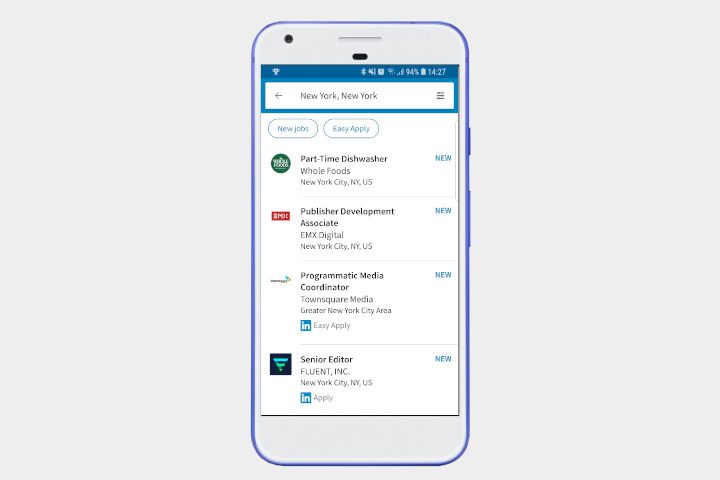
If you’re serious about business networking, then you’re probably on LinkedIn. But LinkedIn isn’t just a great social tool — it also boasts a powerful job search app. Once you’ve let LinkedIn know you’re looking for a new role, it’ll keep an eye out for you and notify you of any roles that meet your criteria and past experience, as well as highlighting you in employer searches for vacancies. If you prefer a more hands-on approach to job hunting, then you can search through roles filtered by job title, pay grade, or company, and you can apply using your LinkedIn profile. Best of all, LinkedIn will also keep your job hunting quiet, so it won’t tip off your current employer if you’re not ready to disclose your search.
Glassdoor
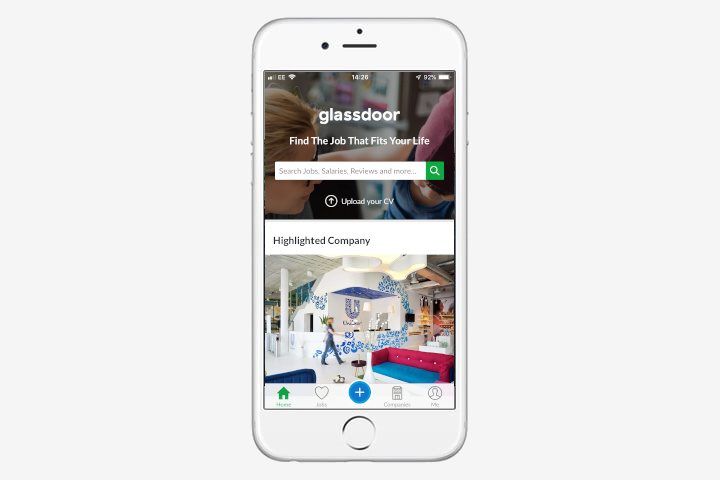
You can’t get much better than Glassdoor’s massive database if you’re researching a prospective employer, and it’s just as good if you’re looking for a job. Glassdoor offers a huge, anonymized database of company reviews, salaries, and even interview methods — which makes it perfect for checking against Glassdoor’s large repository of open jobs and vacancies. Glassdoor makes it easy to see if you’re earning as much as your skills are worth, and could be the kick up the rear you need to make the jump to a new role. You can save jobs, apply within the app, and even be notified of new positions matching your needs and skills.
Monster
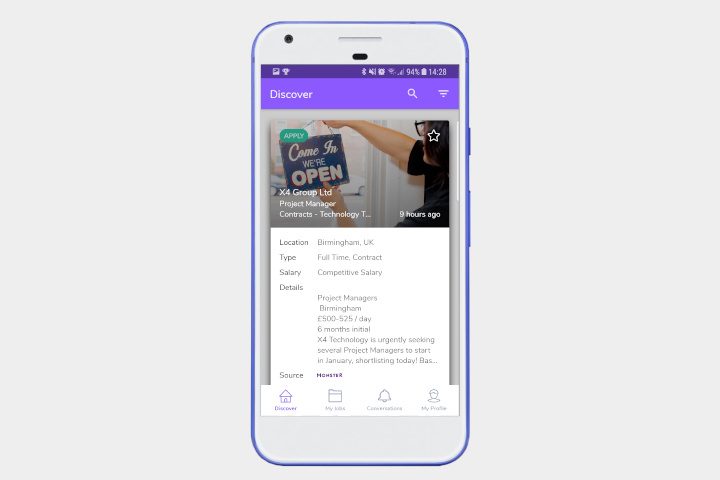
Offering over a million full and part-time roles across the U.S., Monster brings jobs from other job searchers into a single app, making this one of the best job hunting choices. It uses an interface that’ll be familiar to anyone who’s used Tinder — Monster offers a job “card”, and you can swipe right to apply for it or swipe left to dismiss it. This makes job searching easy and fast, using your uploaded resume, but if you want to take a more thoughtful approach, it may not be for you. However, with the offer of an in-app career concierge that’ll help you spruce up your resume or rate your salary prospects, it’s an app you can’t afford to ignore.
Indeed
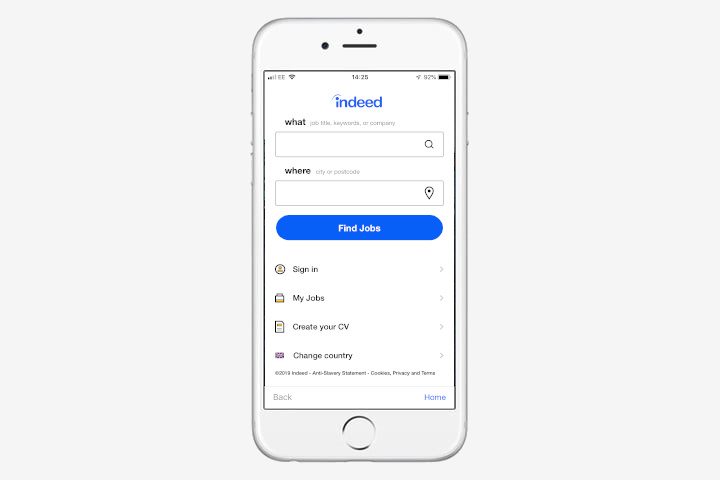
One of the top job search websites in the world, Indeed offers apps for both iOS and Android with access to its 16 million-strong database of jobs across 60 countries and 28 languages. You can upload your resume and apply to jobs with a couple of clicks, stripping out many of the bells and whistles offered by competitors. You can search for nearby jobs using your device’s GPS location, and filter down by role, permanence, hours, or pay grade, and pretty much every other possible criteria you need.
Hirewire
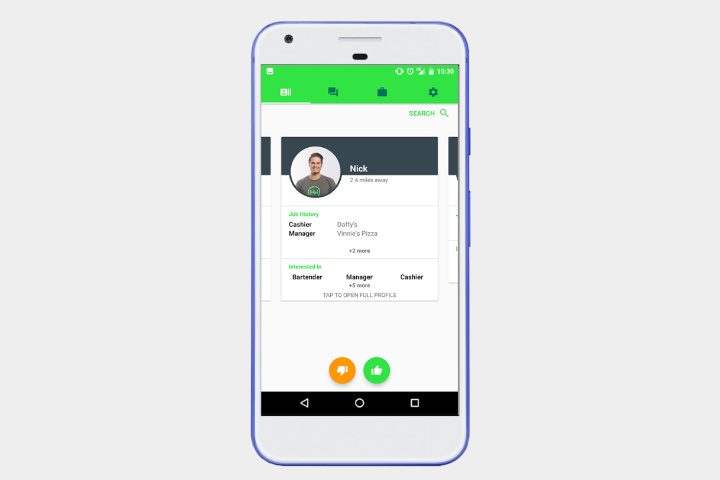
Getting a new job fast is important when you’re out of work, and Hirewire aims to get you a job within 24 hours. That’s a heady boast, but Hirewire has done a lot to work to try and streamline the application process. Rather than upload a resume, Hirewire has you build an interactive profile for employers to check out, offering them everything they need to know in a moment. It seems to be mostly set up for the service industry, which may explain its speed, but it also has built-in tools for scheduling interviews, and video and text chat with local businesses. If you’re struggling to find a local service job, then Hirewire is worth a download.
ExpressJobs
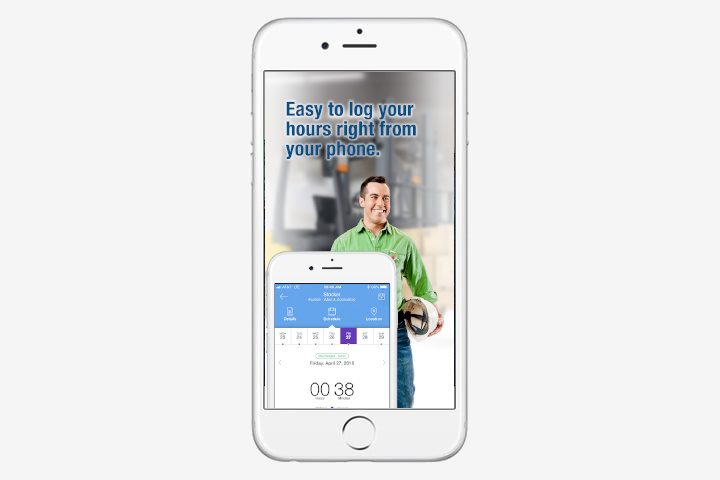
Getting hired is only the first step in a new job and ExpressJob’s app understands that. It comes with mapping functions to show you all the nearby jobs, and makes applying easy with one-click applications and the ability to save and share jobs on social media. But it really comes into its own once it has helped you find a job. Using ExpressJobs, you can log your timesheets, record your schedule, and even track your pay history. Not just a job search app, ExpressJobs wants to help keep you organized even after you start your new role. We imagine it will be especially useful for anyone with variable hours or income.
Snag
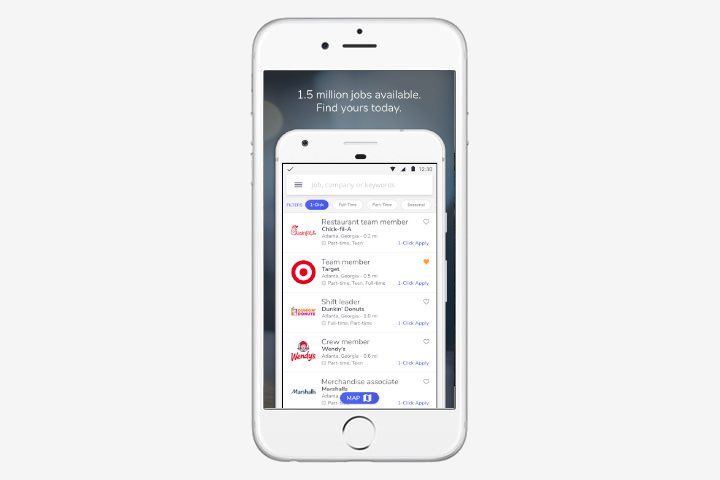
With full-time careers, and part-time jobs for teens, or entry-level roles for those just starting out, Snag is looking to cover as many bases as possible with its job searching app. You can search for roles with all the usual filters and criteria and apply to jobs with a single click using your Snag profile. If you’re really looking to impress, you can even make a video profile for prospective employers. You can get daily job matches to roles that might fit you, and you can take personality quizzes that supposedly help to narrow down which jobs are perfect for you.
CareerBuilder
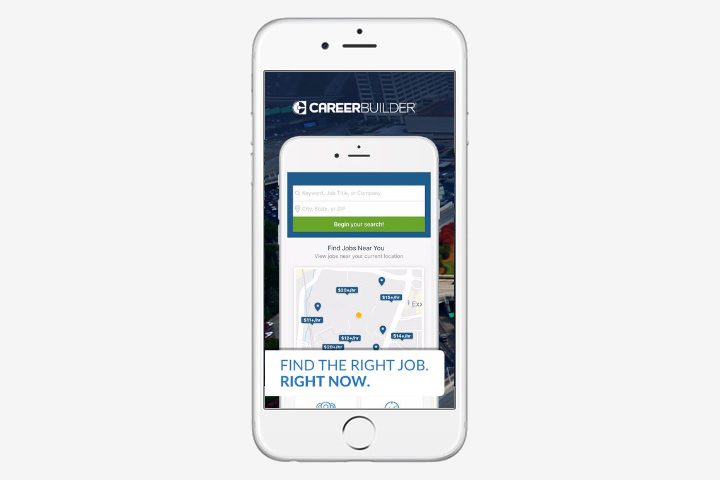
For CareerBuilder, it’s not just about finding your next role — it’s about making sure you’ve got the skills you need to progress up the ladder. Upload your resume (or use the app’s new scanning feature) to start applying for jobs. You can also use it as a basis to find out which skills you should be fostering, look into potential future pay grades, and even research your next job title. CareerBuilder has all the usual features you’d expect from a job searching app, including filtering by job type and location, and the ability to save jobs and apply later, but it’s the tools for advancing your career that’ll keep it installed on your phone even after you have your next job.
ZipRecruiter
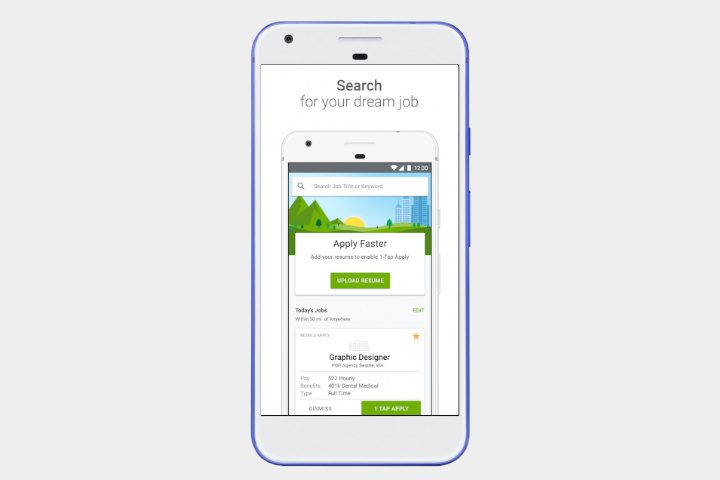
ZipRecruiter wants to take the hassle out of your job search by simply doing it for you. By using more than 100 job boards and your own skills, criteria, and filters, ZipRecuiter keeps an eye on the job market for you and will send you a notification when a vacancy is found. If you’d rather do it yourself, then you can, and you can apply to jobs with a single tap after uploading your resume. The app will let you know if your resume is viewed by a potential employer, and email you a daily digest of jobs for your perusal.
Good & Co
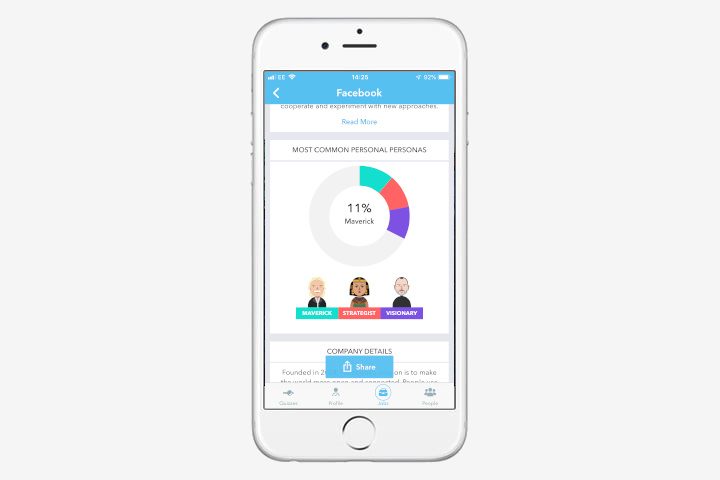
How do you know whether a job will be good for you or not? Knowing if a company is a good fit for your personality is tough before you join, but Good & Co is hoping to make that question easier to answer. Download the app and you’ll be able to complete personality quizzes on the level of the Myers-Briggs and Big-Five personality tests that will help you to find out if you’re a maverick, dreamer, visionary, or a variety of other personality types. Once complete, you can see how you stack up against workers in other companies and take tests to see if you’d be a good fit. We wouldn’t put too much faith in its results, but it can give a decent idea of a company’s philosophy if you’re curious. Once you’ve found an option, you can apply for open jobs from inside the app.