
Microsoft has introduced Cortana, its answer to Apple’s Siri and Google Now. The feature, which is being pushed by Microsoft as the “world’s first truly personal digital assistant,” will come with the Windows Phone 8.1 update, which is expected to hit most Windows Phones the next few months.
Be sure to check out our other guides:
“Powered by Bing, Cortana is the only digital assistant that gets to know you, builds a relationship that you can trust, and gets better over time by asking questions based on your behavior and checking in with you before she assumes you’re interested in something. She detects and monitors the stuff you care about, looks out for you throughout the day, and helps filter out the noise so you can focus on what matters to you,” said Joe Belfiore, the corporate vice president of Windows Phone, in a blog post.
Cortana, which is named after a character in the video game Halo, sound a lot like Siri, and seems to be engineered with some comedic chops, too. When asked by Belfiore about what she looked like, Cortana answered: “Some things I resemble: a hula hoop, a doughnut, and a halo.”

Aside from emulating wittiness, Cortana also conducts convincing impressions of real-world personal assistants. It muddles through complex grammar to perform tasks like facilitating restaurant reservations and notifies you when new appointments are in conflict with a previously scheduled meeting.
Cortana is still in beta and will soon be available in the United States. It will then launch in China and the UK in the second half of 2014 before being released in other countries in 2015.
The Set-up
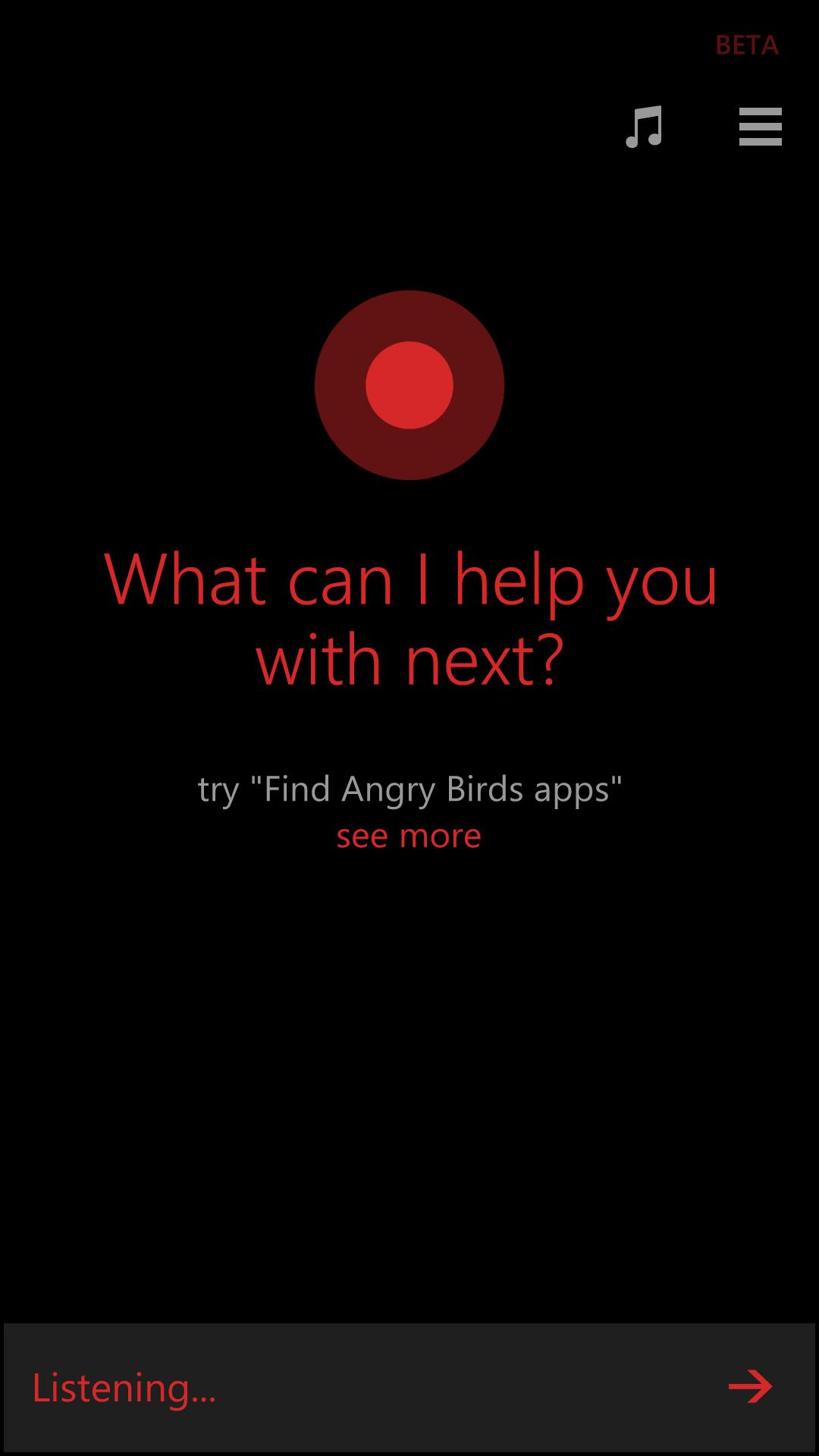 Cortana is found on a Live Tile on your phone’s home screen and can also be activated by pressing the phone’s Search button for a second. The first time you use Cortana, it will try to collect information about you, like your name and your hobbies. From this information, and the number of personal online accounts that you allow it to access, it will furnish your with information such as flight details from email confirmations and traffic updates for your daily commute.
Using Cortana
Once Cortana learns information about you, it will compile your preferences in what Microsoft calls a “notebook.” Cortana’s notebook can be subdivided into sections such as “interests,” “remind me,” “quiet hours,” “inner circle,” etc. For example, you can put your mom in your inner circle, making it possible for her to call you at anytime (that’s something you want, right?). You can also set quiet hours. Let’s say you want to hide from life’s troubles on Tuesday at 9-10 pm. Cortana would silence all calls and texts, unless of course, your mom calls.
What we like most about Cortana is its ability to understand natural language. There’s no need to chop down your queries to single phrases such as “find a restaurant nearby” or “call my house.” Belfiore showed this off by telling Cortana to “remind me when I get home to cook dinner for my wife.” Cortana botched a few commands, like failing to call a restaurant and misspelling a tweet, but the occasional annoyance may be worth it because you can say one command after another and it would at least attempt to put everything in contexts.
Third-party apps
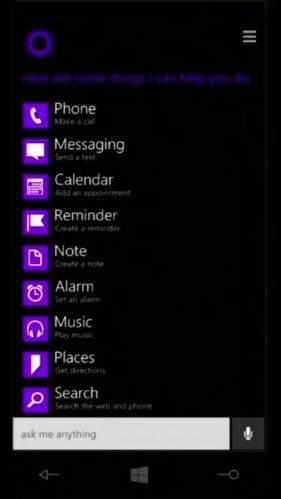
Cortana interacts with third-party apps, a capability that is mostly absent in Siri. During Microsoft’s Build event, Belfiore demonstrated this by using Cortana to open a Facebook page, placing a call through Skype and adding a show to his Hulu Plus queue.
As with most virtual assistants, it’s not perfect. We expect that using this day in and day out would cause us to type in things more frequently, mostly to avoid repeating commands as our voice get louder and louder. However, having a voice you’ve grown accustomed to in Halo on your phone might be too good to pass up.
We will update this article as we learn more about Cortana’s abilities.


