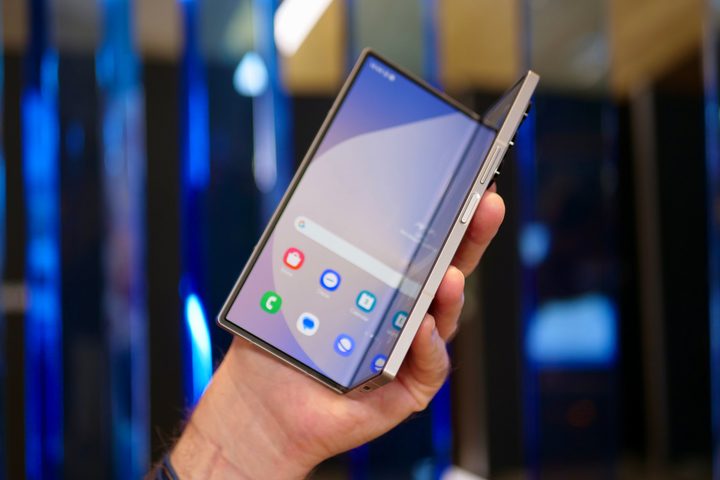
Galaxy Unpacked was jam-packed with huge releases for big devices, but they don’t get much bigger than the Samsung Galaxy Z Fold 6. Samsung’s new foldable smartphone has a regular smartphone-sized outer display and a big tablet-sized inner display for watching videos, reading books, or cracking on with some serious productivity.
Samsung has made some changes to the Z Fold this year. The Z Fold 6 is wider and shorter than previous versions while also boosting the size of the outer display, making the regular smartphone mode a bit more useful than before. Other changes have also been made, but one thing you may want to be sure of is whether the phone has wireless charging. After all, there are a lot of components in the way when this device is folded, so it would make sense if it’s not capable of charging wirelessly.
Here’s the absolute lowdown on whether you can still use your wireless charging pad with the Galaxy Z Fold 6, whether it has the ability to charge other devices, and what your other charging options are, too.
Does the Galaxy Z Fold 6 have wireless charging?
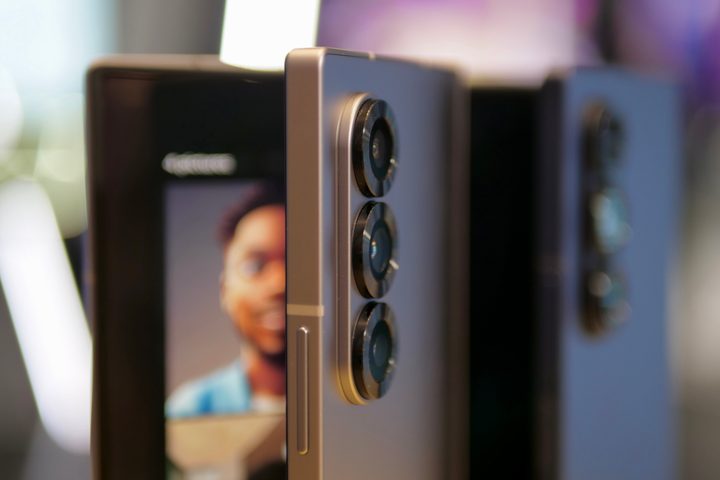
It’s good news here: the Samsung Galaxy Z Fold 6 does have wireless charging capabilities. With a price that’s very close to $2,000, it would be a kick in the teeth if Samsung’s most expensive phone wasn’t able to charge wirelessly, so this is a real relief.
With that out of the way, how fast is the wireless charging? Despite the sky-high price, the Z Fold 6 doesn’t sport a similarly fast wireless charging speed like the 50W wireless charging of the OnePlus 12. However, the Z Fold 6’s 15W speed is acceptable and meets the broad industry standards for wireless charging. This means that your Z Fold 6 won’t be charging at its fastest when it’s on a wireless pad, but the convenience of being able to place your phone down on a pad rather than scrabbling around for a cable is worth a small increase in time spent charging.
Does the Fold 6 have reverse wireless charging?
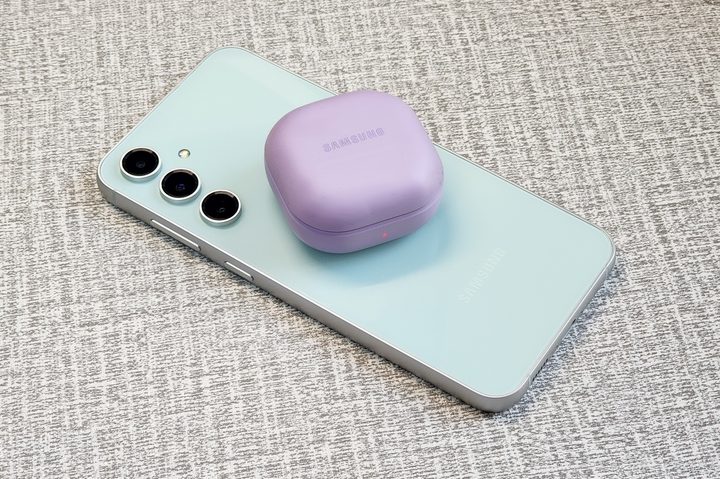
The Samsung Galaxy Z Fold 6’s box of tricks doesn’t end there, though. It also has the reverse wireless charging trick we’ve seen on a number of other phones.
Not familiar with this particular feature? It’s simple to explain: Using the wireless charging kit built into the phone, your Z Fold 6 can work as a wireless charging pad itself. While you’re unlikely to want to use this to charge another phone because it’s directly sapping your battery, it’s great for topping up smaller items, like wireless earbuds or smartwatches.
This is very much meant as a backup charging option, and the speed reflects that. At 4.5W, reverse wireless charging is actually slightly slower than even the bottom tier of wireless charging, so it’s not something you want to use a lot. However, if you forgot to charge your smartwatch or earbuds this morning, this feature lets you keep them alive until you get home.
What are the Fold 6’s other charging options?
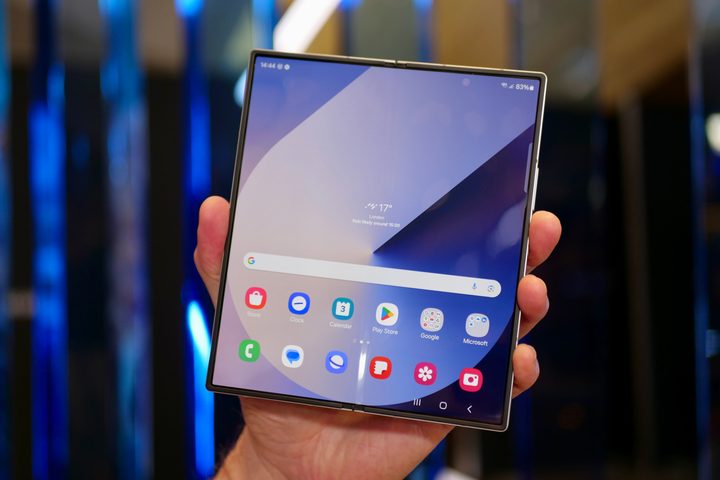
Wired charging is always going to be faster than current wireless charging methods, and that’s still true in the Z Fold 6. However, the gap isn’t as big as you might expect. In fact, the Z Fold 6’s 25W wired charging speed is a little bit disappointing. Despite being almost $1,000 more than the Galaxy S24 Plus, the Fold 6’s 25W charging speed is a lot slower than the S24 Plus’ 45W.
We’re not sure why Samsung keeps insisting on limiting its flagship phones to 25W (the Galaxy S24 is guilty of the same), but it’s high time it stopped. Still, it’ll recharge to full in around 80 minutes using the full 25W of power, and it’s fast enough that you can plug it in for a short period of time and get a decent top-up of energy when needed. But it still stings to not get Samsung’s fastest charging rate on its most expensive phone.