
When Apple announced the iPhone 15 Pro series last September, there was one feature I was more excited about than anything else: the Action button. Gone was the useless ring/silent slider. In its place was a button we could customize to our exact liking.
I’ve been using the Action button on my iPhone 15 Pro Max ever since I got it, and for the last few months, it’s been programmed to open the camera app. It’s convenient, but it’s also nothing particularly exciting. Recently, though, I found a new and unexpected way to use my iPhone’s Action button — and it’s kind of blowing my mind.
Supercharging the Action button

So, what happened? It all has to do with Arc Search. Earlier this year, the company behind the popular Arc web browser released Arc Search as a new AI-assisted iPhone browser app.
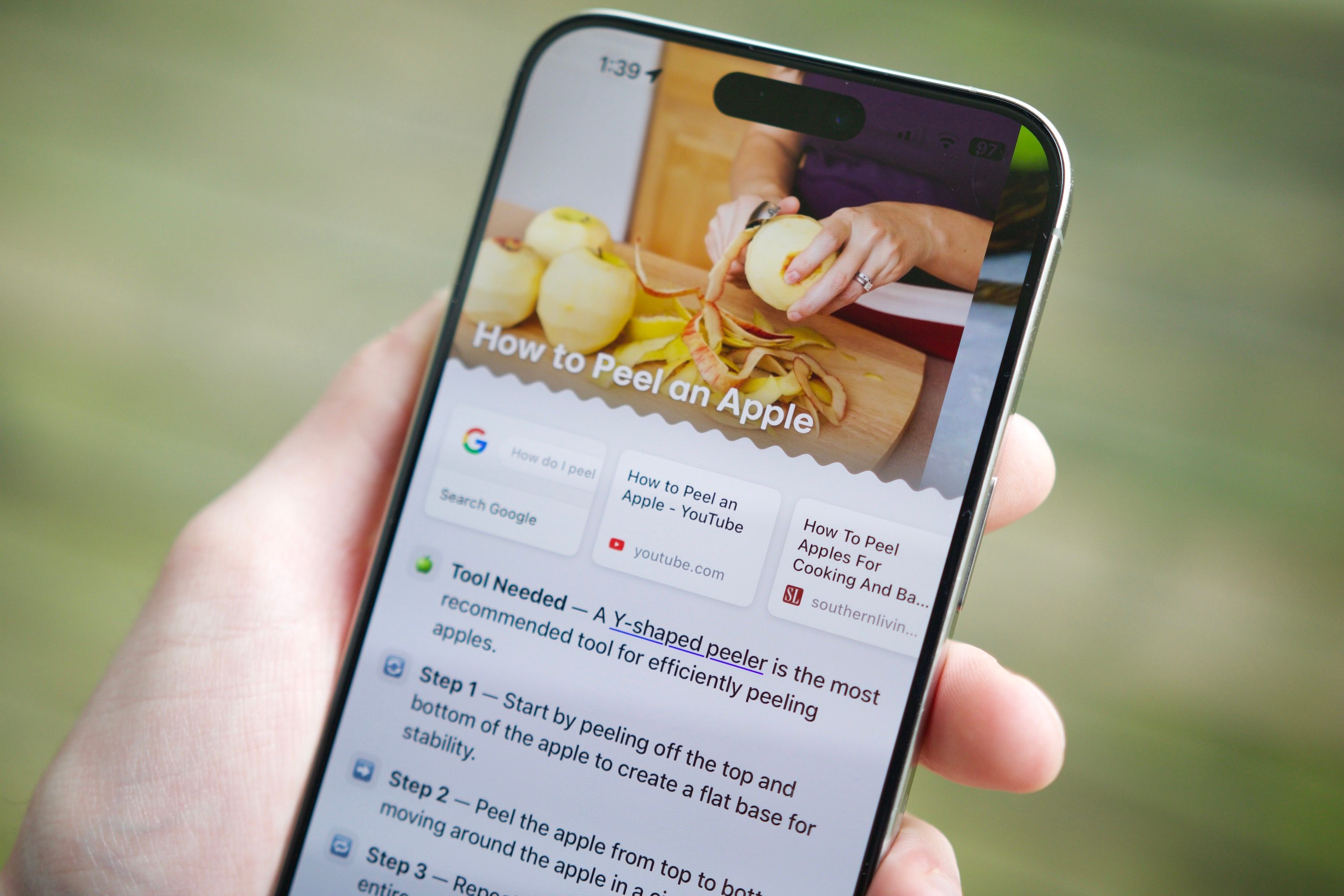
Arc Search isn’t just another uninspired alternative to Safari or Chrome. You can use it as a “normal” web browser, but its secret sauce is its Browse for Me feature. Instead of spitting out a list of endless Google Search results, Browse for Me analyzes your search results and uses AI to build a mini website with clear and concise answers.
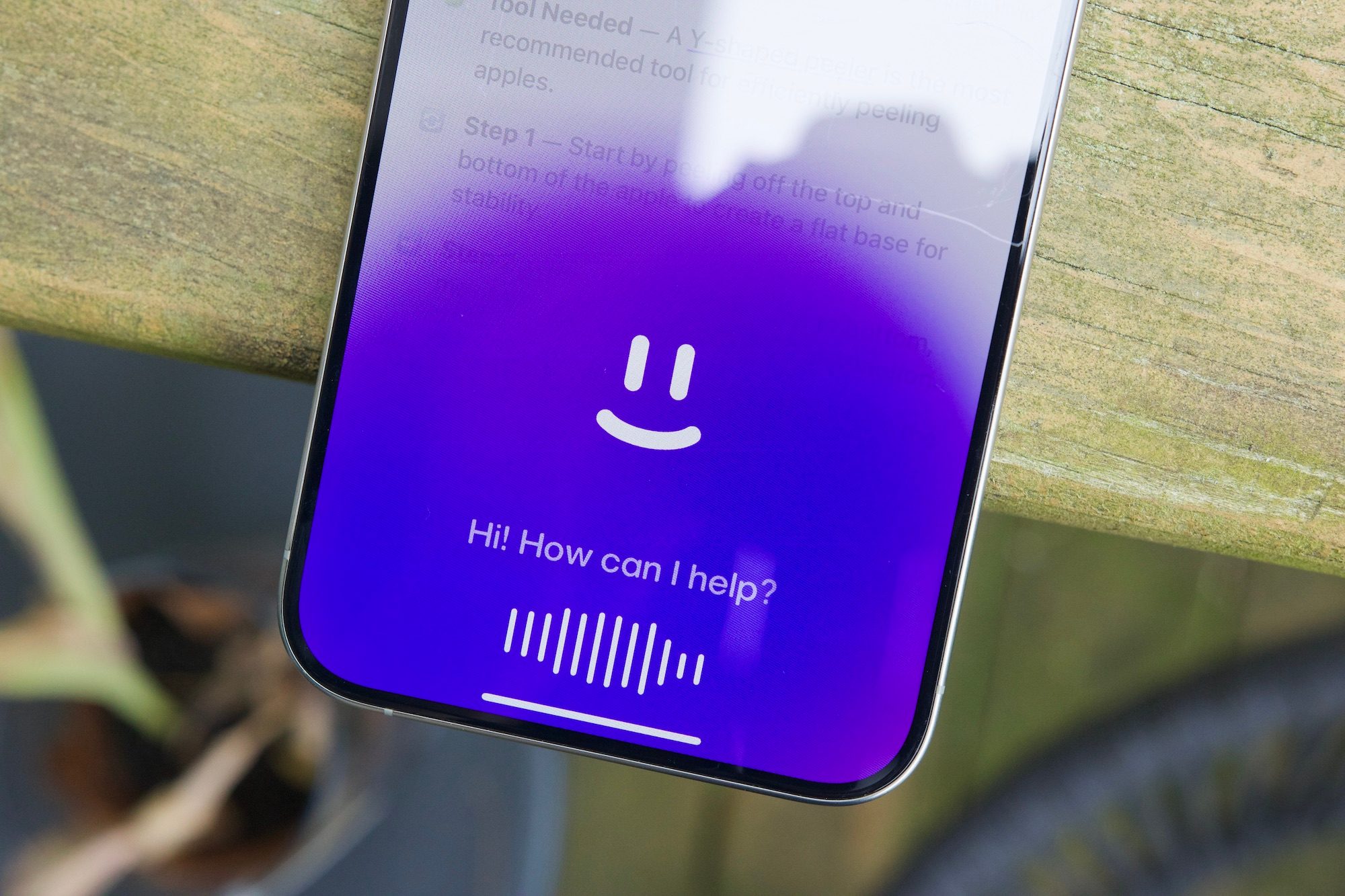
Last week, Arc Search got even more convenient with the launch of a voice search tool. When you open Arc Search, you can now press and hold on the + button to perform a voice search. When you’re done talking, the Arc app automatically searches with the Browse for Me feature, giving you a quick, helpful answer without any typing. And it gets even better. Shortly after Arc Search got its voice feature, the developers also added a Siri Shortcut that automatically launches the voice search tool with just a tap.
As a reminder, Apple lets you configure the Action button to launch any Shortcut you want. In other words, you can set up the Action button to launch Arc Search’s voice tool with the press of a button. That’s precisely what I did to my iPhone 15 Pro Max a few days ago, and it’s been nothing short of magical.
The simplest way to browse the web
After you download Arc Search, setting up its voice search tool with the Action button is very simple. Open the Settings app on your iPhone, select Action Button, and scroll until you find the Shortcut option. Select the action prompt below to open the Shortcuts page, then Arc Search, and finally Voice Search with Arc.
Once this is done, pressing and holding the Action button activates Arc Search’s voice feature. You press the Action button, speak your question, and Arc Search automatically starts searching once you’re done talking. It’s that simple. Using your voice to browse the web is obviously not a new concept. However, tying it to Arc Search’s excellent Browse for Me system — and making it accessible with just the press of a button — is incredible.
What makes this so impressive is the quality of Arc Search’s search results. For example, if I ask it to show me good restaurants in my area, I get a list of 10 recommended options with a brief description for each one. Arc also shows me additional lists of places that are great for takeout and delivery. If I tap on a restaurant, I get a new page explaining it in detail — including its location, a summary of user reviews, a preview of its menu, and more.

My partner and I were talking about signing up for a YouTube Premium family plan recently, and I forgot how much it cost. I asked Arc Search, and it gave me an incredibly clear breakdown of the subscription cost, its included features, and some context about a price hike that happened in 2022.
When I asked Arc Search when Mad Max Furiosa is coming out, it showed me the release date at the top of the screen, followed by additional context on the film’s story, setting, cast, and more.
I could look up this information myself on any web browser with Google Search, but the results Arc Search provides are just so much better. It gives you exactly the info you’re looking for, as well as additional (and helpful) context, and it backs up all of its AI summarization with direct links to the sources it’s pulling from. And, if you want, there’s always a button to view your search in a standard Google Search format.
Who needs an AI gadget when you have this?

Adding Arc Search to my iPhone 15 Pro Max the same day I finished my Rabbit R1 review really put into perspective how companies can create good AI experiences compared to bad ones.
The Rabbit R1 is an example of the latter. It’s a standalone $200 companion to my smartphone that’s supposed to make my life easier by using AI to search the web for me and perform other tasks. As I quickly discovered, it fails miserably at virtually everything it’s supposedly capable of.
Arc Search, on the other hand, is a fantastic example of a good AI application. It’s a free app I downloaded on my iPhone and does a lot of what the Rabbit was supposed to do, but infinitely better. It’s also turned my iPhone 15 Pro Max into the ultimate voice search device. If I have a question that requires the internet, I press and hold the Action button to use Arc Search. If I want to set a timer, call a contact, send a text, or anything like that, I press and hold the side button to talk to Siri.
I imagine we’ll see Apple and Google attempt to make their own voice assistants a one-stop shop for everything — especially with WWDC and Google I/O right around the corner. But for now, I’m loving my Arc Search/Siri combo setup on my iPhone 15 Pro Max. Arc Search has made my iPhone feel special and exciting in a way it hasn’t felt for a while, it’s breathed new life into the Action button, and it’s genuinely making my life easier. All that for the incredible price of free, no $200 orange square required.