Microsoft Office once had an unquestioned stranglehold on the world of productivity suites and programs. However, the subscription model and the high price of Office 2019 have given rise to a bevy of options that fall outside Microsoft’s banner. The best alternatives to Microsoft Office allow users the freedom to create and edit, and many are even compatible with files made in Word, Excel, and other Microsoft programs. If you’re loyal to Microsoft’s product, it’s also worth trying out the web-based Office applications, which emulate a lot of the primary features of Office right in your browser for free.
Outside of that, there are capable alternatives available for both Windows and MacOS, whether you’re looking for a quick means to spell check the copy on your resume or string together complex formulas prior to an important business presentation. Below are a few of our favorites.
Best alternatives to Microsoft Office
- Best Microsoft Office alternative: FreeOffice
- Best web-based Microsoft Office alternative: Google Workspace/Google Apps
- Best full-featured Microsoft Office alternative: LibreOffice
- Best Microsoft Word clone: WPS Office
- Best iMac Microsoft Office alternative: iWork
Best Office alternative: FreeOffice
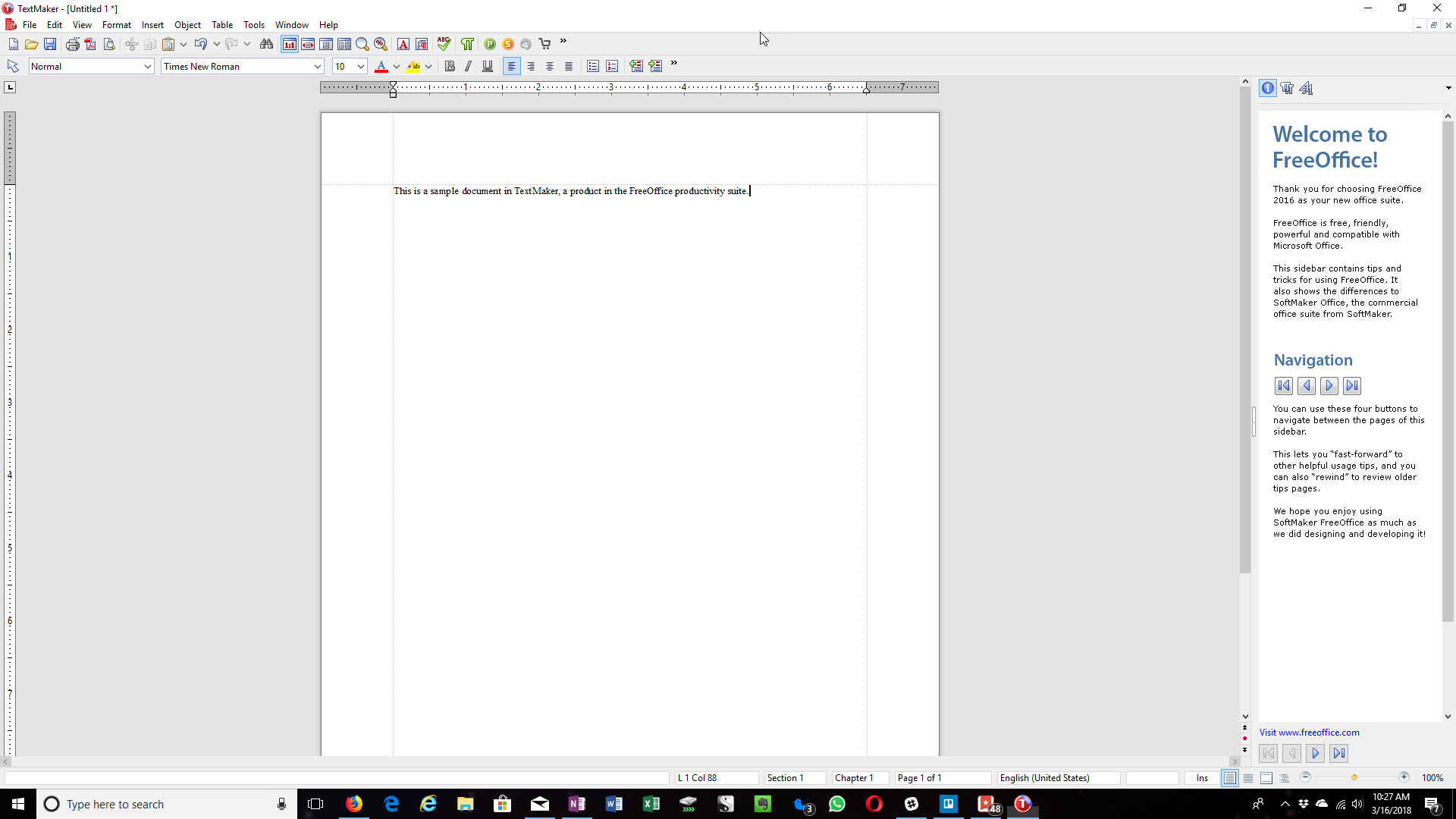
FreeOffice is also easy on the eyes and should be very familiar to Word users. The toolbars and document-creation options are similar to those in the Office suite, and the latest software updates further ensure the program is quick and relatively devoid of loading times. Even PlanMaker, the suite’s Excel alternative, offers features such as conditional formatting and pivot tables.
FreeOffice is also an excellent choice for carrying out professional projects. Not only does it provide compatibility with password-protected files, but it can also help you create PDF files or EPUB files and track document changes.
Best web-based Microsoft Office alternative: Google Workspace/Google Apps

Google’s online suite should need no introduction. The cloud-based software remains ideal if you need to work with others on a project — particularly if everyone is familiar with Google Drive, where files can be stored and shared. The current iteration of Docs supports formats such as PDFs, DOCX, or even ODT, so you need not worry about information being lost. It also integrates with most of Google’s other services, including Gmail and Calendar. There’s also the Google Workspace productivity solution for businesses, which is a strong competitor to Microsoft’s Office offerings in many enterprises.
The interface is classic Google — minimalist and oft-confusing. Certain tools or abilities may be hidden deep in menus or not made available for unknown reasons, which can make the software difficult to pick up without any previous experience. Still, if you’re used to Chrome or Chrome OS, then you know what to expect and shouldn’t have much problem navigating the menus.
Plus, the ability to work on documents, edit work, and discuss changes with others who are also working on the same file — all in the same window — is incredibly useful and well implemented across different file types. For some, this is a reason to choose Google’s offering over Microsoft’s — paid or otherwise. This is a great choice for those with limited storage (like Chromebook users) or for those who need to edit at a distance.
Best full-featured Microsoft Office alternative: LibreOffice
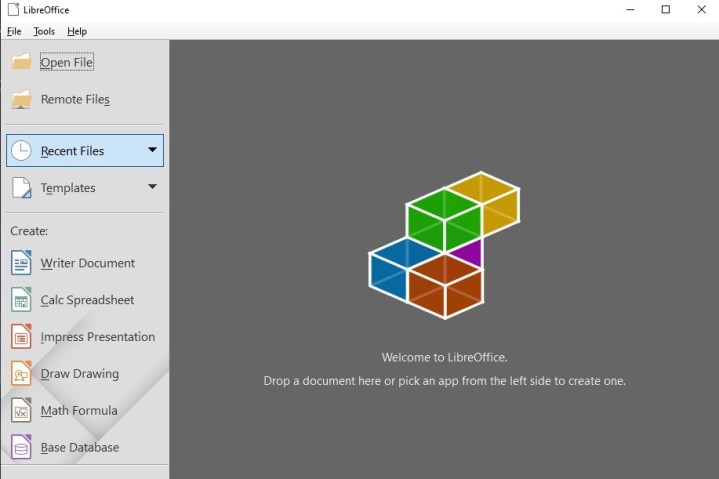
The creators of LibreOffice took a look at Microsoft Office and said, “Let’s make sure we can do everything Office can’t.” By now, the differences are so numerous that someone has created a useful (and lengthy) graph that showcases the extra compatibility that LibreOffice offers compared to Microsoft’s suite. This includes support for a vast number of document formats in both MacOS and Windows. If you’re using more distinctive software and are worried that Office won’t be able to handle your industry-specific formats, then LibreOffice is more than happy to step in.
The open source community behind LibreOffice remains active and continues to create extensions that allow you to equip your apps with any features you may need. And given both “released” (a little older, but still pretty recent) and “prereleased” (the newest, with the latest features, but may not have been tested for very long yet) versions are currently available, you’re also guaranteed to see regular improvements with LibreOffice.
Ultimately, if you like Office but are looking for a highly customizable alternative that can expand on the tools Microsoft provides while offering solid compatibility, LibreOffice is for you. Of course, learning and building LibreOffice into the software you want may take a little work, so give yourself plenty of time to learn what’s at your disposal.
Best Microsoft Word clone: WPS Office

WPS’s Office alternative comes with Writer, Presentation, and Spreadsheets, all of which mimic programs in Microsoft’s iconic suite. All files you create with these apps will be fully compatible with their Microsoft counterparts, and there’s an extra suite of PDF conversion tools in the event you need to export or import in a more ready-friendly format. Plus, the suite is available for free on both Android and iOS devices.
WPS is ideal if you’re used to a specific interface in Word programs and want to mimic the experience as closely as possible. No time to learn new tools? No worries. Even the template options are based on Microsoft’s traditional templates, which makes it easy to find your favorite way to start and fill out a document. Plus, the interface more closely resembles newer versions of Microsoft Office than many of our other picks, so jumping in immediately may be even easier than you expect.
WPS isn’t content to copy Microsoft in all things, however. The software touts a few useful tools of its own, including document tabs that allow you to quickly manage multiple documents.
Best iMac Office Alternative: iWork

Apple didn’t set out to make iWork work with Office Docs, but they eventually changed their tune. In today’s world, you need to play nice with Microsoft Office. Adding increased functionality between these competing software platforms was a necessary step in Apple maintaining and growing its user base.
Now freelancers and contractors can easily import MS Office documents into Pages, Numbers, or Keynote and return them to their clients in the appropriate MS Office formats. These days, even Windows PC users can use iWork if they don’t mind doing so via iCloud. (Apple doesn’t currently offer compatible desktop versions.)
Some apps might feel more intuitive than others depending on how familiar you are with iWork. The result is comparable to Microsoft Office, but their interfaces don’t necessarily look the same. But once you adjust and master iWork’s layout, you might find navigating it more natural than Microsoft. It may take some time, but it’s well worth it.
Keep in mind that using iWork and iCloud together will simplify the process of sharing documents over the cloud and storing them in other locations. As long as everyone on your team utilizes both, sharing will be seamless. Otherwise, it might be challenging.
It’s important to note that you’ll need to download three separate apps in order to use the iWork suite on your mobile device.
Editors' Recommendations
- These are the 10 best gaming PCs I’d recommend to anyone
- The best laptop brands for 2024
- The 10 best monitors for 2024: tested and reviewed
- Best 14-inch laptops for 2024: tested and reviewed
- Google Drive vs. Dropbox: which is best in 2024?