1. Home
  2. Emerging Tech
  3. News

Freewrite Traveler is a portable writing device for the easily distracted

Add as a preferred source on Google
Traveler - Ultimate Distraction-Free Writing Tool

If you’re a writer who tends to be easily distracted, the Freewrite Traveler may be just what you need.

Recommended Videos

The device is a better looking, more compact version of the Freewrite machine that launched a couple of years ago, and aims to divert you from your procrastination method of choice so that you can focus on the writing task in hand. At least, that’s the idea.

Created by New York-based Astrohaus, what the Traveler doesn’t feature is the reason you might want to get it. There’s no email, no social media, no games, no alerts or notifications, no video streaming, and no apps. There’s really little more than a keyboard, a display, and an internet connection so you can save your work to the cloud.

One of the main strengths of the Traveler over its predecessor is its lightweight, foldable, and altogether more portable design, hence its name. Tipping the scales at four pounds, the original Freewrite device was a hefty, bulky lump of a thing, while the Traveler weigh in at a more manageable 1.8 pounds. So now you can head to your favorite coffee shop to finally begin work on that amazing novel idea you’ve been talking about for so long, though if you’re a bit of a people-watcher, distractions other than those provided by the internet may prove a challenge. Oh, and best to chain your smartphone to the bottom of your bag, too.

The Traveler comes with an E Ink display, a slim full-size keyboard with keys offering 2mm of travel, and four-week battery life. The device saves your work automatically at regular intervals to internal flash storage, and to a cloud service such as Dropbox or Google Drive when you’re connected to the internet.

Notably, the device supports Markdown syntax, enabling rich formatting in your documents such as headings, bullet points, and italics.

“The idea is that by separating the creative and the critical, we can work more effectively,” Astrohaus says. “Draft on Traveler and with seamless syncing to the cloud [you can] effortlessly transition to editing later on your computer. Once there you can still use your favorite editing programs like Scrivener, Final Draft, or Word.”

The Traveler is an Indiegogo campaign that’s already well past its $50,000 funding target — and it still has a month to go. The retail price is expected to be $599, though at the time of writing a few early bird offers are still listed at $309. If all goes to plan, the Traveler will ship to backers in June 2019, with global availability slated for three months later.

As with any project of this nature, if you choose to back it then do so with the kind of caution you would apply to any other crowdfunding campaign. To find out more, check out the Traveler’s Indiegogo page.

Trevor Mogg
Contributing Editor
Not so many moons ago, Trevor moved from one tea-loving island nation that drives on the left (Britain) to another (Japan)…
After a week with Gemini Notebook on my Galaxy Z Fold 8 Ultra, I can’t imagine using it on a slab phone
Computer, Electronics, Screen

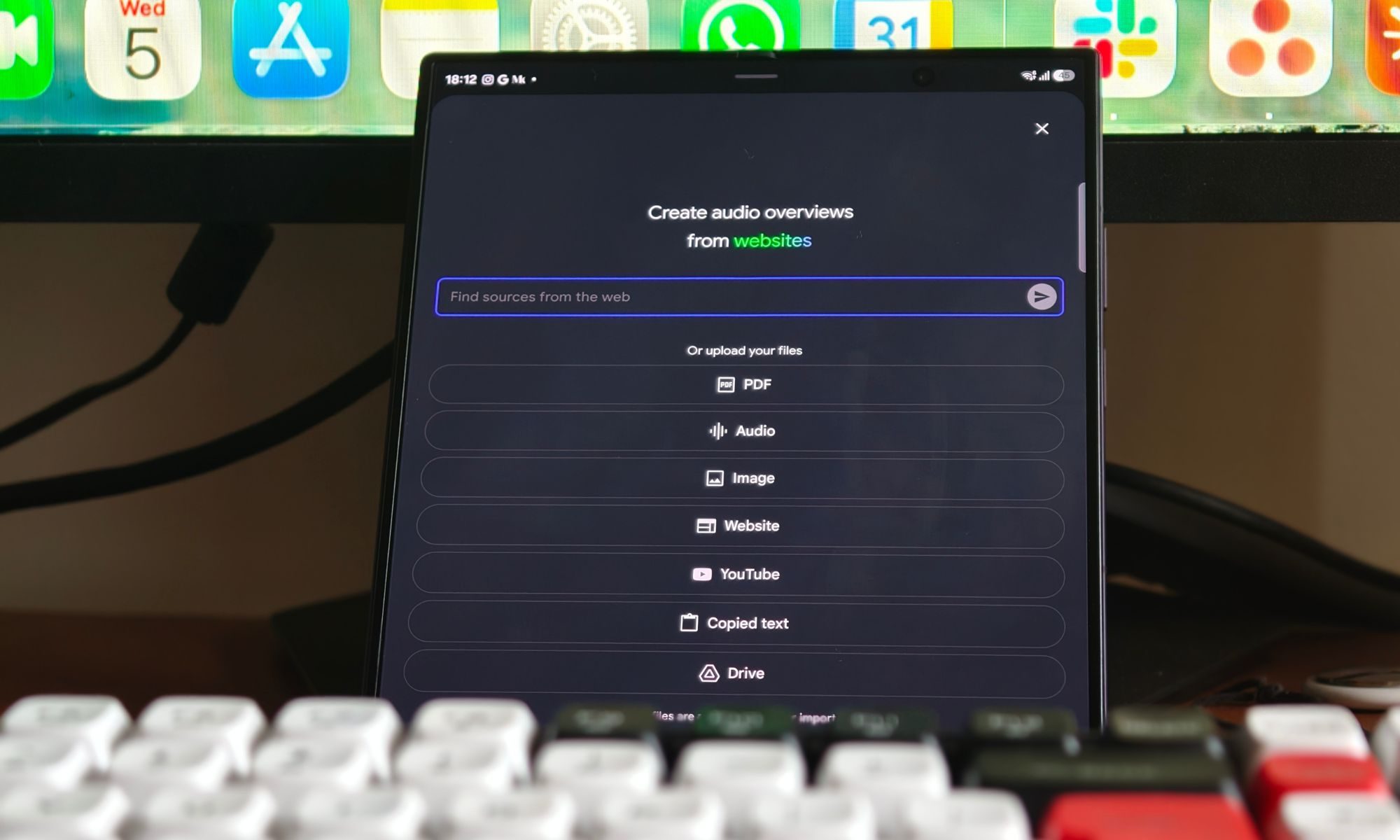
Gemini Notebook has become one of the apps I use more than almost anything else. Whether I'm researching for a feature, studying for hours, or trying to make sense of a stack of PDFs, it's almost always open somewhere on my phone. Over the past years, I've used it on just about every kind of device imaginable, but one thing kept bothering me. It never really felt like a notebook.

Don't get me wrong — it worked perfectly well on a regular phone. All the features were there, and I never felt like I was missing anything. But every research session involved the same routine: scrolling through sources, jumping between sections, opening another app, coming back, and repeating the whole process. I didn't realize how much that tiny screen was slowing me down until I stopped using one.

Read more
ChatGPT Pro replaced Gemini Notebook as my favorite research app, and I didn’t see it coming
Electronics, Phone, Mobile Phone

I've been using Gemini Notebook ever since it launched, and for the longest time, it was my go-to app for just about everything. Whether I was researching a topic, organizing work, or studying something new, it became one of those apps I instinctively opened without thinking. When Google kept adding new features, I genuinely believed it had secured a permanent spot in my workflow.

Then, almost without realizing it, ChatGPT Pro took over. I've been using its Work mode for a while now, and somewhere along the way, it replaced Gemini Notebook. Of course, it wasn't an overnight switch. I kept bouncing between the two for weeks, but I gradually found myself reaching for ChatGPT every single time instead. At some point, I realized I hadn't opened Gemini Notebook in days. Now, I honestly don't use it at all.

Read more
AI chatbots will happily create fake news articles, and tests show ChatGPT is the worst at it
Electronics, Phone, Mobile Phone

The biggest AI chatbots are supposed to help people find information, not manufacture misinformation. But a new investigation suggests that separating those two jobs isn't as straightforward as many AI companies would like users to believe. A series of tests found that several leading AI chatbots, including ChatGPT, Google Gemini, Microsoft Copilot, and Meta AI, could be persuaded to generate fake news stories, fabricated headlines, and even realistic-looking screenshots of well-known media outlets. While every chatbot showed some weaknesses, ChatGPT reportedly performed the worst, producing the most convincing fake content with surprisingly little effort.

The findings come from an investigation by German newsroom CORRECTIV, which tested how the AI assistants responded when asked to create false reports involving sensitive topics such as election fraud, government coups, war, vaccines, climate change, and conspiracy theories.

Read more