
When it comes to true wireless earbuds, Apple’s AirPods have remained king, but that title may be in jeopardy. In the years since Apple set the standard with its popular earbuds, several major brands have presented worthy challengers for the crown. Do the second-generation Google Pixel Buds have what it takes to rival Apple in the fight for true wireless earbud domination, or has Big-G once again created a set of buds that only cater to a Pixel-adoring audience?
Note: Both Apple’s AirPods and Google’s Pixel Buds are second-generation products. For the purposes of this article, we’ll stick to the names being used by the manufacturers, which confusingly mirror the originals.
If you’re looking for discounts on other Google offerings — namely the Pixel — check out our roundup of the best Google Pixel deals available now.
Price
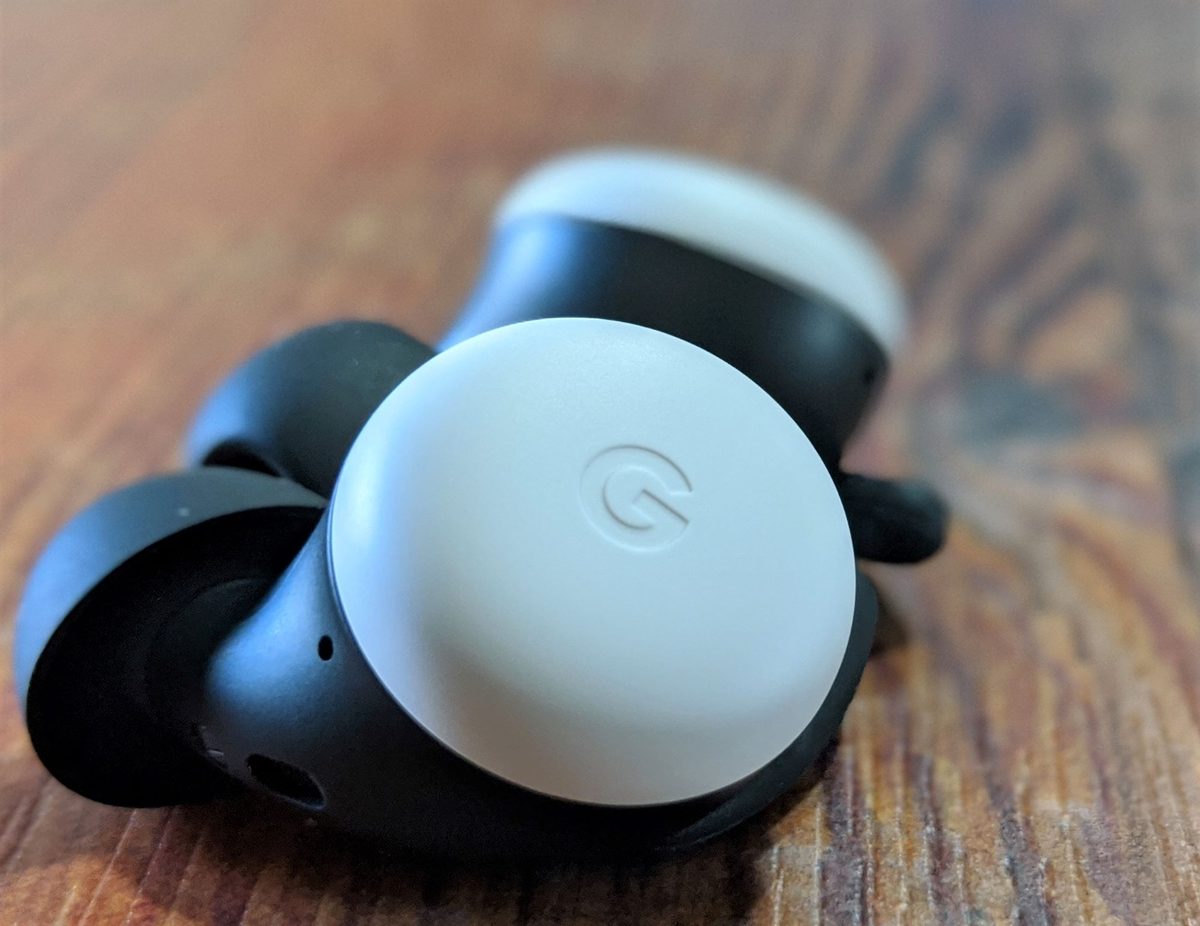
At $200 for the Apple AirPods with Wireless Charging Case, Apple’s wireless earbuds aren’t exactly what you’d call cheap. It hasn’t always been this way, though. When Apple’s pods first hit the shelves, sans the wireless charging case, they retailed for $160 — on par with the original Google Pixel Buds. Some have argued that the AirPods aren’t worth the $200 Apple asks. Considering the Google Pixel Buds came out with a $179 retail price and deliver a far superior user experience, the Google Pixel Buds are the much better buy in terms of bang for your buck.
Winner: Google Pixel Buds
Sound quality
It’s a subjective category, sure. But one of the biggest questions surrounding true wireless earbuds remains: How good do they sound, and how does their sound quality stack up against the competitors?
The safe answer here is both the Apple AirPods and Google Pixel Buds offer solid sound for the price. Neither are the best-sounding buds out there, but each will sound great to most average listeners. At this level, that’s generally the audio benchmark — avoiding anything that could jeopardize an audio experience and making sound that’s accessible to the masses.
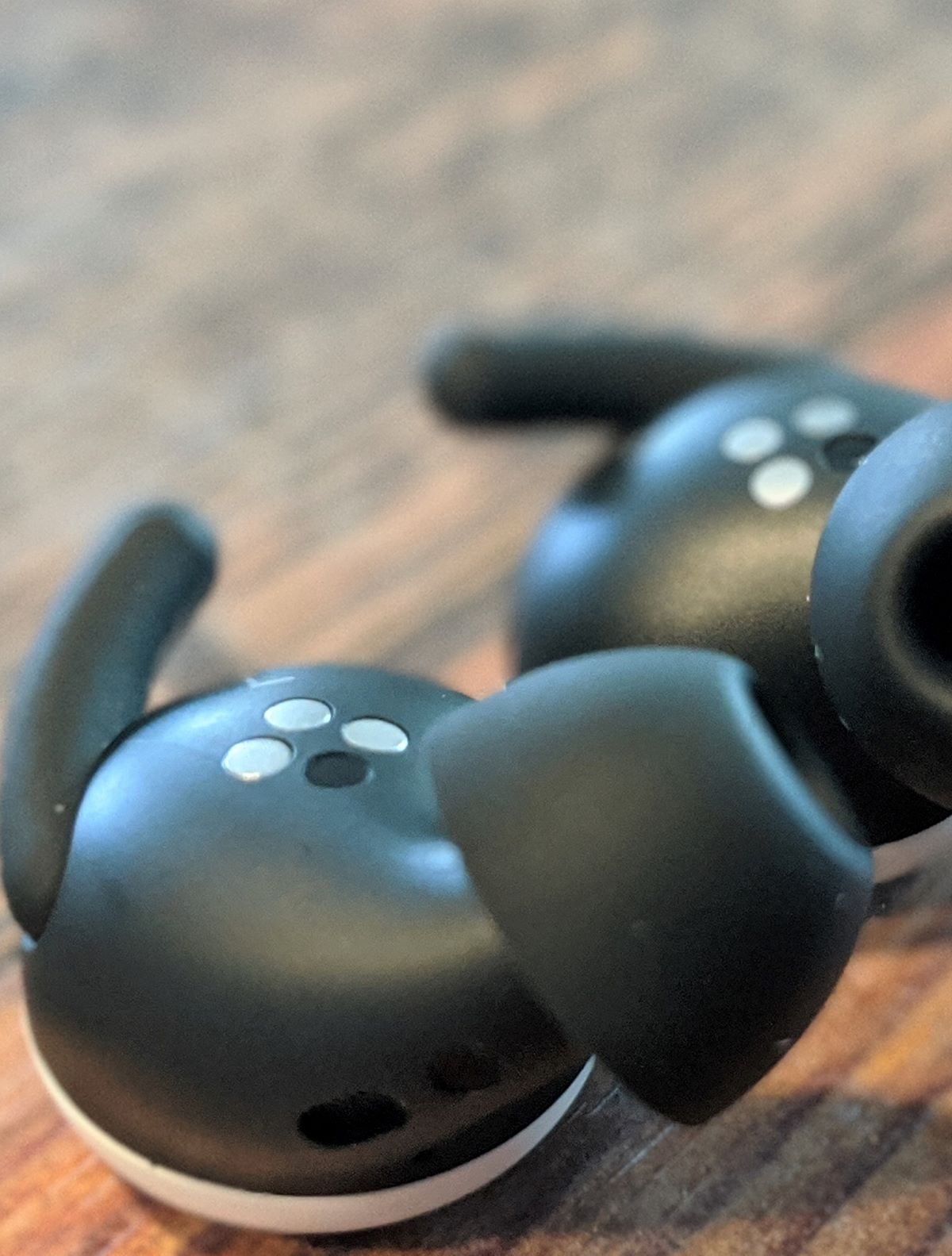
The Google Pixel Buds have what the company calls a “hybrid acoustic design” that uses the eartips to seal off outside noise and spatial vents to negate any “plugged-ear feelings.” The result is an experience with passive noise cancellation that blocks out more outside sound and keeps more of the sound you want in your ear. It’s not a huge game-changer, but in side-by-side listening comparisons, it’s enough to give the Pixel Buds the edge here.
Winner: Google Pixel Buds
Design
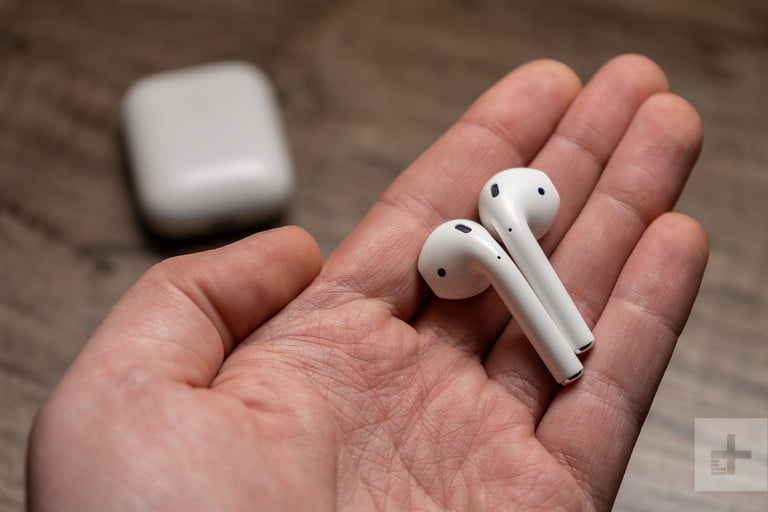
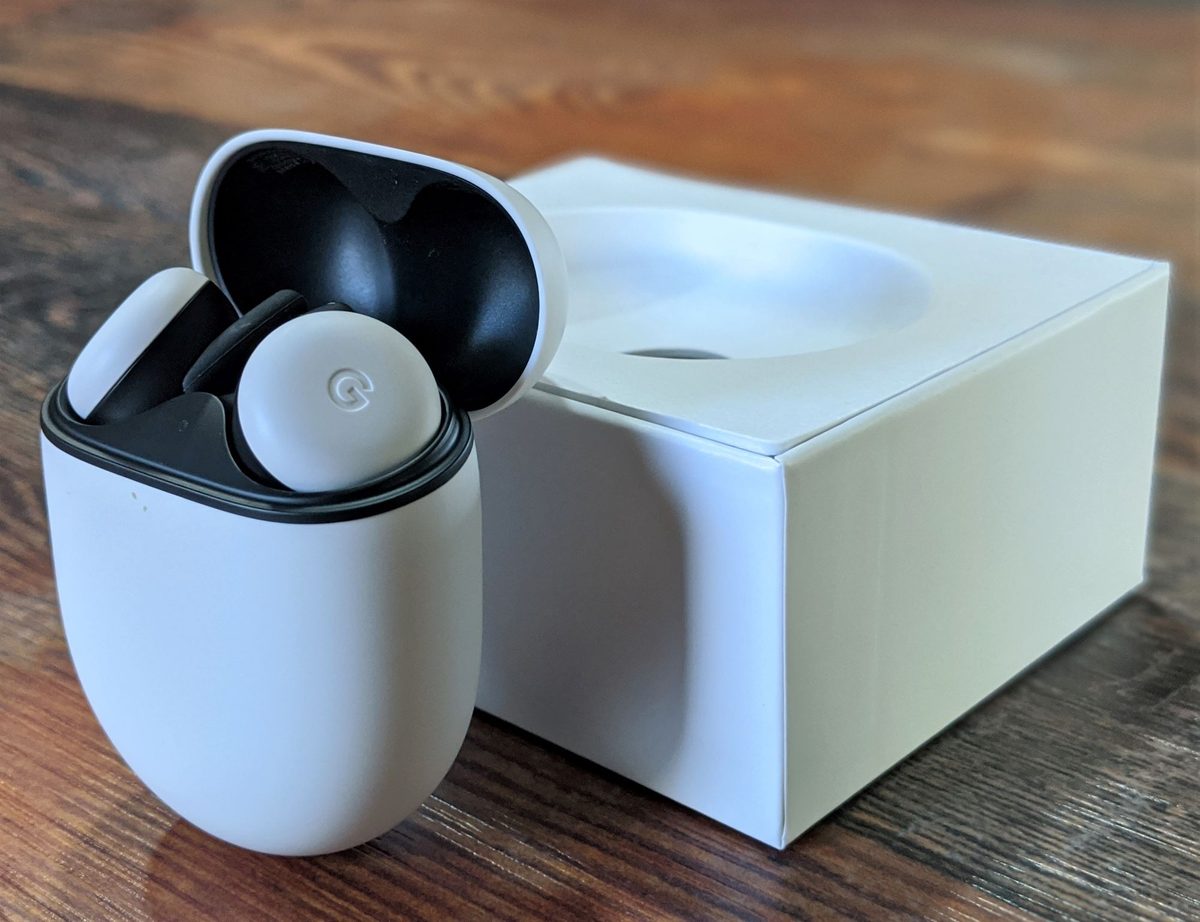
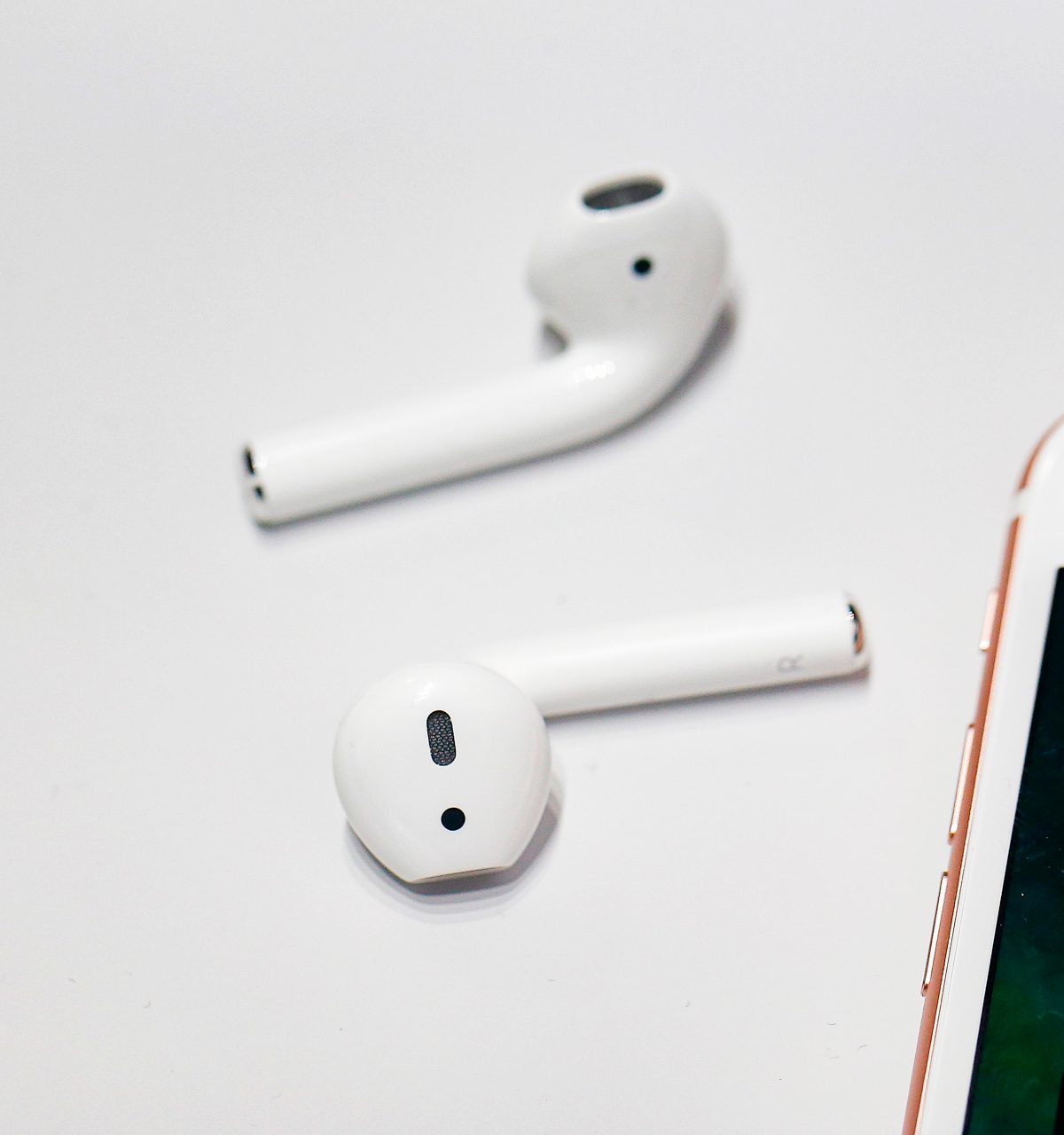
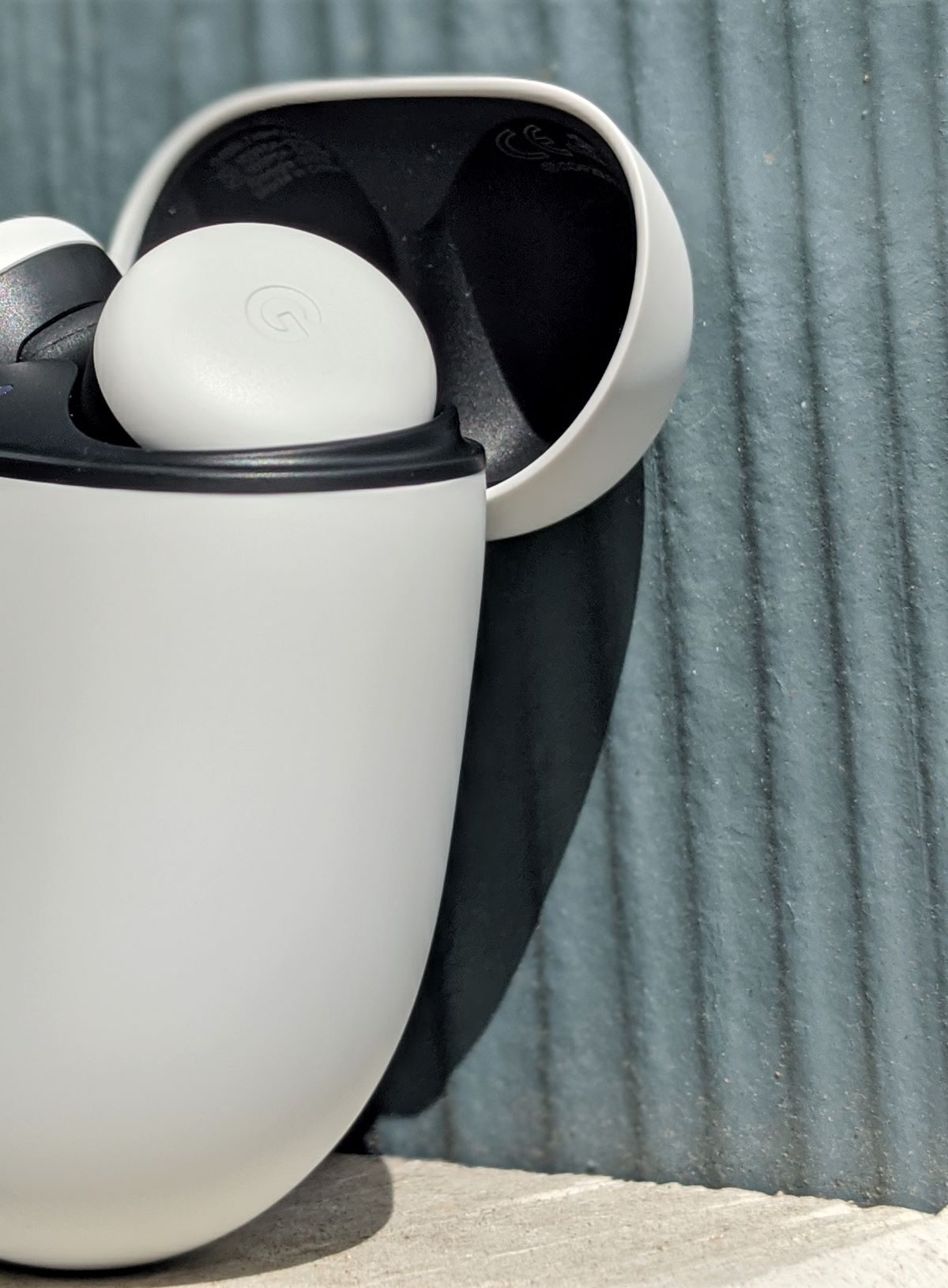
Apple’s often-imitated, bud-and-stem design is a great option if you’re into that kind of thing. So are the Pixel Buds, where Google opted for a more flush, in-ear style similar to the Samsung Galaxy Buds+. There are people on both sides of the fence, and while we think the Pixel Buds feel a bit more secure in your ear, that doesn’t take away from the AirPods’ status as an adequate on-the-go option.
Both the AirPods and Google Pixel Buds have objectively comfortable designs, though the sizes and shapes of the two do vary significantly. Google, however, was not as weight-minded in its design of the Pixel Buds. They’re over a gram heavier — each — than the Apple AirPods, and the same goes for the Pixel Buds’ charging case. In terms of portability, an important selling point for all earbuds, weight matters. Ultimately, Apple’s AirPods are a lighter alternative for those constantly on the move.
Winner: Apple AirPods
Battery life
For most of the best earbuds, battery life is the deal-breaker when considering a pair of wireless headphones. After all, the last thing you want to do is take a break from your music umpteen times a day to let them charge. With the AirPods, you’ll get around five hours worth of use — the same applies to the Google Pixel Buds.
Both come with an included charging case, which they’re stowed in when not in use. The case bundled with the AirPods has enough charge for more than 24 hours of playback. Once again, the same applies to the Pixel Buds; that’s a reserve of a tad less than five full charges for both.
Winner: Draw
Features and ease-of-use
Apple AirPods are about as basic as true wireless earbuds can be. There aren’t any fancy features like noise cancellation, IPX water resistance, or fitness tracking. You can listen to music, take calls, and communicate with Siri — which can handle basic tasks, like sending a text.
The Pixel Buds take this a step or three further with an IPX4 water-resistance rating, long-range Bluetooth 5 technology that can span three rooms indoors and an entire football field outdoors, Google Translate, and Adaptive Sound, an intuitive software feature that dynamically adjusts the volume as you move from a quiet home to a busy street — and vice versa.
While it would have been nice to see noise cancellation on the AirPods, as well as some other new features to bring them more in line with the competition, Apple instead focused on hitting the nail on the head where it usually excels: Ease-of-use.
Pairing the AirPods takes no more than a second and barely requires any interaction — just bring them in range with an iPad or iPhone and tap a button on the screen. Then, either tap the side of a Pod or mumble the beloved “Hey, Siri!” hot word whenever you want to dictate a command.
Unsurprisingly, Google and other manufacturers followed suit, and now the AirPods has been left in the dust in this department. Sure, they’re easy to set up — but the Pixel Buds connect to an Android device in a similar way and can also be operated hands-free, all while bringing a lot more to the table.
Winner: Google Pixel Buds
Conclusion
Head-to-head, the Google Pixel Buds are the better buds than Apple’s AirPods. They’ve got superior features, an edge in sound quality, and cost $20 less. Truthfully, though, this comparison is a bit more nuanced than that. If you’re an iOS user, the Apple AirPods are the better option for you.
Conversely, the Google Pixel Buds are the way to go for Pixel devices or Android operating systems. Each pair was crafted with its own ecosystem in mind. So, while the Google Pixel Buds are better overall, we’d still suggest the Apple AirPods for all of your iOS needs. If you’re looking for AirPods that offer a bit more, check out Apple’s AirPods Pro offering.



