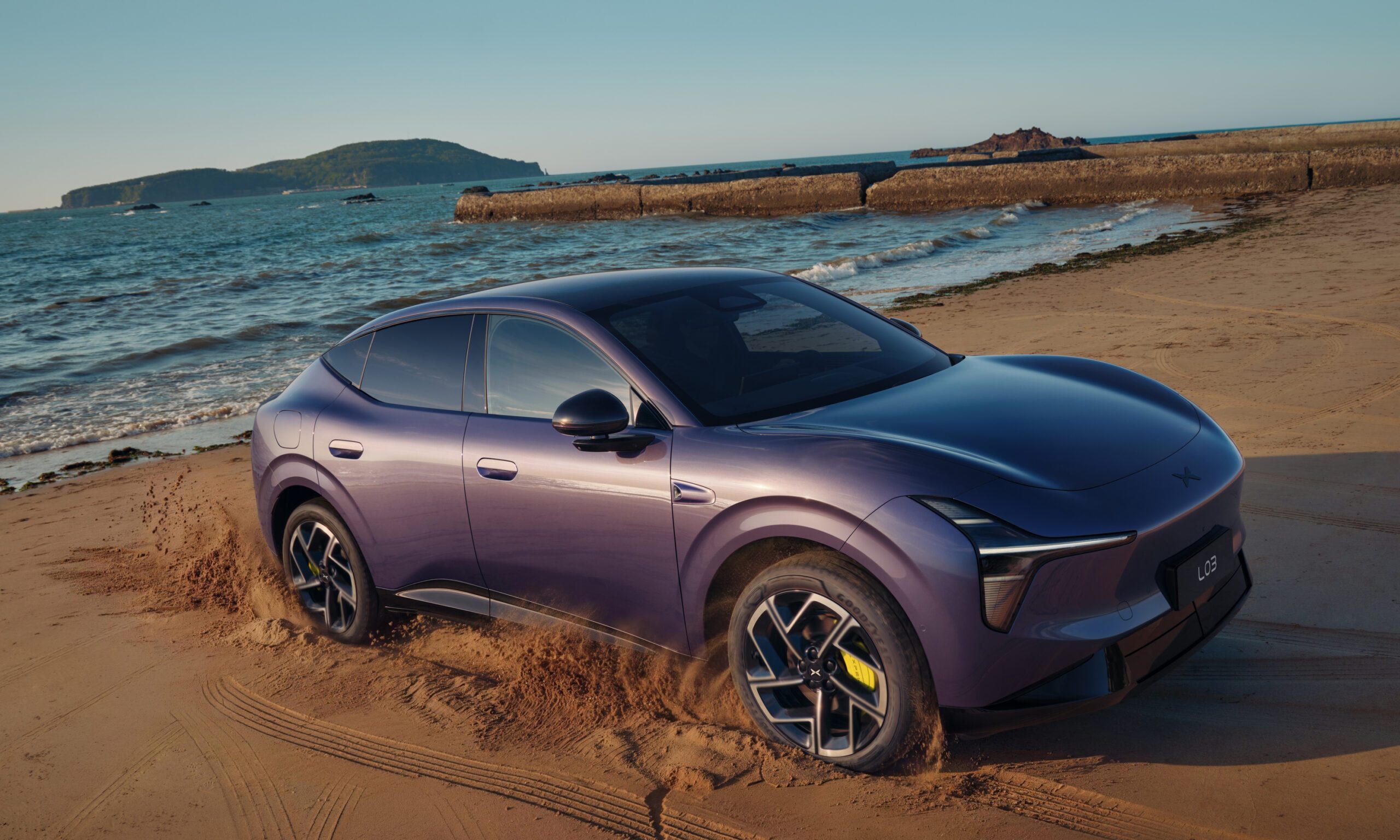
Most cars in the Fiat-Chrysler Automobiles portfolio are equipped with an infotainment system named Uconnect. It’s found in anything from a late-model Fiat 500 to a Jeep Wrangler to a Maserati Levante. It’s widely considered one of the most user-friendly infotainment systems on the market, but it occasionally needs to be updated. It’s just like a phone, a tablet, or an application in the sense that updates fix bugs and bring improvements.
That can be a real pain for people who bought a car and didn’t plan on updating its software in addition to all of the other maintenance needs. Thankfully for them (and everyone else), the updates are quite easy to perform and can even be done at home with the right tools. Let’s take a closer look at how to update Uconnect.
Further Reading
At a dealer service center
The easiest way to update Uconnect is to have the dealer service center perform the upgrade when your vehicle is in the shop. Technicians can quickly determine the current version of your software and install the update more quickly than you can at home. The service center may not check for an update on its own, so it’s important to ask for one if you know it’s necessary. In most cases, a technician will be able to completely run through the update process in the amount of time it takes to perform other maintenance on your vehicle.
At home
To perform the update yourself, you will need a computer, your vehicle with the Uconnect system nearby, and an empty 4GB USB memory stick. To check for an update, go here and enter your VIN to see which versions of the software are available. If an update is available, you will be asked to insert the USB drive into your computer. The website also has a tutorial and a wizard that will walk you through the download and update steps. The process uses a separate download tool, but it can be performed manually if the tool is not available.
Once the download is complete, the tool will allow you to transfer the file directly to a USB drive. You can then remove the USB drive and take it to your vehicle, which must remain running and parked for the duration of the upload. Once the USB stick has been inserted, the vehicle should alert you to the current version of Uconnect that is running and to the version that you’re about to install. Make sure that the version you’re installing has a higher number than the one currently running.
What’s next for Uconnect?
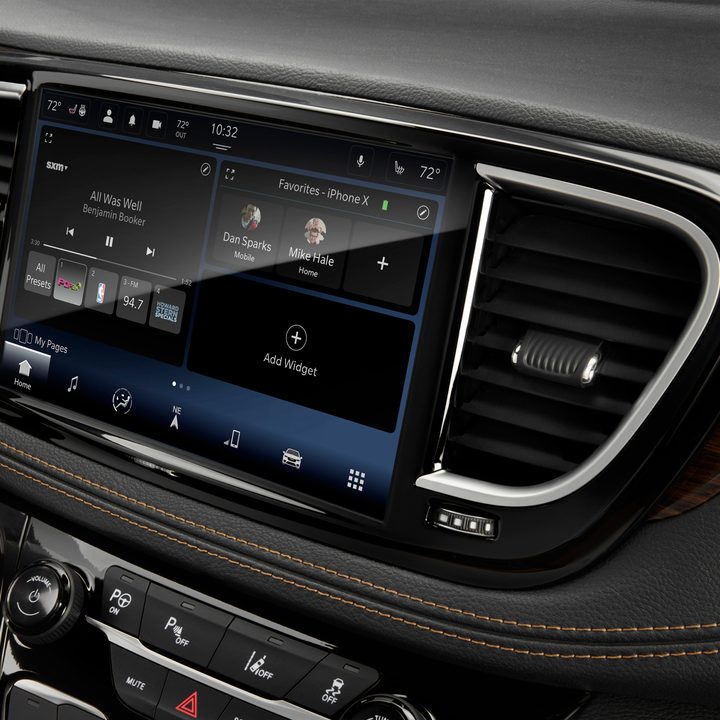
FCA is rolling out a new version of Uconnect across its range, beginning with the 2021 Chrysler Pacifica. More vehicles will follow soon, but the real news is the leap in functionality and flexibility that the next-generation system brings. Uconnect 5 runs on Android, which means a whole world of possibilities just opened up for the system. Users can update with over-the-air deliveries, just like they do with their Android smartphones, and they can set up six different user profiles to deliver the right experience to the right people.
The new system also supports wireless Apple CarPlay and Android Auto, as well as Alexa-on-Demand. Up to two devices can be connected at the same time using Bluetooth. If you have an Alexa-powered device at home, you can remotely set climate controls and other vehicle options from inside your house. The system’s natural voice functionality also lets users change the temperature and other settings hands-free.