Amazon’s Prime Day is quickly approaching. Confirmed to take place in June this year, Prime Day deals promise stellar discounts on a variety of items for Amazon Prime subscribers. If you’re in the market for a new Chromebook, the e-commerce giant’s sale is an excellent place to look, as historically, Prime Day Chromebook deals have offered deep savings on laptops. Last year’s sale dropped as much as $200 off the price of the best Chromebooks — that’s enough savings to buy a second Chromebook if you need it!
But given the diversity of Chromebooks on the market today, choosing one can be overwhelming. To help make your Prime Day shopping a little easier, we’ll break down what you should look for in a Chromebook.
Design details
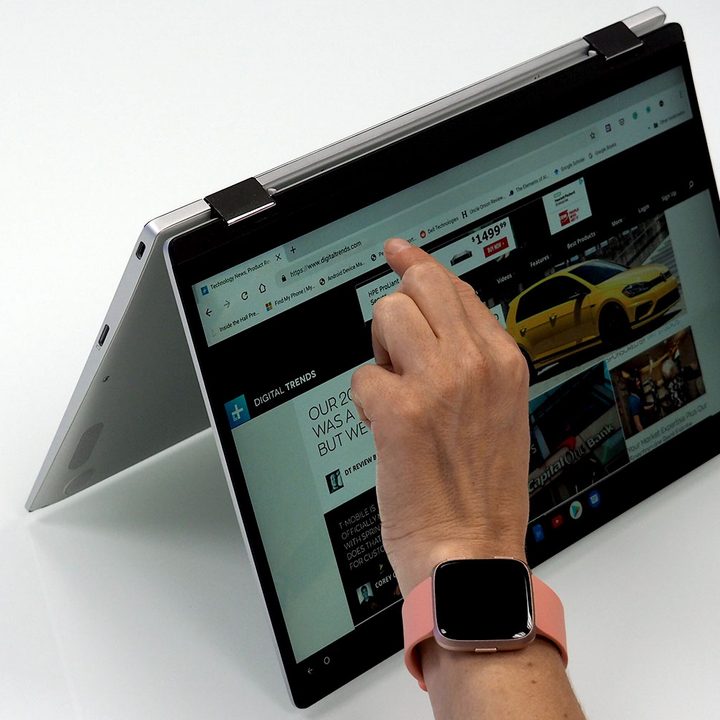
Chromebooks are available in three primary configurations. Google’s premium PixelBook Go and Samsung’s more affordable Chromebook 4 are based on a traditional clamshell design, where most of your interaction will be through keyboard and mouse. A convertible design is a great option for those who need a tablet. Asus’s Chromebook Flip comes with a 360-degree hinge that lets the screen swivel 360 degrees, allowing the laptop to convert into a tablet.
And finally, there is the detachable design. These devices are tablets first, with a detachable keyboard folio. Lenovo’s IdeaPad Duet is an excellent example of this design. While detachables bring the same level of versatility as convertibles, the upside is that the keyboard can be stowed if not needed.
The power of touch
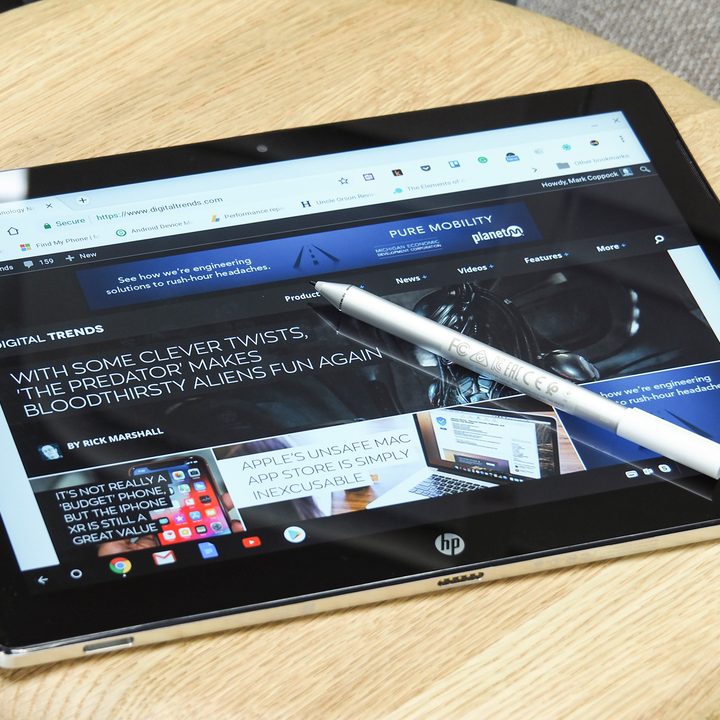
While most Chromebooks come with touchscreens, not all do. Given that Chrome OS now supports Android apps, it may be better to upgrade to a touchscreen device.
But beyond the touchscreen, Chromebook shoppers should also check to see if their device supports pen, digitizer, or stylus input methods like HP’s Chromebook x2 does. Having a digital pen could make your Chromebook even more useful, particularly for taking notes, drawing, or making annotations. Pen input is a great tool to have for classroom, creative projects, and work, but may not be as important if you’re primarily using your Chromebook at home to surf the web, browse video, or pay bills.
Is bigger really better?
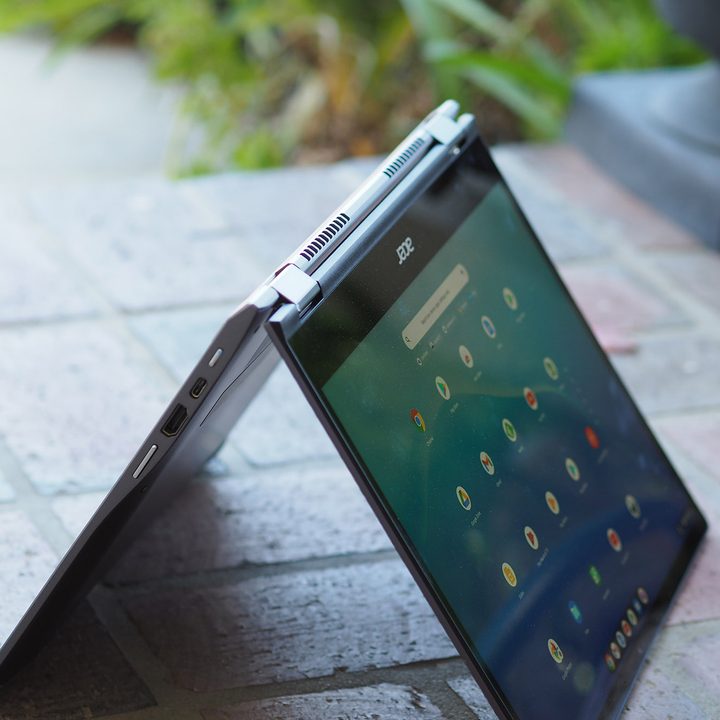
On Chromebooks, screen sizes run the gamut from compact 10-inch devices to those with 15-inch displays that rival many PC laptops. Smaller screens are better suited for younger children, while larger devices are great for multitasking, content creation, and content consumption. The bigger display allows you to use multiple windows comfortably.
But beyond size, you should also consider resolution. Cheaper Chromebooks will likely start with a 720p display, which are often called HD screens. If you’re pushing 13- or 15-inch Chromebooks, you’ll want a higher-resolution screen. Full HD, or 1080p, panels pack in more pixels and will make things look crisper.
Pricing
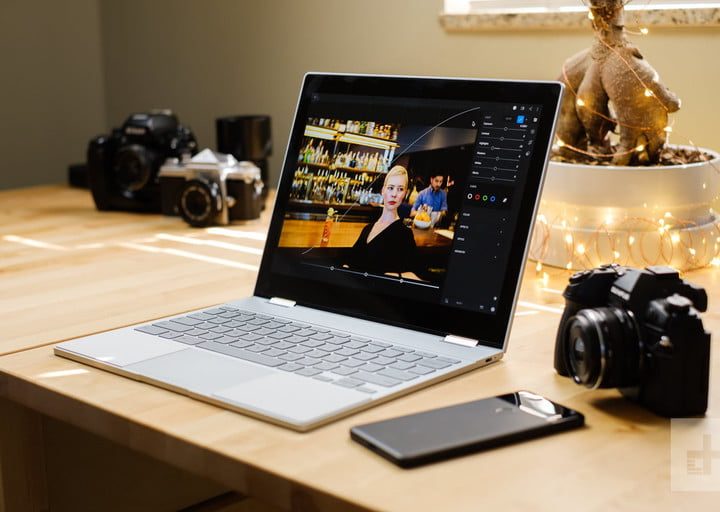
With a starting price just under $200, Chromebooks are an attractive and affordable option for laptop buyers. While most Chromebooks share similar configurations — processor, memory, and storage — you’ll pay a premium depending on what additional features you want. Design options, such as a metal build or a convertible design, will likely add to the cost, as will a more durable build with a MIL-STD certification. Rugged designs are great for the rough-and-tumble environments of a classroom, and a few come with a spill-resistant keyboard for extra durability. On the high end of the pricing spectrum is Google’s Pixelbook Go.
Today’s best Chromebook deals
If you can’t wait until Prime Day, there are several fantastic Chromebook deals you can shop right now. We’ve rounded up the best below.