1. Home
  2. Computing
  3. Evergreens

How to remove a Microsoft account from Windows 11

Add as a preferred source on Google

While many people love porting their Microsoft account to their new Windows 11 PC, just as many hate the experience. One of the nicest things about having a new computer is how little tabs it has over you, and letting Microsoft in from the beginning — especially in a way that feels required — is a bit letdown for privacy-minded people.

To make matters worse, getting rid of your account feels tricky. It not only feels like it, Microsoft is your direct antagonist in getting the privacy you want. Luckily, you can make a local account that is disconnected from the rest of your life to gain back the personal feel of your computer.

Recommended Videos

Removing a Microsoft account from Windows 11
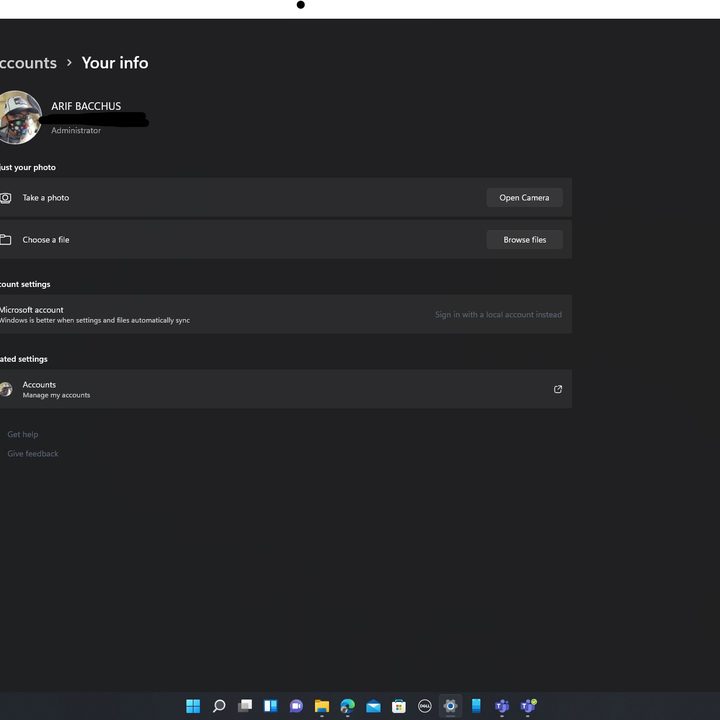
Removing a Microsoft Account in Windows 11
Image used with permission by copyright holder

If you have Windows 11, you’ll need some sort of an account on the computer. But, that account doesn’t need to be cloud connected. You can use a local account, with no ties to your other doings, instead. With this method, you don’t lose any files or your personal information.

Step 1: Go to Windows 11 settings with Windows Key and I keyboard shortcut.

Step 2: Click the Accounts section in the sidebar.

Step 3: Click Your Info and choose Sign in with a local account instead.

Step 4: Click next and enter your password to confirm.

Step 5: Follow the steps on the screen and enter your information.

See our guide on using Windows 11 without setting up a Microsoft account for more information.

Removing a work or school account from Windows 11

Fortunately, your Windows 11 work or school account can be removed completely and it is quite easy:

Step 1: Go to Windows 11 settings with Windows Key and I on the keyboard.

Step 2: Click the Accounts section in the sidebar.

Step 3: Click Access work or school and click the Disconnect button.

Are you making the most from your computer? Check these Windows 11 tips and tricks to make life easier.

Arif Bacchus
Arif Bacchus is a native New Yorker and a fan of all things technology. Arif works as a freelance writer at Digital Trends…
Asus and Gigabyte just made your next RTX 50 GPU even more expensive
One canceled order shows exactly how brutal the current market has become for buyers.
asus-nvidia-GeForce-RTX-5060-evo

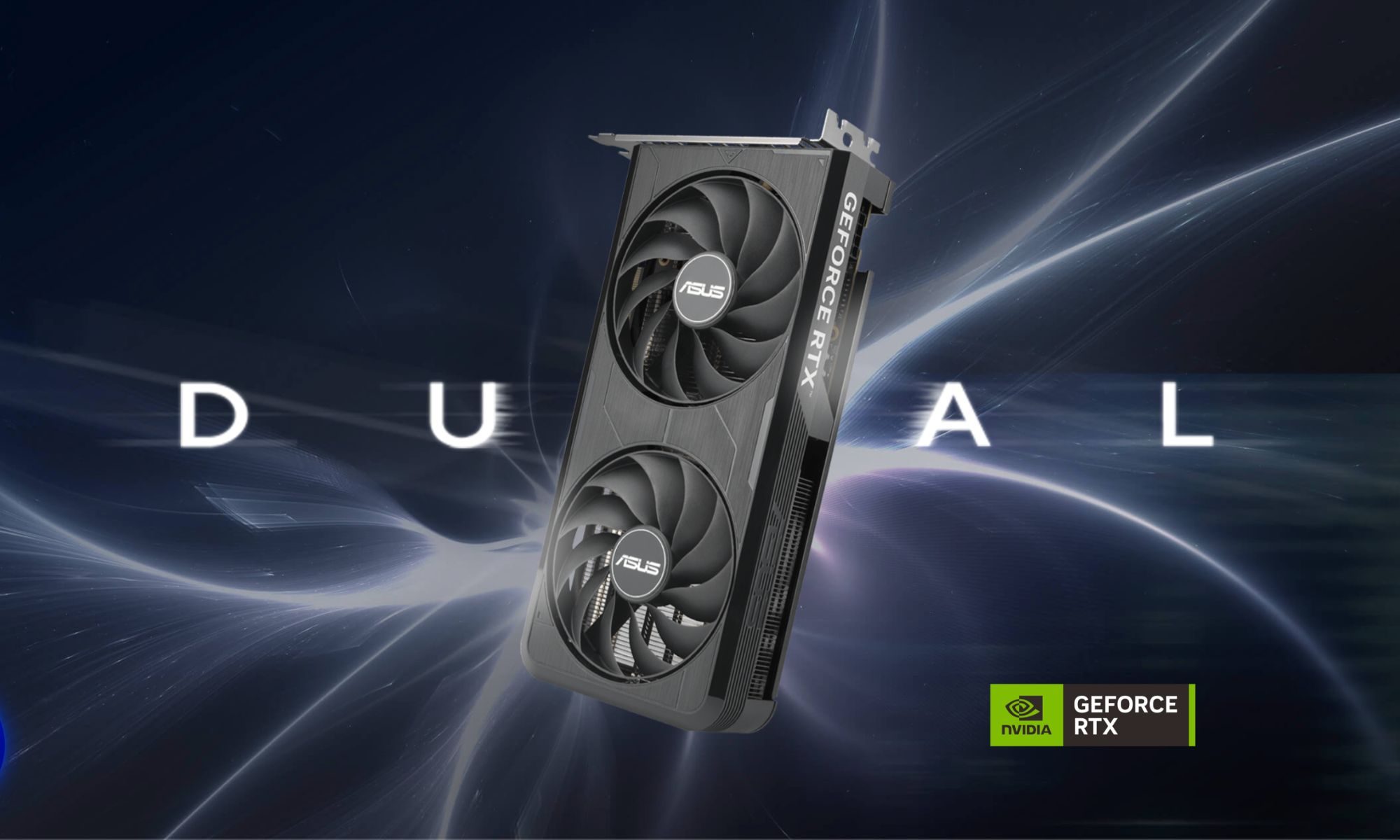
After weeks of rumors around another round of hikes, Asus and Gigabyte have pulled the plug. They’ve made the impending price hike official, increasing prices across their entire RTX 50 lineup, and even AMD's Radeon RX 9000 cards. 

It’s worth mentioning that both companies already raised prices in January, blaming the ongoing DRAM and NAND memory shortage and surging costs. From what it looks like, things have only gotten worse since. 

Read more
Huawei made an utterly sleek laptop that’s 35% lighter than MacBook Air. Too bad you don’t need it.
The MateBook Pro S weighs less than 800 grams but runs HarmonyOS instead of Windows
Pen, Notebook, Computer

Huawei has made one of the most tempting ultralight laptops most people will probably never consider buying. The new MateBook Pro S weighs just 798 grams in its lightest configuration, making it around 35% lighter than the 13-inch MacBook Air. It is slightly thicker at 11.9mm, but Huawei still managed to fit a larger display and a 54Wh battery inside its magnesium-alloy chassis.

Its color options are pure eye candy, too. The soft pastel finishes immediately reminded me of the MacBook Neo and give the laptop far more personality than the usual sea of silver, gray, and black ultrabooks.

Read more
Wispr Flow launches an AI note-taker that works without joining calls
The new Wispr Flow tool called Notetaker creates live transcripts, summaries, and follow-up notes
Page, Text

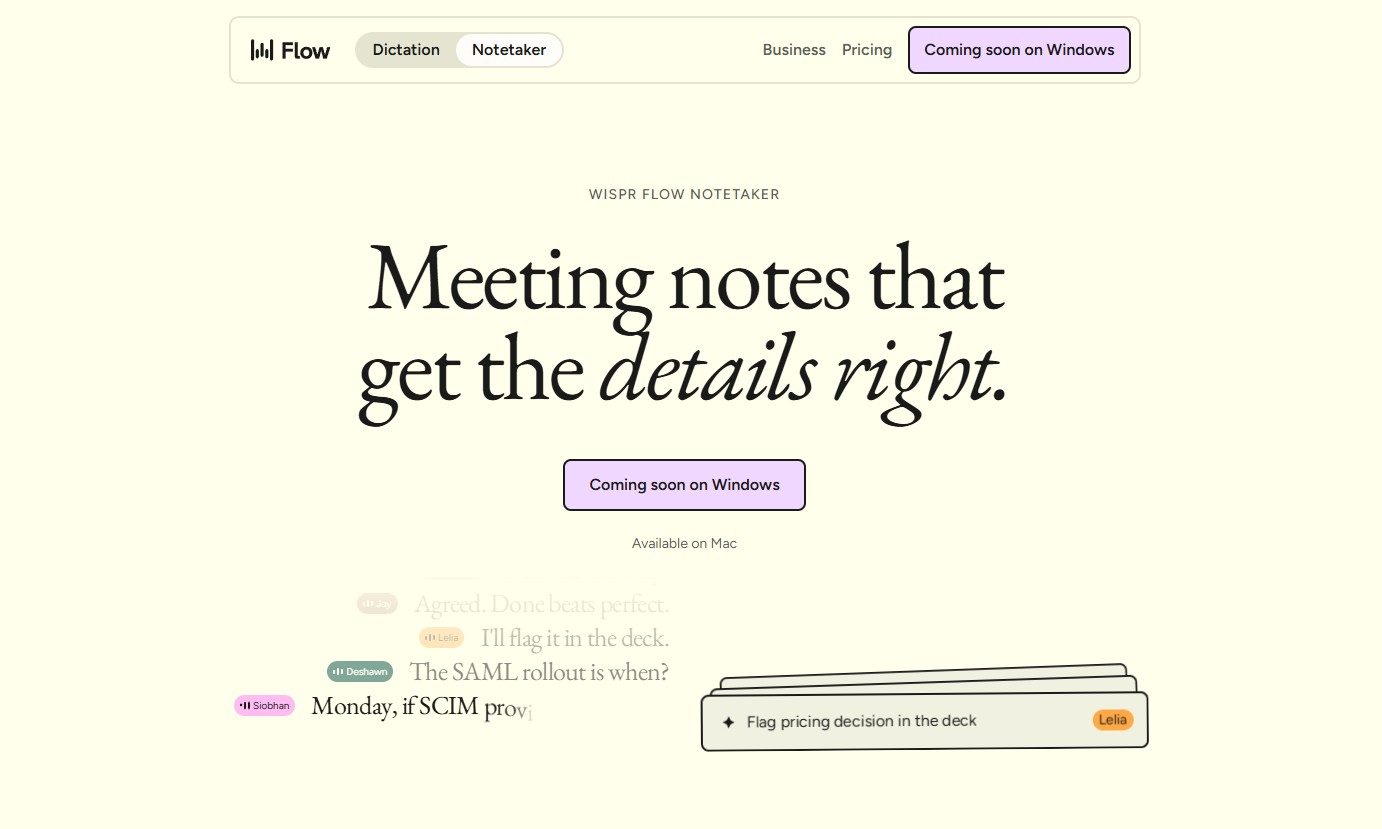
Wispr Flow has launched Notetaker, an AI meeting assistant built into its existing Mac app. It can record conversations, show a live transcript, and prepare notes covering decisions, deadlines, assigned work, and unresolved issues.

Wispr Flow is best known for its dictation tool, which turns spoken thoughts into edited text wherever the user is working. Notetaker takes the company beyond voice typing and applies its transcription technology to meetings, interviews, and in-person conversations.

Read more