So, your older, possibly not-so-tech-savvy relative got a new laptop for the holidays and you’ve been called upon to help them set it up. After discussing the best web browsers, you’ve probably selected Google Chrome – but don’t stop there.
One area people tend to forget about is adding browser extensions to Google Chrome to customize their browsing experience and add some helpful tools as well.
To help you and your relative narrow down your choices in the Chrome Web Store, we’ve put together a quick list of some of the best extensions around for shopping, ad blocking, productivity, fun, and more.
Shopping
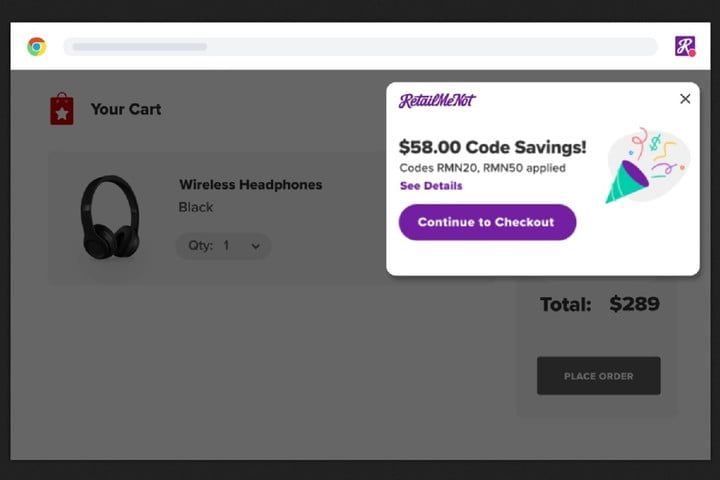
If your relative is an avid online shopper, make sure they know about these Chrome extensions for finding deals and coupon codes. They’re especially useful because they can automatically find and apply promo codes at checkout, essentially saving money with little to no effort.
(Need more shopping extensions? Check out our list of the best Chrome extensions for coupons.)
Honey
Honey takes the annoying research out of finding and applying coupon codes to your online purchases. With very little effort, this extension does all the work for you, and all you have to do is install the extension and let it save you some money while online shopping. Plus, Honey is supported by over 30,000 websites, so you’re sure to find coupons on most, if not all of your online shopping. There’s even a rewards program called Honey Gold that lets you earn “gold” on your purchases. You can then redeem that “gold” for gift cards.
RetailMeNot Deal Finder
Like Honey, RetailMeNot Deal Finder is an extension that automatically finds and applies coupon codes to your online purchases in order to save you money. RetailMeNot Deal Finder also has a sizeable number of participating retailers: over 20,000 stores. This shopping extension also features cashback offers which can be combined with coupon codes.
Ad blockers
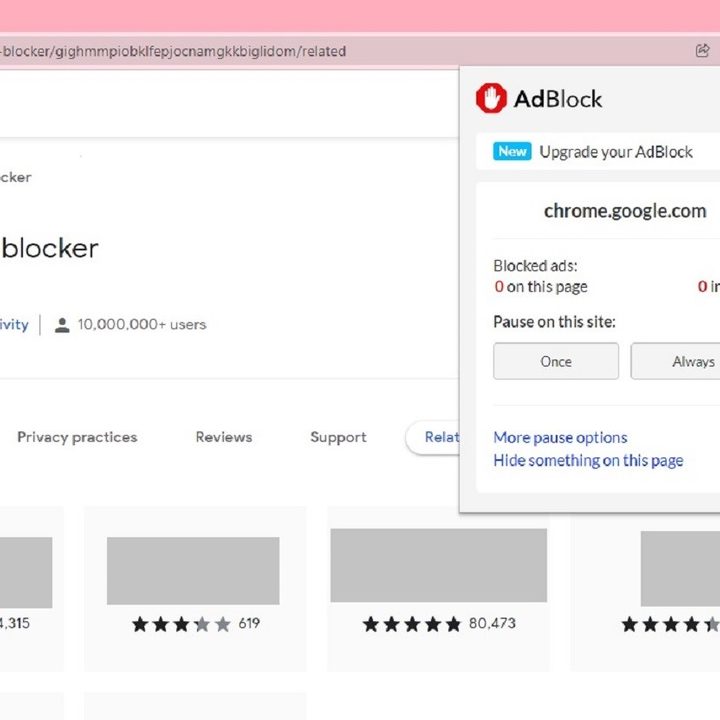
Ads can be annoying at best and intrusive and malicious at worst. If your relative needs help dodging them while web browsing, consider our picks for the best ad blocker extensions for Chrome.
AdBlock
If you’d like fewer ads cluttering up or interrupting your web browsing experience, you may want to consider adding AdBlock to Chrome. With AdBlock, you can block pop-up ads, get rid of video ads, and block banners. You can also whitelist certain sites and block ads that are riddled with malware and scams.
AdBlock is free to use, despite a confusing initial request for donations when you first add the extension. If you’d rather not donate, just close the donation request tab that opens.
AdGuard
AdGuard is another adblocking option for Chrome users. This adblocker blocks all sorts of ads including: Banner, text, pop-up, and video ads. It’ll also block third-party trackers, spyware, and adware installers, and it offers malware and phishing protection.
(AdBlock and AdGuard aren’t the only ad blockers in town. Need more options? Take a look at our guide to the best ad blockers for Chrome.)
Productivity
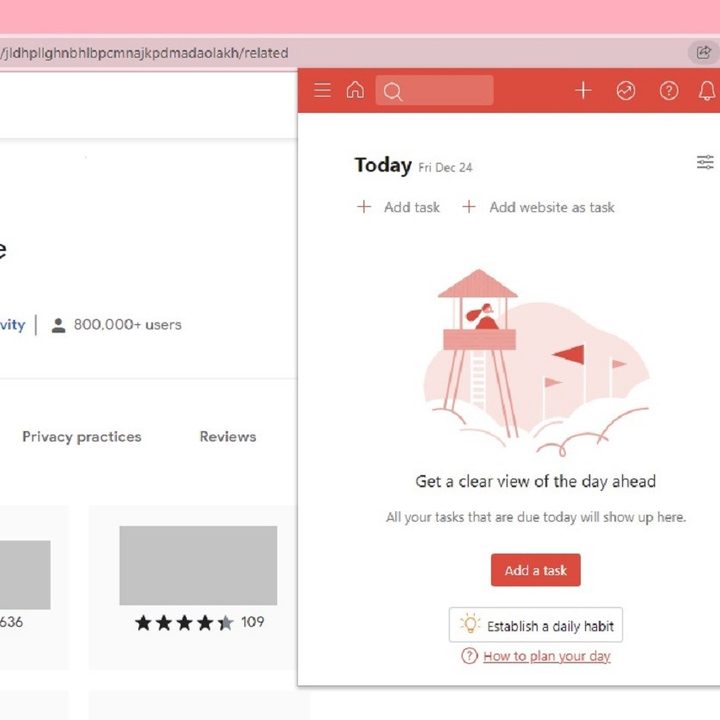
If your relative needs to get some work done, our picks for the best productivity Chrome extensions will help them improve their writing in work emails and stay on top of their to-do lists.
Grammarly for Chrome
Looking to improve your writing in emails, social media, or writing projects? Grammarly for Chrome can help with that. This handy browser extension can review your writing and offer useful feedback on how to make it better. And it goes beyond just a spelling and grammar check. Grammarly for Chrome also features suggestions for better clarity, better tone, and for improving conciseness and fluency. It’s an easy way to improve your communication skills.
Grammarly for Chrome is supported on sites like Google Docs, WordPress, Facebook, Gmail, Twitter, and LinkedIn.
Todoist for Chrome
You don’t have to rely on easy-to-lose sticky notes or scrap pieces of paper to keep up with your daily tasks and appointments. Why not keep all of your to-do lists in one convenient place? You can do that with Todoist for Chrome. This extension lets you set up daily to-do lists, check your completed tasks off, and add websites as tasks.
Todoist is also available as separate desktop and mobile apps, so you can keep yourself organized (and collaborate with others), on multiple devices.
General web browsing and customizing Chrome
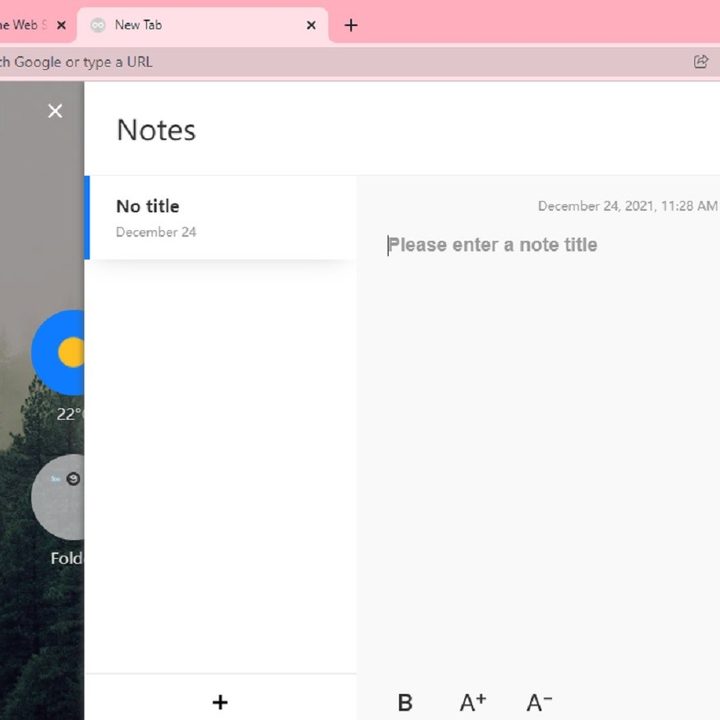
There are ways to streamline and customize your web browsing to make it easier for you to use. Our favorite extensions for managing web browsing on Chrome can do things like help you organize your open tabs so that they don’t clutter your browser or take up too much memory. Or even create a beautiful workspace-like tab for yourself that’s filled with helpful tools like a weather widget and a notepad.
Session Buddy
We’ve all done it. Opened a million tabs for research or boredom and then either forgot about them or couldn’t bear to close them because we “might need them someday.” And now your browser is cluttered with way too many tabs that take up way too much memory. If Chrome’s native bookmarks or tab management features aren’t enough for you to take control of your tab hoarding situation, you could try adding the Session Buddy extension.
Session Buddy lets you organize and save your open tabs into collections that can then be restored later when you need them. It’s also searchable, meaning you can search among your tabs and collections to find what you need. And if your browser crashes? You can still restore your tabs then too.
Infinity New Tab
Infinity New Tab turns your Chrome browser’s New tab into something like a workspace that’s filled with useful tools to help plan your day and manage your web browsing. This extension immediately converts your new tabs into beautiful minimalist spaces with quick-access icons to your favorite sites, an extensions manager, a weather widget, and a notepad. You can also create and manage to-do lists and bookmarks and customize its wallpaper.
If you want to restyle your browser, you can install Chrome themes.
Fun
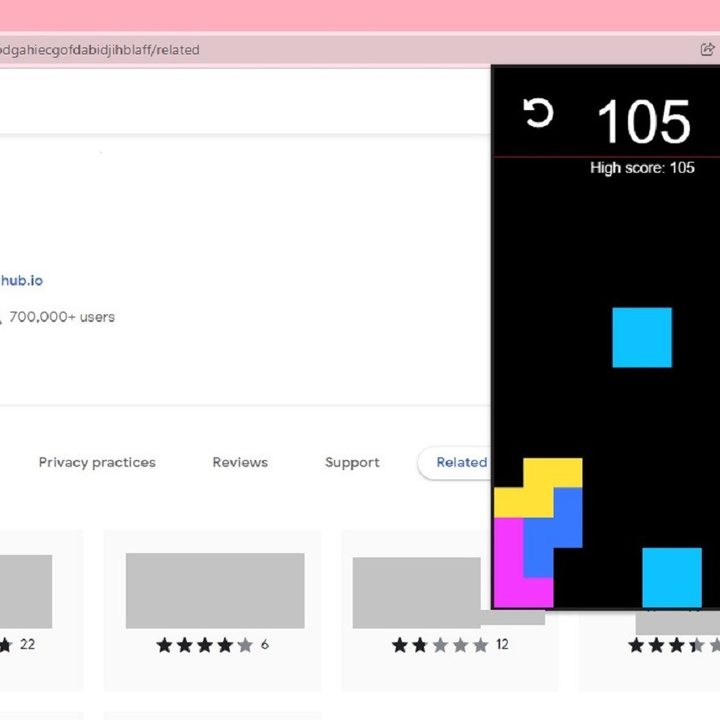
You can also play games and do other fun things in Chrome too. Here are a couple of popular entertainment Chrome extensions:
Tetrys
Need a mini work or study break? With this extension, you can do just that. You can play a fun, quick Tetris-like game without having to leave the Chrome browser. Just use the arrow keys on your keyboard to play. And if you close this little pop-up game, it will pick up where you left off when you open it again.
Avatar Maker
If you’re tired of using a photo of yourself for your profile pics and want something different, you could just design an avatar for yourself. Avatar Maker is a Chrome extension that makes creating one for yourself quick and easy. Once installed, clicking on the extension’s icon opens an app with an easy-to-use interface. Your avatar customization options are a bit limited, but if all you want is a quick, colorful, and cute avatar as your next Twitter profile pic, Avatar Maker is a great option.
Avatar Maker also lets you save your created avatars, generate random avatars, and download your avatars in either PNG or SVG formats.
Some games for Google Chrome are also available.
Choose reliable Google Chrome extensions
Not all extensions are created equal, do be sure to select those with good reviews that have been recently updated. You’ll find that information available as you browse the Chrome Web Store for.
Want more add-ons for your browser? Pick from our list of the best Chrome extensions.