Microsoft resurrected a controversial topic in the PC gaming community recently: Windows 11’s security features. Days after Windows 11 launched, there was an outcry among PC gamers due to a security feature that is enabled by default in Windows 11. In particular, Virtualization Based Security or VBS.
PCGamer cried foul after it noticed a 28% drop in Shadow of the Tomb Raider, but Windows 11, at the time, was experiencing gaming performance drops of 15% or more in some cases, so the results didn’t sound out of order.
But even with many of those initial results debunked near launch, there remains there’s a lot of suspicion around using VBS that I wanted to prove with my own testing.

No, VBS isn’t killing your gaming performance
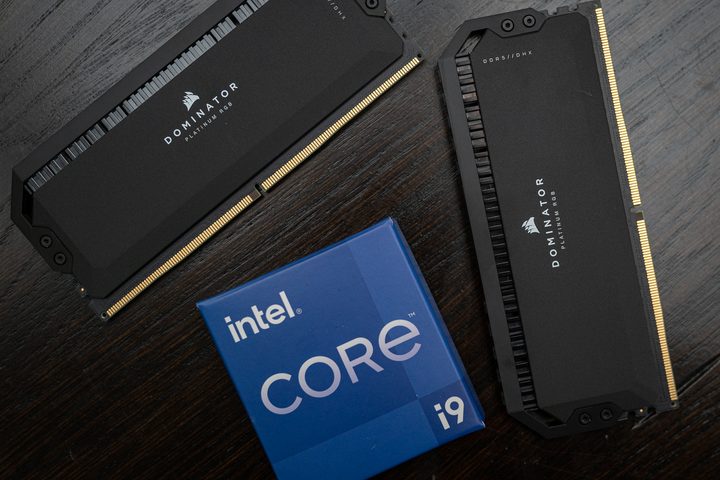
I’ll dig into the “why” later, but let’s get my results out of the way up front. I tested with Intel’s new Core i5-13600K and an RTX 3060 Ti. The Raptor Lake chip is too new to be available in loads of systems, but as you can read in my Core i9-13900K and Core i5-13600K review, it’s not much faster in games compared to the i5 of the previous generation.

And behold — three frames, or just less than a 3% jump if you turn off both security features Microsoft references in its support article. Granted, this is just one configuration, but I tested six titles at 1080p and most results aren’t even worth reporting. Even the 1% low frame rate isn’t worth noting, barely moving at all between my tests.
Out of the six games I tested, Assassin’s Creed Valhalla returned the biggest difference: a whopping 4.5% jump with the security features disabled. Uncharted: Legacy of Thieves similarly only saw a 2.8% boost, while Far Cry 6 returned a 1.8% increase. Gears Tactics showed a 4.6% increase, but oddly, my highest result was recorded with just HVCI turned off.
Keep in mind these are my results with the largest differences. Shadow of the Tomb Raider and Cyberpunk 2077 only saw a single frame of difference at most.


But so what? A performance increase is a performance increase, right? Although it’s tempting to turn off these features, even if it only represents a minor performance jump in some games, the reality is that VBS serves an important function. In most cases, the default settings that are on your Windows installation are the best ones to stick with.
What is VBS anyway?
Microsoft’s support article provides instructions to turn off Memory Integrity and Virtual Machine Platform (VMP). VBS has become the poster child for Windows 11 security, but it’s an umbrella term that enables several other security features in Windows 11. Hypervisor-Enforced Code Integrity (HVCI) is the main feature in question that’s enabled by VBS. HVCI and Memory Integrity are the same things.
VBS steals a bit of memory from Windows and isolates it from the operating system. This environment can host features like HVCI that verify drivers as they’re loaded into memory. It also can verify code integrity as you load applications, ensuring that malicious apps can’t stuff some code beneath the operating system. VMP is a framework that enables virtualization, and turning it off disables VBS on the system.
That’s a lot of acronyms, so for clarity: VMP turns off VBS, and HVCI and Memory Integrity are the same things.
VBS, or more specifically HVCI, has a minimal impact on modern processors because they support Mode-Based Execution Control (MBEC). As Microsoft explains, processors older than Intel 7th-gen and AMD Zen 2 run an emulation of MBEC instead of through hardware, reducing performance. Older processors will see reduced performance in some games (ComputerBase showed around 10% at most through some testing with a Ryzen 7 1800X), but not by anywhere near 28%.
It’s important to discern between a measurable difference and an appreciable difference with any benchmark.
MBEC counteracts the performance deficiency brought on by the various security features enabled by VBS. In addition, larger, faster DDR5 memory can further reduce the penalty brought on by features like HVCI, dropping a small performance gap of around 5% to even lower points. This is all highly dependent on the game, too. The performance impact brought on by VBS and HVCI is focused around your CPU and memory, not your GPU — and as I’ve previously written about, CPU performance in games is a complex beast.
When dissecting gaming benchmarks, it’s important to discern between a measurable difference and an appreciable difference. If you look at Assassin’s Creed Valhalla and see a 4.5% gap with VBS, that’s a measurable difference. The five frames it represents is not an appreciable difference. As I wrote about with how misleading GPU benchmarks can be, the actual experience of playing a game rarely hinges on a few frames.
Not a concern for most
The VBS discussion is about a year old at this point, but Microsoft brought it back into focus with its support article. The article isn’t wrong, but it shouldn’t concern you, either. Fresh installs of Windows 11 don’t have HVCI enabled by default, just VBS. My data suggest HVCI represents the bulk of performance drops (though some other benchmarks suggest VBS overall plays a role, as well).
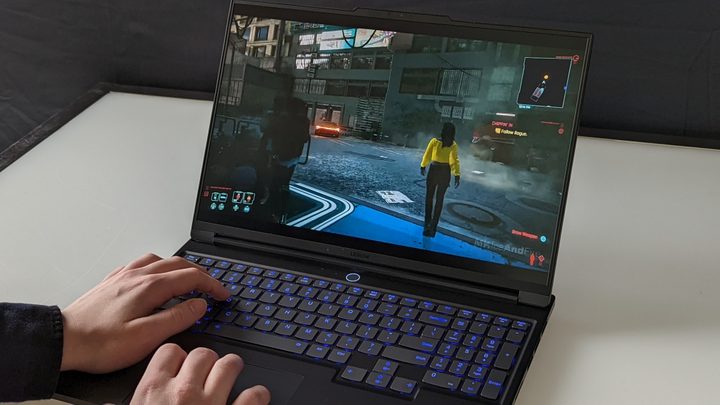
Desktops you buy off the shelf may come with HVCI disabled, as well, particularly if they’re focused on gaming. Laptops, on the other hand, will most likely have HVCI turned on. And that’s a good thing with login methods like a fingerprint reader on laptops. As Microsoft’s Jeremy Chapman showed near Windows 11’s launch, the lack of HVCI allows things as ridiculous as using a gummy bear to authenticate a fingerprint scanner.
VBS should be low on the list of priorities when trying to squeeze out extra performance from your PC.
If your gaming PC isn’t performing at the level you want, it’s worth investigating different ways you can squeeze out extra performance without just buying new hardware. But VBS should be low on that list of priorities, even in Windows 11. Some data shows that certain Ryzen 7000 processors can see around a 15% drop in gaming performance due to how the OS handles multi-threading. That’s a much more significant issue to investigate than the thin margins VBS can represent.
Microsoft recognizes this fact in its support article: “In some scenarios and some configurations of gaming devices there may be a performance impact.” Those scenarios and configurations are few and far between. If you want the best performance out of your gaming PC, read our guide on how to optimize Windows 11 for gaming before messing with VBS. You’ll likely see a much bigger improvement.
This article is part of ReSpec – an ongoing biweekly column that includes discussions, advice, and in-depth reporting on the tech behind PC gaming.