Few Apple products have generated as much heated discussion as the Vision Pro, and that makes it harder than ever to know whether you should get one. But even if you’ve already made up your mind, it can be worth seeing what other people think of the most important Apple product in years.
While there are still a couple days until the Vision Pro goes on general sale, the first reviews have just been published. We’ve scoured through and jotted down the verdicts, from the good to the bad and everything in between. Here’s the lowdown.
The good: incredible quality and deep immersion
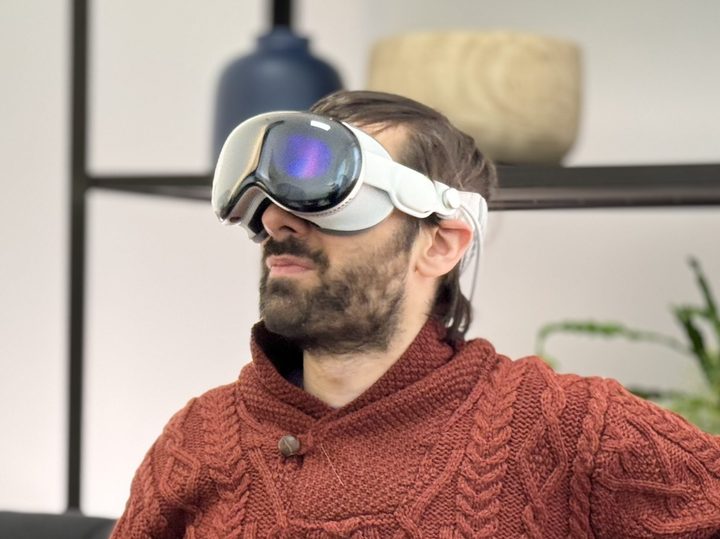
Let’s start with what you first experience when you pick up the Vision Pro: the product’s design. Here, reviewers felt Apple’s headset is miles ahead of its rivals. Tom’s Guide called it “easily the sleekest headset yet” and praised its modularity, while The Verge noted that the Vision Pro’s “largely plastic and often downright goofy-looking” competitors were outclassed by Apple’s build quality. CNET summed it up this way: “The display quality and the finessed interface make Vision Pro feel like it’s in a whole other class.”
That great design extends to the choices Apple made regarding how you interact with the headset, and here, the ease of use shines through. CNET said Apple’s choice to let you control the headset with your eyes and hands is what makes it seem “futuristic,” and that while some other headsets have similar controls, “none have the combination working as smoothly, subtly and intuitively as Vision Pro.”
Tom’s Guide called the ease of use “revolutionary,” while the Wall Street Journal praised how you can simply look at different apps to interact with them. Meanwhile, CNBC, felt that the hand- and eye-tracking was “incredibly accurate. You just look where you want to go and then tap your thumb and index finger to select a button or app.”
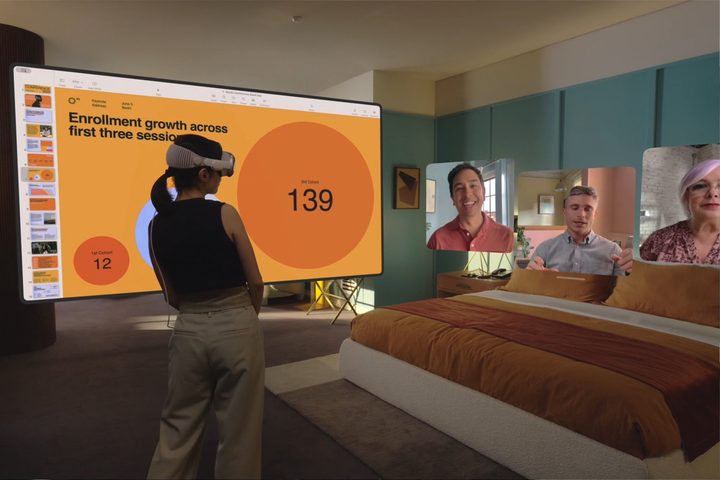
What about the things you’ll actually use all that tracking for? Well, a key feature is being able to bring up multiple floating windows at once, and both Tom’s Guide and the Wall Street Journal said this made them feel like they were in the Minority Report movie. “It’s a multitasking champ,” is how the Tom’s Guide reviewer put it.
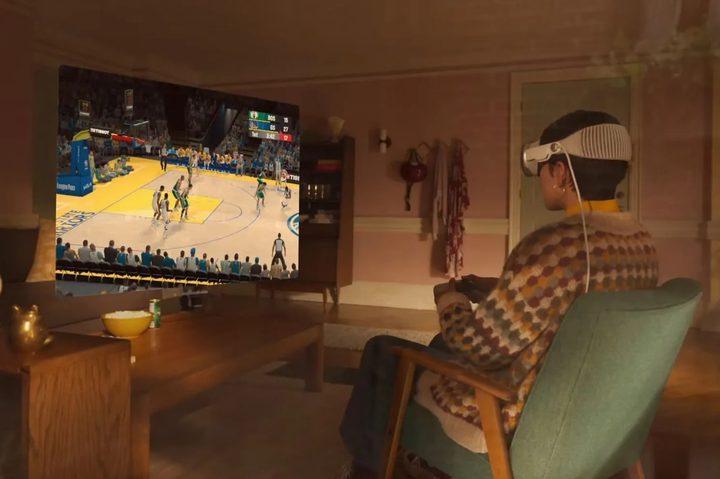
Apple has promoted “spatial videos” as an important part of the headset, and they went a long way to winning over reviewers. Tom’s Guide said, “I was left almost speechless when I viewed a 3D spatial video of my three dogs coming towards the camera. It’s so immersive you may get a bit emotional.” CNBC argued that while some people might see watching a spatial video as a gimmick, “I found it moving.”
Part of what makes the Vision Pro’s videos work so well is the headset’s incredible audio, CNBC said. Spatial audio allows you to turn your head and still hear where the audio is coming from, they noted, while music and movies “sounded fantastic.” The Verge did note that audio can leak out, enabling other people to hear what you’re listening to unless you use headphones.
Finally, many reviewers picked up on small, clever touches found in the Vision Pro. “When I get too close to an object, the virtual things in front of me go transparent and the headset warns me to move back. It’s a real-time warning system,” said CNET’s reviewer. They also liked how “Hand and eye tracking even works in the dark — lying in bed one night, I watched movies on my bedroom ceiling.”
The bad: heavy hardware and buggy software
Of course, Apple hasn’t got everything right with the Vision Pro, and many reviewers found the headset unpleasant in different ways.
One of the core complaints was the weight. The Tom’s Guide reviewer’s comment, “After 30 minutes, I felt it weighing on my cheeks,” was reflected across several reviews. One of the main problems is the weight distribution: as The Verge put it, “Other big headsets like the Quest Pro … have elaborate headbands to balance out their weight, but the Vision Pro just rests it all on the front.”
There’s also the price: at $3,500, the Vision Pro is hardly an impulse purchase for most people. Tom’s Guide summed it up well when their reviewer described the device as “obscenely expensive and for well-heeled early adopters only.”
Aside from hardware complaints, the software fell short in some areas. CNBC and the Wall Street Journal noted that several apps were buggy (including some of Apple’s own), and the headset’s floating virtual keyboard provided a bad experience. Tom’s Guide pointed out that there’s no haptic feedback, and you can only type very slowly, one finger at a time. The Wall Street Journal said, “it will drive you mad for anything longer than a short message.”

Apple has tried to tackle the problem of how odd you might look on a video call while wearing a bulky headset, and the company’s solution is to craft a virtual persona or avatar that’s basically a digital reconstruction of your face without the headset on. While it might sound clever, it seems that Apple hasn’t exactly perfected it yet.
Here’s how the Wall Street Journal described it: “On FaceTimes with friends and family, the reviews were unanimous: ‘You look awful,’ my sister said. ‘It’s like Botox from hell,’ remarked the always-kind Jason Gay. ‘Frightening,’ said my dad.” The reviewer described it succinctly, saying it will “haunt your dreams.” Meanwhile, CNBC said, “My colleague thought I looked like an 80-year-old man. My wife laughed.”
And there was one other interesting complaint: that the Vision Pro can sometimes be a little too immersive. CNET described a situation: “After a while, my son taps me on the shoulder and asks if I’m asleep. I say, of course not. But my wife says she doesn’t like this, that I’m so removed from everything.” It seems that despite Apple’s best efforts to keep you grounded in the real world — allowing other people to see your eyes and creating virtual avatars — there are still ways to lock yourself out of reality.
A ‘revolutionary’ device with some unresolved problems
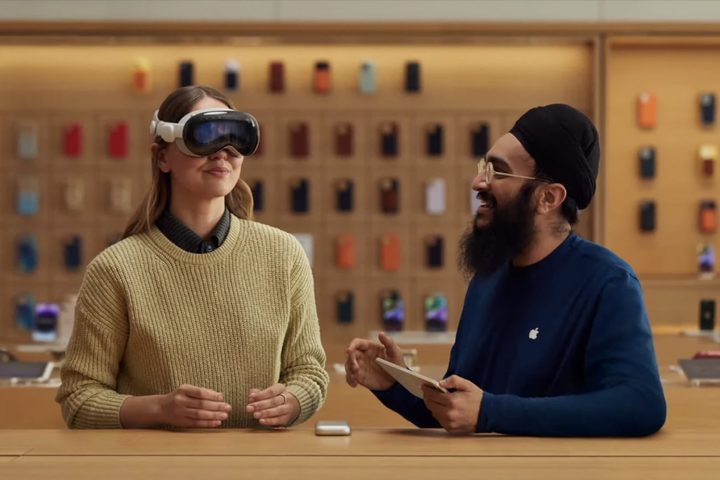
The overall impression from the early reviews seems to be that the Vision Pro is an incredible device, something that’s far, far ahead of Apple’s rivals yet feels a little unfinished in certain areas. And with such a high price tag, it’s way out of reach for most people.
“Apple’s headset has all the characteristics of a first-generation product,” said the Wall Street Journal. “It’s big and heavy, its battery life sucks, there are few great apps, and it can be buggy … Yet so much of what the Vision Pro can do feels sci-fi … It’s the best mixed-reality headset I’ve ever tried, way more advanced than its only real competition, the far cheaper Meta Quest Pro and Quest 3.”
CNBC called it “an entirely new type of computing, providing a whole new world of experiences,” adding that it “feels like the future.” The outlet continued: “The experience blows everything else out of the water. It’s Apple’s most exciting product in years, and it’s the best example yet that this will become a new way of computing.”
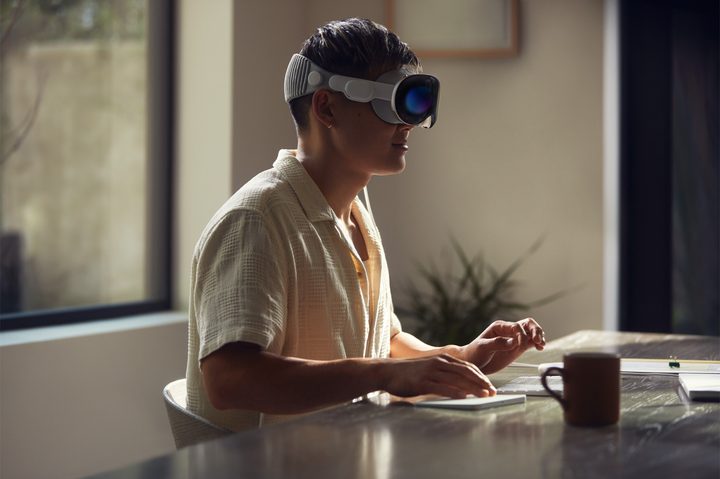
The Verge was a little less convinced by that argument, saying that Apple might have “inadvertently revealed” that some aspects of virtual and augmented reality “can’t ever be executed well enough to become mainstream.” For instance, the website’s reviewer contended, “This is the best hand- and eye-tracking ever, and [yet] it feels like the mouse, keyboard, and touchscreen are going to remain undefeated for years to come.”
The Verge also pointed out that there are a lot of trade-offs involved in using the Vision Pro, from how it can mess up your hair and makeup to how it “allows the Walt Disney Company to prevent you from taking pictures of what you see” and stops other people from enjoying what you’re experiencing.
Ultimately, most reviewers were impressed with the Vision Pro, albeit with the caveat that there are many things Apple needs to improve. For The Verge, which was a little more pessimistic, the “inherently isolating” nature of the device was a major drawback. We’ll have to see what the public thinks when they get hold of the headset in a couple days’ time.