Maybe you visited a fraudulent website, opened a link you shouldn’t have, or became a victim of a hacked social media account. Now, you’ve finally decided it’s time to better protect yourself and your device against cybercrime, and after installing a free antivirus on your PC, you’re here looking for an Android antivirus tool.
The antivirus apps for Android on this list give you the protection you expect, but also provide additional features for advanced security, safety, and monitoring.
Best for the battery-conscious: Bitdefender
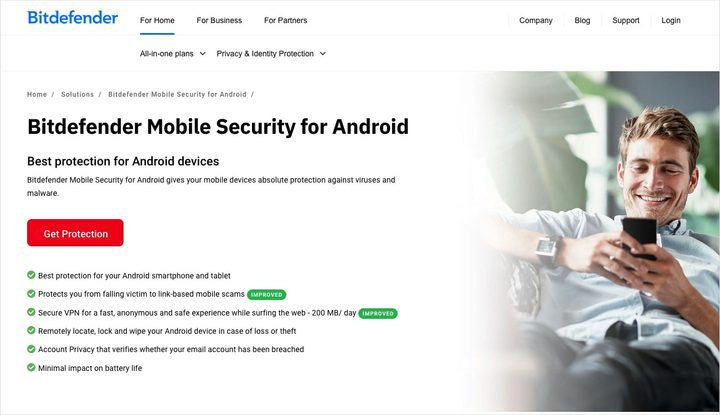
With excellent protection and a low impact on performance, Bitdefender is a favorite when it comes to antivirus and security for Android. You can take advantage of malware detection and a smart anti-theft environment with minimal impact on your battery.
Bitdefender also provides app anomaly detection and an app lock, web protection, and Bitdefender VPN for online privacy, scam alerts, and mobile security for your smart watch.
You can try Bitdefender Mobile Security for free on Android for 14 days, with paid plans starting at $15 for the first year.
Best for app shoppers: Norton
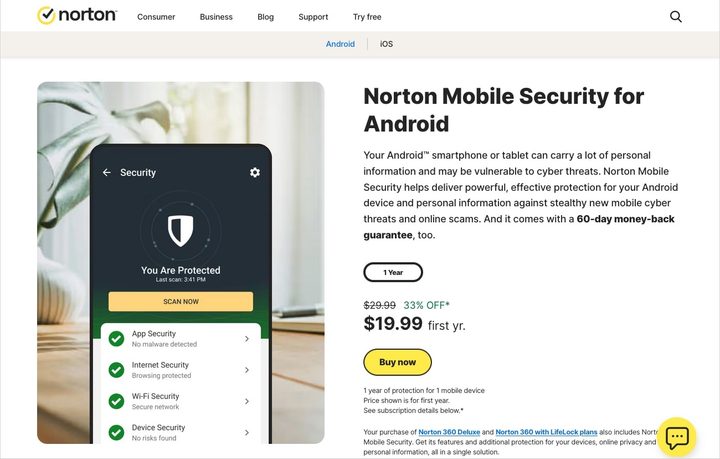
Thanks to its patented app scanning technology, you can rest easy with Norton on your Android device. App Advisor informs you if it finds malware or online privacy threats before you install an app from Google Play.
Norton also provides Wi-Fi, internet, SMS, and device security to safeguard you from fraudulent websites, phishing attacks, and system vulnerabilities. With protection for your device and your data, a 30-day report card showing previous scans, and the ability to see potentially unsafe nearby networks, you can’t go wrong with Norton on your mobile device.
You can purchase Norton Mobile Security for Android starting at $20 for the first year.
Best for social media security: McAfee
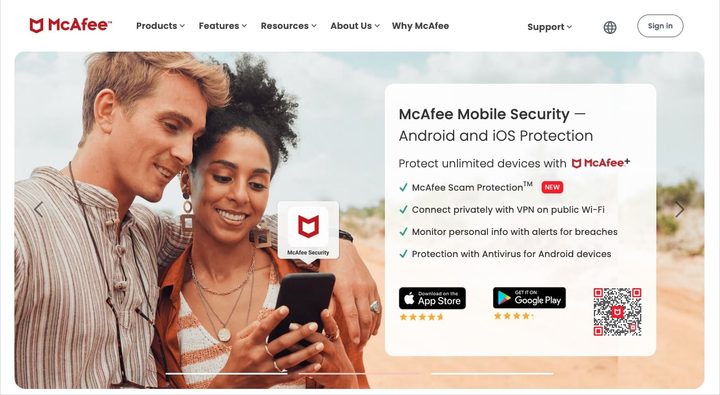
With a slew of features to protect you, your device, and your data, McAfee is another solid choice for Android. You’ll receive antivirus tools, safe browsing, and identity monitoring among the feature set.
McAfee also provides cleanups of your online accounts and personal data, a secure VPN, and scam protection. With the Social Privacy Manager, you’ll receive personalized suggestions for staying safe on your favorite social media networks. The tool scans your connected social account privacy settings, provides recommendations for improving your safety, and allows you to update your settings with a tap.
You can check out McAfee Mobile Security for free or look at the variety of paid plans for Android.
Best for media protection: Avast
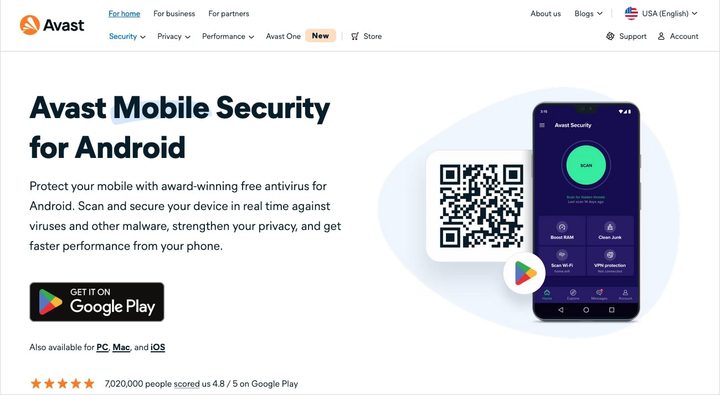
Using Avast Mobile Security, you’ll not only get protection against threats like malware and viruses, but advice on better protecting yourself and your Android device.
Avast also provides alerts for leaked passwords, the ability to hide your online activity, and security for your photos and apps using a PIN code, fingerprint, or pattern unlock. Additionally, it provides regular scans, malicious app detection, and verified security of Wi-Fi networks. Along with its safety features, Avast helps you clean up junk files to regain storage space.
You can check out Avast Mobile Security for free or upgrade to a paid plan for Android.
Best for bonus features: Avira
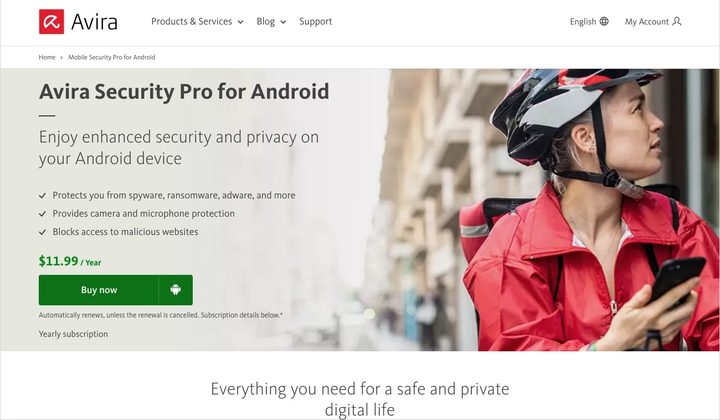
With Avira Security for Android, you can feel safe from viruses, adware, and malware, as well as malicious websites. Avira protects you from dangerous sites and phishing attacks with its free VPN and web protection.
Avira also provides camera and microphone protection, allowing you to control the apps using those device tools. Additionally, it gives you app control for managing permissions and locking private apps. You’ll also receive remote device control should your Android phone become lost or stolen, a data breach check for your email address, and an optimizer for freeing up space and increasing performance.
You can check out Avira Antivirus Security for free or upgrade to a paid plan for Android.
How to choose an antivirus app for Android
As you look through the different tools above, you might be wondering how to choose one. Here are a few things to consider when deciding on an antivirus app for your Android device.
Compare the features
There are likely certain features you need more than others. For example, you may want help in identifying vulnerabilities in your social media privacy settings or need more protection for your apps and photos. Look at the feature set each antivirus app for Android offers to find those most valuable to you.
Consider bundling devices
If you’re in the market for antivirus software for your computer or would like a tool to cover all Android devices in your household, you can often find affordable plans. By bundling more than one device, you can potentially save money in the end.
Be aware of your budget
Before you check out a try-before-you-buy app or use a tool’s free version, look at the additional paid plan prices and available upgrade costs. You may be perfectly happy with an app’s free offerings, but if you decide you need more later, be sure you’re willing to shell out the cash for the extra features offered by your chosen tool.
FAQs
Do Android phones need antivirus?
While Android has Google Play Protect for apps you download from the Google Play store, along with monthly security updates for the operating system, you may consider an antivirus tool for other reasons.
For instance, if you download apps from sources other than Google Play, often come across websites that seem a bit shifty, or have mistakenly opened links in suspicious emails, you may benefit from the additional security of an antivirus app for Android.
How do I check my Android device for viruses?
The best way to check your Android device for viruses, malware, adware, or other dangers is to use an antivirus app. Most tools provide an upfront scan to detect these types of threats, along with features for protection and security moving forward.
Should I pay for antivirus on Android?
There are several solid and reputable antivirus tools for Android that you can use for free. Others offer free trials so that you can check out the features before you commit. If you’re on a tight budget, you may want to review these types of apps first.
Consider the features you need, whether you want to bundle additional devices, and the amount you can afford before making a purchase.