

Remember taking field trips in grade school to the museum? Looking at ancient art didn’t sound exciting when your teacher described the educational trip in the classroom, but, once you got there, it was awesome to see so many of humanity’s cultural accomplishments in one place. Numerous museums have put parts of their collections online, making them easy to explore with the click of a mouse. To coincide with International Museum Day today, May 18, we’ve complied the best online tours and collections of some of the most famous museums in the world.
The British Museum – London, England
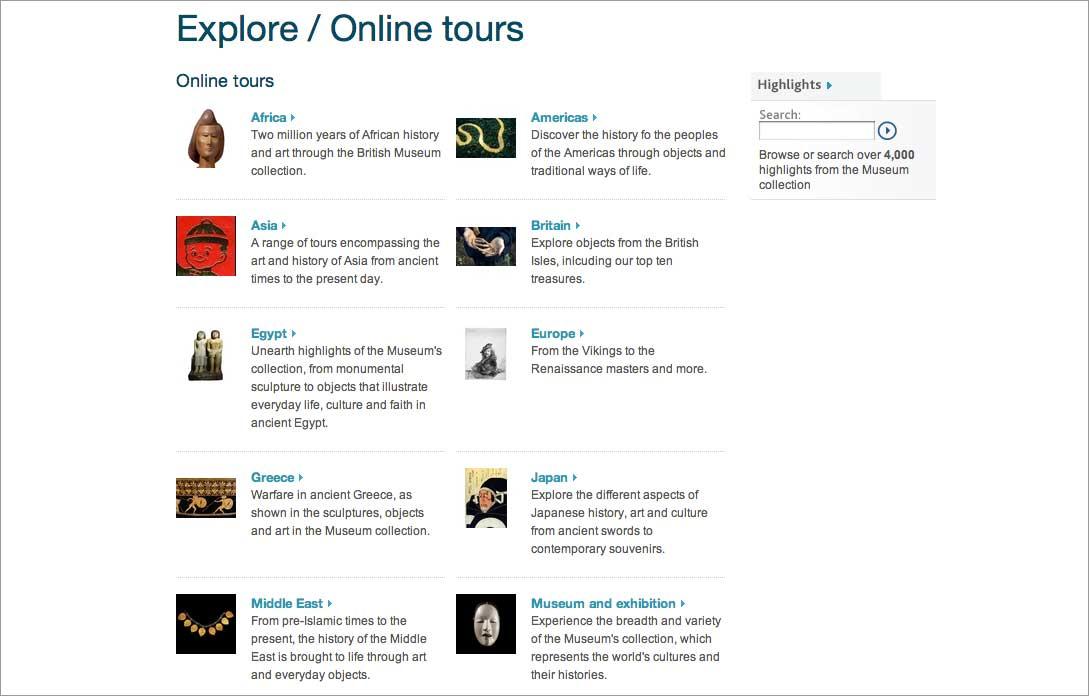
Want a crash course in cultural artifacts from around the world? Look no further than the British Museum, which is over two-and-a-half centuries old and has approximately 8 million objects in its collection. Visit the museum’s online collection which has over 750,000 images, and you’ll see the Rosetta Stone (the real one, not the software) and parts of the Grecian Parthenon.
Get a closer look at each item thanks to large images and multiple angles. Search for a specific item or take an online tour of a region such as Egypt, ancient Greece, the Middle East, and – of course – Britain. There’s even an overview tour that showcases “the breadth and variety of the Museum’s collection.” Click through medium sized images of the artifacts or click to view a larger image. We really appreciate how much detail, background, and historial context the museum includes with each object.
The Louvre – Paris, France
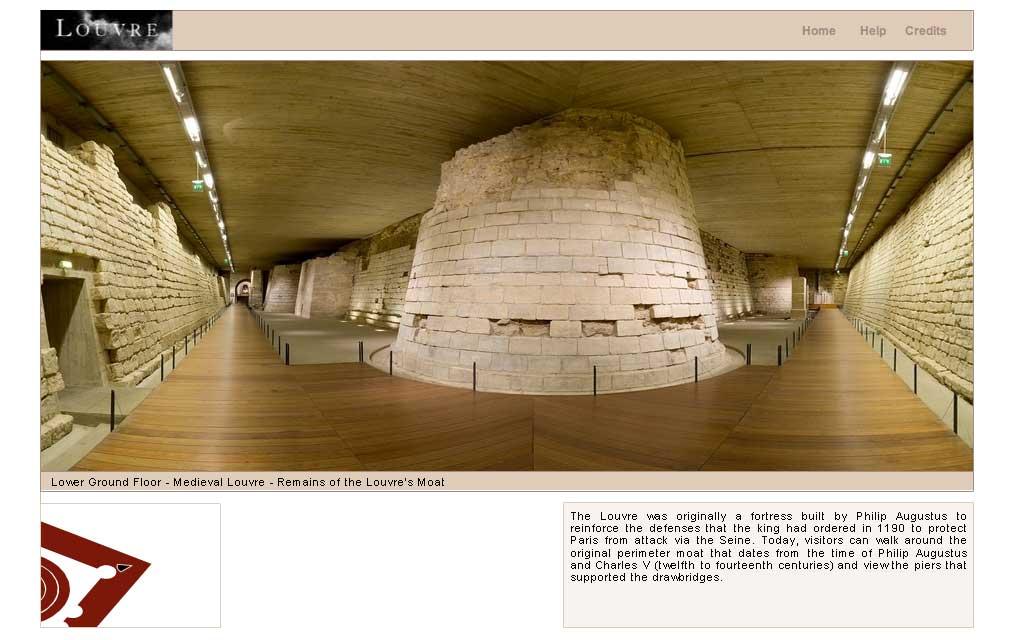
While the British Museum’s online collection features items against a plain background, the Louvre’s immersive tour shows the interior of the building itself with a Quicktime plug-in that allows you to spin around in a room and access a pop-up map with highlights marked on it. While there are currently only two full accessible virtual tours, there are several collections available with full screen images and close-ups. These categories include “Masterpieces,” “Kings, Queens, and Emperors,” “The French Revolution,” and “Jewelry.” Oh, and in case you’re wondering, you’ll find the Mona Lisa and the Venus de Milo under “Masterpieces.”
Our favorite part of the Louvre’s virtual tours is the “you are there” feeling. For example, in the ancient Egyptian room, clicking on an item brings up larger picture and information about the object. Plus, part of the fun of virtually exploring the Louvre is seeing the remains of its former life as a 12th century fortress – complete with a moat and drawbridges, which may be viewed in the basement of the building.
Smithsonian National Museum of Natural History – Washington, D.C.
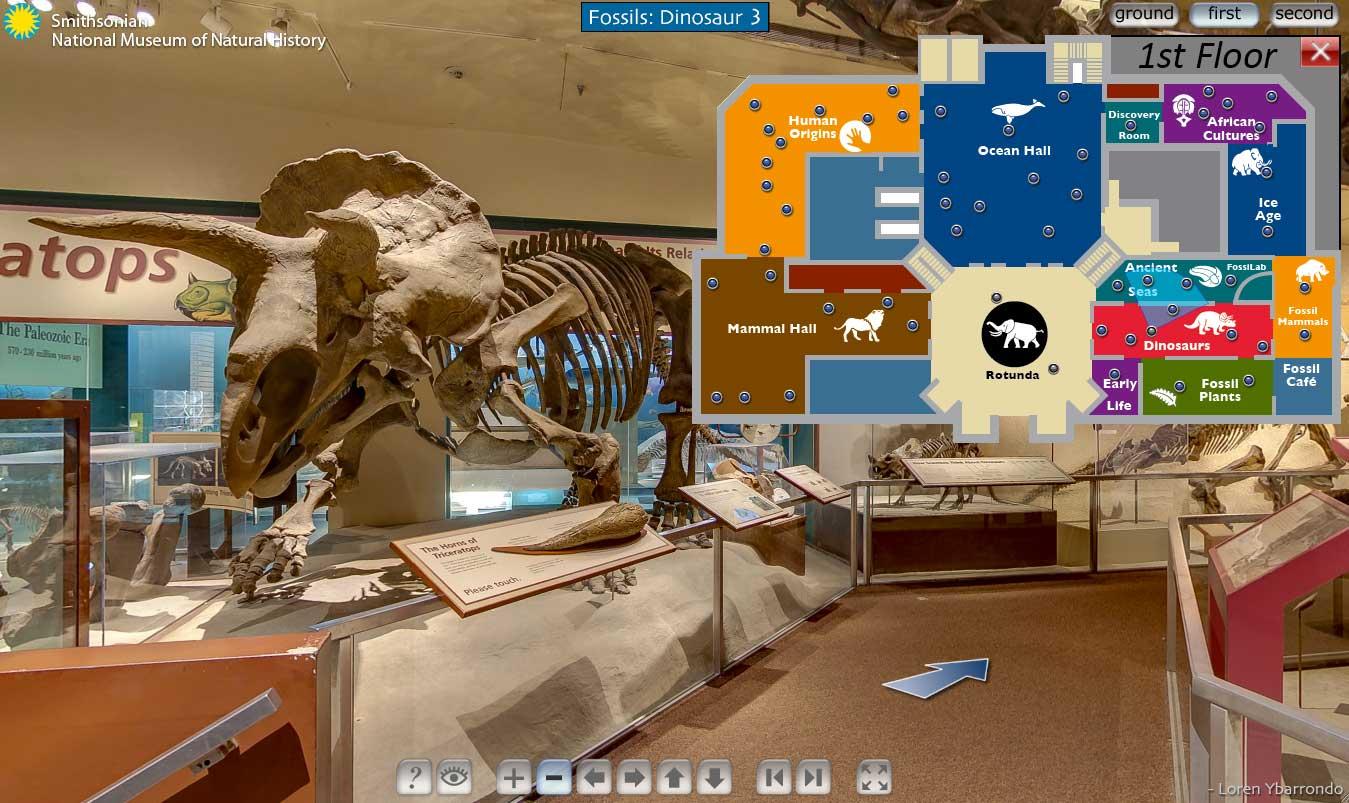
If you liked the Louvre’s virtual tour, you’re going to love the Smithsonian National Museum of Natural History’s virtual tour. Opened in 1910, the Natural History Museum houses over 126 million specimens of animals, plants, rocks, fossils, and minerals, including the Hope Diamond. Famous fossils and mummies are yours for the viewing.
The entire museum is available via an online tour, and, like the Louvre’s virtual tours, it’s an immersive experience that gives you a 360 degree view of the museum halls around you. A collapsible map in the upper right corner helps you jump to anywhere in the museum, making it easier to explore it than if you were physically at the museum. As you look around, you’ll see a clickable camera icon, which gives a close-up view of an object as well as the same details that physical visitors see. The controls offer a zoom function that was remarkably clear even when we zoomed in all the way to a dinosaur’s skull. The zoom function is key to getting the most of this virtual museum as you can zoom in on anything you see to get a closer look.
Google Art Project
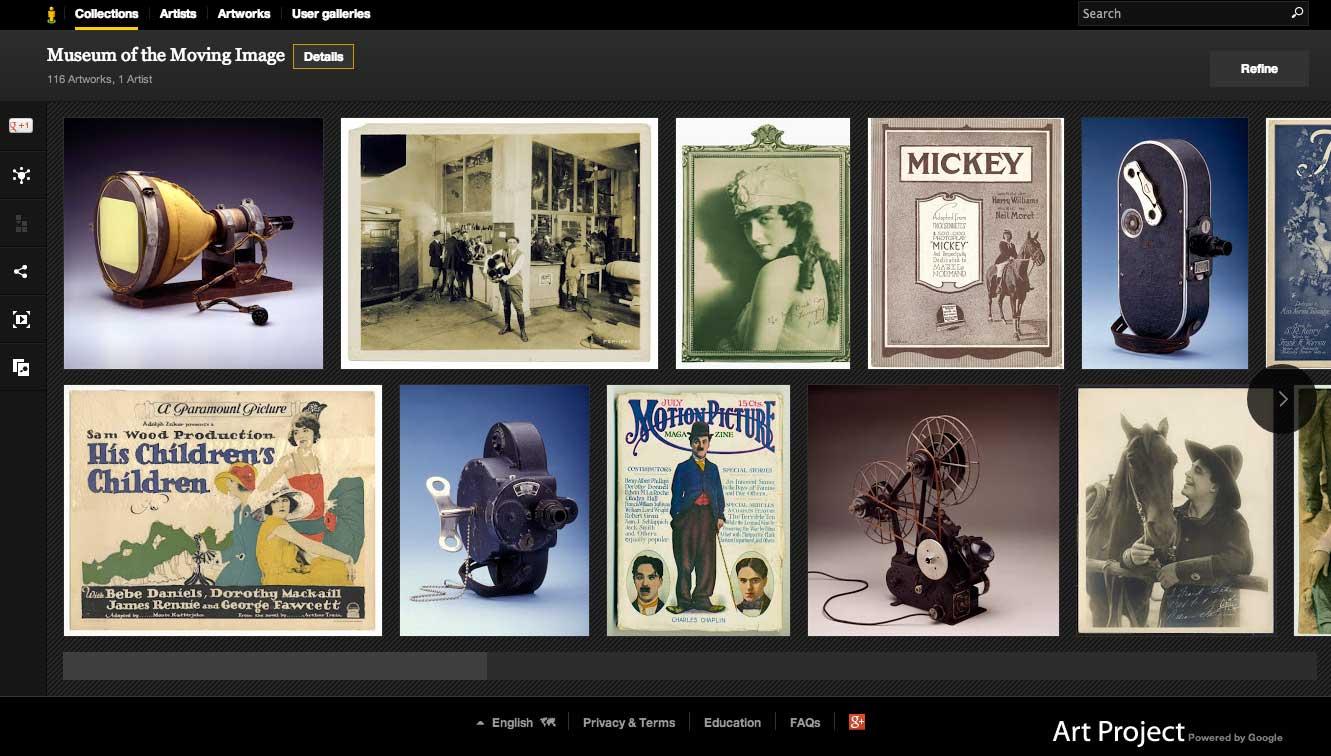
Lastly, like most things in the world, Google has integrated itself into museums, too. Browse the collections of hundreds of museums by visiting googleartproject.com. Choose a place, such as the Museum of the Moving Image in Astoria, New York, and you’ll be able to view items from filmmaking past along with details and information about the creator of the object. While this is a great way to get an overview of a museum, not all of the detailed information was necessarily correct. For example, it attributed this Greek Wine Jar from 450 B.C. to “the Chicago Painter (his Name Vase).” Still, it’s a fun way to explore smaller museums around the world.


