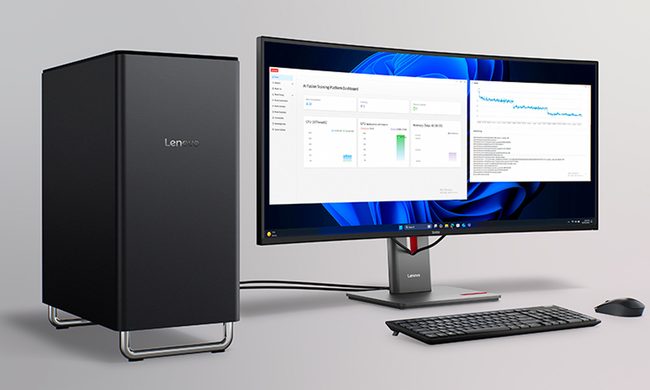
When attending IFA 2025, I had a walkthrough of some of Nvidia’s products and services with the buzzword ‘AI’ thrown into practically everything. With Nvidia producing a large percentage of the hardware which many AI software’s run off of, it only makes sense that the company are hoping to delve into the world of artificial intelligence companions.
In comes Project G-Assist, an AI assistant from Nvidia which is powered by your RTX graphics card and helps control, finetune and optimize your PC. This PC assistant can be installed via the Nvidia app, so I decided to give it a go and see what it actually has to offer and being honest, I wasn’t particularly impressed.
Before even getting into the functionality of Nvidia’s AI PC assistant – I first have to speak about how buggy the software was when I used it. While its worth noting that Project G-Assist is still in an experimental phase, currently on patch 0.1.17 with the 0 indicating pre-release, this software just felt completely unfinished to the point I would argue is wasn’t very usable. I’ll speak more about this later, but overall my experience was just littered with issues.
Nvidia states that as modern PCs have become more powerful, they have also become more complicated to operate. This AI PC assistant is made to simplify this experience as it can help with a range of PC settings from optimizing games down to charting frames in games via basic voice or text commands. You can find a full list of Nvidia G-Assist’s functions over at the Nvidia website.
In order to use the AI PC assistant, you can type into a text box which remains in the bottom corner of the screen as an overlay or you can press a hotkey to make it appear. This lets you type in your request, which can be marginally helpful based on your request.
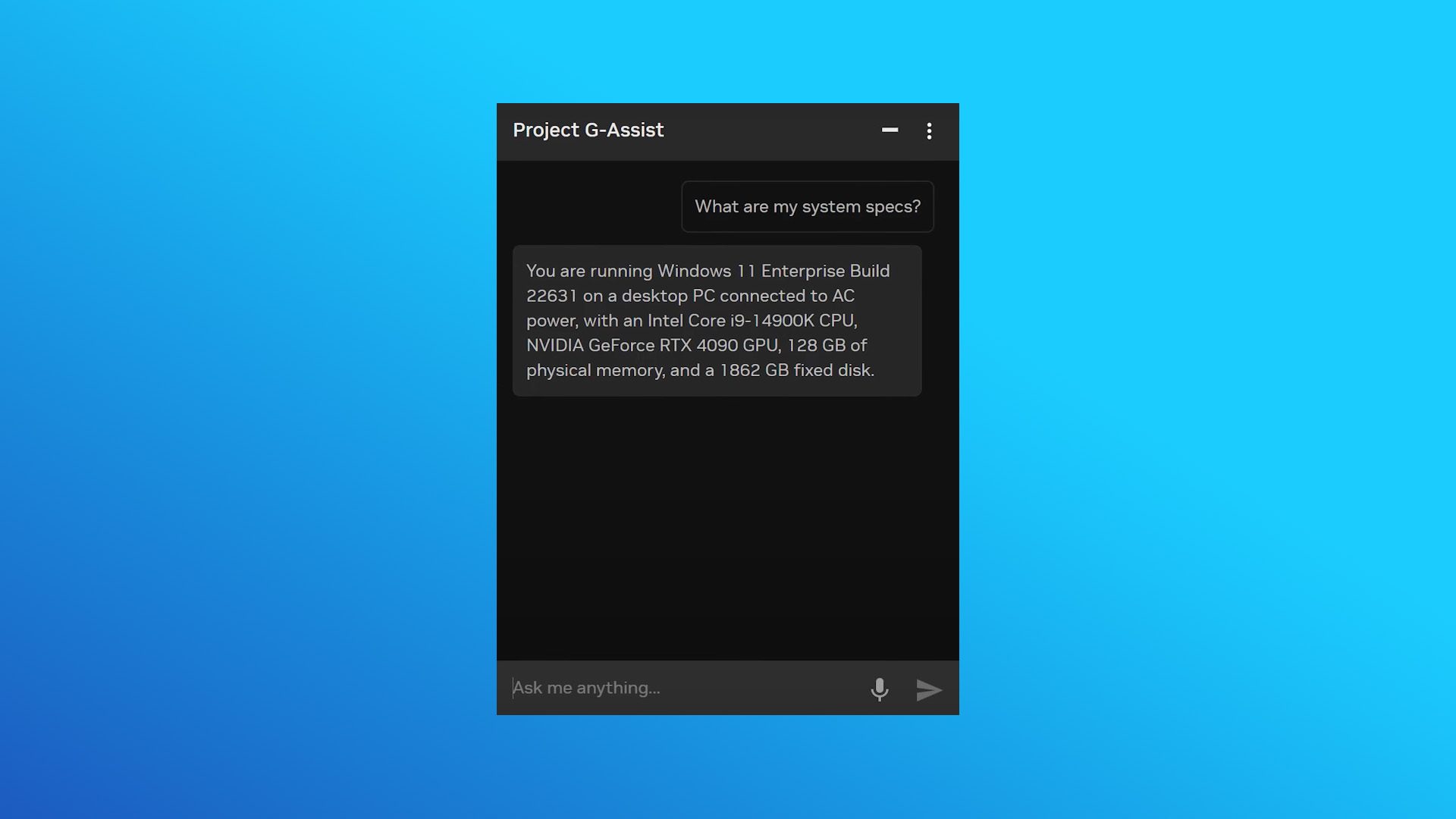
If you’re asking general questions you may as well just open up Google and type in your question; if you’re asking your PC assistant to start or stop a recording, you can set your Nvidia app to do this with the press of a hotkey anyway. For simpler commands like this, it doesn’t feel like there’s a point in using Nvidia G-Assist.
However, on the other hand for more complicated requests like updating drivers, or setting your fan speed, it can be easier to ask Nvidia’s AI PC assistant but again these tasks aren’t hard to complete yourself within the Nvidia app. It does feel like the Nvidia AI PC assistant is somewhat obsolete even with these more complex tasks as typing out the request is longer than actually doing them yourself.
And this is if you can even get the textbox to pop up, with it sometimes not even appearing. In order to rectify this issue I would have to quit the entire Nvidia app and relaunch it, which took so much longer than if I would have just completed the task myself. Of course this is something which Nvidia will be planning to iron out over time, but for now it makes the Nvidia G-Assist software almost useless.
On the other hand, you can also use the Nvidia AI PC assistant using voice commands and a push-to-talk button. This is something I can ever so slightly get behind because it actually saved time – when it worked. Hit the button and ask Nvidia G-Assist to adjust your settings in game and it can do that, which is much faster than typing in a request and doesn’t require you tabbing out of a game.
However, again sometimes the Nvidia G-Assist software just didn’t work and would require restarting to be fixed. If I pressed the push-to-talk button which I had set sometimes the AI PC assistant just wouldn’t respond.
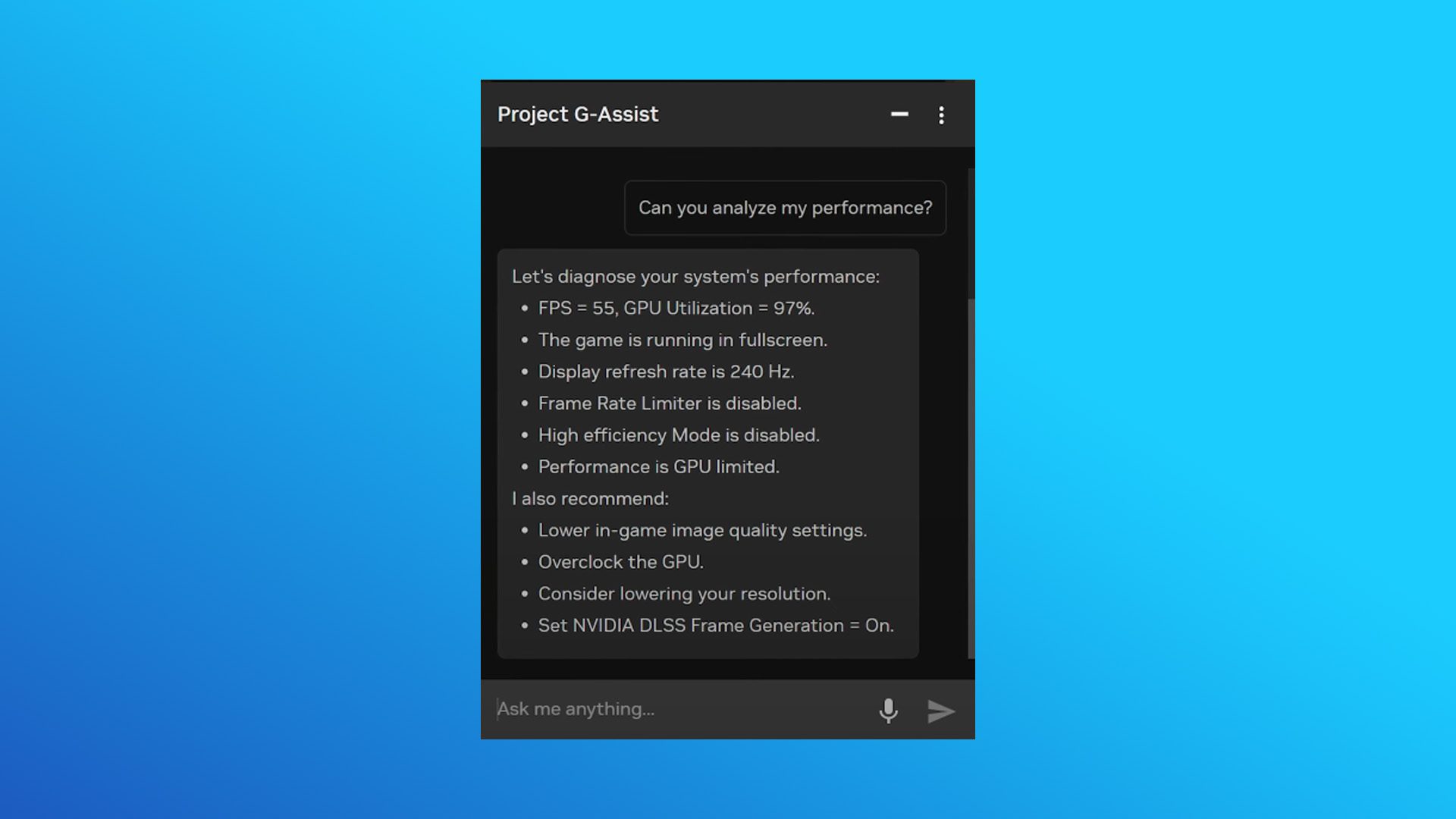
So for argument’s sake lets remove all of the issues and bugs I experienced for a second… this app is still just kind of okay. Some of the requests you can make can be completed quicker by Nvidia G-Assist than if you were doing them yourself, but this isn’t the case for all of them.
When asking for simple requests like launching a game, it took the AI longer to think about and process my request that it would have taken me to open Steam and launch the game myself.
Nvidia G-Assist is mildly useful at the moment, but I can see it becoming a much better service once the bugs are ironed out and more functionality is implemented. For now, this is probably worth skipping but don’t completely write it off.