What’s happened? Every time I try to compare things, write while researching, or keep a video open while browsing, I end up juggling windows in Chrome or Safari. Opera just solved that by revamping its built-in split-screen feature, making it a true multitasking tool inside a single browser window.
- Opera’s split-screen mode now supports up to four tabs at once.
- You can drag or right-click tabs to create a split screen to arrange them vertically, horizontally, or in a grid.
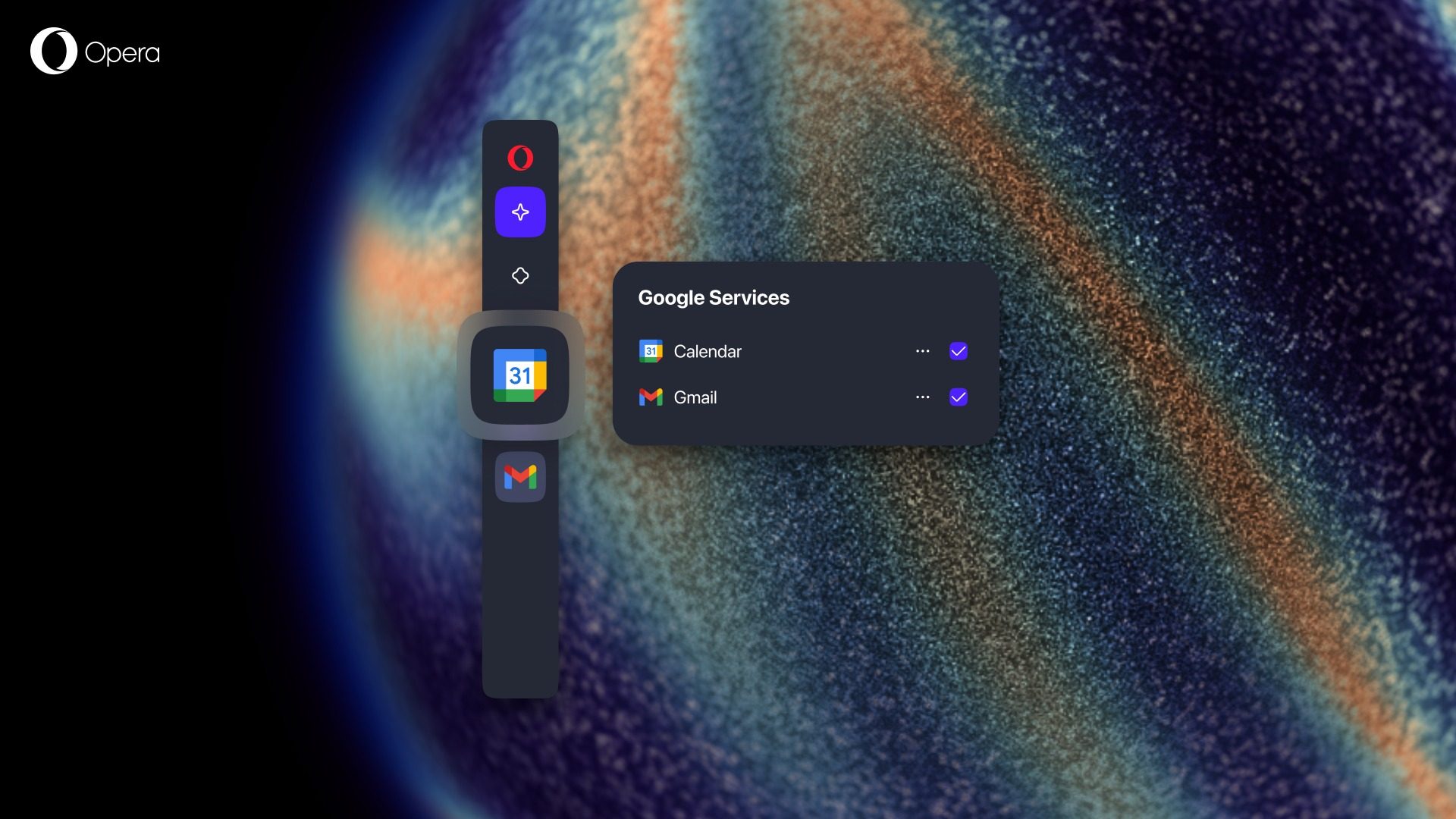
- The split-screen layout can sit alongside Opera’s sidebar tools like Gmail and Calendar.

This is important because: You can view and use multiple webpages inside a single Opera window, without installing any extensions or opening new tabs in separate windows.
The best part is that Opera designed this split view to stay tidy, so there’s only one address bar for all tabs in the view. Bookmarks, snapshot tool, and other core browser functions still work smoothly in split mode.
On top of that, the split-screen works alongside Opera’s modular sidebar, so if you like keeping, say, your mail or calendar in view too, it fits in without clutter.
Why should I care? If you’ve ever juggled half a dozen browser windows just to cross-check information or compare products, you know how frustrating it can get.
- Browsing has evolved beyond a single-tab experience. However, browsers like Google Chrome and Safari still require separate windows or external tools for that.
- Opera’s integrated approach can feel more like using a multi-window workspace inside one frame.
- You get flexible layouts that match your workflow, whether it is writing while referring to multiple sources, comparing products, or streaming and browsing simultaneously.
Opera has also been experimenting heavily with AI-driven browsing through its Neon browser, which can attempt tasks like shopping, booking, or applying for jobs on your behalf, though it is not quite flawless yet.