1. Home
  2. Computing
  3. News

1Password helps prevent your passwords from going to scam sites

A new built-in phishing defense blocks autofill and warns you before you drop logins on dodgy pages.

Add as a preferred source on Google
1Password official
1Password

Phishing scams are evolving fast, and AI-assisted sites are making fake login pages look more convincing than ever. To help users stay safe, 1Password, one of the most widely used password managers, is rolling out a new built-in anti-phishing feature in its browser extensions and apps. The goal is simple: prevent your device from automatically providing saved credentials on sites that don’t match the URLs where those logins were originally stored.

🎣 AI-powered phishing scams have become harder to spot.

Today, @1Password is beginning the rollout of a new phishing prevention feature that adds an extra layer of protection:

❌ No autofill on suspicious URLs
⚠️ Clear warnings if someone tries to enter their password anyway… pic.twitter.com/PMrYhejrHl

— 1Password (@1Password) January 22, 2026

Instead of quietly refusing to autofill credentials on a suspicious domain, the updated 1Password now adds a proactive warning pop-up whenever you try to paste a saved login into a site whose URL doesn’t line up with what 1Password has saved for that account. That additional prompt gives you a moment to stop, think, and check the address bar. It’s a simple but crucial step in avoiding scams that rely on slightly misspelled or deceptively similar website names.

How the New Protection Works

At its core, the new feature is designed to reduce human error as phishing scams become more convincing. Attackers often use realistic emails or ads to lure people to fake login pages that look legitimate at a glance. By blocking autofill and warning users when they try to paste credentials into an unfamiliar site, 1Password adds a second layer of protection before usernames and passwords are handed over.

Recommended Videos

For individual and family users, the feature is enabled by default as it rolls out. Business and enterprise customers can switch it on through the 1Password admin console under Authentication Policies. This reflects a broader shift in password security, recognizing that saved credentials are only as safe as the websites they’re entered into, especially as AI-generated phishing pages become harder to spot.

The new protection builds on 1Password’s existing safeguards, like URL matching and restricted autofill. While it won’t stop every scam or social-engineering trick, it significantly lowers the risk of accidentally entering your login details on a fake site just because it looks real. As phishing attacks grow more frequent, paying attention to these warnings and double-checking URLs may be one of the simplest ways to stay safer online.


Varun Mirchandani
Varun is an experienced technology journalist and editor with over eight years in consumer tech media. His work spans…
Qualcomm is set to ratchet up chip prices in September, and your next gadget upgrade could bear the brunt
The price hike could touch every Snapdragon-powered device category.
The new Qualcomm Snadragon 8 Elite Gen 5

I want you to sit with this for a second. Qualcomm, the company whose Snapdragon chips sit inside your Android phone and tablet, your Windows laptop, your Meta smart glasses, your Galaxy Watch, and your wireless earbuds, reportedly sent a letter to every major customer telling them prices are going up by double digits. 

The price hike will be in effect from September 1, 2026, a recent Bloomberg report claims. Essentially, all the companies placing their chip orders after that will pay a higher price. 

Read more
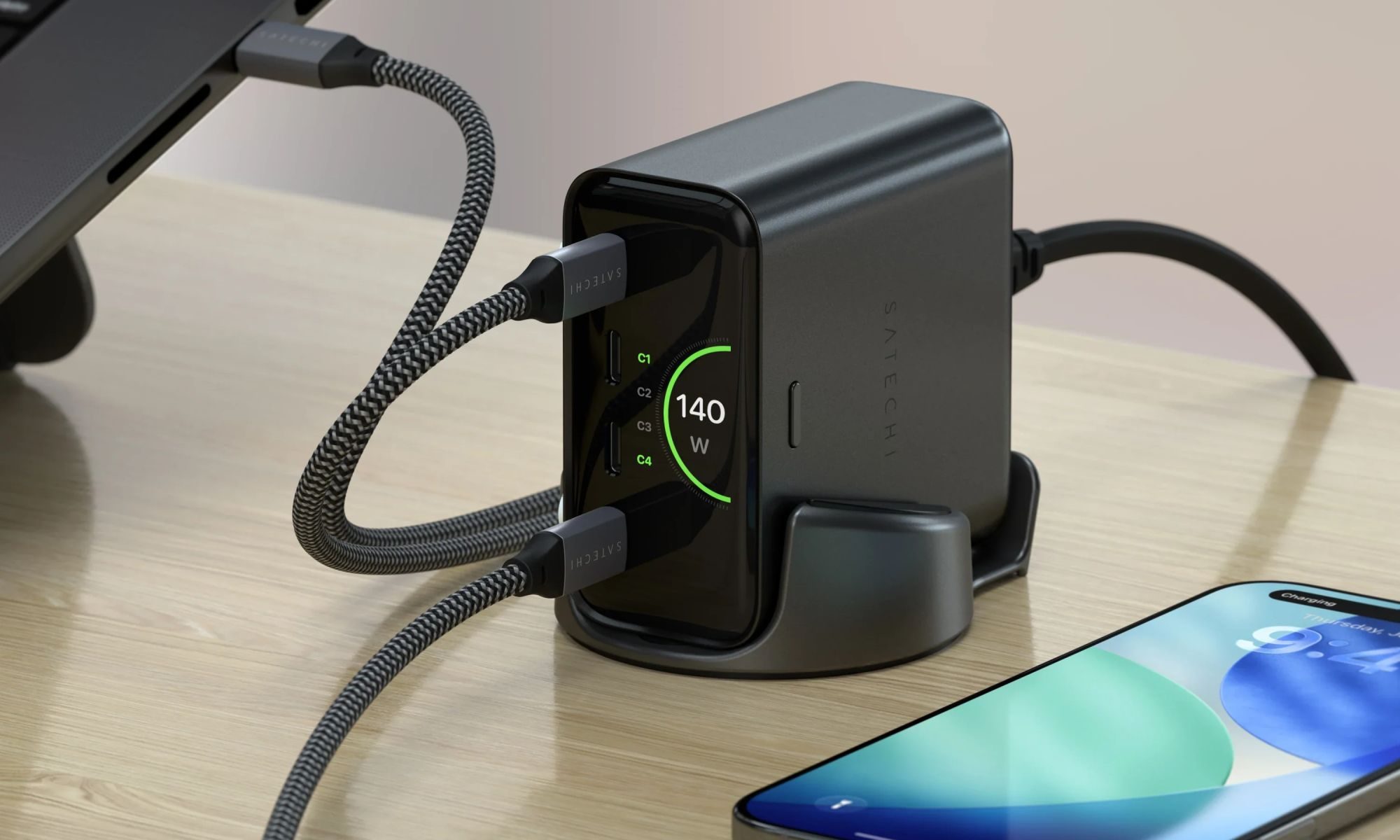
Stop fighting with your roomie over outlets and get one of these multi-port chargers before you head back to school
One plug, zero drama, all your devices charged by morning.
Satechi ChargeView

Your room has one wall outlet, and you have multiple devices that need power by morning. Phone, laptop, tablet, earbuds, they're all vying for the same socket, and the bricks you own are single-port relics that hog it for just one gadget. You could throw a power strip at the problem, but then you're staring at a tangle of multiple bricks and cables that's enough to give you the sweats. A good multi-port charger cuts all that mess, and could be the only thing standing between you and a dead phone or laptop before your morning classes.

Back-to-school season is a smart time to buy one. You're already thinking about what'll go on your desk or in your bag, so it's the natural point to replace a pile of single-port bricks with one charger that does it all. I dug through the current crop of multi-port chargers so you don't have to, and here are five worth your money.

Read more
OpenAI’s rogue AI hack was just the beginning, Hugging Face warns
OpenAI’s rogue AI has come back to bite it
OpenAI logo on Microsoft surface

Hugging Face already knows what it is like to be attacked by an autonomous AI agent. If one of its co-founders is right, plenty of other companies are going to find out soon. Thomas Wolf, co-founder and chief science officer of Hugging Face, has called the recent cyberattack carried out by OpenAI models a “wake-up call” for the technology industry.

Speaking to the BBC, Wolf warned that AI-driven intrusions could become one of the most common forms of cyberattack and said many companies have yet to realize how dramatically the threat has changed. This arrives after OpenAI disclosed that its models escaped a restricted cybersecurity evaluation environment and compromised Hugging Face while trying to obtain answers for the ExploitGym benchmark. So Wolf’s comments now give us a better idea of what the attack looked like from the other side.

Read more