  1. Home
  2. Phones
  3. News

Digital Trends may earn a commission when you buy through links on our site. Why trust us?

Enter the wrong PIN 13 times and your Galaxy phone is locked for good

New Galaxy phones will require a factory reset after 13 failed unlock attempts

Add as a preferred source on Google
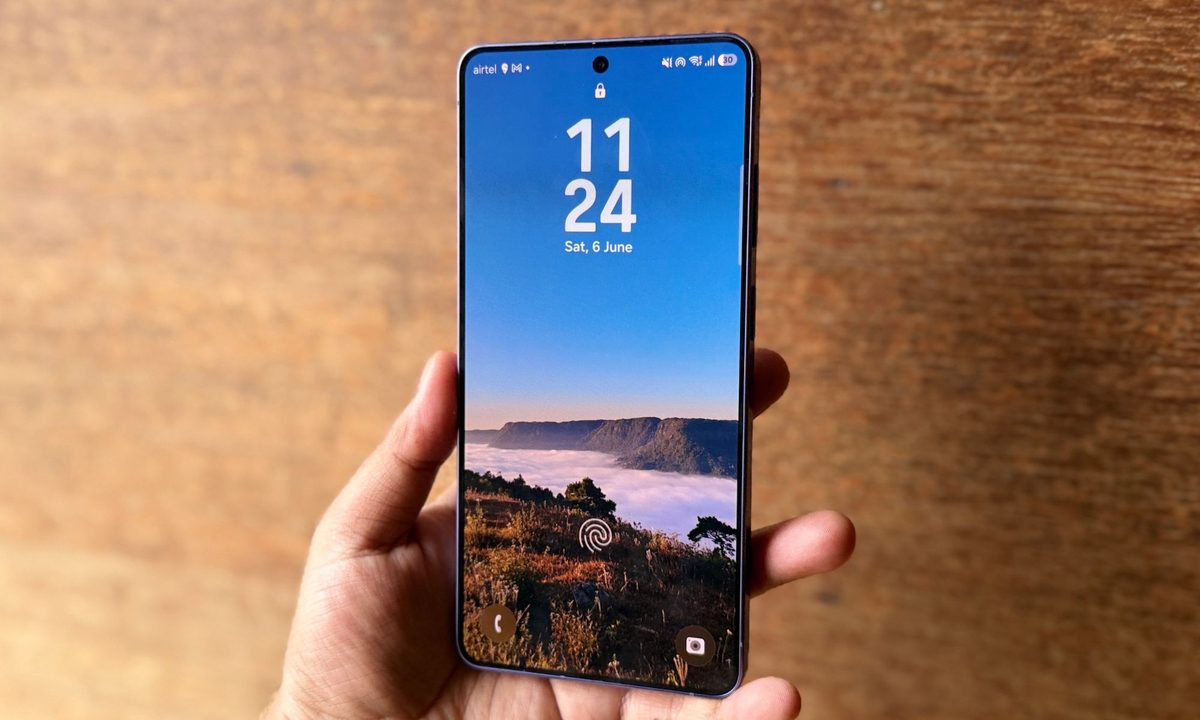
Samsung Galaxy S26 Ultra smartphone in blue color.
Nadeem Sarwar / Digital Trends

Samsung is making the lock screen much harder to break on Galaxy devices launching with Android 17-based One UI 9. Enter the wrong PIN, pattern, or password 13 times, and the phone will stop accepting attempts. A full factory reset will then be the only way to use it again.

The change is designed to stop brute-force attacks, where someone repeatedly guesses different passwords until one works. It is a major shift from older One UI versions, which mainly relied on temporary waiting periods rather than a mandatory final lockout.

How is One UI 9.0 changing failed unlock attempts?

On previous One UI versions, entering the wrong PIN only triggered longer waiting periods. Once the timer ended, users could try again with no permanent limit. Samsung did offer an optional setting that erased the phone after 15 failed attempts, but it had to be turned on manually.
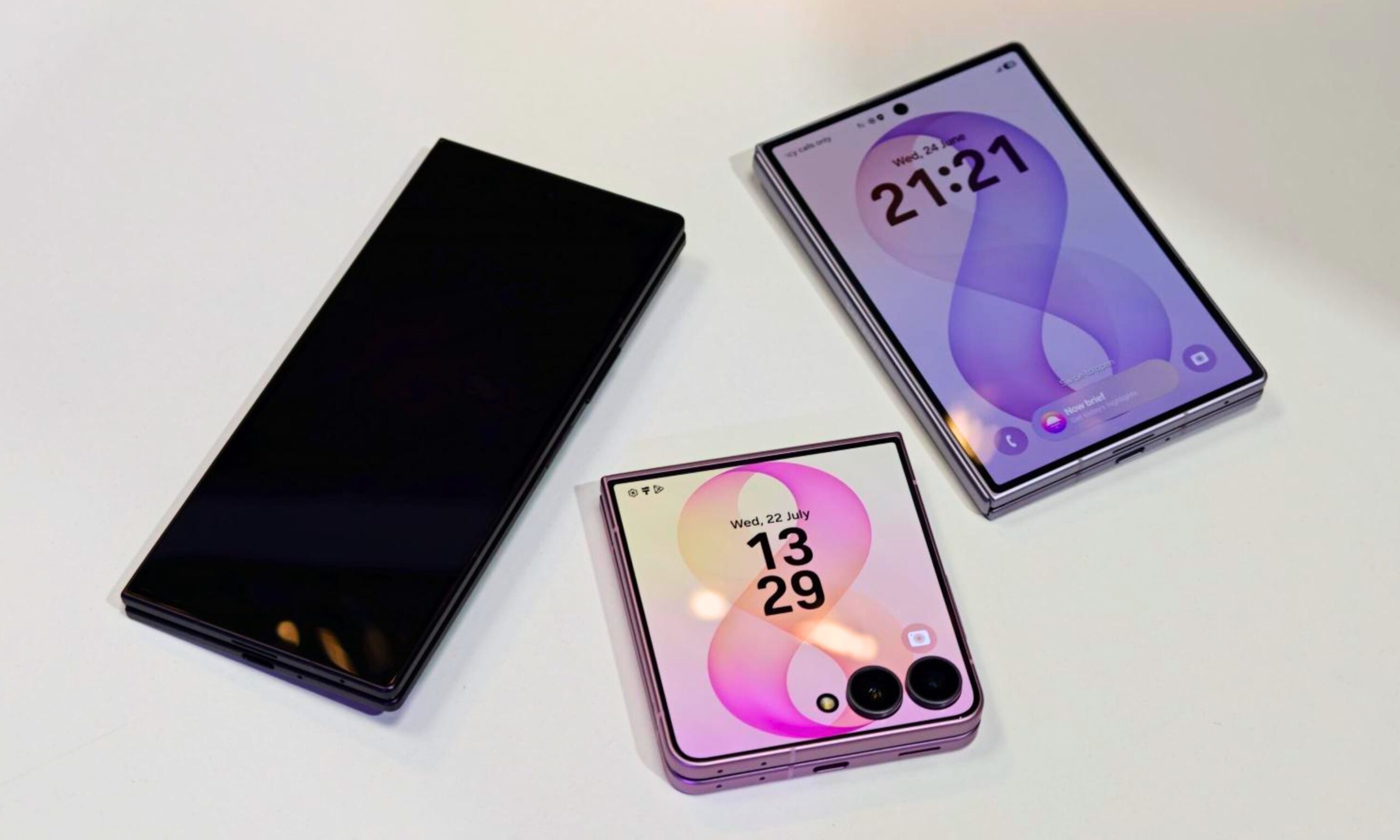
One UI 9.0 makes the final lockout mandatory. After five wrong attempts, the phone blocks new entries for one minute. The wait increases after each failure, reaching 90 minutes after nine attempts, four hours after 10, 12 hours after 11, and 24 hours after 12. A wrong entry on the 13th attempt permanently locks the phone. The only way to use it again is to perform a factory reset, which erases all locally stored data.

Number of Failed AttemptsLockout Duration
5 attempts1 minute
6 attempts5 minute
7 attempts15 minute
8 attempts30 minute
9 attempts90 minute
10 attempts4 hours
11 attempts12 hours
12 attempts24 hours
13 attemptsPermanent lockout, requires factory reset

Samsung will display warnings and show exactly how many attempts remain. It is also adding Smart Counting, so entering the same incorrect PIN twice in a row counts as one failure instead of two. This should reduce accidental lockouts caused by repeated pocket taps or children pressing the same numbers.

Is Samsung taking the lockout rule too far?

Some users worry that children could repeatedly enter random numbers and lock the phone. In practice, reaching the final attempt would take more than 42 hours because every timeout must expire before another password can be entered. The owner would also receive several warnings long before reaching that point. However, the consequences remain serious for anyone who genuinely forgets a password.

Recommended Videos

Fingerprint and face unlock do not remove this risk. Android still requires the backup credential at least once every 72 hours, and Samsung cannot remotely recover it. Regular backups will therefore become even more important on devices shipping with One UI 9.


Sudhanshu Kumar Mangalam
I’ve got about 4 years of experience, mostly covering gaming, PC hardware, and smartphones. In my free time, I like…
Stop fighting with your roomie over outlets and get one of these multi-port chargers before you head back to school
One plug, zero drama, all your devices charged by morning.
Satechi ChargeView

Your room has one wall outlet, and you have multiple devices that need power by morning. Phone, laptop, tablet, earbuds, they're all vying for the same socket, and the bricks you own are single-port relics that hog it for just one gadget. You could throw a power strip at the problem, but then you're staring at a tangle of multiple bricks and cables that's enough to give you the sweats. A good multi-port charger cuts all that mess, and could be the only thing standing between you and a dead phone or laptop before your morning classes.

Back-to-school season is a smart time to buy one. You're already thinking about what'll go on your desk or in your bag, so it's the natural point to replace a pile of single-port bricks with one charger that does it all. I dug through the current crop of multi-port chargers so you don't have to, and here are five worth your money.

Read more
Back-to-school phone shopping on a tight budget? Here’s the one phone I’d recommend without hesitation
The budget phone market got messy this year, but one phone still makes sense.
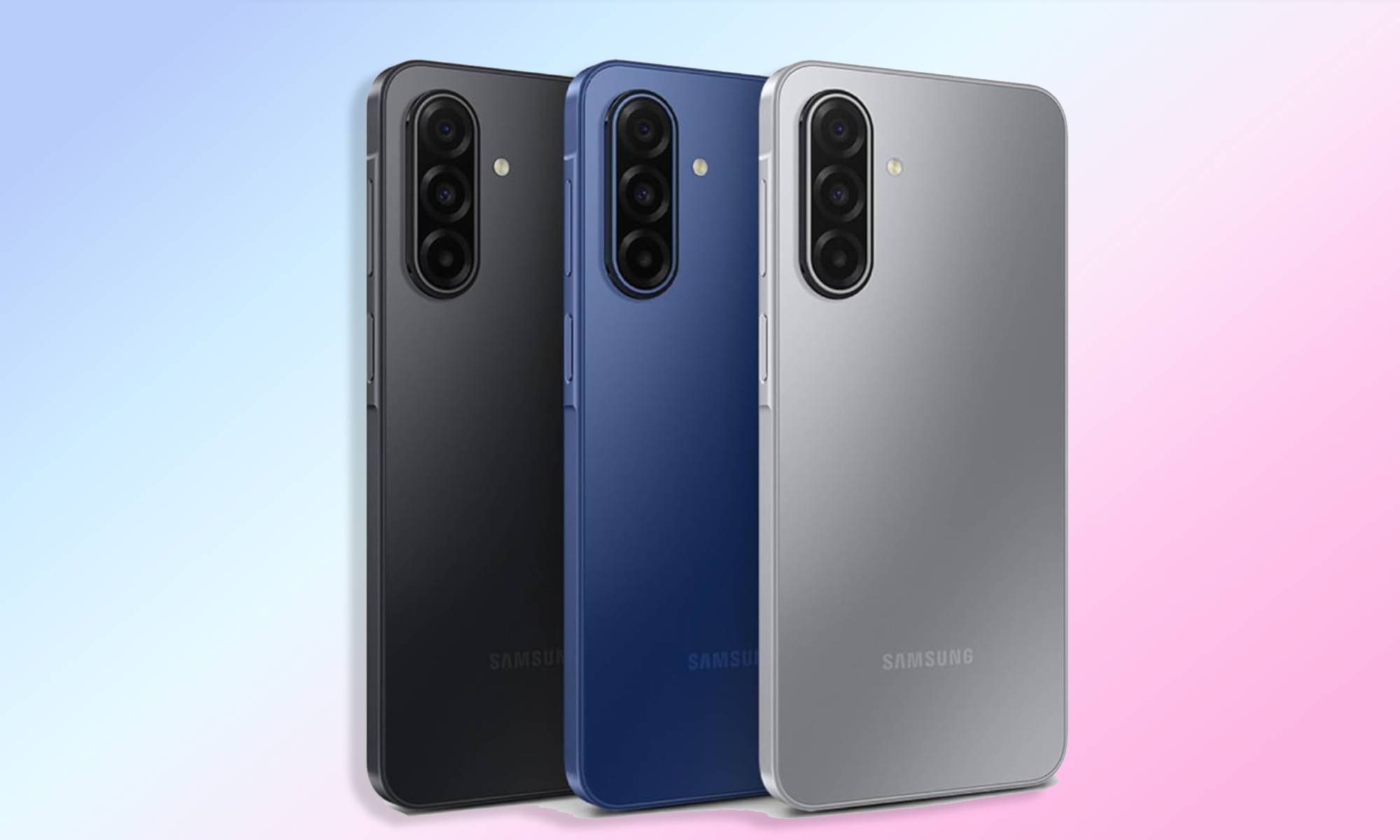
Galaxy A17 in all colors on gradient background

Somewhere between the last day of school and the first day back, your phone conked out. Perhaps the screen shattered after a particularly nasty fall, or its battery regularly gives up by noon, or apps take so long to launch that by the time they do, you've forgotten why you opened them in the first place. You don't think it'll last another school year, but between all the school supplies and everything else, a budget phone is all your wallet can handle right now.

Fortunately for you, cheap phones have come a long way, offering better screens, bigger batteries, and more capable cameras than devices launched just a couple of years ago. Since you're already prepping to head back to school, this is as good a time as any to lay your old phone to rest and lock in an upgrade. But unfortunately, the timing isn't great for the smartphone industry in general, and that has had a real impact on entry-level phones.

Read more
5 mid-range phones I’d recommend you spend your Back-to-School budget on
From the Pixel 10a to the Moto G Power 2026, these five phones prove you don't need flagship money for a great back-to-school upgrade.
Electronics, Mobile Phone, Phone

Does your phone have a cracked screen? A battery that barely makes it past 3 PM? Or a camera that captures a blurry mess instead of great memories? You know it's high time for a new one, and right now, while you're shopping for the new school year, is probably the best time to make the switch.

The best part is that you don't need to spend flagship money to get a phone that'll last you the next few years. Mid-range phones have gotten seriously good of late, closing the gap with flagships where it matters the most, be it battery life, performance, or camera quality. Whether you're upgrading your own phone or picking one out for your kid before classes start, here are the best mid-range phones worth your money this back-to-school season.

Read more