1. Home
  2. Phones
  3. Android
  4. Apple
  5. Business
  6. Mobile
  7. News Round Ups

Digital Trends may earn a commission when you buy through links on our site. Why trust us?

Download these 5 new apps to get papers notarized, find new music, and more

Add as a preferred source on Google

Each week we curate a list of apps after venturing through the various app stores and attempting to find something worthwhile. This week, we’ve got an app that lets you get documents notarized with just your smartphone, and an app that pulls all your files into one place for easy access, among others. Check out these five apps of the week.

Cubes
cubes
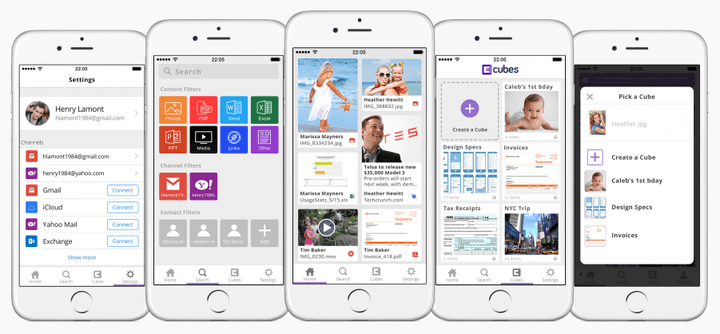
We’ve seen apps like Kwilt help pull all your photos into one place, but what about all your content in general? Cubes pulls attached content from your emails and cloud-based services, allowing you to easily search and find them within the app quite quickly. So if you were sent a PDF, but don’t remember exactly who sent it to you or which app it was in, just head into Cubes and search for it. Your content is organized into cubes, and you can also create your own cubes to further organize your files better. An Android version is in the works.

Available on:

iTunes

Recommended Videos

Playlist a Day

playlist a day
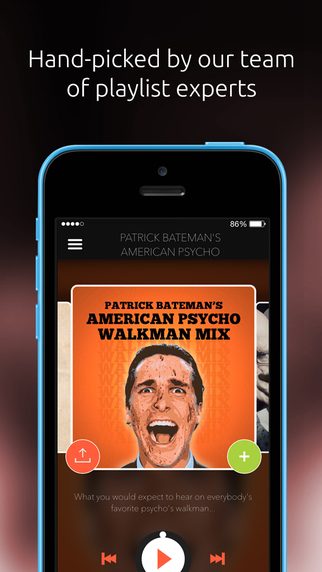
Spotify, Apple Music, Google Play Music, Pandora — the list goes on for a while. Within those apps are a plethora of choices as well, and sometimes that can be hard to pick through. Playlist a Day wants to simplify it, so you don’t have to spend time browsing vast libraries of music. You’ll need a Spotify Premium account for the app to work, and it essentially sends a themed human-curated list every day as a push notification. It doesn’t matter if you dislike a particular day’s choices, because chances are you may love the next day’s playlist. It’s all about music discovery.

iTunes

Google Play

Notarize

notarize
Image used with permission by copyright holder

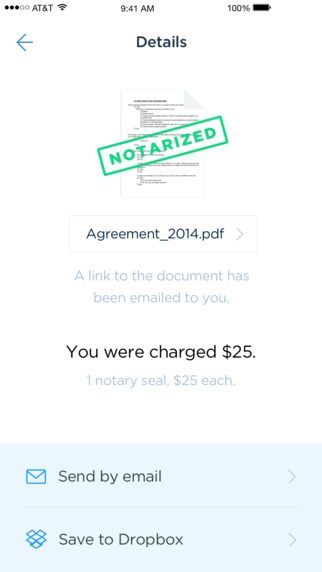
E-notaries have been slow to catch on, but not if Notarize has something to say about it. This iOS-only app will save you a trip to a notary, and it’s legal in all 50 states as well as the District of Columbia. You may still want to remain fully clothed though, even if you’re in your home while using Notarize, as the app essentially sets up a video chat with an authorized notary so you can get your paperwork — whatever it is — notarized. You likely have to pay a fee per notarization, though.

iTunes

Connections

connections
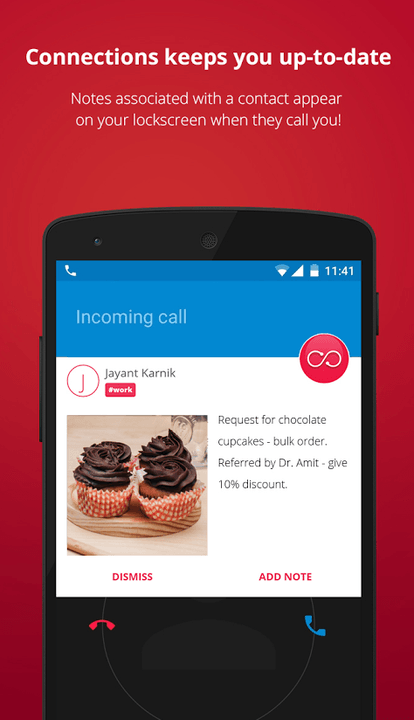
If you’ve ever had trouble identifying certain tasks you had to complete for your co-workers, clients, or friends, or even needed to remember to pay someone back, Connections is the app for you. A Microsoft Garage project, Connections is an Android-only app that lets you add detailed information about a contact and set a reminder for it. You can use it to keep track of your contacts, and an especially neat feature is that if a contact you have information listed for calls you, a pop up comes up on your lockscreen as they call, so you can read it before you answer.

Available on: 

Google Play

Guides by Lonely Planet

Cities List
Image used with permission by copyright holder

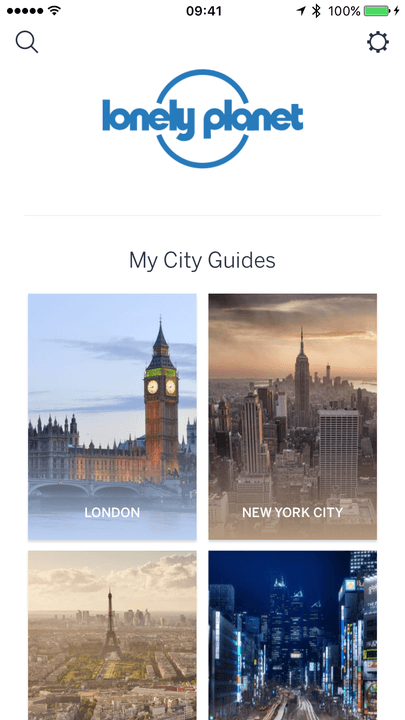
Taking a trip any time soon? Lonely Planet has been the go-to guide for many people backpacking throughout the world, and the recently-launched Guides app translates the magazine-experience into the digital world of smartphones. Find points-of-interest through the map and read up on what you should do next thanks to local travel advice. The app features guides for 38 cities, but more are on the way. You can download each map for offline use, which is especially helpful for areas without service.

Available on:

iTunes

Google Play

Julian Chokkattu
Former Mobile and Wearables Editor
Julian is the mobile and wearables editor at Digital Trends, covering smartphones, fitness trackers, smartwatches, and more…
I went hands-on with Samsung Galaxy Z Fold 8 Ultra. It’s peak foldable in an old garb. 
It may not look like a fresh start, but underneath the familiar chassis, there's plenty of thoughtful engineering tweaks.
Samsung Galaxy Z Fold 8 Ultra

Samsung just wrapped up its glitzy Unpacked event, revealing three new foldable phones and a pair of smartwatches. While my heart flutters for the pocketable Galaxy Z Fold 8, it’s the Ultra variant that truly feels like a refinement. Interestingly, when you look at the Galaxy Z Fold 8 Ultra for the first time, you might mistake it for the Galaxy Z Fold 7.

Both of them look identical, and Samsung has not made any visible changes on the Galaxy Z Fold 8 Ultra for it to stand out from its predecessor. Color options, obviously, are fresh this time around, but there are a few changes that have been made under the hood, and they make this phone feel like a practically rewarding iteration.

Read more
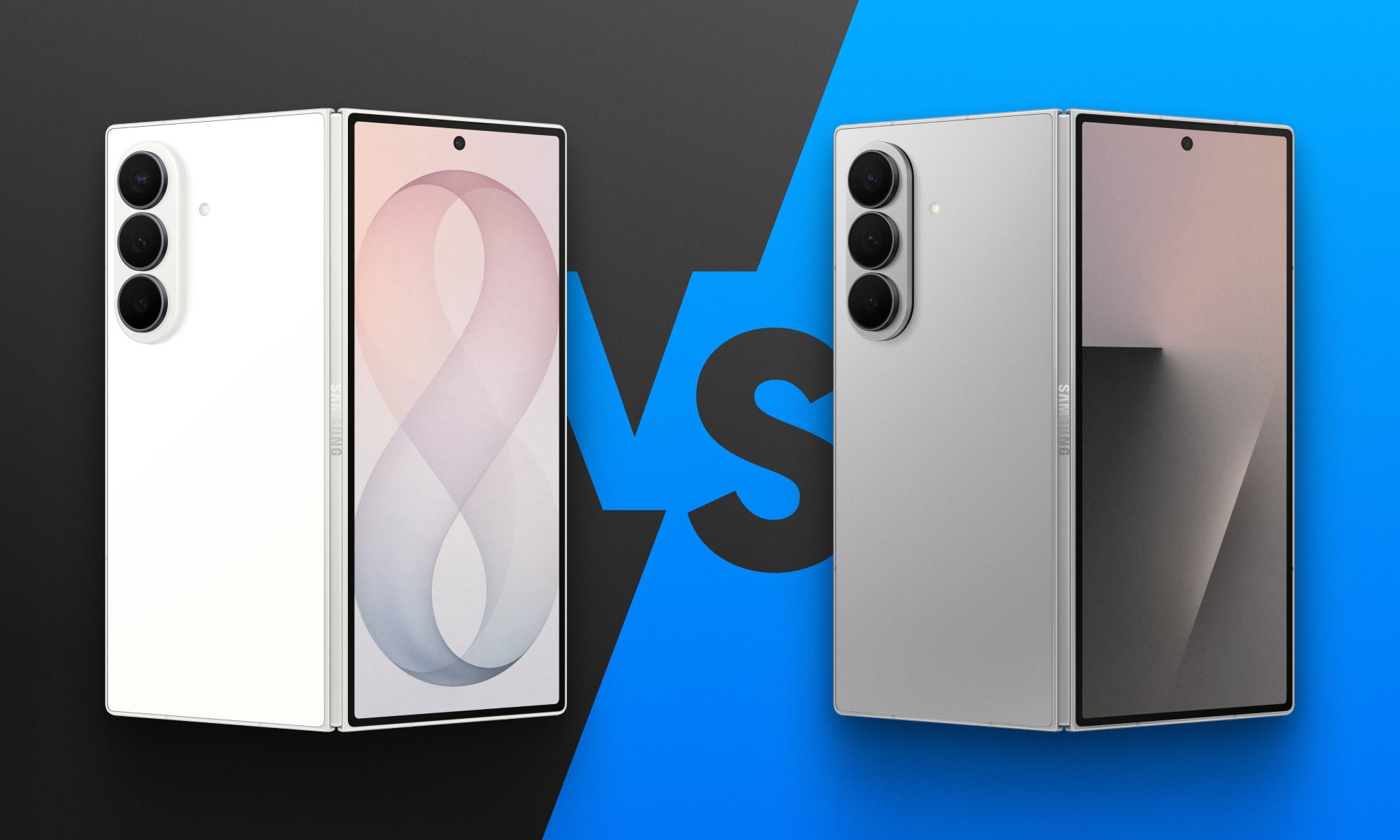
Fold 8 Ultra vs. Fold 7: Upgrades across the board, but is the Ultra really worth the upgrade?
From battery capacity to camera hardware, here's a full comparison between the Galaxy Z Fold 8 Ultra and Galaxy Z Fold 7, and whether upgrading actually makes sense.
Galaxy Z Fold 8 Ultra vs. Fold 7

Foldables age differently than regular smartphones or flagships. But why do I say this? It's the hinge and the foldable aspect that wins buyers over in the first place, not the specifications that get outdated every single year. That's precisely why anyone still carrying last year's Galaxy Z Fold 7 is asking a fair question today: does Samsung's freshly unveiled Z Fold 8 Ultra genuinely earn an upgrade, or does the Fold 7 still hold its ground?

And for shoppers who skipped last year's model entirely and are weighing their first foldable purchase, the calculus is totally different. A now-discounted Fold 7 might undercut the Ultra by a considerable sum, and that could matter to those looking to spend on the form factor, not the latest specifications. 

Read more
Samsung makes it easier to run multiple apps on Galaxy Z Flip 8’s cover screen
Samsung's Galaxy Z Flip 8 now runs 16 apps on its cover screen.
Galaxy Z Flip 8 cover display

Samsung is finally making the Galaxy Z Flip's cover screen much more useful. With the new Galaxy Z Flip 8, you no longer have to rely on workarounds to access more apps without unfolding the phone. Instead, Samsung has expanded native support on the FlexWindow, allowing 16 apps to run directly on the outer display and also making it much easier to launch virtually any other app.

The update addresses one of the biggest complaints Flip users have had for years and brings Samsung up to the level of rivals like Motorola, whose Razr series has long offered a more flexible cover screen experience.

Read more