1. Home
  2. Computing
  3. Apple
  4. Web
  5. News

Microsoft Flow wants to steal the workflow app crown

Add as a preferred source on Google

As companies utilize increasingly connected services to get their work done, ensuring that connectedness can become increasingly difficult. That’s a situation Microsoft wants to improve with its new Flow app, which lets you combine two or more services together, for more automated workflows.

Microsoft is no pioneer in this space, with the likes of Zapier and IFTTT leading the way on this sort of collaborative software, but Microsoft’s biggest push with its latest generation of office-based software has been focused on joint workloads, so a piece of kit like Flow is unsurprising.

Recommended Videos

Indeed, Microsoft first showed off what Flow could do with a web-accessible version that debuted in April this year, so the addition of an iOS app version of the service is just the icing on the cake. The firm will make moves to integrate Flow in some of its subscription-based packages like Office 365 in the near future.

It will also receive support for third-party platforms and services like Slack, GitHub and Salesforce, according to TechCrunch.

As it stands though, the app allows you to manage previously created flows, check their properties, and run history reports both to debug any errors and to make sure they’re running as efficiently as they can.

As you might expect with a service that is all about integration and automation, you can even have it let you know in real-time when something goes wrong. If a certain service within the flow chain hits a hurdle it can’t cross, you can have it deliver a push notification to your phone to let you know.

One aspect that is lacking on the application though is flow creation. While it might be a little awkward to build an entire flow on your smartphone’s relatively small display, that is something that Microsoft plans to add in the near future, as well as an Android version.

It will be interesting to see if this increased functionality will translate into a wider audience for Flow. While traditionally this sort of automation is found among high-level users, it could be that with Office 365 integration it will reach a wider group of potential users.

You can download Flow direct from the App store.

Jon Martindale
Jon Martindale covers how to guides, best-of lists, and explainers to help everyone understand the hottest new hardware and…
ChatGPT will now remind teens to take breaks and give parents more controls
New parental controls include Quiet Hours, Study Mode defaults, and alerts for serious account violations.
chatgpt-teen-safety-features

OpenAI wants to make ChatGPT safer for teens, and the changes go well beyond a simple content filter. In a new update, the company laid out its stance on why teens should have access to AI in the first place, arguing that keeping them away from it entirely would leave them unprepared for one of the defining technologies of their generation.

Nearly 90% of teens already use ChatGPT weekly for learning, research, or getting organized, which is why OpenAI says access needs to come paired with real protections built for their age.

Read more
ChatGPT’s new search tool saves you from digging through old chats, files, and images
You can also filter ChatGPT search results by content type.
chatgpt-new-search

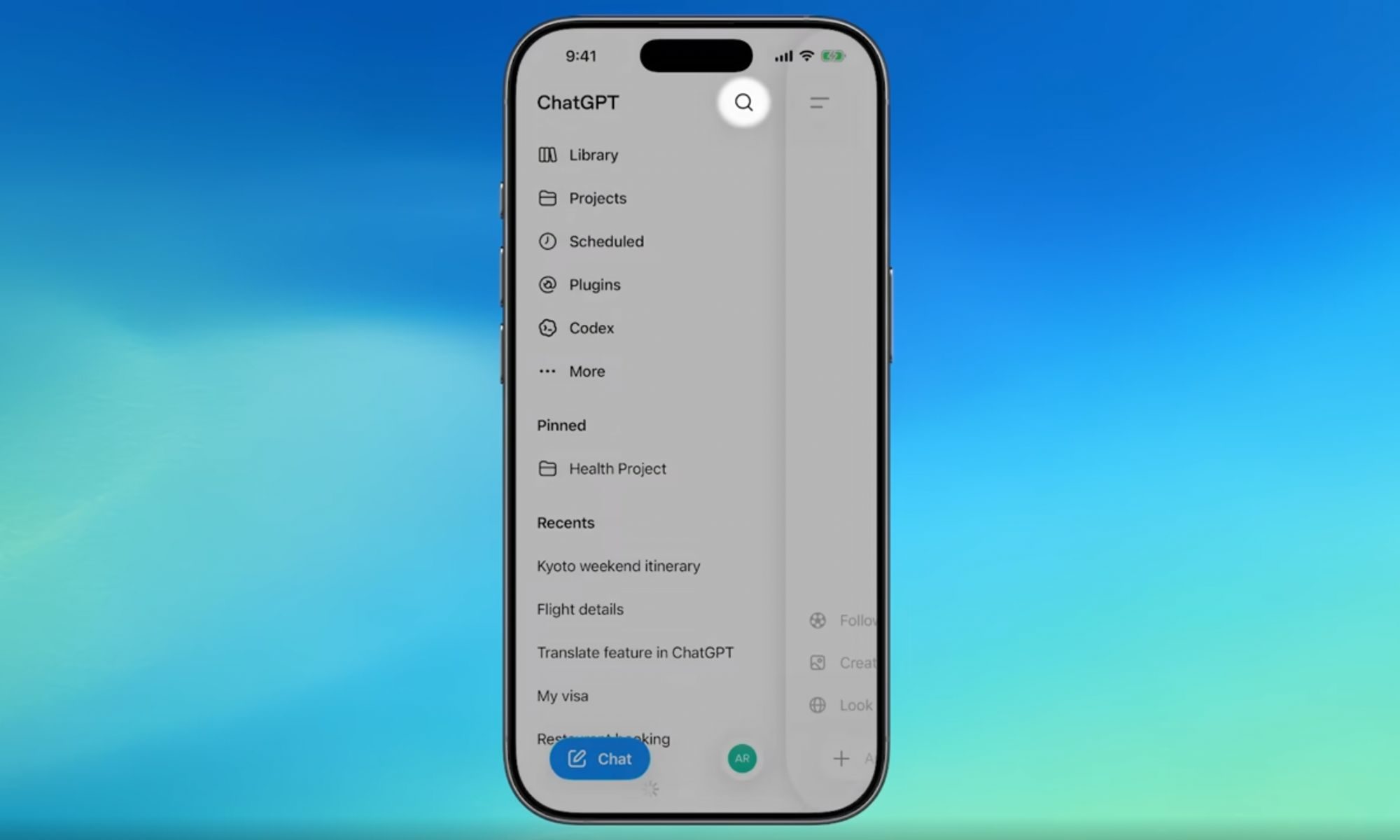
If you have ever lost a great ChatGPT answer somewhere in your endless chat history, that headache is finally over. OpenAI has rolled out a major search upgrade that lets you find old chats, projects, documents, and images all from one place.

Before this update, the sidebar search only pulled up past conversations, leaving uploaded files, projects, and generated images completely out of reach. The new search option is now available across web, iOS, and Android, on every ChatGPT plan, including free accounts.

Read more
You can now link your favorite apps to AI Mode in Google Search to get things done
AI Mode now works with Instacart, Canva, and YouTube Music inside Search.
google-search-ai-mode-connect-apps

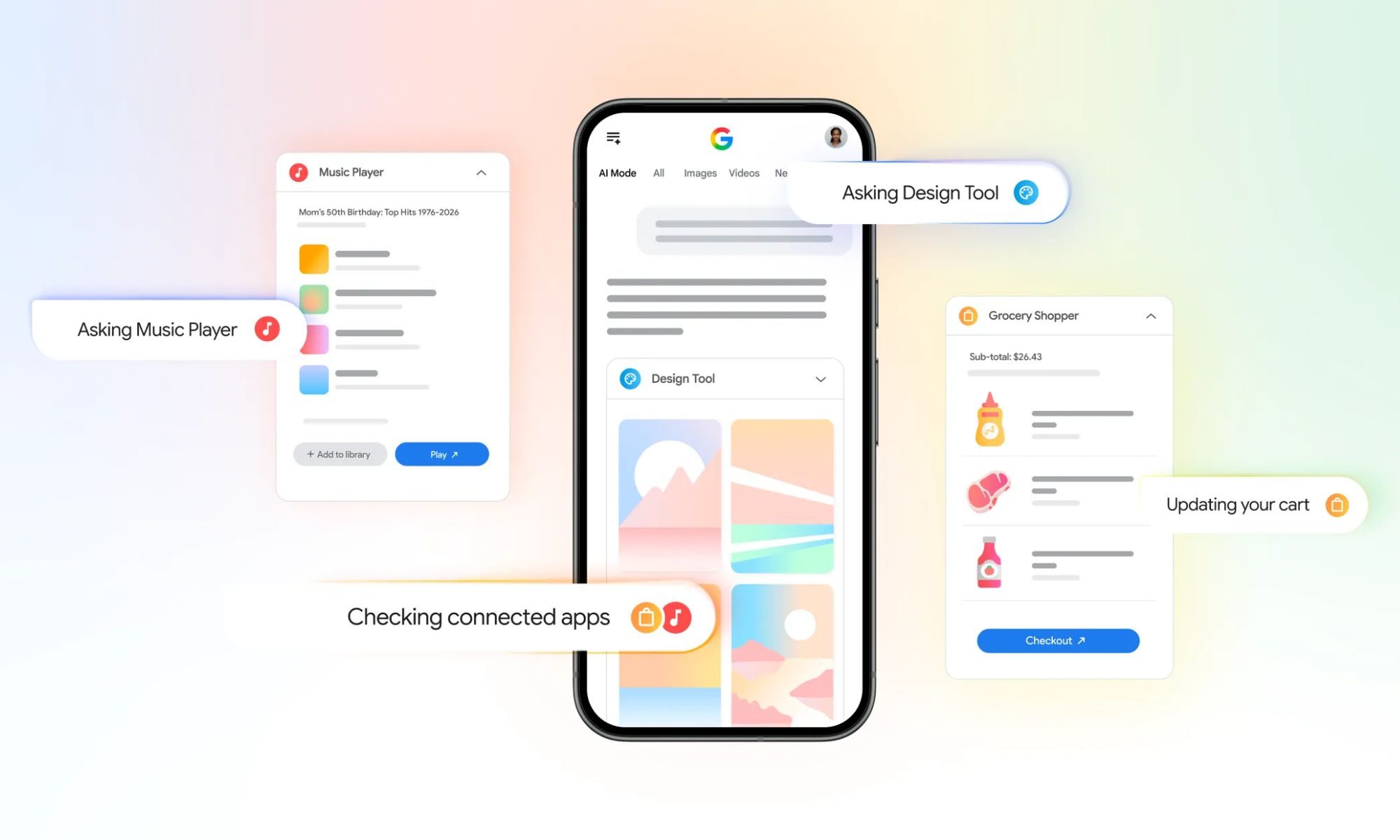
Google is making AI Mode in Search more useful by letting you connect third-party apps. Starting this week in the US, you can securely connect some of your go-to apps directly to AI Mode, letting Search actually complete tasks for you instead of just answering questions.

This update builds on a similar trick Google already pulled off inside the Gemini app, and now it is landing in Search itself. The initial rollout includes three launch partners, Instacart, Canva, and YouTube Music, with Google saying more app integrations are on the way.

Read more