
Peppering a conversion with GIFs can make things more fun and help you express your feelings. GIFs are also great for making online content like blog posts more appealing! But searching for the right GIF can be time-consuming, and there isn’t always a GIF that expresses what you want to say.
Making your own GIFs is fun and opens up alternative possibilities. It’s also now nearly effortless to do thanks to these different GIF-maker apps and websites.
Websites and desktop software
GIFS.com
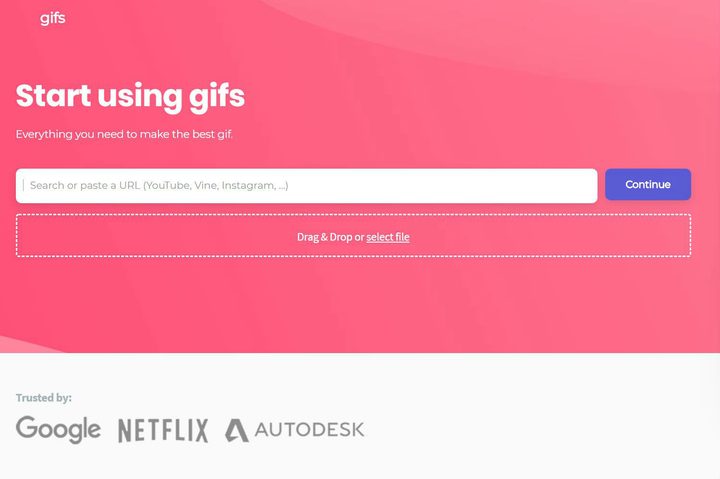
Let’s look at the extremely clean and useful GIFs.com, a site that makes creating GIFs incredibly easy to do. To get started, paste the URL for the video you’d like to use as the basis for your GIF. The site currently supports YouTube, Instagram, and Vine — or rather, Vine archive (R.I.P.) — and users can also upload their own video files.
Once you’ve picked out your source material, you’ll come to a simple editor. Select the frames you’d like to convert into a GIF using the timeline below the video. Then, add a caption, stickers, and a few effects, if desired. There are also experimental features like Ping Pong and other effects to play with.
Once you’re done tweaking things, you’re ready to share your GIF with the world. You can use the provided URL or download the GIF for re-uploading to another site.
GIF Maker by Giphy
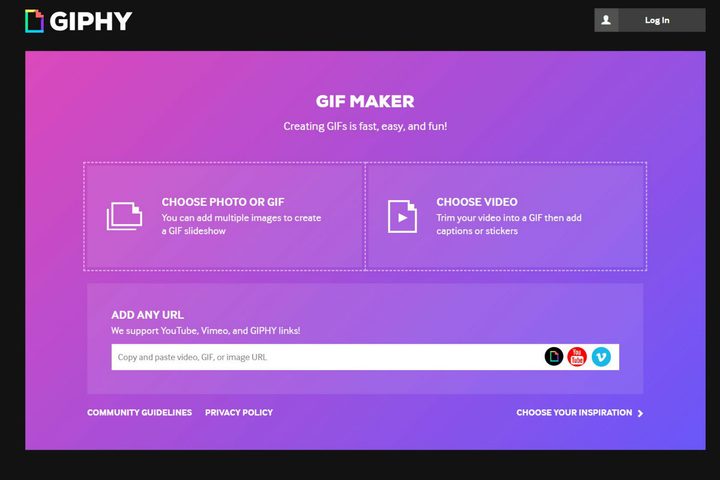
Giphy has long been the default search engine for GIFs since its library is nearly endless. Giphy’s own GIF Maker lets you simultaneously create and share your creations, and it’s straightforward to use. Just pick your source material from YouTube, Vimeo, or Giphy Links, and you can select any portion of the video to turn into a GIF. You can also add captions.
The process doesn’t take long, and the resulting GIFs instantly upload to Giphy. From there, you can share them, download them directly, or tweak them using a variety of tools. You can turn a collection of still images into a GIF, for instance, or edit any of the existing GIFs on the website. This is a powerful tool for any GIF fan and one worth checking out.
And then i was like …

The two aforementioned tools are great if you want to use existing material to create a GIF, but what if you intend to create original content? And then i was like… is just what you’re looking for. This simple website turns your computer’s webcam into a machine for creating GIFs, and it couldn’t be easier to use. Just head to the site, click “I want to make a GIF, “ and enable your webcam.
Then pick which of your recorded frames you want to keep, and you’re ready to share your GIF. You can then copy the provided URL or download the GIF for your own use. Enjoy!
Screen To GIF
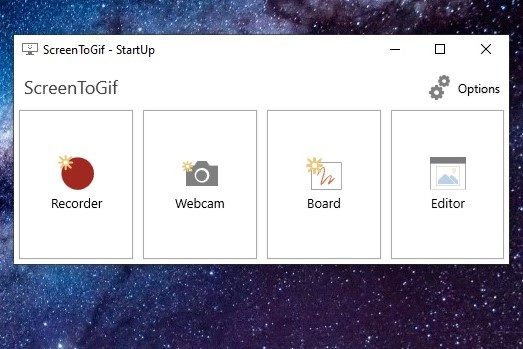
With Screen to GIF, you can select a portion of your screen and record anything that happens in that specific area — or at least that’s the idea. The software functions as a simple Windows application — one that makes GIF creation simple. Start the program, and you’ll have a few options.
The first option, Recorder, lets us pick a region of the screen to record. The second, Webcam, lets you record GIFs using your computer’s camera. Board lets you record yourself drawing, and Editor lets you edit existing GIFs.
To get started, click Recorder. You’ll see a frame window, which you can resize to select your desired portion of the screen.
Fit this over a video you’d like to turn into a GIF or into a region of the screen you’d like to record. Then, when you’re ready, hit the Record button. Hit stop when you’ve got what you want, and you’ll head to the editing screen.
From here, you can delete sections of your recording and do things like add captions. A ribbon-based interface means fans of Microsoft Office will feel right at home.
RecordIT

If you want an even simpler way to record a portion of your screen, RecordIT is what you’re looking for. This simple application lives in the tray or menu bar and allows you to record with just a couple of clicks.
Once installed, open the app, click RecordIT icon in your system tray, and pick a screen region to record. Then hit the Record button that appears. When the recording concludes, click the resulting notification to see the result online. From here, you can download it for future use. There is a Share button on the site, but it doesn’t appear to work. It’s best to just hit the red and black GIF button in the lower right corner of your GIF. This will open a new tab that features your GIF, right-click on the GIF image and choose Save Image As… to save your new GIF to your desktop. You may need to choose All Files or GIF under Save As Type in the Save As screen, which pops up.
There’s also an option for a Pro Version on Mac and the ability to integrate with an app if developers are interested in the functionality.
Ezgif.com
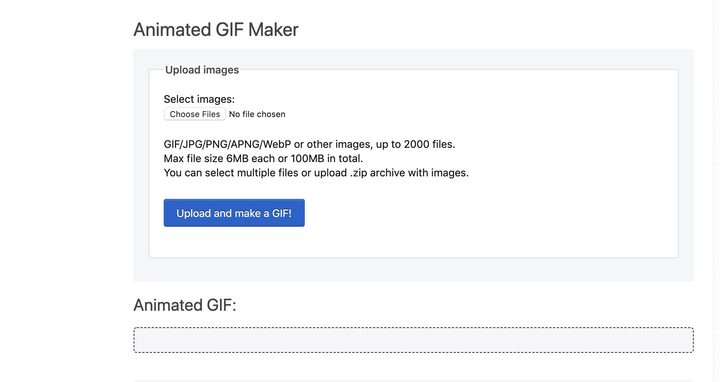
These websites are great for uploading URLs or capturing your own cam footage/screenshots, but what if you already have a folder of images you want to turn into a GIF? Ezgif.com is specifically designed to help those people. You can load up to 2,000 image files (max size 100MB in total) to the online creator and turn them into the GIF of your dreams. The tool allows you to adjust the animation speed and frame order, resizing, optimizing and setting a delay timer, etc. The site has a great FAQ if you’re having trouble, too. It’s the best web-based GIF maker for previously saved image files.
Mobile apps
GIF Toaster
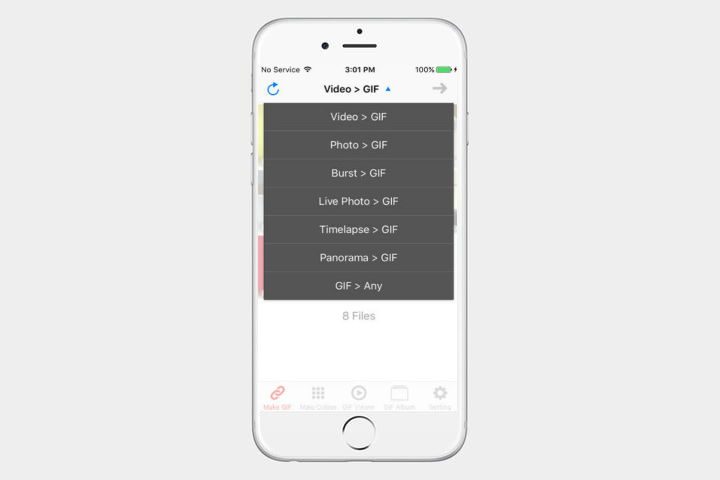
GIF Toaster is ideal if you’ve got an existing collection of photos or a video you’d like to make into a GIF. This free app helps you transform existing content on your phone into easily shared GIFs in just a couple of taps. It can also crop images as needed. Note that with this and other apps, you will need to make sure that the app can access the photos on your phone.
GIF Me
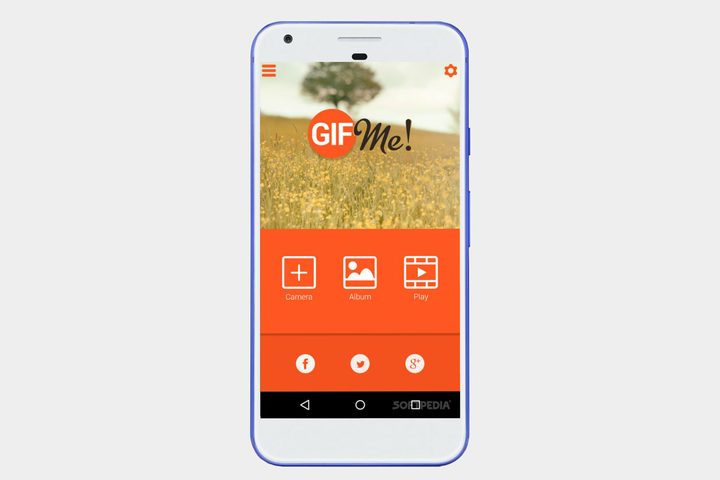
GIF Me is a straightforward GIF maker app. This application lets you quickly record a GIF and share it with anyone. You can edit a few of your pictures together to make a cool slideshow or open videos in your camera roll to make them into GIFs.
The app lets you adjust your GIFs’ speed, add some filters, and edit your images with texts or stickers, among other features. Results can be shared easily, making this a great all-around tool for creating GIFs on your phone. Available for both iOS and Android.
Video to GIF – GIF Maker
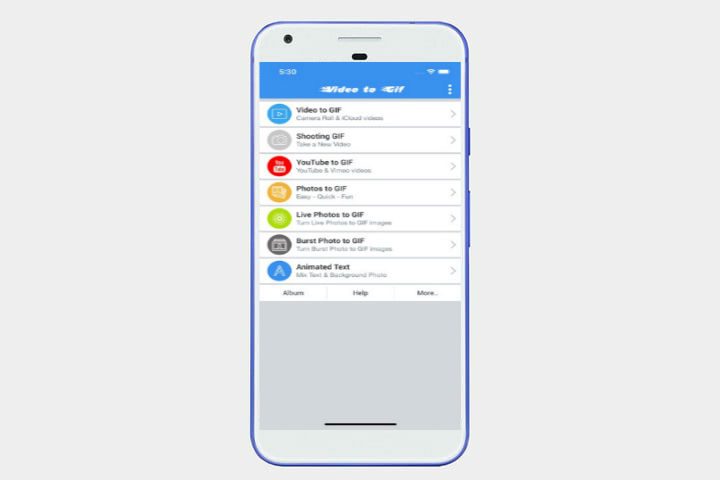
The Video to GIF app is excellent for making GIFs on smartphones. Developers tailored the app to iOS devices, so you can easily convert GIFs from videos in your iCloud library. It’s also compatible with YouTube videos.
This GIF maker can add moving text to your pictures for tremendous and interactive photo GIFs. Don’t forget to share your newly created GIFs straight to Facebook, Instagram, and other social media channels.


