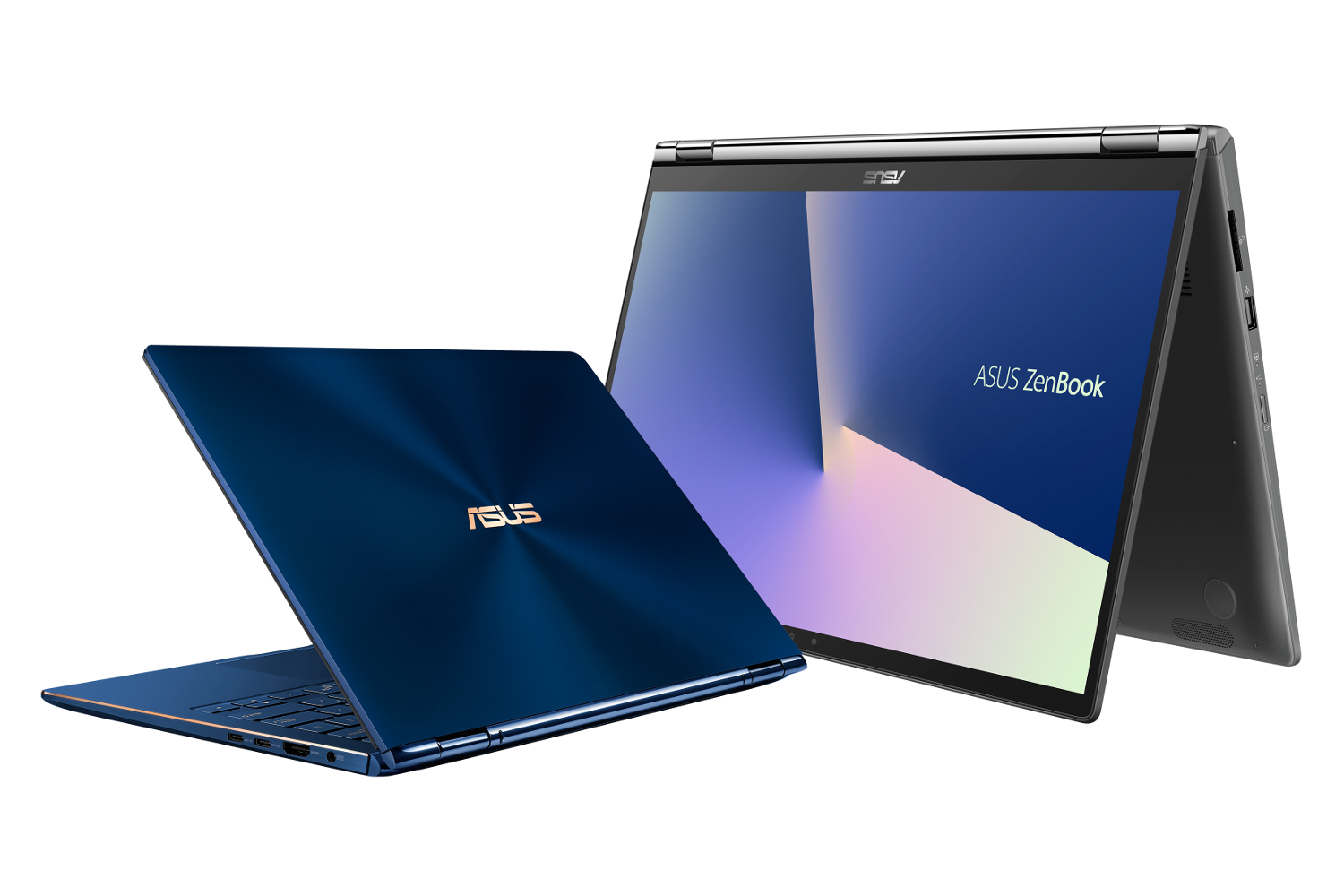
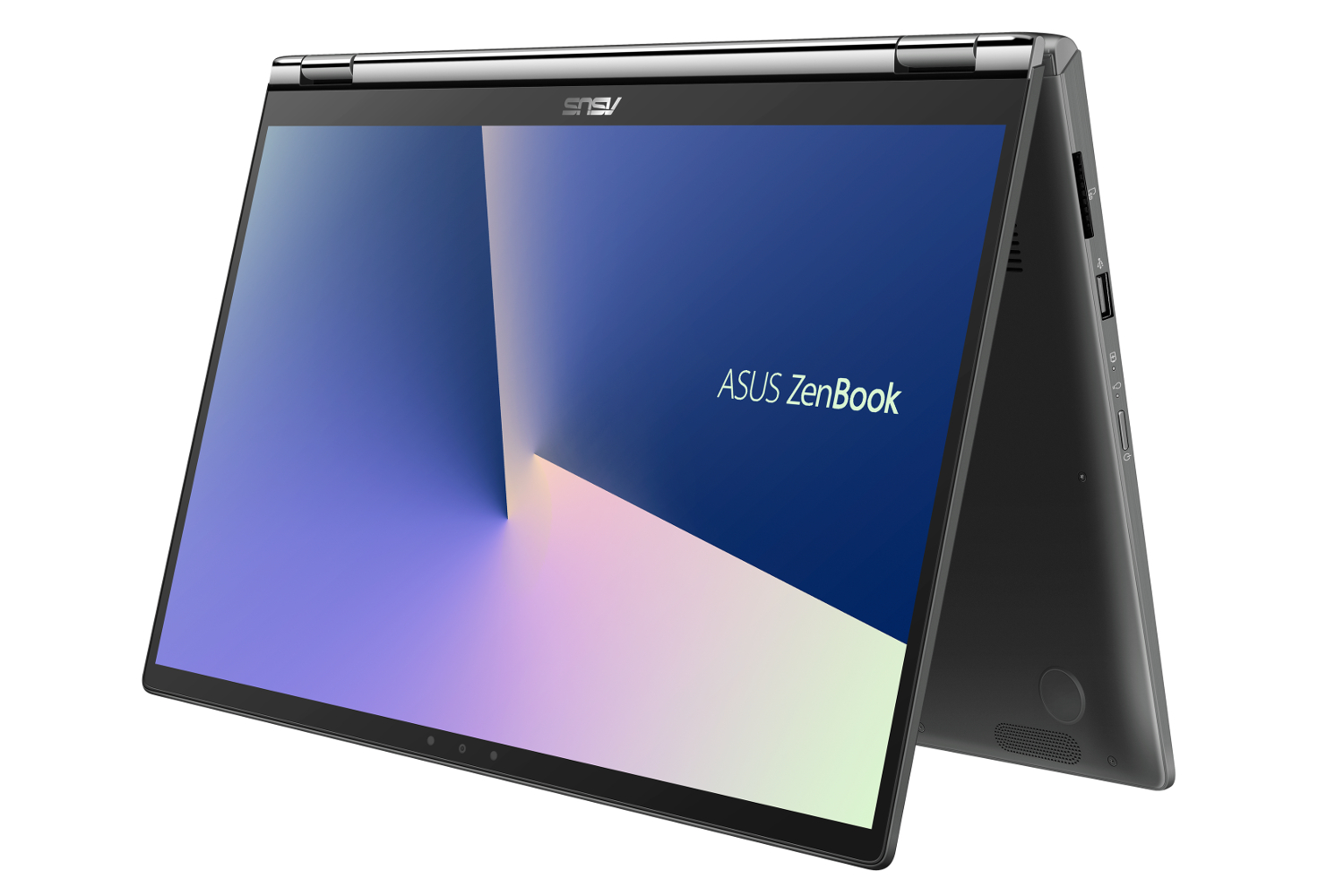
If a traditional laptop isn’t your cup of tea, Asus introduced two new ZenBook Flip 2-in-1s during the IFA 2018 convention in Berlin. Both are based on Intel’s new 8th-generation “Whiskey Lake” processors launched this week, while the larger 15.6-inch model adds a discrete GeForce GTX 1050 Max-Q graphics chip into the mix. Both also sport an interesting touchpad.
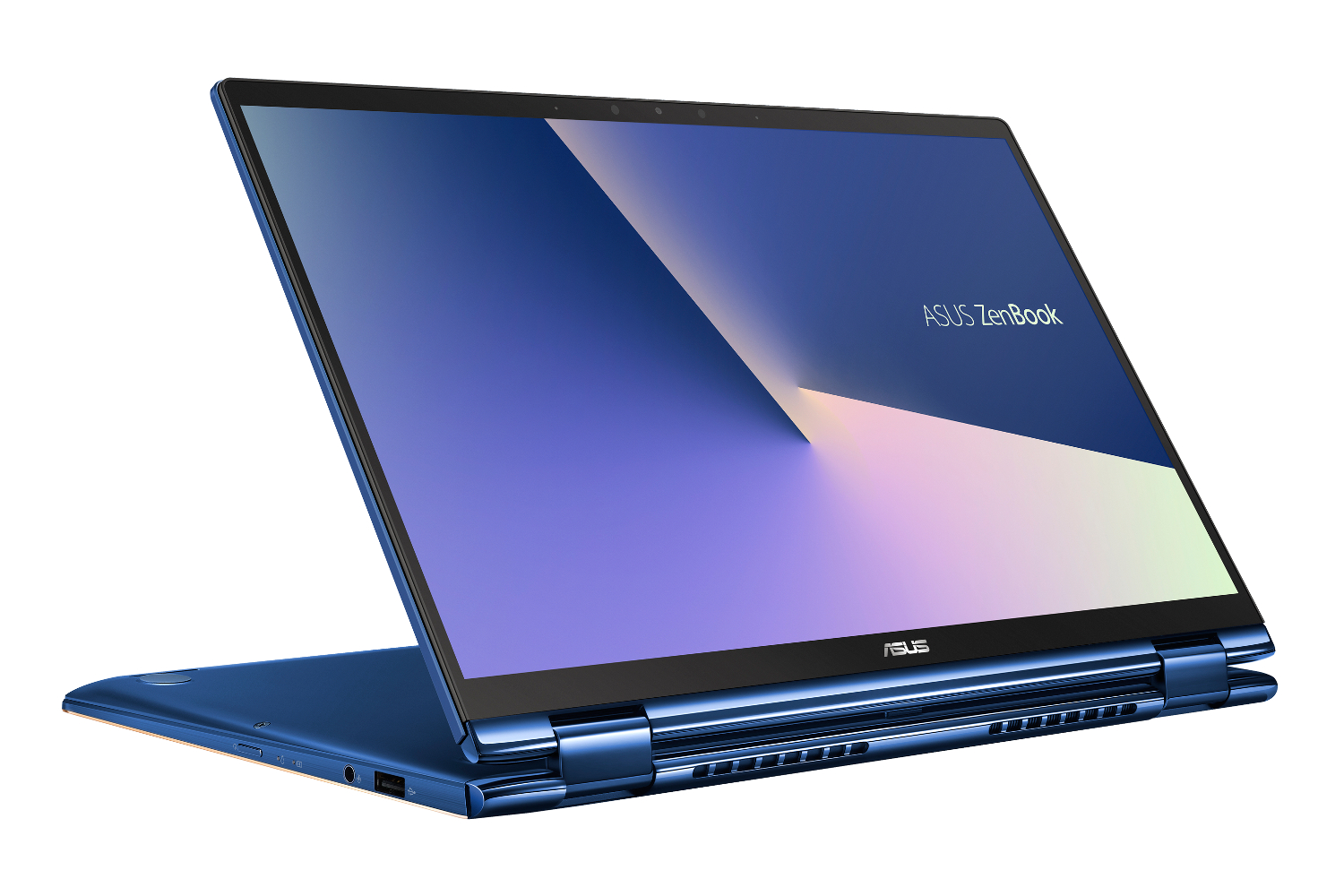
As with most 2-in-1s, the ZenBook Flip includes a nifty hinge enabling Laptop, Tent, Stand and Tablet modes “or anything in between.” Asus says it torture-tests this hinge via 20,000 open-close cycles to make sure your ZenBook Flip never stays locked in one position. This hinge also lifts and tilts the keyboard area when opened beyond 135 degrees for the ideal typing experience.
According to the specifications, the 13.3-inch model’s port complement depends on whether it includes a world-facing Full HD camera. If so, it offers two USB-C ports and an audio combo jack. If not, that list expands to two USB-C ports, one USB-A port, one HDMI port, and one audio combo jack. The list is somewhat different with the 15.6-inch model, as you’ll find one USB-C port, two USB-A ports, one HDMI port, an SD card reader and an audio combo jack.
As with the other new ZenBooks introduced this week, the ZenBook Flip relies on Intel’s new Core i7-8565U and Core i5-8265U “Whiskey Lake” processors. On the 15.6-inch model, they’re joined by a discrete GeForce GTX 1050 Max-Q graphics chip, while the 13.3-inch model merely relies on integrated graphics.
In terms of storage, the 13.3-inch model includes 256GB or 512GB on a PCIe-based or SATA-based SSD. On the 15.6-inch model, you’ll see a larger selection of preconfigured units such as a 512GB PCIe SSD, a 2TB hard drive, or a SATA-based SSD with 256GB or 512GB of storage.
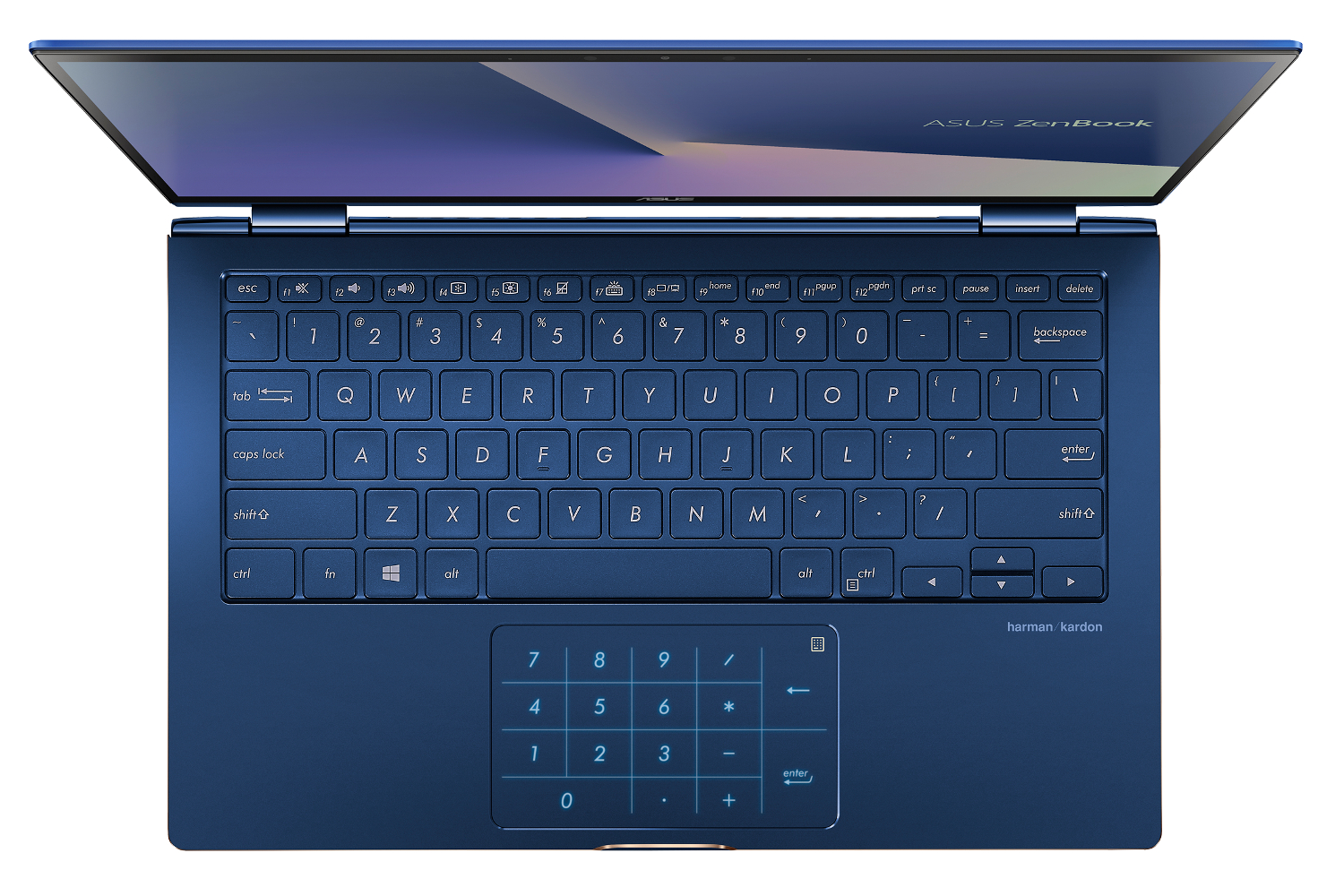
Finally, these new ZenBook Flip units include a Windows Precision Touchpad that can transform into a NumberPad. Simply touch the NumberPad icon on the touchpad and it transforms into an LED-illuminated keypad. This is offered on the company’s other new ZenBooks as well.
Price and availability of the two new ZenBook Flips is unknown. For the full list of specifications, check out the table below:
| UX362 | UX562 | |
| Screen size: | 13.3 inches | 15.6 inches |
| Resolution: | 1,920 x 1,080 | 3,840 x 2,160 1,920 x 1,080 |
| Processor: | Core i7-8565U Core i5-8265U |
|
| Graphics: | Integrated | GeForce GTX 1050 Max-Q |
| Memory: | 8GB or 16GB LPDDR3 @ 2,133MHz |
16GB DDR4 @ 2,400MHz |
| Storage: | 256GB or 512GB PCIe SSD 256GB or 512GB SATA SSD |
512GB PCIe SSD 256GB or 512GB SATA SSD 2TB SATA hard drive |
| Camera: | HD infrared webcam FHD world-facing camera (optional) |
|
| Connectivity: | Wireless AC Bluetooth 5.0 |
|
| Ports: | No world-facing camera: 2x USB-C (5Gbps) 1x USB-A (450Mbps) 1x HDMI 1x Audio combo jackWith world-facing camera: 2x USB-C (5Gbps) 1x Audio combo jack |
1x USB-C (5Gbps) 1x USB-A (5Gbps) 1x USB-A (450Mbps) 1x HDMI 1x SD card reader 1x Audio combo jack |
| Battery: | 50WHr | 57WHr 86WHr (SSD only) |
| Size (inches): | 12.00 x 7.71 x 0.66 | 14.05 x 8.89 x 0.822 |
| Weight: | 2.86 pounds | 4.18 pounds |
Editors' Recommendations
- The new Asus Zenbook S 13 is like a MacBook, only better
- Asus ZenBook S 13 Flip vs. HP Spectre x360 13.5: you can’t go wrong
- The secondary 4K screen on the new Asus ZenBook Pro Duo can now tilt
- Asus ZenBook S vs. Dell XPS 13
- Asus ZenBook 14 (2018) vs. Apple MacBook Air