
Bose’s most popular noise-canceling headphones just gained sentience — or at the very least, an AI-powered voice assistant. On Thursday, Google and Bose announced the Quiet Comfort 35 II (Bose QC 35 II), a tweak of the existing QuietComfort 35 with Google’s Siri-like virtual assistant for phones, wireless speakers, and smartwatches onboard.
From the outside, not much has changed. Bose says the QC 35 II have the same drivers, noise cancellation technology, and battery life (up to 20 hours) as the QC 35, and even the same volume and multi-function controls. But a conspicuous new Action button on the left ear cup adds one-tap access to the Assistant.
“We’ve worked together with Bose to create a great Assistant experience on the Bose QC 35 II—whether you’re on a crowded street or squished on a bus,” Tomer Amarilio, product manager for the Google Assistant, wrote in a blog post. “Bose’s active noise cancellation will help eliminate unwanted sounds around you, so you’re able to hear your Assistant, your music and more.”
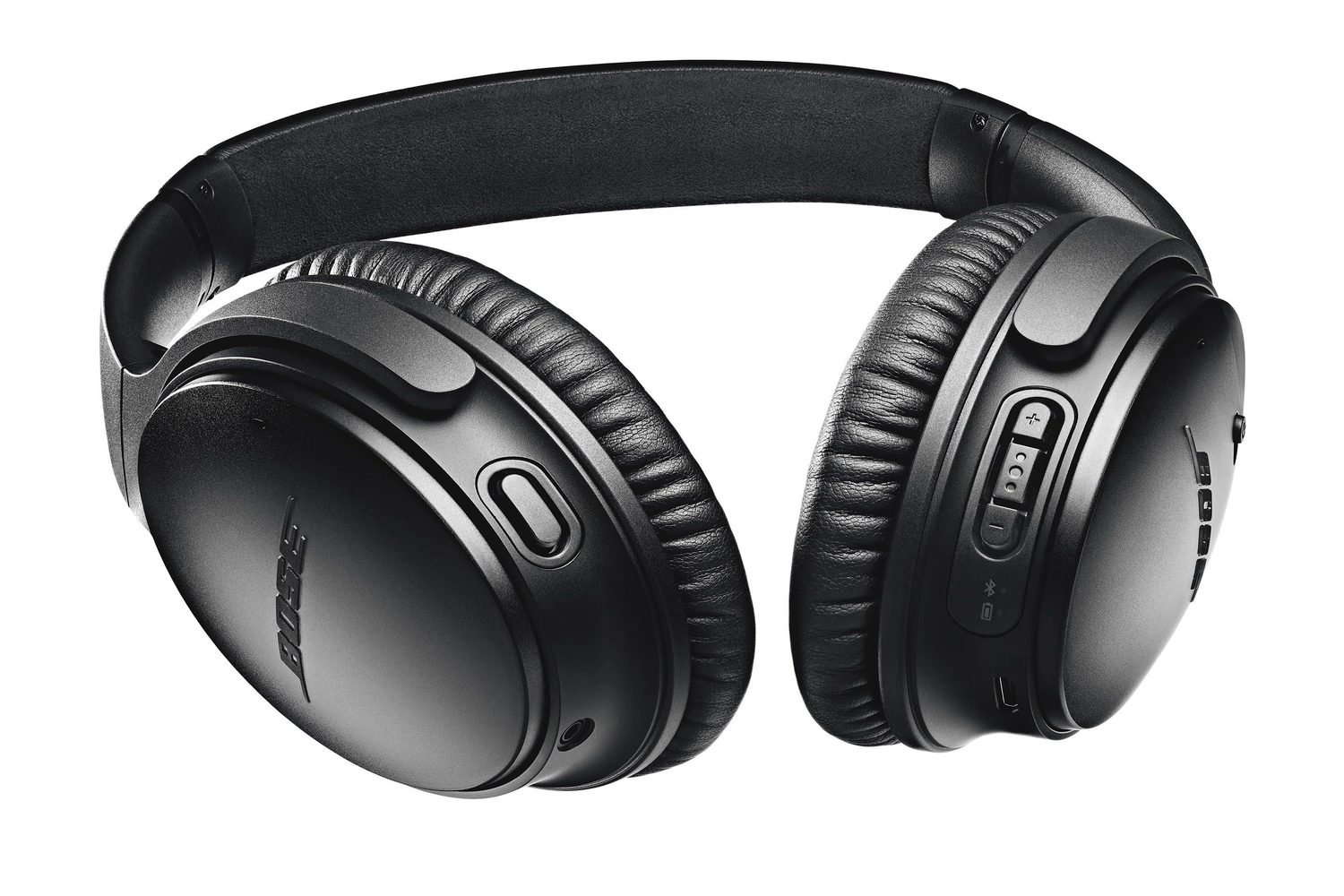
Starting today, connecting a pair of QC 35 II headphones to an iOS or Android smartphone and launching the Google app will prompt you to activate the Google Assistant. From that point on, you’ll be able to launch the Assistant by pressing and holding the QC 35 II’s Action button as long as it’s paired to your phone via Bluetooth. (Google says the Assistant relies heavily on the phone for processing and network connectivity, and that local processing on the headphones is limited to features like voice input and notifications.)
If you’ve used the Google Assistant before, you’ll notice that it’s a bit more verbose than usual on the Bose QC 35 II. When you get an incoming call, message, calendar event, or other notification, it’ll briefly interrupt your music with an audible ping and read the newest text aloud for you. And the enhanced interactivity goes both ways: With a voice command, you can get a read-out of breaking news from sources like CNBC, CNN, and NPR (try saying, “Play the news”), place a phone call to a favorite contact (“Call Dad”), or control the playback of your audio (“Skip a track,” “Go to a new song,” “Access a playlist”).

The Bose QC 35 II are available for $350 in black and silver, and the Google Assistant feature works in countries where it’s available. (In other markets, the Action button will control the headphone’s noise-cancelling settings.) If Bose’s headphones don’t float your boat, though, not to worry, Google says the QC 35 II are only the first headphones “optimized for the Assistant” of more to come.



