Having the right perks in Call of Duty: Warzone is practically essential — as many of them can save you from the brink of death. But there are so many to choose from. How do you know which ones will work best for you? Not to worry, because in this guide, we’ll show you everything you need to know about Warzone‘s best perks, including tips and how to use them effectively.
Further reading
- Warzone: Fractured intel locations
- Where to find Warzone’s EL-2, P2-16, and CL-19 access cards and what they do
- All Warzone Bunker locations: Where they are and what’s inside
How to use your custom loadouts with perks in Warzone
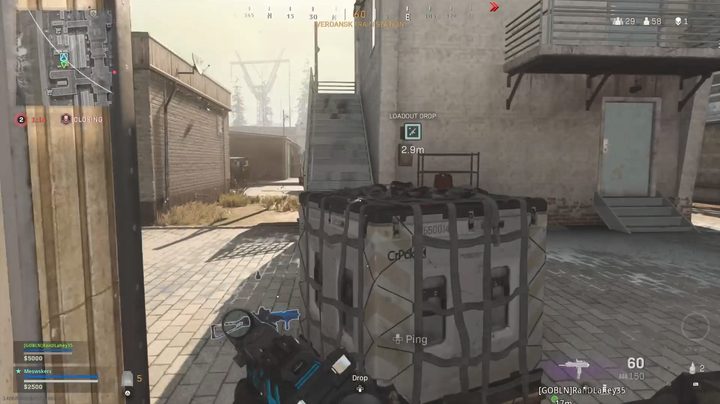
In Battle Royale, you can’t spawn in with your custom loadouts, but you can acquire them from a Loadout Drop — which can be purchased from a Buy Station for $10,000 or found randomly as the match goes on. If possible, it’s recommended to avoid the Loadout Drops that spawn randomly, because other players will see it on the map and flock to it — making it a high-traffic landmark. It’s a case-by-case basis, but in general, buying your own Loadout Drop is safer.
If you’re playing in a group, you should combine your money to buy your own Loadout Drop. This way, you can drop it right next to your team for easy access. However you get your hands on the Loadout Drop, make sure the class you pick is specifically designed for Warzone — whether you’re playing Battle Royale or Plunder. Do note that the Plunder game mode allows you to spawn in with your own custom classes.
First perk
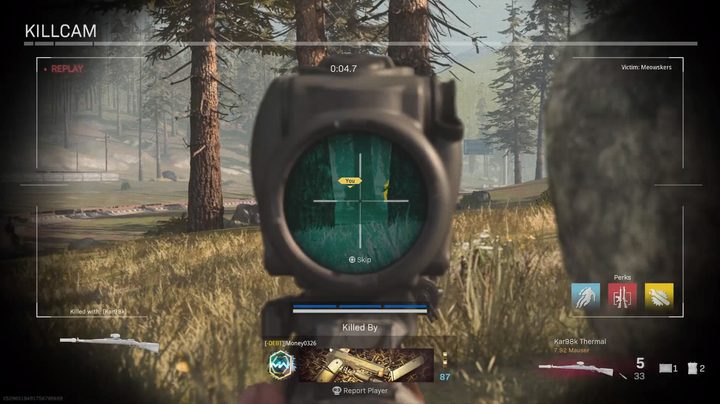
For the perk one slot, there are a few different ones we’d recommend. Which one you pick will ultimately come down to your play style. In general, this perk slot isn’t as useful as some of the other categories, but there are still a couple we’d like to highlight for you here. Try them out, and see what works for you.
Cold-Blooded: This perk will keep you off your enemy’s thermal scope and will not trigger the High Alert warning if you come into view of enemy players. Since many players tend to use thermal optics when sniping in any Warzone mode, it’s recommended to have Cold-Blooded equipped so you can get by undetected.
E.O.D.: You can’t really go wrong with the E.O.D. perk. It allows you to take far less damage from explosives and fire, which comes in handy when going up against those who like to use grenades and C4. Keep in mind that this does not decrease the damage you take from killstreaks — only equipment. You’ll want to use this class if you plan on being around enemies more frequently. This is for the aggressive players out there.
Kill Chain: If you’re someone who likes using killstreaks often, this is the perk for you. It increases the chance of finding killstreaks in supply boxes, perfect for those looking to provide support for the rest of the team. If you’re someone who engages in firefights often, it’s best to pick a perk that directly impacts your character.
Second perk
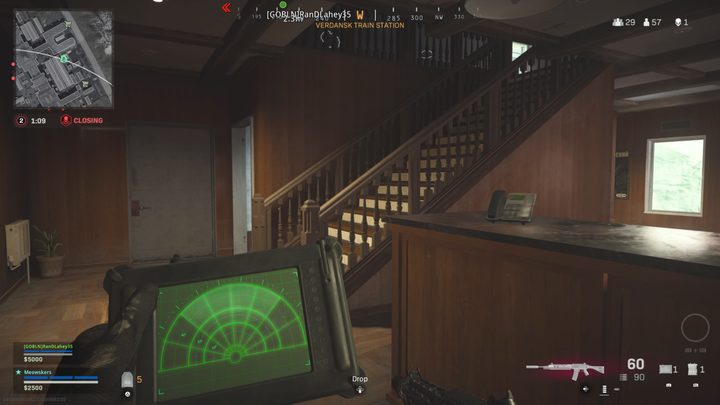
Nearly every perk in slot two is useful, so we’ll go through some of the ones we think are essential here. If you’re playing with a team, using the Hardline and Pointman perks is a great idea since they benefit the entire group. Here are some perks we really like using.
Ghost: It’s really hard to go wrong with Ghost. Not only does it make you undetectable during enemy UAVs, but it also removes you from showing up on enemy Heartbeat Sensors. Unless you plan on being super aggressive, this is the default perk we’d recommend to stick with. It will keep you safe in a mode where 100 or more other players are trying to take you out.
Overkill: While it’s tough to recommend you skip out on Ghost, the next best thing is Overkill, which allows you to carry two primary weapons. In Warzone, having a versatile loadout is key. If you do opt to use this one, we suggest having a weapon that’s good for medium range, along with something that works in long-range battles. It’s up to you, of course, but having a weapon for any scenario will do wonders.
Hardline: If you’re playing with a group, especially one that likes to visit the Buy Stations frequently, going with Hardline is a good choice. It knocks off 25% from the prices of killstreaks, field upgrades, and armor plates. Even better is if someone else on the team uses the Pointman perk, which gives your team more money when completing contracts. Make sure you stock up on UAVs, armor plates, and a gas mask to help get you closer to victory.
Third perk
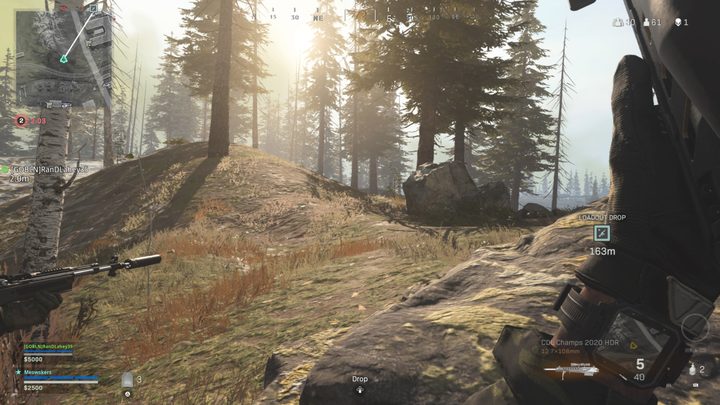
The third perk slot has a few options that will improve your game — especially if you’re playing with a team. Some are more useful than others, so pick one that suits the mode you’re playing, and if you’re a team player, go with something that can benefit the group.
Amped: The Amped perk is probably the most useful of this category, as it allows you to swap weapons faster. In the heat of battle, this can absolutely save your life, so we recommend using this one when in doubt. It works with the RPG as well, which is great if you’re looking to finish someone off quickly.
Tune Up: In Warzone, this perk increases the revive time by 25%. If you’re playing solo, obviously this perk won’t be useful at all, but when playing with a group, you’ll be glad you picked this one because even a second or two can make a difference.
Tracker: Tracker is great for those who like to attack their enemies at close range. If an enemy slips out from underneath you, the perk will come in handy, giving you a short glimpse at their footsteps. They don’t stay on the ground forever, but it can be enough to allow you to secure the kill — or escape. Even if you storm into a building that you thought was empty, seeing footprints on the ground will let you know you aren’t alone — so make sure you give a callout to your team if this happens.