1. Home
  2. Phones
  3. Mobile
  4. Smart Home
  5. News

FYB London is making a new line of smart handbags that can charge your devices

Add as a preferred source on Google

Your mobile office has never looked so stylish. That is because your newest mobile office just may be your handbag. Meet FYB London, heralded as the maker of the world’s smartest handbags and your new get-out-of-work-early card. Featuring wireless smart device charging, bio-lock security, Bluetooth proximity alerts, and “enough organization to rival a mobile office,” this company’s products promise to be as efficient as they are chic, and want to apply those same adjectives to you.

The FYB London Smart Handbag collection is clearly designed with mobility in mind, providing you with the energy you need to charge all your electronics (though sadly, you can’t plug yourself into the 5,000 mAh charging pocket when you are in need of a pick-me-up). With padded laptop and tablet compartments, in addition to several other organizational pockets, you can keep all your devices and documents within reach.

Recommended Videos

And don’t worry about prying fingers making their way into your handbag. FYB promises that all its products are protected by a Transportation Security Administration- accepted biometric recognition lock, which means you and only you (or whomever else you allow) can access the contents of your tote. But for convenience’s sake, you can easily unlock your bag from your phone thanks to Bluetooth connectivity and this same connectivity will alert you if you happen to leave a business meeting without your trusty sidekick.

All FYB London Smart Handbags are made with premium leather and come in either a city bag or tote style. With more than two weeks left in the campaign, the handbags have raised more than double their goal and are nearing $75,000 in funding from 265 backers. If you’re interested in getting in on the action, you can pre-order a London Smart City Bag for $259, or a London Smart Travel Tote for $293. Both products are expected to be delivered by August.

Lulu Chang
Fascinated by the effects of technology on human interaction, Lulu believes that if her parents can use your new app…
Android desktop mode made me miss my laptop in record time
I tried writing and publishing from Google’s phone-to-monitor setup, and the future of mobile computing immediately started sweating.
Computer, Electronics, Laptop

Android 17 desktop mode has a very simple pitch. Plug your phone into a monitor, add a keyboard and mouse, and watch the slab in your pocket pretend to be a computer. I wanted to give that pitch a fair shot, so I tried using it for an actual workday instead of a cute demo.

The goal was boring on purpose: write an article, edit it, build the page in WordPress, upload whatever needed uploading, and publish the thing without running back to my laptop like a coward.

Read more
After test-driving iOS 27, my iPhone still doesn’t feel like it has made a substantial leap
Siri learned new tricks. Safari got smarter tabs. My morning routine didn't change at all.
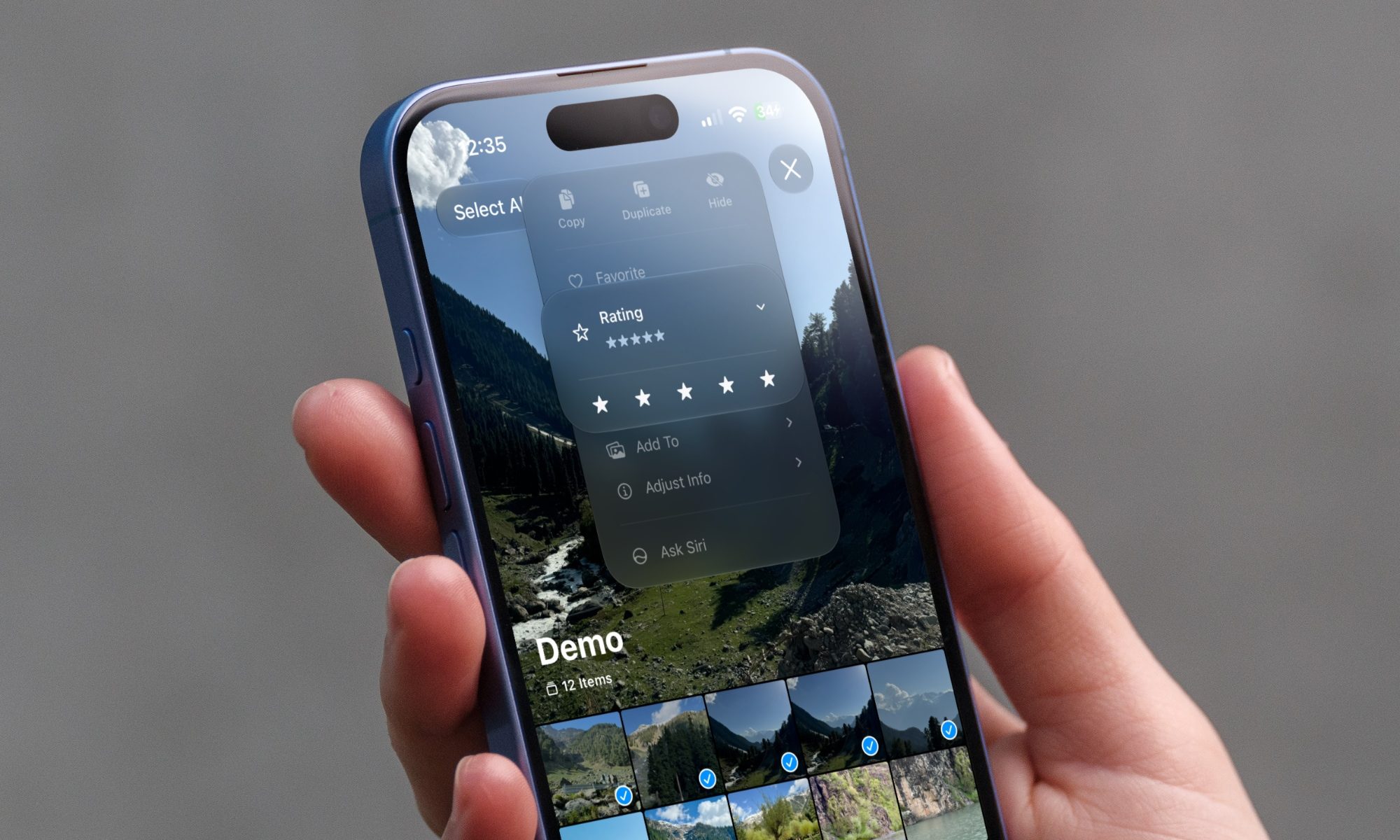
iOS 27 new star rating feature in Photos

Every June, after Apple wraps up its annual WWDC keynote, I install the latest iOS beta on my iPhone, watch the progress bar crawl to completion, and wait for the inevitable restart. For years, picking up my phone afterward felt almost identical to how it did before the update. 

I saw the same grid of icons, the same Control Center, and the same version of Siri until iOS 26 finally broke that pattern in 2025.

Read more
Android 17 makes a strong case for ignoring Android version numbers entirely
When the most noticeable change is a better Quick Settings button, the annual update cycle starts looking more like branding than progress.
Android 17 logo.

Android 17 finally separated the Wi-Fi and mobile data buttons, and I hate how much that improved my mood. For years, Android treated internet access like one mysterious blob, as if Wi-Fi and cellular data were emotionally codependent. In Android 17 Beta 3, Google split the old combined Internet button into separate Wi-Fi and mobile data tiles, making each connection easier to switch off with a single tap.

That’s a good change, which is also why it’s a little damning. When one of the cleanest wins in a major OS update is “the buttons make sense again,” the celebration gets awkward fast.

Read more