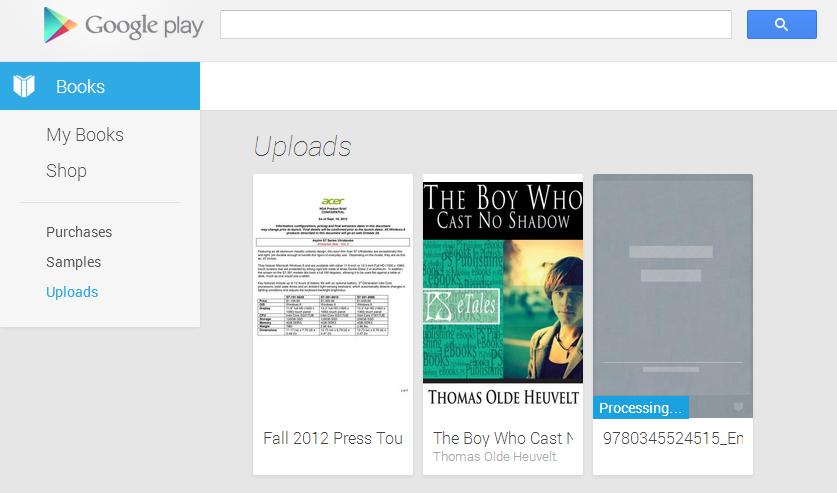
During the Google I/O keynote several of the presenters mentioned that there wasn’t enough time to go through every detail of every update, though devs would get full explanations in the various sessions throughout the conference. One of the updates that went unmentioned and thus got a quiet little launch is an update to Google Play Books. The Android app received a makeover to bring it into line with the new Play Store and Music apps and a section under My Library called Uploads that wasn’t there before. Google is now letting customers upload up to 1,000 EPUB and PDF files to Play Books which will be accessible via the Web and mobile apps.
The concept is similar to the way Google Music worked at launch. Play Books acts as a cloud locker for e-books and PDF documents, allows downloading to smartphones and tablets, but doesn’t give users a way to re-download to the desktop. Files uploaded to Play Books act just like native e-books. You can add bookmarks, highlights, and note; the apps will save and sync it all (including progress) across devices.
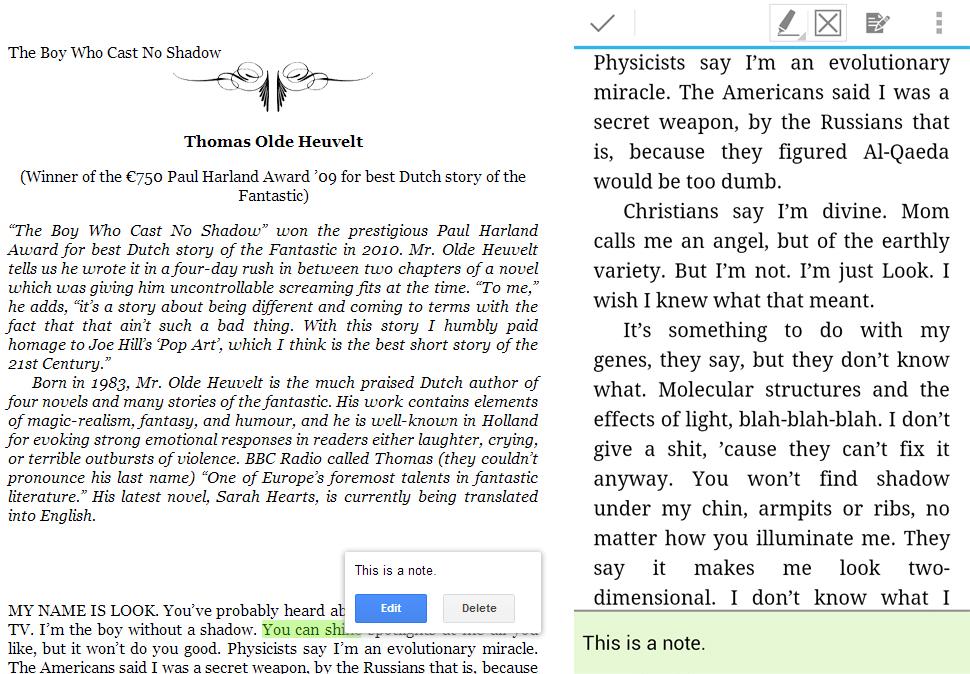
Other than the 1,000 file cap there are other restrictions. The biggest is that e-books with DRM won’t work. If you upload one, it will stay stuck at the processing stage forever and won’t sync. We couldn’t even delete the book from the interface. What’s the point, then? EPUB files from major bookstores – Barnes & Noble, Sony, Kobo – all have DRM. This feature is likely for that segment of the population that buys non-DRM books from the few e-bookstores that sell them or directly from publishers like Baen or Tor that don’t put DRM on their books. Oh, and people who break the DRM. But we don’t know anyone who would do that.
This isn’t a totally new concept. Barnes & Noble long ago added a My Files section to the Nook tablets and the Nook app for outside EPUB files without DRM. The idea being to give customers a chance to put all of their e-books in one app or interface and cut down on having to hop around. Files added to the Nook this way don’t sync to the cloud, that’s a more Amazon Kindle idea. We like that Google lets you sync the book and the data associated with it across devices.
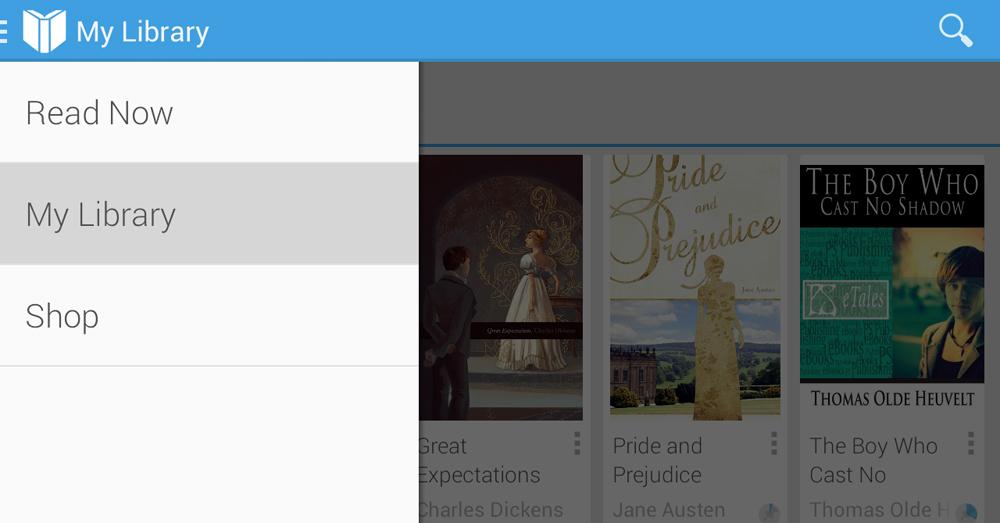
To add EPUB and PDF to Play Books you can upload from a computer or add files stored in Google Drive. Then hop over to your phone or tablet and refresh to see the new content. The DRM-free EPUB file we uploaded synced without issue and looks like a Google Play book. The PDF file we tried synced as well, but there are no advanced PDF tools at hand, so the text won’ reflow. If the font is small, you have to zoom in and then move the page back and forth yourself to read. We’ll stick to EZPDFReader.

This update hasn’t caught up to all Google accounts yet (we saw the Upload option on one of our accounts but not all three) and all the Help documentation isn’t even in the system yet. Hopefully it will roll out to everyone soon. Right now this feature doesn’t seem like much. It’s nice to have, of course, but may only be useful to a niche group of e-book lovers. Maybe the quiet rollout means Google is keeping quiet about the service until they’re ready to reveal some cool extra feature. After all, Google Music was just a pre-cursor to All Access.


