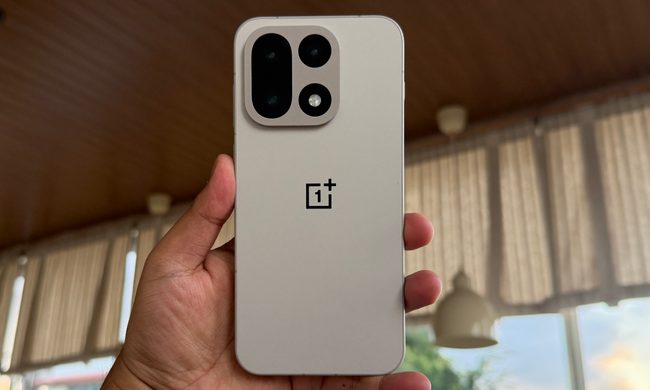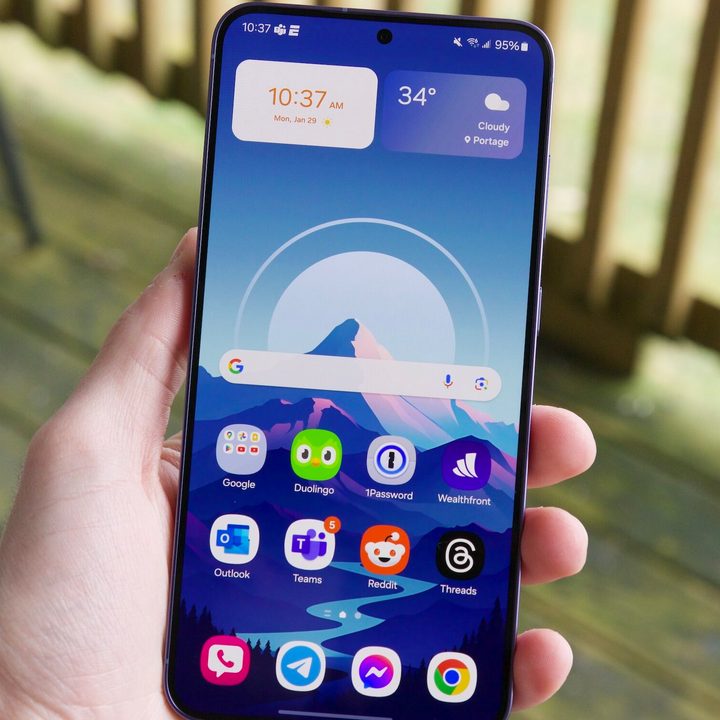
The Samsung Galaxy S24 series is here. The new phones have officially launched, and some preorders ended up shipping very early. In other words, a lot of people are now getting their hands on Samsung’s latest.
If you’re going to be among the many people getting a Galaxy S24 handset this week, congrats! The Galaxy S24 Ultra has already proven to be a fantastic smartphone, and the regular Galaxy S24 is shaping up to be special, too. However, before you dig too deep into your new phone, you need to do one very important thing first.
You need to get rid of the Samsung Keyboard
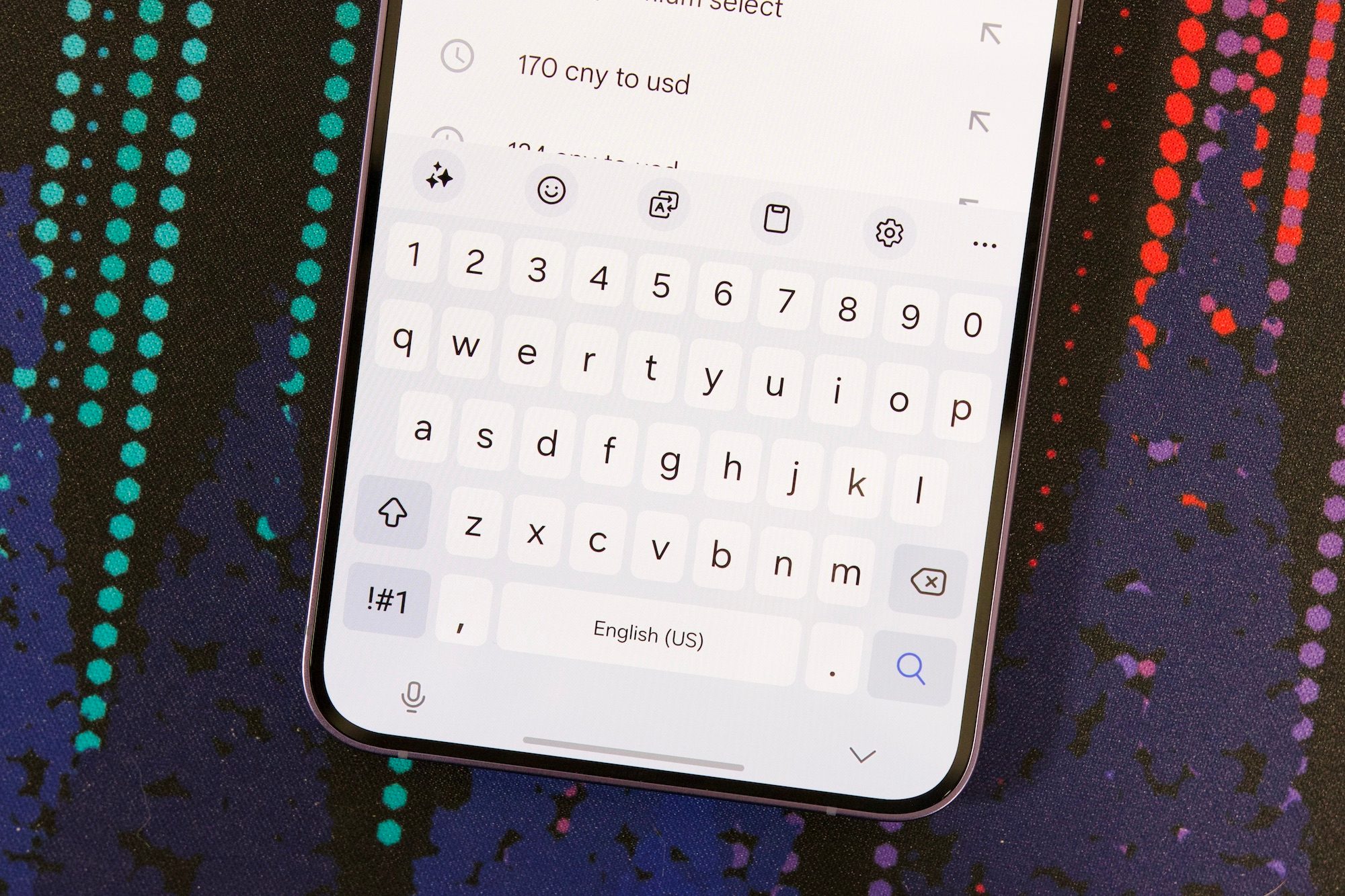
By default, every Galaxy S24 model uses the Samsung Keyboard out of the box. At first glance, it’s fine. It has swipe typing, easy emoji access, some light theming options, and more. As you’re setting up your S24 and using the keyboard to log into all of your apps, you might not have any problem with it.
But the minute you start using the Samsung Keyboard to reply to texts, emails, etc.? That’s where it gets bad.
I’ve used the Samsung Keyboard on my Galaxy S24 Plus for nearly a week. During this time, I’ve lost track of how many typos and silly spelling errors I’ve made. And it all boils down to the simplest thing: Bad autocorrect and text prediction.
The Samsung Keyboard is happy to let me type “thr” instead of obviously correcting it to “the.” However, when I correctly typed “into that,” it decided to change it to “initially.” These are just two examples, but this is a battle you constantly fight with the Samsung Keyboard.
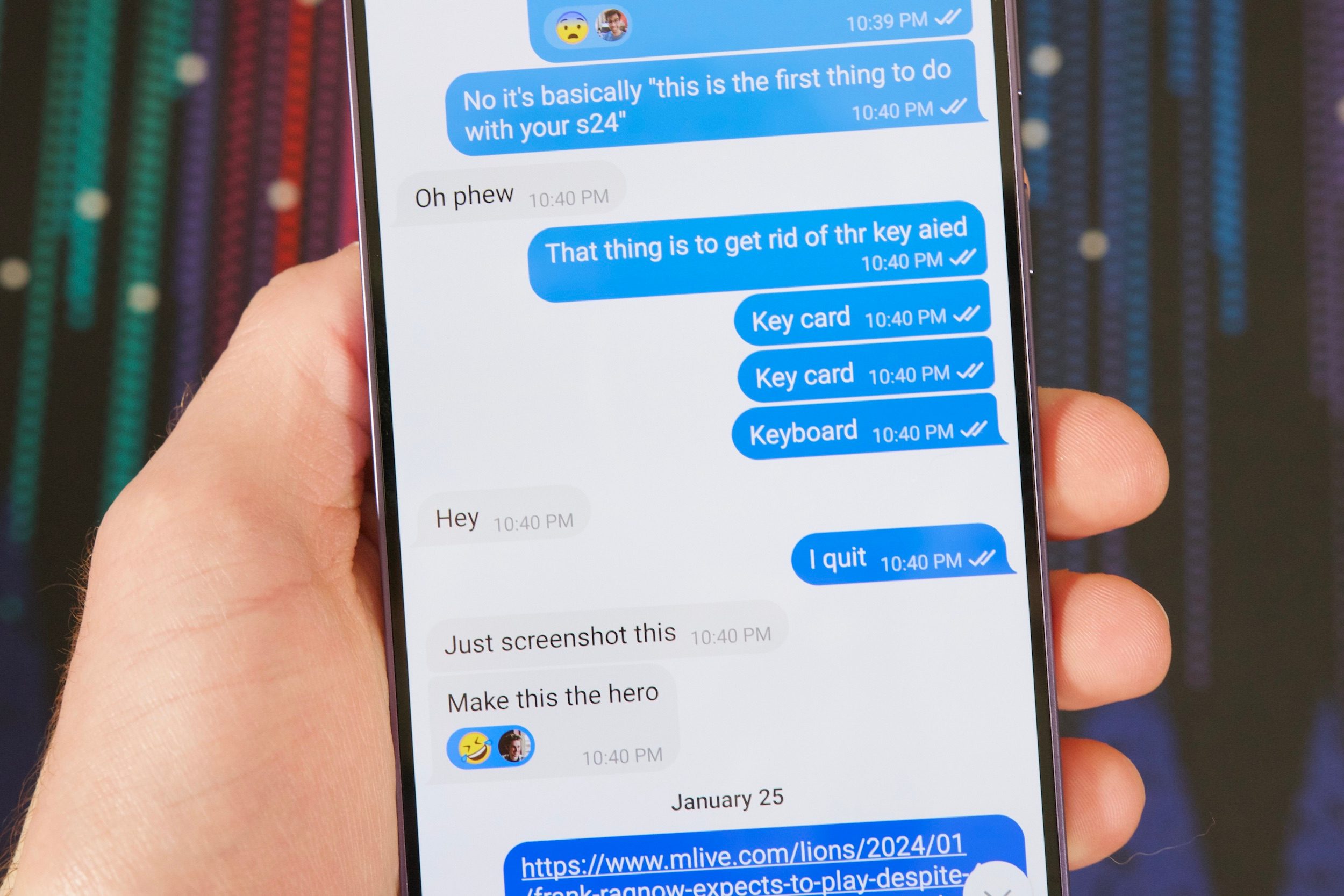
Here are some of my favorite autocorrect fails from the past week and the translation of what should have been typed:
- Ibthink this is how God intended is to watch movies (I think this is how God intended us to watch movies)
- No Samsung, there’re are Teo rs (No Samsung, there are two Rs)
- Thatsbthr Samsung keyboard guarantee (That’s the Samsung Keyboard guarantee)
- You out way too much time initially that but I move it (You put way too much time into that but I love it)
Everybody makes spelling mistakes when they type. It happens to all of us! But most smartphone keyboards are good enough to catch simple and obvious mistakes so you don’t sound intoxicated when you’re typing. For whatever reason, this is something the Samsung Keyboard struggles with — and has struggled with for years.
I’d also like to point out that this isn’t just the rantings of one person. Reddit is filled with identical complaints about the Samsung Keyboard. It’s a sentiment shared with many of my work colleagues/friends in and out of Digital Trends. Late last year, my mom thought her Galaxy S23 Plus was broken because the keyboard kept acting up on her. Nope! That’s just the Samsung Keyboard, baby.
There’s a clear and easy solution to this
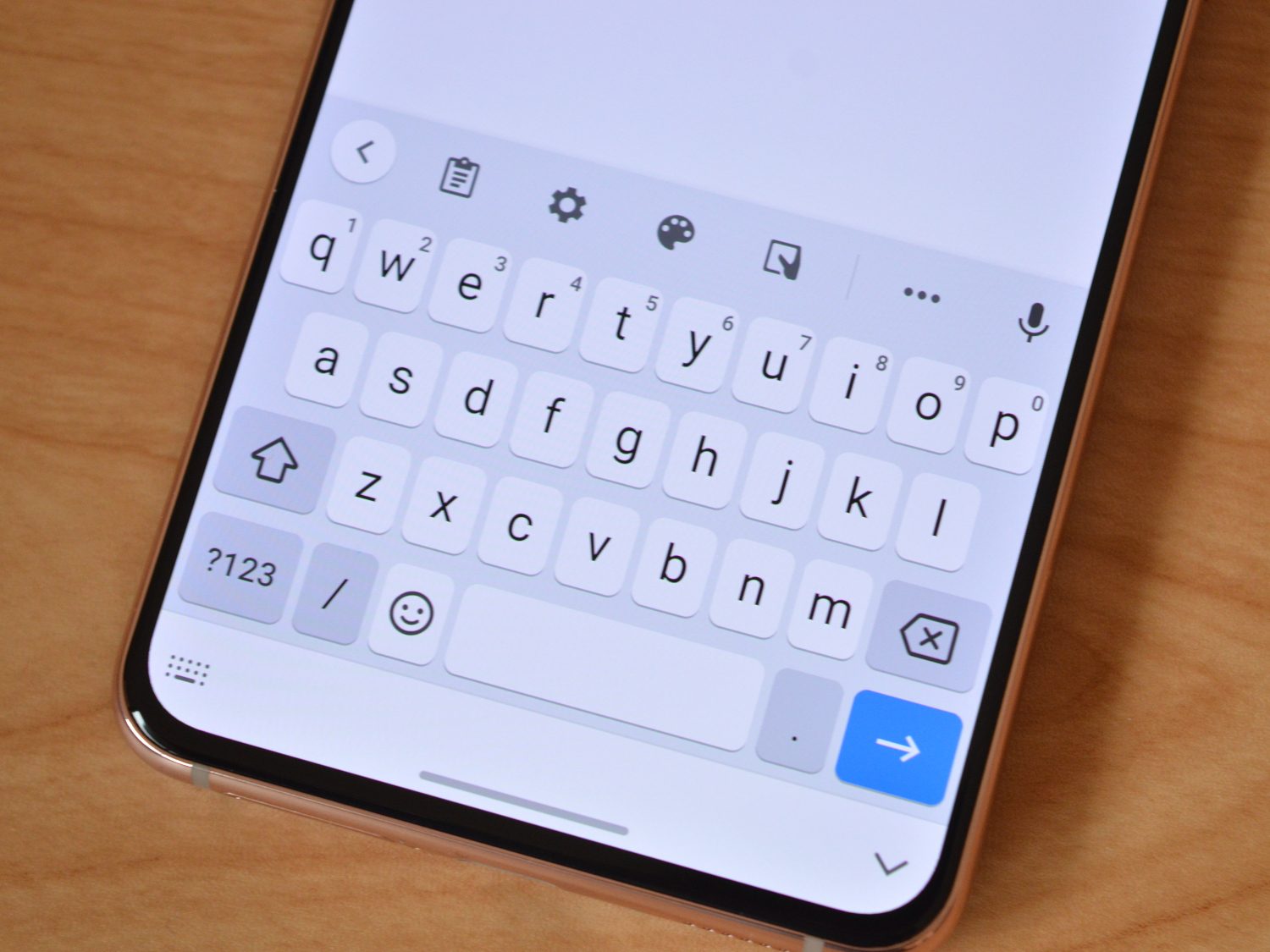
Thankfully, there is a very easy way to fix this — and it’ll take you a matter of seconds.
Grab your Galaxy S24, open the Google Play Store, tap the search bar at the top of the screen, and search for “Gboard.” Once you find it, tap the big blue Install button. This is the official Google-made keyboard that most Android phones use.
Once Gboard is installed, simply do the following:
- Open the Settings app.
- Scroll down and select General management.
- Select Keyboard list and default.
- Select the toggle next to Gboard (it should turn from gray to blue).
- Choose Default keyboard and tap Gborad from the pop-up menu.
The next time you go to type something, you’ll be greeted by Gboard instead of Samsung Keyboard. It’s not perfect; no virtual keyboard is. But its autocorrect and predictive text are infinitely more reliable, and that means typing on your Galaxy S24 will be a much more enjoyable experience.
I don’t know why the Samsung Keyboard is the way it is, and it’s hard to say if/when it’ll ever get fixed. But until that day comes, my advice is to get it off your Galaxy S24 as soon as you can. Unless you want to force your friends and family to decypher endless typos from you, this is really something you need to do.