
Photoshop Elements and Premiere Elements may lack a number of advanced photo- and video-editing features found with Adobe’s full versions of the software, but they nevertheless offer a powerful set of tools that comfortably meet the requirements of most enthusiasts.
And with the rollout Monday of the latest versions of the software, users have a few new tools to play about with.
More mobile
With Photoshop Elements 12 and Premiere Elements 12, Adobe has concentrated some of its efforts on bringing mobile to the fore, offering users a more streamlined way to view, edit, and share media across mobile devices and home computers.
For example, the new Mobile Albums feature offers easier access to content via Revel – Adobe’s cloud-based storage service – allowing users to view, edit, and share their images and videos seamlessly on their smartphones, tablets, and computers, either at home or on-the-go.
Anyone with Photoshop Elements 9 or above will be familiar with the clever Content-Aware Heal tool that allows for the easy removal of an unwanted object from a photo, with the software filling in the space it occupied to match its surroundings. With PS Elements 12, Adobe has taken this a step further with a new Content-Aware Move tool that lets you shift objects around within an image, with any space left by moved objects automatically filled in.
Adobe’s Content-Aware technology also now works with PS 12’s straightening tool, filling in gaps around the edge of the photo that would otherwise leave you with a smaller image.
The latest version of PS Elements also comes with Auto Smart Tone that “learns” your editing preferences to give you the option of performing simple one-click adjustments. The one-click tool can also be used to try out various photo frames, effects, and textures, with offered adjustments inspired by earlier edits made in Expert mode.
Guided Edits have been expanded to include more step-by-step tutorials, a feature you’ll be sure to try if you’re new to the software.
Pet eye correction
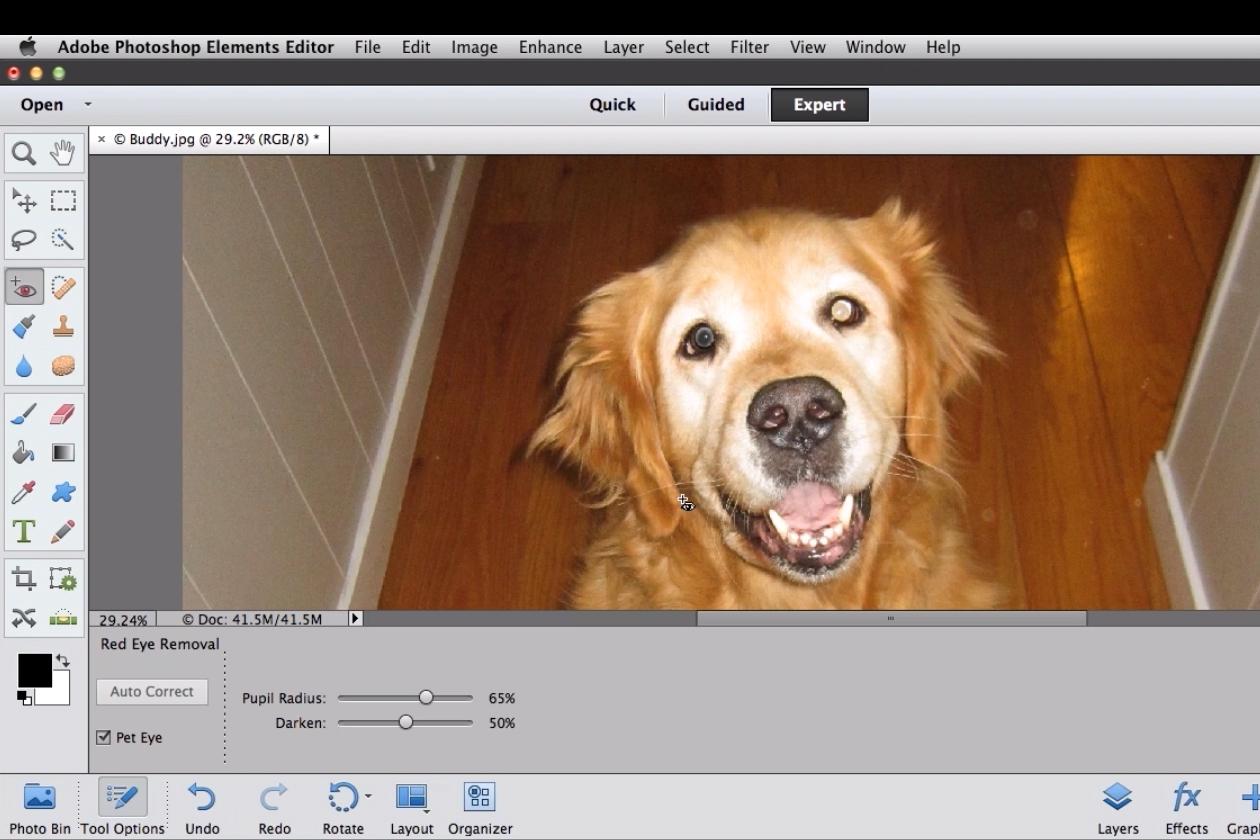
Have a pet? The revamped software also includes Pet Eye Correction – apparently in response to customer requests – that sorts out flash reflection in animals’ eyes, something red eye correction technology can’t easily handle.
For video editors, Premiere Elements now offers over 250 audio effects and 50 soundtracks that, if required, loop to allow you to get your intros and endings lined up perfectly.
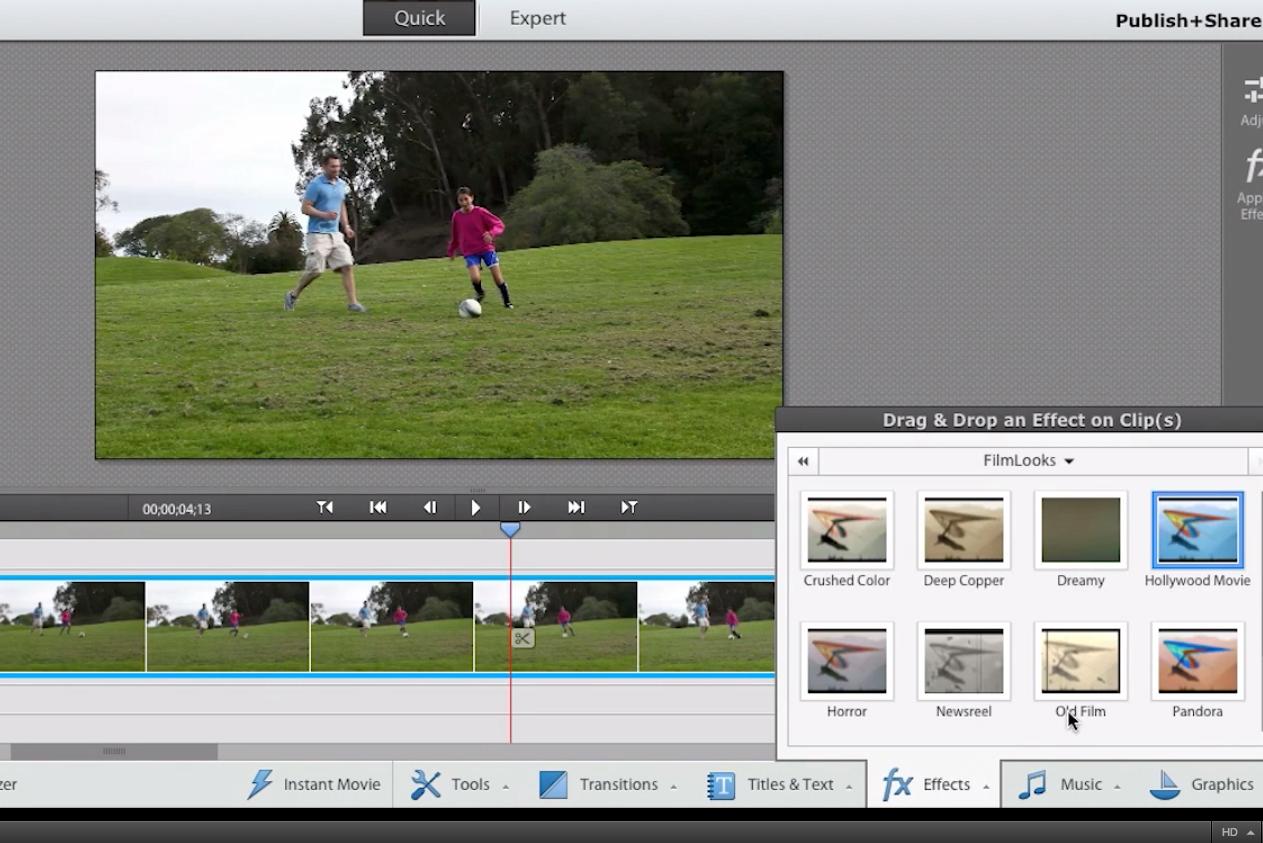
Four new filters – Comic, Trinity, Yesteryear, and Cross Process – allow you to shake off the ‘video’ look and add some cinematic flair to your productions, while Motion Tracking lets you spotlight your subject with graphics, text, and effects that move with the object.
Like PS Elements 12, Premiere Elements 12 also comes with Auto Smart Tone and Guided Edits.
Available for both Mac and Windows, both products are on sale now via the Adobe website for $99.99 each, with upgrades priced at $79.99. Buy both together ($149.99, upgrade $119.99) and save yourself a few bucks in the process.
Adobe says its revamped software is set to arrive at brick-and-mortar stores such as Best Buy and Staples soon.


