
“A joystick is a fun addition to an otherwise great gaming mouse, but its use may be limited.”
- The joystick is great in flight sims
- Could be a real gamepad alternative
- Wireless charging is easy to use
- Lots of customization
- Very expensive
- Joystick is not as good as the real thing
- Wireless charging requires specific placement
“Why you can trust Digital Trends – We have a 20-year history of testing, reviewing, and rating products, services and apps to help you make a sound buying decision. Find out more about how we test and score products.“
Have you ever wished your mouse had a joystick in it?
No? Well too bad, because Asus made one anyway.
The Chakram is a bizarre mouse that offers a surprising amount of functionality for a little nub on the thumb-side of an otherwise rather typical high-end gaming mouse. But under its hood hides a number of impressive features like wireless Qi charging, a customizable RGB logo, scroll-wheel DPI adjustments, and the ability to swap out Omron switches to your preference.
It’s an altogether unique gaming mouse that I got my hands on at IFA 2019. The Chakram has its perks, and quirks, but comes at a serious price.
Control anything you like
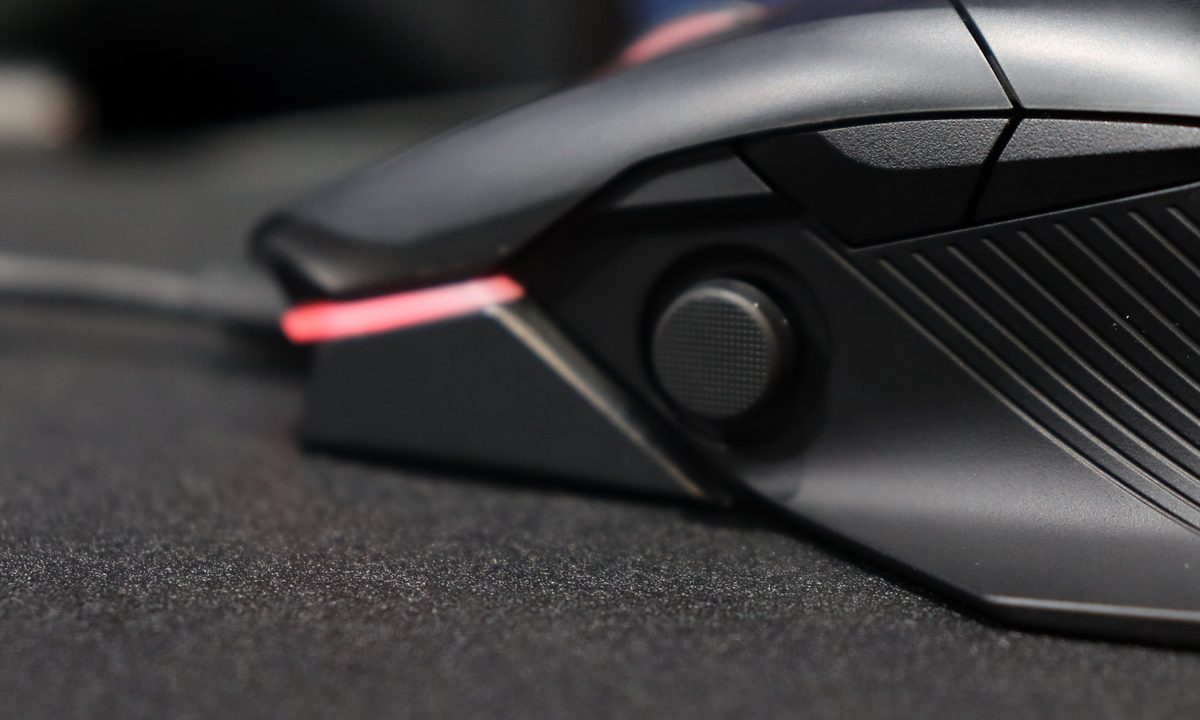
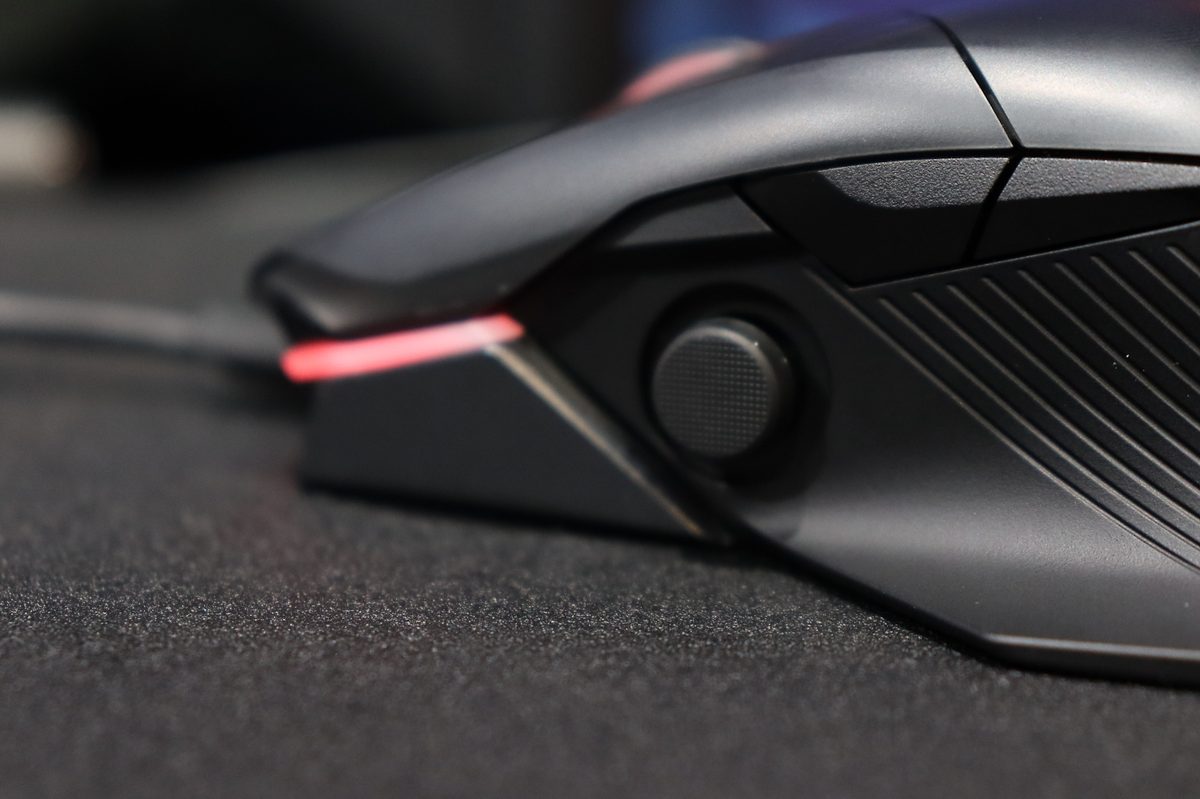
A mouse and keyboard are, for many games, the best input options out there. From shooters to strategy games, puzzlers, to point and clicks, gamepads just cannot measure up. But flight sims, racers, and beat ’em ups, not so much. With the Chakram, Asus has made a serious attempt to create a mouse that can do just about anything. The joystick that sits just beyond the thumb rest is both digital and analog, depending on how you configure it, making it possible to fly planes, race cars, and punch your friends (by holding it like a controller), without other accessories.
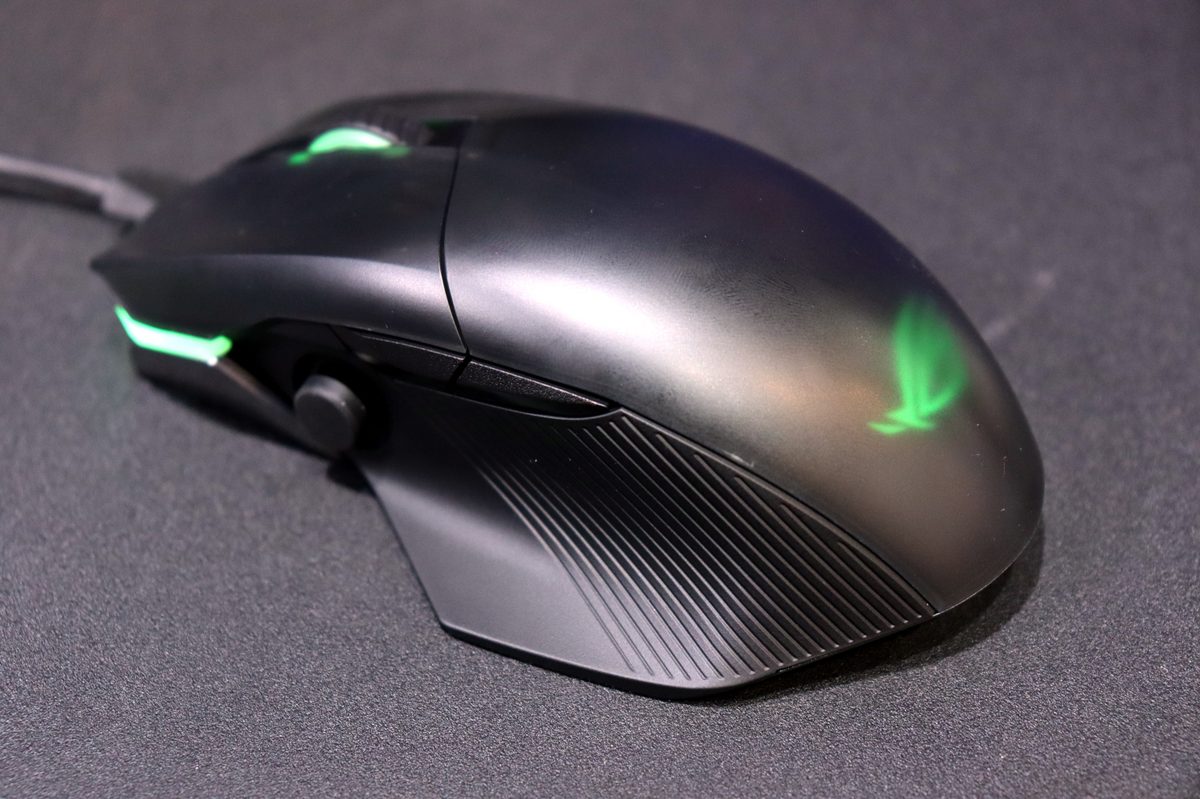
It’s a little wonky in any of those guises, lacking the third axis of a real joystick, or the comfort and control of an arcade stick. Still, it works. When flying a jet in Ace Combat 7, you can look around by moving the mouse, but control pitch and roll with the joystick. It’s an odd experience, but feels intuitive after a few minutes. I imagine it could work well in games like Elite Dangerous.
I didn’t get a chance to try the mouse out in its other guises, but I was told that if you alter the controls of the joystick nub, you can hold the controller like a gamepad for beat-em’up games, and it worked well enough for menu navigation in my time with it — like an eight-directional D-Pad.
Don’t like the joystick, or don’t want it in the way while you’re playing something else? Take it off. Its internals can be covered by a standard thumb grip to hide its otherwise expansive potential.
Another intriguing feature of the Chakram is its DPI selection. While you can use the onboard buttons and the backend software to make such tweaks, Asus has also introduced a new on-the-fly adjustment option that can help you find the right DPI. With the press of an underside button, you can use the scroll wheel to tweak DPI as you move the mouse around. This gives you a hands-on way to feel the changes you’re making to sensitivity. That’ll be great for gamers who find it hard to tell the difference between 3,000 and 3,500 DPI.
Pop the hood for pimping
If you want to pimp your Chakram to your personal preference, then you’ll need to pull it apart. That’s rather easy with this mouse, as instead of using bespoke screws like the aged Asus Gladius, everything is magnetized.


The back body of the mouse comes away with ease, revealing the RGB logo puck, which is removable and customizable. Every Chakram ships with the standard Asus Republic of Gamers (ROG) logo, as well as one that we’re told you can customize to your heart’s content, letting you create a unique, and still RGB-lit, logo of your choice.
Beyond that, the left and right mouse buttons can be removed in much the same way, letting you get an up close look at how they work. You can also take them out entirely and swap them for alternatives. While the Chakram will only come with a standard set of Omron switches, if you buy any others from a variety of online sources, you can plug them in for slightly stiffer or more tactile clicks, depending on your preference.
Making a power play for wireless dominance
Like the Powerplay wireless Qi charging we saw with Logitech’s G502 Lightspeed and Pro Wireless mice, Asus has incorporated a similar charging mechanic with the Chakram. It doesn’t cover the entire mousepad, as with Logitech’s designs, but when you’re done using your joystick-equipped mouse, if you place it in the top-right corner of a compatible mat — like the Balteus — it will charge without any other input from you.
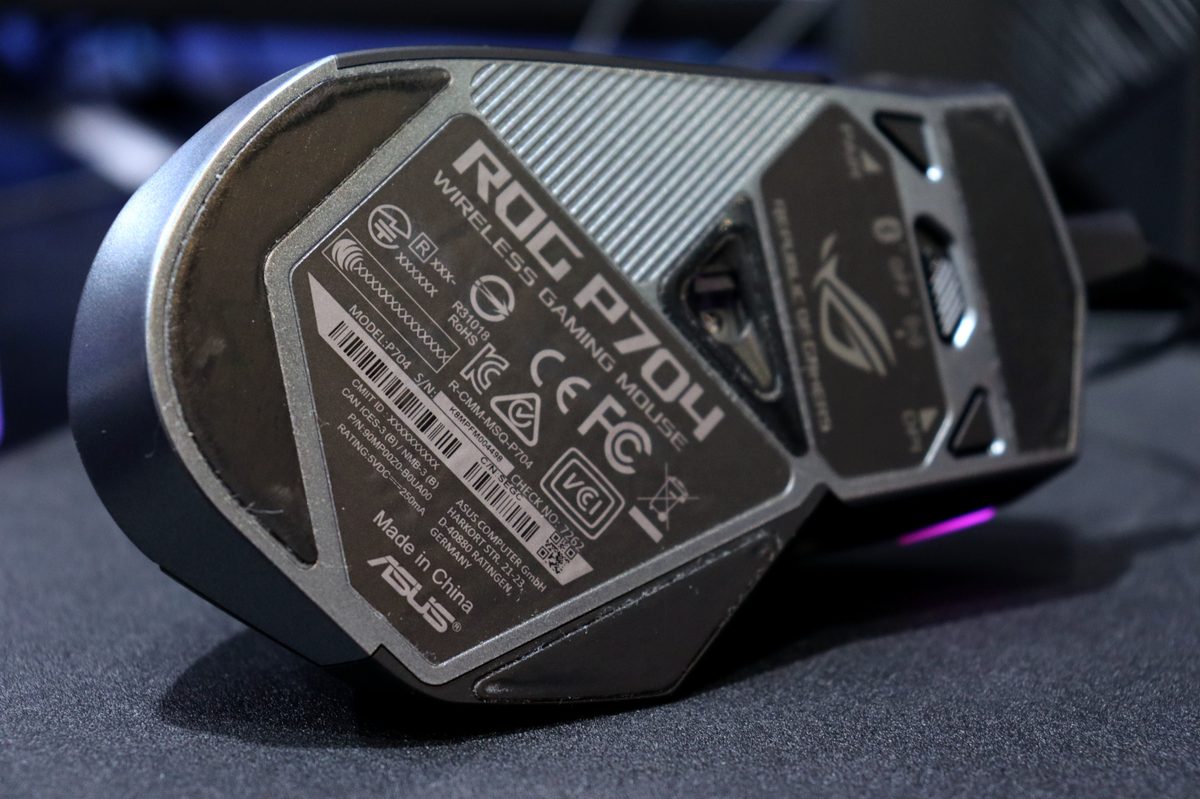
With the Chakram you get a robust wireless mouse that supports both Bluetooth and 2.4GHz wireless connectivity. It can last up to 100 hours on the 2.4GHz band, and up to 135 hours when using Bluetooth, though that will depend on disabling the RGB lighting for maximum battery life.
It all comes at a price
As with any wireless gaming mouse, the Chakram is not a cheap rodent. Priced at around $150, it offers all of the above features, alongside its very capable and accurate optical sensor, which supports sensitivities up to 16,000 DPI. It also has five programmable buttons and, of course, the joystick.
The Asus Chakram will appeal most to gamers who play a diverse set of games. Playing flight sims with a real joystick, and playing racers with a real wheel or gamepad, will always be better than what this mouse offers, but the Chakram is a major step up from keyboard and mouse control is those otherwise problematic genres.
This is a solid gaming mouse with a number of great features. For my gaming, though, it feels like an overbuilt jack of all trades. The $150 price point is occupied by competitors like the Razer Mamba and Logitech G903 Lightspeed, both of which can be purchased to use wireless charging mats while you game.
Check out our full IFA 2019 coverage for more from Europe’s biggest tech show.



