Microsoft and Apple have always been competitors on some level, and as a result, their fans often contain a bit of that old competitive spirit. It’s not uncommon for Mac buyers to become overnight loyalists, but Windows has an entrenched fanboy battalion as well.
Given the situation, it’s almost unnatural to think that – *gasp* – someone might own both a Windows PC and a Mac. Can you imagine the nerve? In the same household! Yet it does occur. In fact, I myself own a Windows PC as well as a MacBook, and so far one hasn’t killed the other (or me) while I slept.
With that said, getting the two to play nice can take some time. File, software, and hardware compatibility issues are not as bad as they were a decade ago, but they do exist. Fortunately, there are ways to overcome them.
Conquering old-fashioned file compatibility problems
There was once a time when trying to move a file between a PC and a Mac was a real hassle. Software on each end was wildly different, so files saved on a Mac often could not be opened in Windows without some form of conversion. 
Today, this problem has lessened. However, the two operating systems continue to use different file systems. Windows relies on NTFS, while OS X uses HFS Plus.
This has no impact on actual file compatibility. A Word document written on a Mac using HFS Plus can be opened on an NTFS file system Windows PC. The problem is the method of file transfer. Macs can read files on an NTFS drive, but can’t write to an NTFS drive, while Windows can neither read nor write to HFS Plus drives. If you normally use physical media to transfer files, this could be a stumbling block.
What’s the solution? Get FAT…32. This file system, which was used by Windows back in the Windows 95/98 era, is read/write compatible with both Windows and Mac OS X. Thumb drives and external hard drives formatted with FAT32 will be compatible with both systems. Problem solved right?
Software compatibility continues to disappoint
Software is still a compatibility sticking point between Macs and PCs. It is still up to a developer to code for either operating system.
Microsoft’s debut of Office for the Mac was the only major software compatibility change to recently take place (and even this occurred years ago), but it was important. Basic productivity tasks are now much easier to complete if you own both platforms because you’ll have a set of familiar and compatible programs available on both.
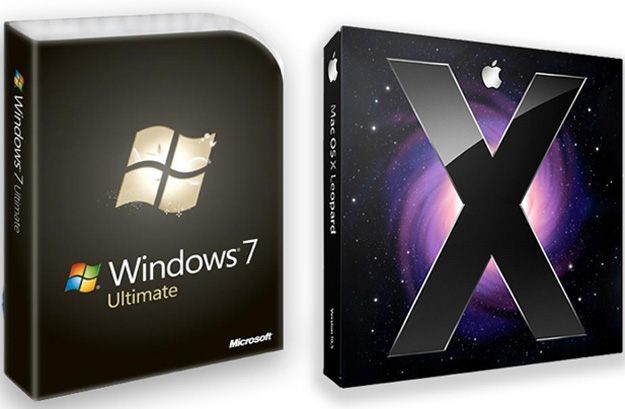
However, it’s almost universally true that you must purchase the Windows and Mac versions individually, which can be a pain to your pocketbook. One notable exception is Steam for Mac. This gaming platform provides gamers with both a Windows and Mac copy of a video game (if the Mac version is available) when they purchase a title.
Syncing files between systems
File sync software is a blessing if you own multiple computers, but for those who own both PCs and Macs, software compatibility issues are a roadblock. Sync software often only supports one platform or the other.
Surprisingly, one of the easier solutions comes from Microsoft. The company offers a program called Windows Live Mesh that can be used to sync files between systems, and it has both a PC and Mac version. I’ve personally used this and found it works well – and it’s completely free, no matter how much data you need to sync.
Another option is, well, any service that’s based in the cloud. Dropbox is the most common example, but there are tons of similar offerings. However, you usually need to pay once your storage needs go beyond a certain point because the files are stored in the cloud, not on your computers.
Navigating browsers
The selection of major browsers available for the PC and the Mac is virtually identical. Both have access to Chrome, Firefox and Safari. The only option that’s missing on OS X is Internet Explorer, but I doubt anyone with a Mac cares.
First, the good news. Safari, Chrome and Firefox are about the same on both Windows and OS X. If you’ve used any of these browsers on one operating system, it will be instantly recognizable on the other.
Now, the bad news. If you are an extension fiend, you may run into a problem here and there, because extension compatibility does not always extend between operating systems. There’s no way around this. It’s a limitation you’ll just have to live with.
Sharing the network
Both Apple and Microsoft have made efforts in the past to make their computers work better together. Networking, however, can still be an issue.
If you turn on file sharing on any Windows machine with XP or greater, it should be automatically detected by Mac OS X and displayed as a device in Finder. If you don’t see it, check your sharing settings in the System Preferences panel. You may have it blocked.
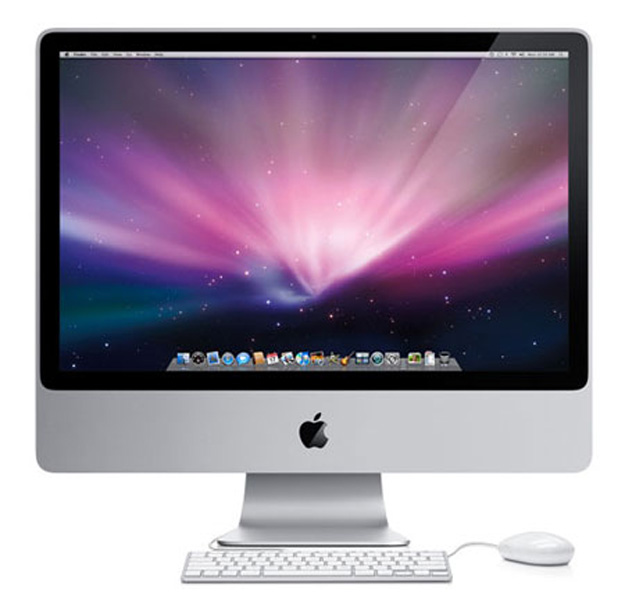 Windows can also detect Mac OS X systems, though in some instances it may not be automatically. Open the Sharing section of System Preferences, go to File Sharing, and click options. Make sure that “Share files and folders using SMB” is checked and that a checkmark appears next to the individual OS X account/s you want to share. You can then access the shared files on those accounts by going to the Network window, opening your Mac, and entering the proper username and password.
Although you should always double-check before buying, most Network Attached Storage products work with either Windows or OS X, so you should not have any problem using NAS with either. Apple’s Time Capsule, for instance, can interface with both operating systems.
Dealing with peripheral problems
Input peripherals like mice and keyboards, usually work on a basic level with either Windows or Mac, no matter the device. That’s the wonder of plug-n-play.
However, specific features might not be functional, usually for obvious reasons. PCs and Macs have a slightly different keyboard layouts and support different multi-touch features. You can compensate for this somewhat by adjusting Keyboard and Mouse settings on a Mac, or by using the Microsoft Keyboard Layout Creator for Windows.
Other peripherals aren’t so easy to handle. External hard drives and network drives must be formatted in FAT32 if they are to be shared, as recommended previously. Most printers will work with both operating systems, but you should check first – and also check network and wireless printing functionality, if supported.
Displays also will work with either operating system, but you may need to buy an adapter. Apple computers and displays rely on DisplayPort (and more recently, Thunderbolt), which is not commonly found on a Windows computers.
Smartphone compatibility
Some users assume that Apple products only work with Apple products, and reject all others. As a result, you have to buy an iPhone if you have a Mac, and vice-versa.
That’s not a true. The iPhone works well with either PC or Mac so long as you have iTunes installed. There are a few limitations, though. For example, you can’t sync with iCal, since it does not exist on Windows. You’ll have to use an alternative like Google Calendar.
Android also works with either platform. Many of its sync functions are dependent on Google’s browser-based services, which work with any operating system that supports a modern web browser. You can use DoubleTwist to sync your music in lieu of iTunes. Moving files is easy, too, since you can connect Android devices via USB to Windows or OS X.
Running Windows on a Mac,and vice-versa
Apple has openly embraced the idea of running Windows on its computers, and offers a boot manager called Boot Camp to do so. If you’d like to install Windows on your Mac, you can do so through Boot Camp. It’s a well-documented process with simple instructions.
Once installed, Windows works as you’d expect, although it can be a bit awkward. You’ll still be using the Mac keyboard layout, and a Mac mouse (with just one button). Apple compensates for this by offering configurable controls that let users simulate input that’s not supported by Mac peripherals.
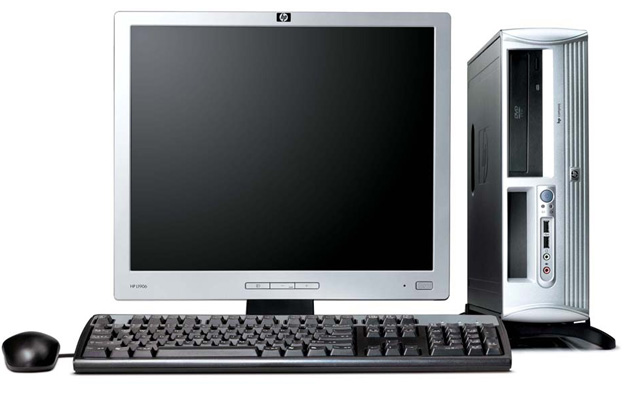
Installing OS X on a Windows system isn’t as simple. Because Apple sells only a limited number of systems, they develop limited driver support, which means you’ll have to build a PC with hardware similar to a Mac. You’ll also need a third-party boot assistant that will help you install OS X on the Windows machine, as default installer will refuse to work.
Another option is virtualization. Software like VMware can emulate a separate hardware environment on your computer, allowing you to install a separate operating system. To use this, you’ll need both virtualization software and a CPU that supports it. Windows users can download the freeware program SecurAble to check for support. Mac users need to open the terminal and type the following.
sysctl –a | egrep –i “vmx”
In that list of acronyms that follows, VMX will be listed if you have virtualization support.
The scope of what’s required is beyond this guide, and is changing constantly, so I suggest doing a Google search for “Hackintosh” to try and find the latest recommended hardware configurations and the latest tricks. 
They’ll never be best friends, but…
Macs and PCs will never work in perfect harmony so long as both exist. They’re different machines with different operating systems and different hardware. I doubt you’ll ever be able to take Windows compatible software and install it on a Mac, or install OS X on a PC without using a few hacks.
For typical day-to-day use, however, the two get along. Transferring files between them is easy, and the files that are most common (such as document and image files) can be handled by software on both machines. Network peripherals also work well on both. If you’re a Windows user thinking of buying a Mac – or even a Mac owner thinking of buying a PC – don’t let compatibility issues hold you back.
Editors' Recommendations
- iMac deals: New, renewed and refurbished iMac computers
- Best Apple deals: Save on AirPods, Apple Watch, iPad, MacBook
- MacBook Pro OLED: Here’s everything we know so far
- This 13-inch MacBook Air deal cuts the price by $150
- The new iPad Pro would be perfect, if only it were a Mac