The Google Pixel has a beautiful 5-inch HD display and its bigger brother, the Pixel XL, sports a 5.5-inch display with an even higher resolution. Everything on screen appears in perfect clarify, and you’ll want it to stay that way. The displays are made using Gorilla Glass 4, meaning they’re pretty durable and will probably survive most minor falls just fine. However, you can never be too protective of your smartphone. Applying Google Pixel screen protectors for additional protection or piece of mind is a good idea.
All screen protectors are not made equal. Even those made for the same smartphone can have different sizes, features, and be of different qualities, making it tricky to find one that suits your needs. Fortunately, we’ve compared the many different Google Pixel and Pixel XL screen protectors currently available and settled on five we recommend using.
Yootech Tempered Glass ($8)
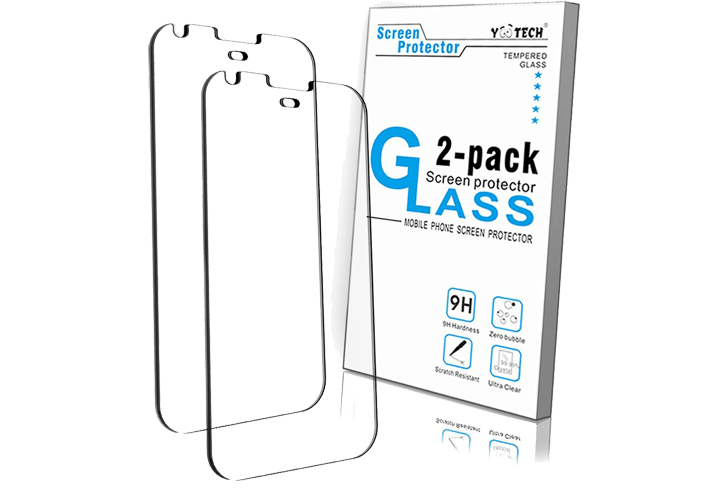
Yootech makes screen protectors for the Google Pixel and its larger counterpart, and in both cases, the protector covers the entirety of the front screen, though they don’t cover the entire front face of the phones. Avoiding the edges of the phone reduces the chances of air bubbles occurring, as well as a “Halo” effect around the edges of the display. The protector is incredibly thin, coming in at only 0.3mm thick, and is both shatter and scratch-resistant. Yootech sells their protectors in a two-pack, so if one ever gets dirty or too damaged, you have another to take over.
Ace Teah Clear Tempered Glass ($12)
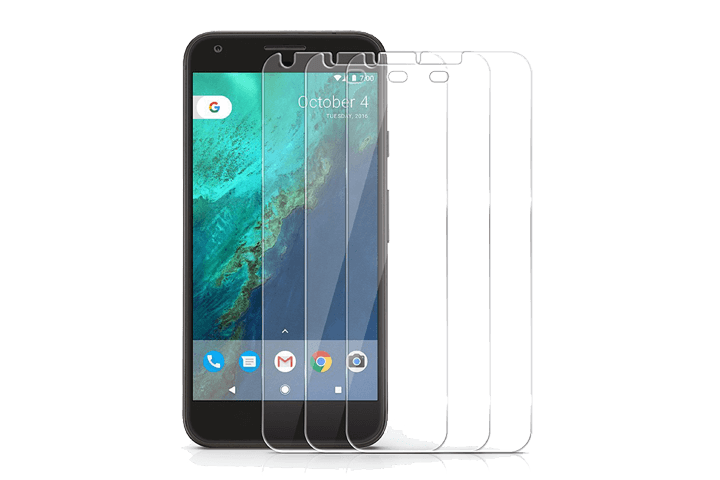
Ace Teah’s screen protector is, unfortunately, another that doesn’t reach the edges of the Pixel’s front face. That said, it will still cover the phone’s HD display, complete with cut-outs for the speaker and camera. The 9H hardness rating and oleophobic coating ensure your phone is well-equipped to repel scratches and fingerprint smudges, without disturbing the clarity and sensitivity of the touchscreen. The protector’s edges are rounded to provide a better feel during use and to keep any protective cases from pushing on it and causing it to rise up.
IQ Shield LiQuidSkin Screen Protector ($8+)
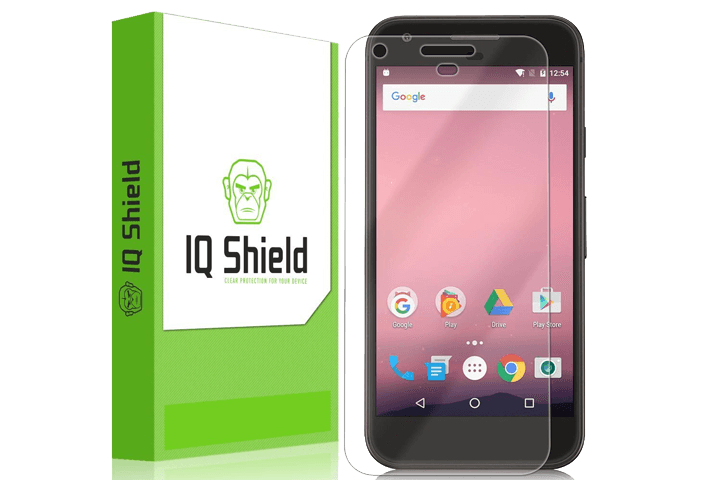
This particular screen protector from IQ Shield isn’t tempered glass like the previous two on this list, but it is instead a flexible film that needs to be applied to your screen using the included spray solution. If done right, you’ll never have to worry about air bubbles during application, or sticky residue left behind when it’s removed. Once applied, the protector will defend against scratches, drops, and yellowing. It’s also made to cover the entire front of the Google Pixel, including the rounded sides. IQ Shield does warn against slimmer, tighter-fitting cases, as they may interfere with the placement of the film, but if that isn’t a huge concern, or you have a slightly larger case, you can’t go wrong with IQ Shield’s offering.
ArmorSuit MilitaryShield Screen Protector ($8+)
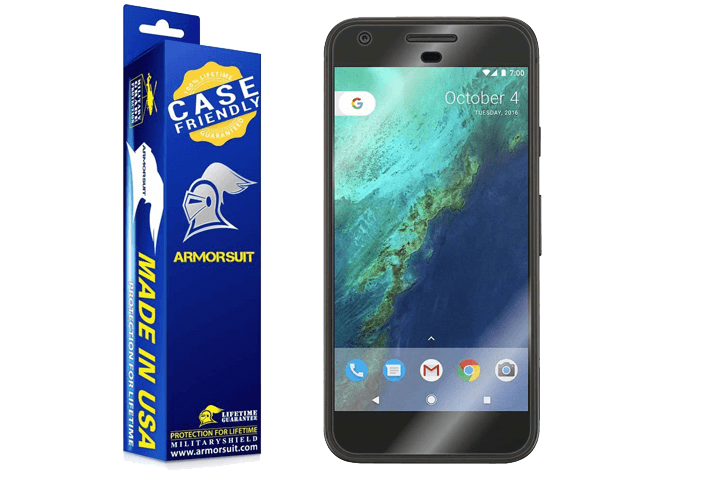
Here we have another Google Pixel screen protector that requires a special solution be used during application. Unlike IQ Shield’s screen protector, however, ArmorSuit’s has a little more going for it when it comes to specific protections. If you’re not a fan of fingerprint smudges, the oils left behind by your fingers, and any kind of dust or debris, like sand, the ArmorSuit MilitaryShield is capable of greatly reducing the risk that they’ll blemish the screen. It can heal from minor scratches over time, prevent yellowing, and it keeps the Pixel’s display as clear as the day it was made. It doesn’t provide full, edge-to-edge coverage, but it gets very close and will be hard to notice once it’s on.
amFilm Glass Screen Protector ($7+)
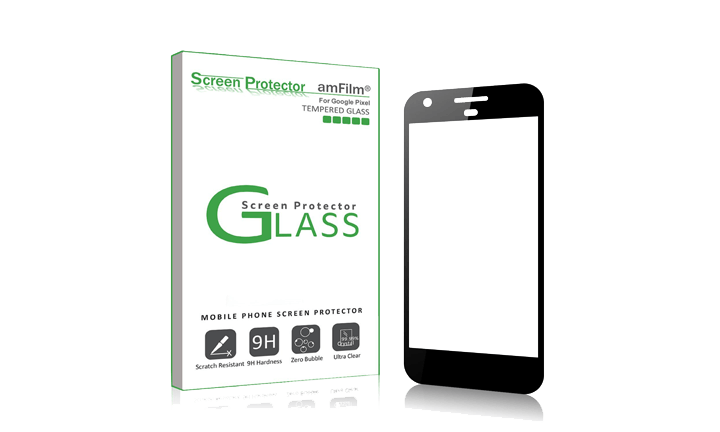
This glass screen protector from amFilm is more of a face plate that a protector, but it gets the job done all the same. It’s unlike others we’ve recommended, as the adhesive used to place it on the phone is only found on the edges, not the area that actually covers the display. This was done to prevent bubbling, as well as the “Halo” effect that can appear when using certain screen protectors. It also has a subtle dot matrix that complements the phone’s touch capabilities, and imitates the contact of your finger on the touchscreen, meaning your phone should be just as responsive as it was pre-screen protector. When it comes to protecting your display, the protector is durable (with a 9H hardness rating), scratch-resistant, and smudge-resistant. It’s also very thin, so it should get along with most protective cases just fine.