1. Home
  2. Computing
  3. News

Microsoft makes creating Windows 10 Sticky Notes even easier with jump list support

Add as a preferred source on Google

Windows 10 is full of small utilities that add value by leveraging some of the core functionality built into the operating system. One example is the Sticky Notes app, which supports the Windows Ink feature and active pens to eliminate the need for sticking little slips of paper all over your desk.

Up until now, creating a new Sticky Note has been accomplished primarily by clicking or tapping on the pen icon in the system tray and selecting the app from the list of available Windows Ink utilities. With the latest update, Sticky Notes has added a new way to create notes along with other improvements, as OnMSFT reports.

Recommended Videos

Specifically, Sticky Notes now supports the jump list feature, letting users right-click on the taskbar icon to create a note. This is a nice little addition that makes creating notes easier not only for the pen-enabled but also for anyone who types Sticky Notes using the physical keyboard. If the icon is pinned to the taskbar, then that makes creating a new note as easy as right-clicking and selecting “Add Note” from the list.

The update also added a few other features, including a switch from the Segoe UI Emoji to Segoe UI, which Microsoft rather comically notes allows the app to support “¯\_(ツ)_/¯.” The company also fixed the tendency for text to become jittery while a note is being resized, along with replacing the “Later” button with an “X.” Finally, launch performance was also improved.

You’ll need to be on the latest production version of Windows 10, 14393, or later to receive the Sticky Notes update. If your Windows Store app is configured to automatic updates and you’re on the proper Windows 10 version, then you likely already have the update installed. If not, then open the Windows Store, select “Downloads and updates” from the user account menu, and then tap or click “Check for updates.”


Mark Coppock
Former Computing Writer
Mark Coppock is a Freelance Writer at Digital Trends covering primarily laptop and other computing technologies. He has…
A metallic Hall effect keyboard and a 59g mouse are Lenovo’s latest upgrades for snazzy gaming setups
The Legion R7 RT75 keyboard and Y7MG mouse bring 8K polling to both sides of your gaming setup
Computer, Computer Hardware, Computer Keyboard

Magnetic gaming keyboards and lightweight mice are hardly unusual anymore, but Lenovo is trying to push both ideas a little further with its latest Legion peripherals. The new lineup includes the Legion R7 RT75 keyboard and Legion Y7MG mouse, and both support an 8,000Hz polling rate for players who want every input delivered to their PC as quickly as possible.

Of course, Lenovo has styled these peripherals to be as bold and eye-catching as possible without getting in the way of practicality. The keyboard has a hefty metallic design with translucent keycaps and RGB lighting. Compared to that, the mouse is more tame and traditional in design, but it also has an RGB strip that appears to belong on an alien spaceship. (via NotebookCheck)

Read more
Shopping for back-to-school? These are the budget laptops I’d actually recommend
From a $359 Chromebook to the cheapest way into macOS, these are the budget picks worth your money.
Computer, Electronics, Laptop

The back-to-school season often turns into a laptop, especially the budget ones that aren't too heavy on your wallet. Due to the ongoing memory crisis, most manufacturers have already bumped up their laptop prices, including Apple. However, that doesn't mean that I won't help you get a new machine. So, for this one, I spent time digging through spec sheets, customer ratings, and price tags, finding devices that don't just look cheap in an Amazon listing, but actually hold up. 

From a flexible touchscreen Chromebook to the least expensive way into macOS, these six laptops balance price and performance well. I'd hand any one of them to a student heading back to campus this fall, depending on what they need and what their priorities are. 

Read more
Asus’ latest Zenbook puts a seriously bright OLED screen inside an impossibly slim body
The Zenbook 14 Air is only 11mm thick but still packs a 77Wh battery
Computer, Electronics, Laptop

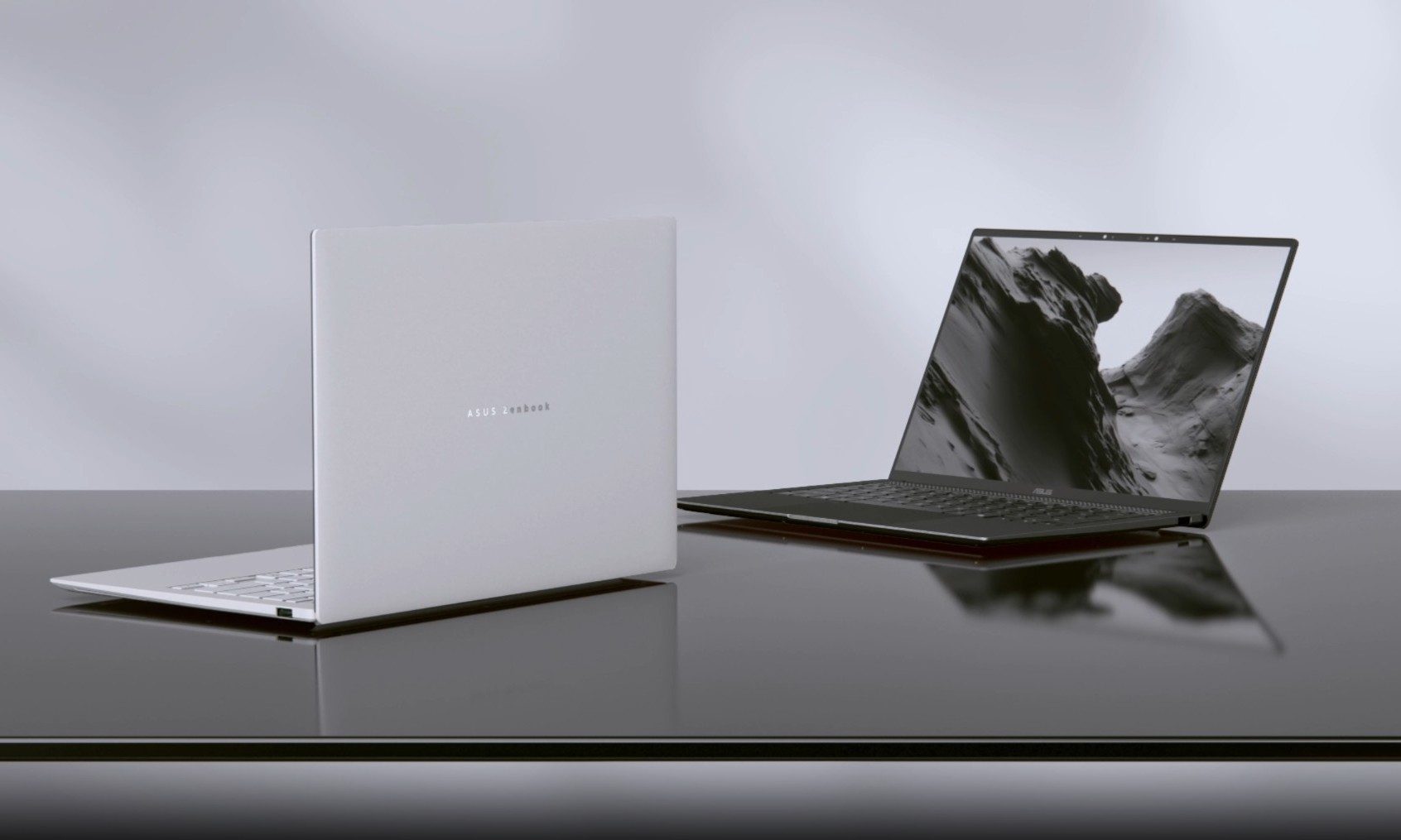
Asus has introduced a new AMD-powered version of the Zenbook 14 Air 2026, combining a bright OLED display and a large battery inside an 11mm-thick chassis. It weighs 1.19kg, keeping it firmly in ultraportable territory despite the 77Wh battery inside.

The Zenbook 14 Air 2026 itself is not entirely new. Asus launched an Intel configuration powered by the Core Ultra 9 386H in China back in January. The latest version switches to AMD’s Ryzen AI 7 H 445 and is priced at CNY 9,999, or around $1,477. (via Notebookcheck)

Read more